
Effects · New
Squishy AI Video Generator
Squishy AI turns one photo of anything—a coffee mug, parked car, street bollard, perfume bottle, landmark, fruit, pet or portrait—into a 5-second 720p video where realistic hands squeeze it like a soft silicone squishy toy. Kling 4.0 First Frame locks your first frame, compresses and rebounds the subject, and generates synchronized ASMR sound for 140 credits.
Squishy AI · 5s · 9:16
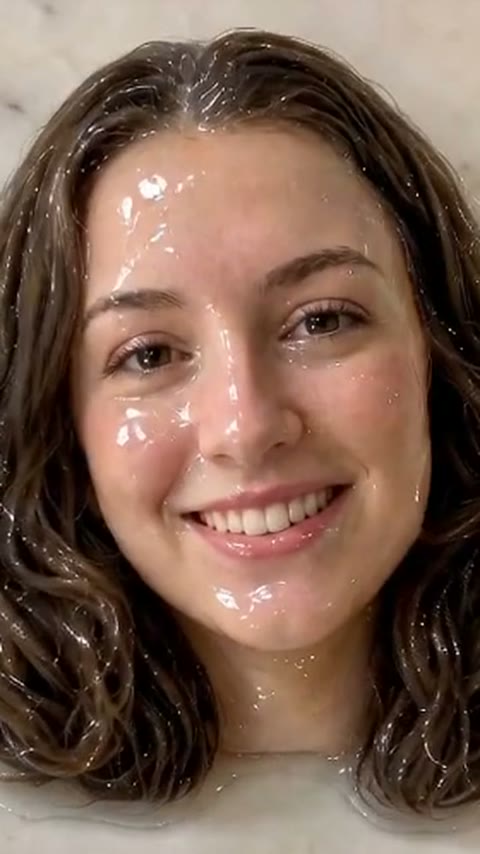
5s · 9:16 · 720p · original sound · ready in a few minutes
Examples across everyday objects
See how Squishy AI squeezes rigid objects like soft foam
The punchline of the Squishy AI effect (also known as the AI squish filter or "Squish it" trend) comes from tactile contradiction: something your brain knows is heavy ceramic, cast iron, stone or metal suddenly yields under human fingers like a slow-rising memory-foam stress ball. These four 5-second Kling squish showcase clips from September 22, 2026 show how first-frame image-to-video adapts the hand entry, indentation wrinkles and elastic rebound to the exact silhouette of whatever object sits in your photo.
Ceramic garden gnome pressed flat on a gravel path
Starts from a still frame of a glazed ceramic gnome standing on garden gravel. A realistic hand reaches in from the top-right, presses straight down on the pointed red hat, and squashes the entire gnome into a soft rubbery pancake with smooth side bulges before releasing it to bounce back upright.
Glazed coffee mug pinched and kneaded on a wooden table
A heavy stoneware mug sits on a café table. Fingers wrap around the rim and wall, squeezing the ceramic until it folds inward like warm silicone putty while the wooden tabletop and background stay completely still.
Cast-iron street lamp post squeezed in the middle
Even tall outdoor fixtures work as the protagonist. A hand grips a black cast-iron street lamp post and squeezes; the metal column compresses under the fingers and bulges softly above and below the grip like a foam noodle.
Concrete street bollard squished into a soft cushion
A solid roadside bollard is pressed from above and squashes down into a chubby, rounded cushion with realistic surface creases, then rebounds cleanly when the fingers let go.
Same category
More Effects templates
 NEW270 CR
 NEW220 CR
 NEW140 CR
 NEW220 CR
 NEW270 CR
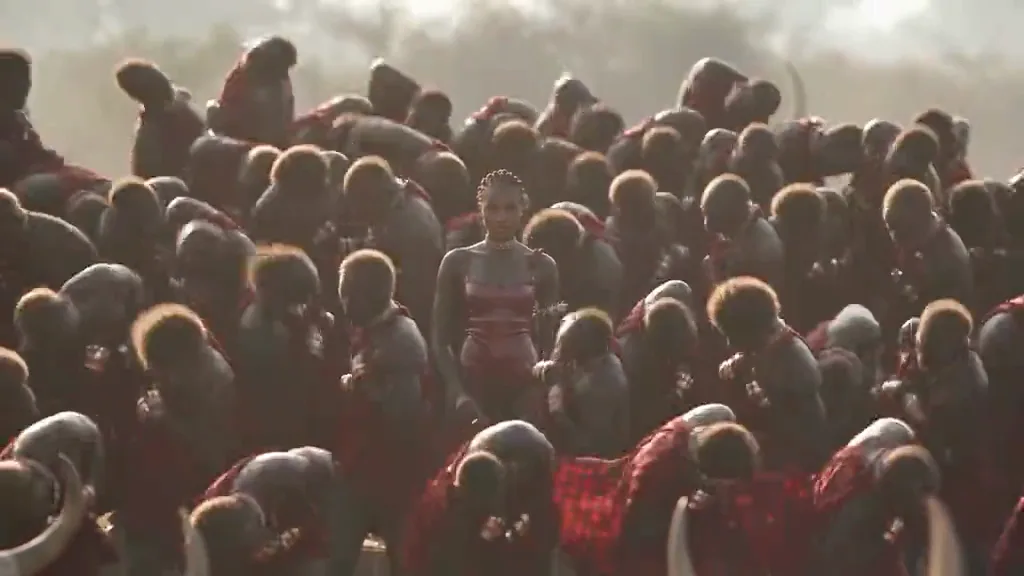 NEW400 CR
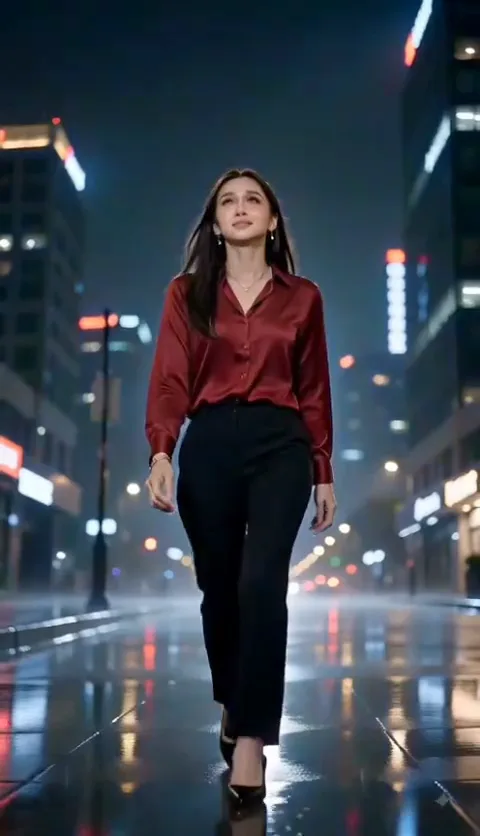 NEW320 CR
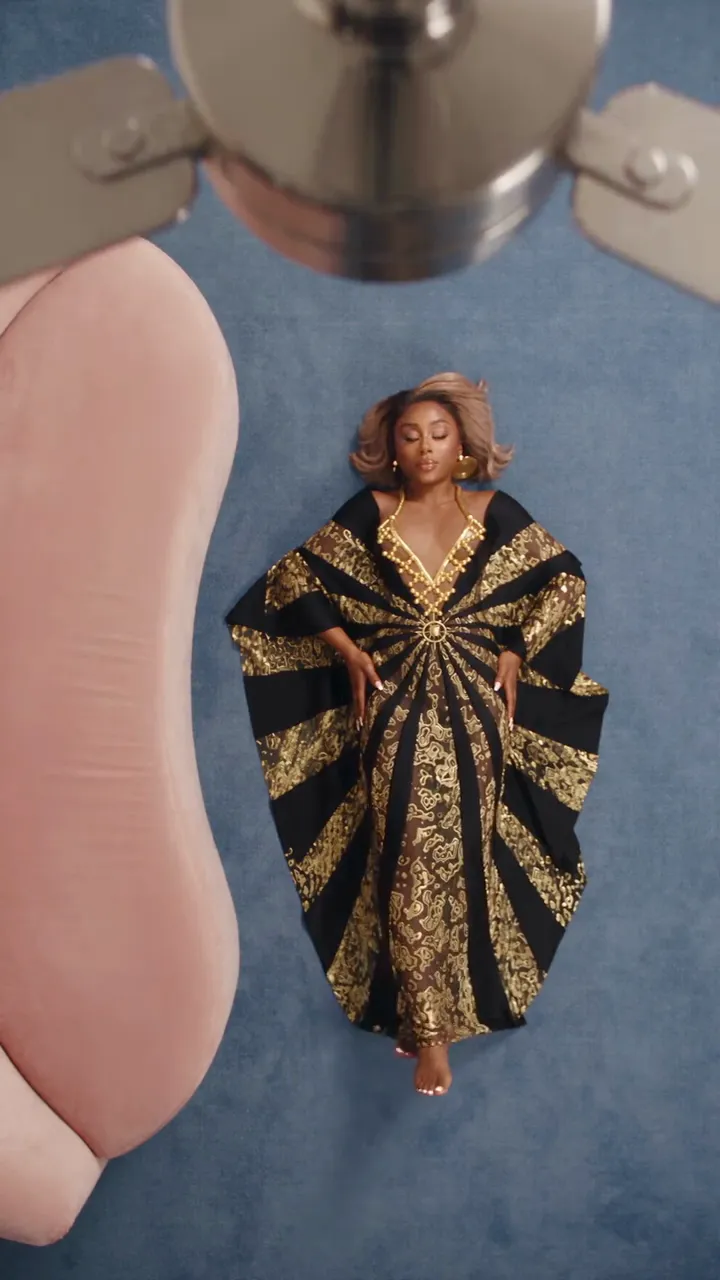 NEW320 CR
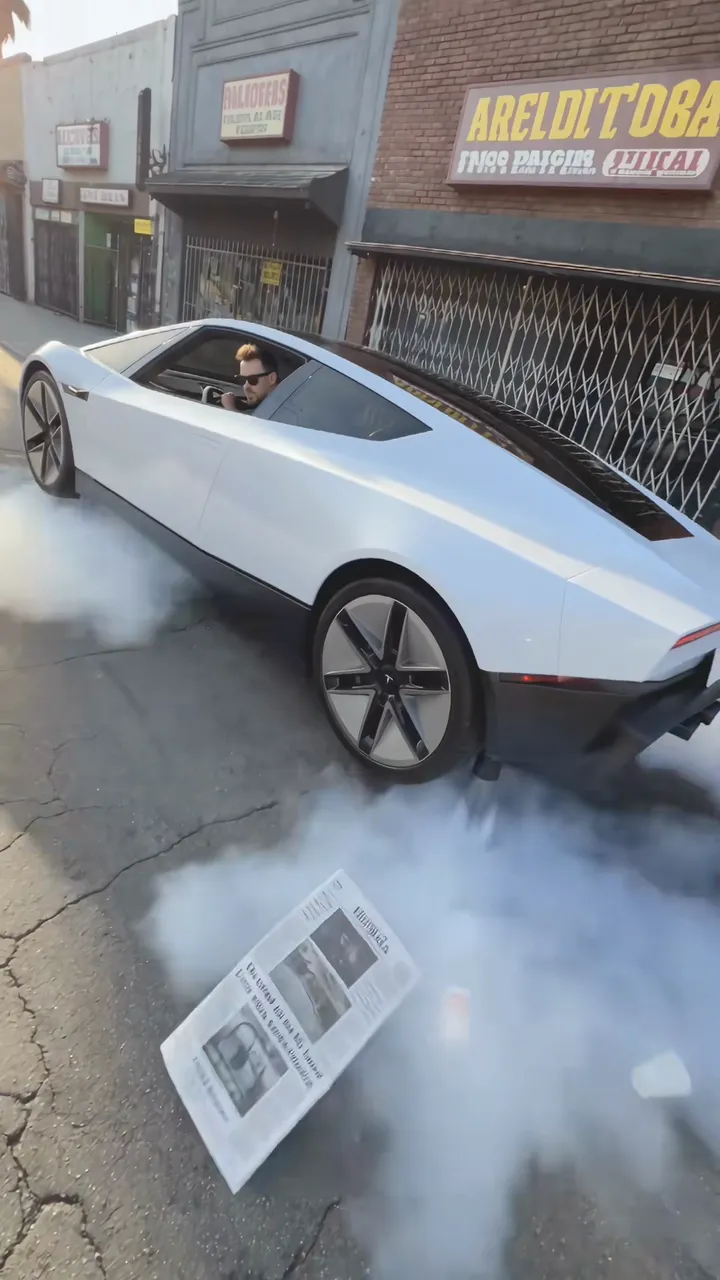 NEW300 CR
 NEW220 CR
 NEW400 CR
 NEW270 CR
3 quick steps
How to make a Squishy AI video from one photo
Making a Squishy AI video takes three steps in the browser: upload one photo of any object, pet or person, run the 5-second Kling 4.0 first-frame generator for 140 credits, and download the finished 720p MP4 with native ASMR squeezing sound.
Upload one clear photo of your subject
Drop a JPG, PNG or WebP photo (up to 10 MB) into the "Any object, pet or person" slot at the top of the page. Center the main item with a little breathing room around its edges so the hands have space to enter the frame.
Click Generate (140 credits, 5 seconds)
SameVid locks your upload as the first frame in Kling 4.0 Image-to-Video and applies the Squishy AI physics prompt: hands enter from the sides (0–1 s), squeeze and compress the subject like slow-rising silicone memory foam (1–3.5 s), and release it to spring back into shape (3.5–5 s).
Preview with ASMR sound and download the MP4
Once rendering finishes in about five minutes, play the 720p video with its model-generated stereo ASMR rubbery squeeze and rebound audio, then download the watermark-free MP4 from My Work to post on TikTok, Reels or Shorts.
What to upload
Any object, product, landmark, food, pet or person can be the star
Squishy AI is not locked to a human face or a single preset prop. Anything with a clear outline in your photo becomes the squishy object in the first frame, keeps its real surface print and glossy highlights, and deforms under the squeezing hands.
Rigid everyday objects & parked vehicles
Cars, motorcycles, fire hydrants, street bollards, kettles, sneakers, mechanical keyboards or game controllers. The harder and heavier the real material is, the funnier the visual contrast when two hands squish it like soft sponge.
Skincare bottles, cans, mugs & e-commerce products
Perfume flacons, serum droppers, soda cans, candle jars, handbags or packaging boxes. Small brands and TikTok Shop sellers use the 5-second Squishy AI squeeze as a thumb-stopping visual hook in the first two seconds of product reels.
Buildings, statues, monuments & travel landmarks
Stone sculptures, museum busts, clock towers, garden gnomes or famous buildings shot from across the plaza. Giant hands enter at the scale of the landmark and pinch the structure while the sky and street stay locked.
Fruit, cheese wedges, cakes & giant food props
Raspberries, croissants, sushi rolls, burgers, blocks of cheddar or iced lattes. Food photos turn into glossy Taba-squishy style ASMR clips where the glaze and seeds flex without breaking apart.
Pets, plushies, vinyl toys & desk collectibles
A loafing cat, a round shiba inu, a ceramic figurine or a collectible vinyl toy sitting on a desk. The hands give the subject a gentle, harmless plush-toy squish and let it pop right back into its original pose.
Selfies, couples & full-body portraits
Portraits work too: upload a clean waist-up or full-body photo and the subject turns into a cute vinyl-doll version of themselves that gets a playful cheek or head squish before bouncing back.
From TikTok
How creators use the Squishy AI effect on TikTok
The AI squish filter first broke out when Pika 1.5 launched its Pikaffects "Squish it" button in October 2024, and returned in mid-2026 as an ASMR and product-hook format paired with native AI sound. These three TikTok posts show how creators run the Squishy AI joke across portraits, food and everyday objects.
@ai_filters
Posted on July 18, 2026 with the caption "Get squished! #filter #squish #funny #ai", this 5-second vertical clip reached 33.7K plays and 308 likes. It shows the classic punchy timing: start on a normal photo, bring the hands in immediately, hold the deep squeeze for two seconds, and let the subject spring back before the loop restarts.
@chily068
Posted on June 7, 2026 under "#squishy #ai #satisfying #asmr #viral", this clip puts a bright yellow wedge of Swiss cheese on a wooden board and has two hands knead and press the holes like a slow-rising foam sponge. It shows why food and kitchen objects pair so naturally with soft ASMR friction sounds.
@ai.with.no.plan
Published on August 18, 2026 with the tags "#squish #satisfying #oddlysatisfying #relaxing #soft", this post turns an oversized glossy raspberry into a squishy stress toy pressed by both hands. Keeping the berry drupelets shiny and intact while the whole fruit flattens is the exact look our Kling 4.0 prompt targets.
Inputs and output
How the Kling 4.0 First-Frame Squishy AI generator works
Squishy AI only requires a single photo—no reference video and no prompt writing needed. SameVid sends your photo as the locked first frame to Kling 4.0 Image-to-Video with a structured 5-second soft-body physics and ASMR audio prompt.
You upload
- 1 clear photo of any object, vehicle, product bottle, landmark, food item, pet or person
- JPG, PNG or WebP up to 10 MB (automatically fitted if your phone photo is oversized)
- No reference video required—the motion adapts directly to your subject’s shape
You get
- A 5-second 720p MP4 that starts on your exact photo with zero first-frame jump
- Realistic hands entering from the edges to squeeze, pinch and release your subject
- Soft silicone memory-foam compression with side bulges, creases and elastic rebound
- Synchronized stereo ASMR rubbery squish, air-release and bounce-back sound effects
| Photos | 1 (any object, pet or person) |
|---|---|
| Model | Kling 4.0 (First-Frame I2V) |
| Duration | 5 seconds |
| Picture | 720p · follows your photo frame |
| Audio | Native stereo ASMR sound |
| File | MP4 |
| Credits | 140 per video, refunded if it fails |
Best results
Photo tips for the cleanest Squishy AI squeeze and rebound
Because Kling 4.0 uses your upload as frame zero and brings hands in from the sides or top, how the subject sits inside the frame makes a noticeable difference.
- Center a single clear main subject—whether it is a coffee mug, sneaker, car, cat or statue—so the model knows immediately which object the hands should grip.
- Leave a small margin (around 10–20% breathing room) around the top, left and right edges of the subject so the fingers have natural space to enter and wrap around it.
- Pick photos where the subject has a clear contrast against the table, road, wall or sky behind it; sharp edges help the background stay completely static while only the subject squishes.
- Use well-lit photos showing surface texture—glazed ceramic, metallic paint, stone grain, plush fur or glossy frosting—because those highlights look best when folded into soft creases.
- Avoid extreme macro close-ups where the object bleeds off all four edges of the photo, which leaves no room for the hands to enter or the sides of the object to bulge outward.
- Avoid cluttered scenes with ten equally sized items scattered across a table unless you crop in on the one item you want squeezed.
Credits
5-second Squishy AI video with ASMR sound
Each 5-second 720p Squishy AI generation on Kling 4.0 First-Frame Image-to-Video costs 140 credits and includes native stereo ASMR squeezing audio. If a task ever fails on the provider side, your credits are refunded automatically.
- Basic$9.9400 credits2 videos
- Growth$19.9850 credits6 videos
- Most PopularPro$39.91,800 credits12 videos
- Studio$99.94,800 credits34 videos
- Max$299.915,000 credits107 videos
FAQ
Squishy AI FAQ
Can I use any object, product, vehicle, pet or person with Squishy AI?
Yes, Squishy AI works on any recognizable subject in a single photo—coffee mugs, perfume bottles, sneakers, parked cars, street bollards, statues, buildings, fruit, desserts, pets, plush toys or human portraits. Unlike character-swap templates that require a human face, the Kling 4.0 prompt identifies the central subject in your first frame and applies soft silicone memory-foam physics only to that subject.
Why doesn’t this template use a fixed reference video?
By omitting a reference video, the squeezing hands adapt to any object’s height, width and camera angle instead of forcing every upload into one preset silhouette. Running Kling 4.0 in First-Frame Image-to-Video mode locks frame zero to your exact photo and shapes the hand grip around your specific subject.
Why is the video length fixed at 5 seconds?
Five seconds is the ideal duration for a complete squeeze-and-rebound loop: roughly 0.5 seconds for the hands to enter, 2.5 seconds of deep compression and kneading with side bulges, and 2 seconds to release and spring back to the original shape. Longer clips often cause image-to-video models to repeat the squeeze awkwardly or lose surface detail.
Does the generated video include ASMR squeezing sound?
Yes, every generated clip includes synchronized 48 kHz stereo ASMR audio created natively by Kling 4.0. The audio prompt produces soft silicone rubber friction, slow-rising foam compression, a subtle air-puff release and a clean elastic bounce-back pop with no background music or speech.
What aspect ratio and resolution will my video have?
The generator outputs a 720p HD MP4 that follows the aspect ratio of your uploaded photo. Uploading a vertical 9:16 phone photo produces a 9:16 vertical clip ready for TikTok, Instagram Reels and YouTube Shorts, while square or landscape product photos keep their original framing.
How many credits does one Squishy AI video cost?
One 5-second 720p Squishy AI video costs 140 credits. Credits in paid packs never expire, and if a generation fails on the provider side for any technical reason, the full 140 credits are automatically refunded to your account balance.
How do I stop the background from bending when the hands press down?
You get the cleanest background separation in Squishy AI by using a photo where the main subject stands out clearly from the table, floor, road or wall behind it and has 10–20% empty margin around its outer edges. Our Kling 4.0 prompt explicitly locks the camera and background so only the central subject deforms.
Can I use Squishy AI videos for TikTok Shop, Reels or product ads?
Yes, every Squishy AI video is saved to My Work as a watermark-free 720p MP4 that you can download and publish on TikTok, TikTok Shop product listings, Instagram Reels, YouTube Shorts or paid social ads.
Keep scrolling
More viral AI video trends
 NEW300 CR
 NEW270 CR
 NEW380 CR
 NEW240 CR
 NEW350 CR
 NEW220 CR
 NEW400 CR
 NEW220 CR
 NEW220 CR
 NEW380 CR
 NEW400 CR
 NEW140 CR