
Transformation · New
Age Filter AI Video Generator
Age Filter AI turns one photo of you into a 6-second aging video. You start as you are today, the number 40 flies onto your face and cuts you to age 40, then 80 flies on and you finish as a white-haired 80-year-old looking straight into the camera, with the trend sound.
Age Filter AI · 6s · 9:16
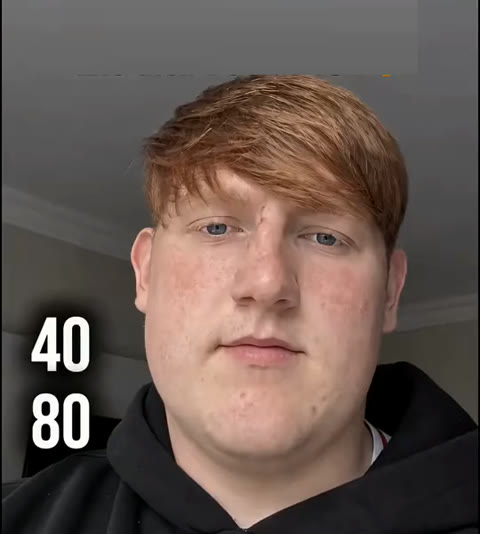
6s · 9:16 · 720p · original sound · ready in a few minutes
Examples
Age Filter AI examples
The aging trend has two well-known looks on TikTok. The first, from July 2023, put an older face above the real one in a split screen. The newer one fills the whole frame and jumps between ages with flying numbers and hard cuts, so the reveal at 80 lands as a surprise. This template makes the newer one, from a single photo.
The flying numbers: now, 40, then 80
One fixed selfie shot. The 40 lands on the face and cuts to age 40, the 80 lands and cuts to age 80. This is the clip the template follows, 6 seconds with sound.
The 2023 split-screen Aged filter
The earlier version of the trend: the screen splits in two, an older face above and the real face below, so viewers compare both at once.
gabbyhuaThe Age Filter AI output
What goes in and what comes out
One photo goes in, and one 6-second Age Filter AI video comes out for 160 credits. The vertical frame is ready for TikTok, Instagram Reels and YouTube Shorts.
You upload
- 1 photo of one person
- A clear face looking toward the camera, head and shoulders in frame
- JPG, PNG or WebP, 300 pixels or more per side, up to 10 MB
You get
- A 6-second, 9:16 vertical MP4 at 720p
- Three ages of the same face: today, 40 and 80
- The numbers 40 and 80 flying onto your face before each cut
- Your face shape, hair and clothing kept from your photo
- The trend sound from the original clip
- A saved copy in My Work, ready to replay or download
| Photos | 1 |
|---|---|
| Model | Kling |
| Duration | 6 seconds |
| Picture | 720p, 9:16 vertical |
| Ages shown | Today, 40 and 80 |
| Cuts | 2 hard cuts, one at each number |
| Audio | Trend sound from the original clip |
| File | MP4 |
| Credits | 160 per video, refunded if it fails |
The Age Filter AI scene
What happens in the 6 seconds
The camera never moves. Only your age changes, two times, each time a number hits your face. Here is how the Age Filter AI video plays, second by second.
You, today
The video opens on you exactly as in your photo, facing the camera against a plain wall, with 40 and 80 stacked on the left edge of the frame.
The 40 lands
At one second the 40 flies across the frame onto your face, and the picture cuts hard to you at about 40: a fuller face, fine lines at the eyes and the first grey strands.
The 80 lands
The 80 waits on the left, then flies onto your face around the three-second mark, setting up the last jump.
You at 80
A second hard cut shows you at about 80, with white thinning hair, deep wrinkles and age spots, looking steadily into the lens until the end.
Try next
More one-photo transformation trends
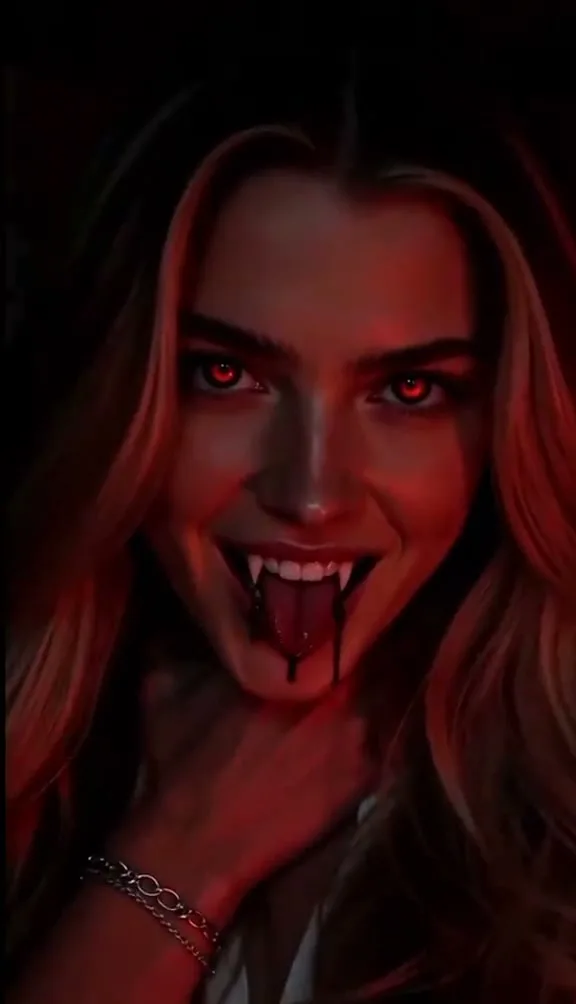
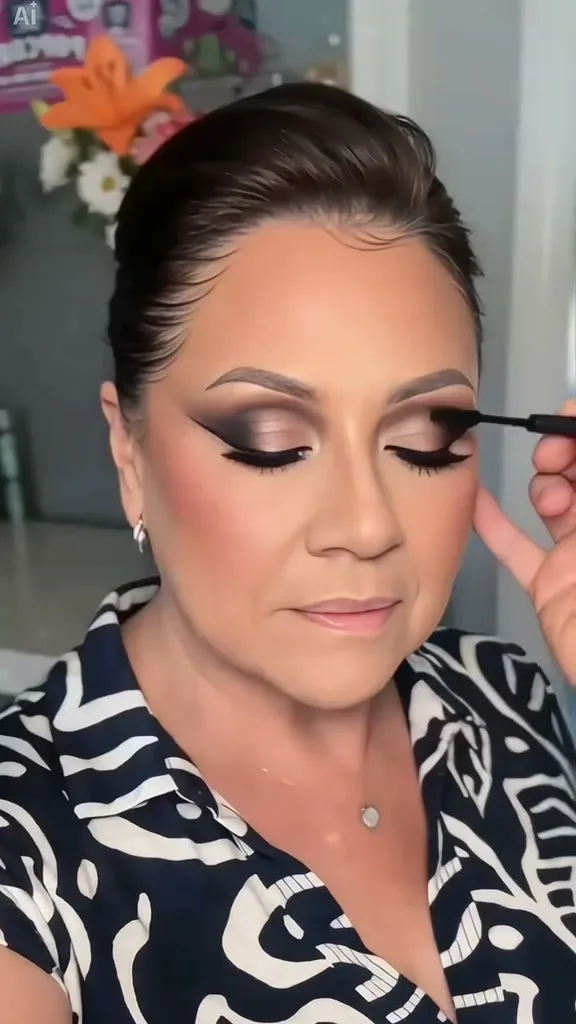
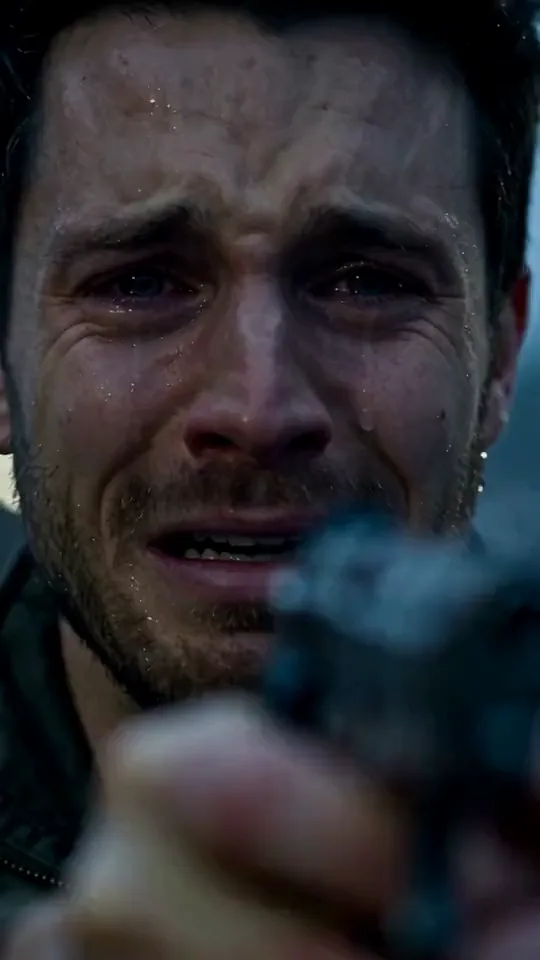
Other templates where one photo turns into a before-and-after video, just like Age Filter AI.
 NEW270 CR
 NEW140 CR
 NEW400 CR
FAQ
Age Filter AI FAQ
What is Age Filter AI?
Age Filter AI is an aging video template made from one photo. The numbers 40 and 80 fly onto your face and cut you from your current age to 40 and then to 80, in a 6-second vertical MP4 at 720p with the trend sound. It follows the flying-number aging trend from TikTok and CapCut, the moving version of the familiar aging filter and old age filter.
How do I make an Age Filter AI video?
Add one clear photo of yourself, press Generate (160 credits) and wait about five minutes. The video appears in My Work, where you can play it, download the MP4 and post it.
Which photo works best?
A sharp, evenly lit photo of one person, face toward the camera and head and shoulders in frame, works best. A plain background and a relaxed, closed-mouth expression make the change between the three ages easiest to see. Your hair and clothing carry into all three stages.
Will it still look like me at 80?
Yes. Your photo defines the face shape, eyes, nose, mouth and skin tone at every stage. Only age changes: lines, grey hair, wrinkles and age spots are added, so friends can still recognize you in the last shot.
How is this different from the 2023 Aged filter?
The 2023 TikTok Aged filter shows an older face above your real face in a split screen. Age Filter AI is the newer format: a single full-screen shot where the numbers fly onto your face and the picture jumps to each new age with a hard cut.
Can I make one for a parent or a friend?
Yes. Use a clear photo of the person you want to age instead of your own. Many people post the result next to a real photo of a grandparent to compare the family resemblance.
Does the video have sound, and what size is it?
Yes, the finished MP4 carries the trend sound from the original clip. It is 6 seconds long, 9:16 vertical, at 720p, so it fits TikTok, Instagram Reels and YouTube Shorts as it is.
How do credits work?
Each video costs 160 credits, and they return to your balance automatically if it fails. Credits come from credit packs.