
Dance · New
Dime Dime Baby AI Video Generator
Dime Dime Baby AI puts one photo into the party dance everyone recognizes: walk into the frame, take a bite of concha, hold the look, turn around and dance back to the crowd. Your 9-second vertical video keeps the scene, timing and original sound ready for a post.
Dime Dime Baby AI · 9s · 9:16
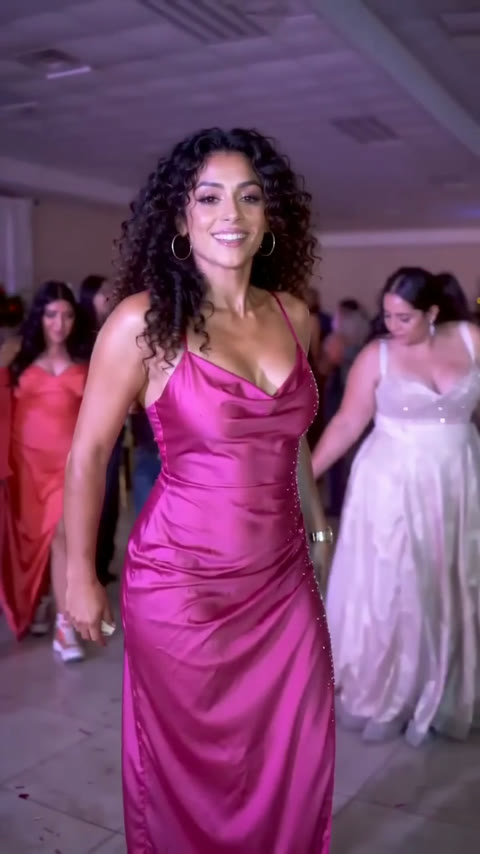
9s · 9:16 · 720p · original sound · ready in a few minutes
Input → output
One photo in, a full party moment out
The template preserves the short party sequence from start to finish while making your photo the person everyone watches. The result is built for a quick vertical post, with the rhythm and sound already aligned to the scene.
You upload
- One clear JPG, PNG or WebP photo of one person
- A visible face, hairstyle and outfit so the person reads clearly in the party scene
- A portrait or full-body photo with even light and a relaxed expression
You get
- A 9-second 9:16 MP4 with you as the lead at the party
- The walk-in, concha bite, direct look and turn-back dance in one continuous moment
- The original scene sound aligned beneath the completed video
- A finished clip in My Work and History to play, download and share
| Photos | 1 person |
|---|---|
| Model | Kling 4.0 video edit |
| Duration | 9 seconds |
| Resolution | 720p |
| Aspect ratio | 9:16 vertical |
| Sound | Original party sound |
| Format | MP4 |
| Where to find it | My Work and History |
| Credits | 240 per video, refunded if it fails |
Cast ideas
Who belongs in the Dime Dime Baby dance
The whole joke lands when the person in the photo feels at home walking into a party, taking the bite and looking straight into the camera. One person takes the lead for the full clip.
You on your best night out
Use a photo with an outfit you would happily wear into a party. The template carries the face, hair and clothing into the walk, bite and turn so it feels like your own entrance.
The friend who owns every dance floor
Give the friend with the biggest entrance a party moment with a full crowd, a close-up and a playful stare built into one short video.
A birthday or quince guest
Turn a favorite celebration photo into a second party memory. The fast sequence works as a greeting, a group-chat reveal or a surprise post for the guest of honor.
Your stylish alter ego
Pick the photo where you look ready for a camera. The face and clothes stay central while the party setting gives the video its immediate Dime Dime Baby energy.
Ideas
Ways to make the concha entrance yours
Birthday group chat opener
Lead with the camera stare, then follow it with the real party plan. The tiny dramatic pause gives everyone a perfect place to reply.
Before-the-party outfit reveal
Use the outfit photo from the night you are getting ready for. The generated walk-in becomes a lively preview before the first guest arrives.
Best friend birthday toast
Make the birthday person the lead, post the clip, then add a short toast or a favorite memory in the caption below it.
Family celebration remix
Choose a bright family photo where one person is clearly framed. The warm party background turns a familiar face into the center of a playful scene.
The confident entrance
Start with a portrait where the expression already has attitude. The camera look after the bite becomes the punchline for a confident arrival.
A five-person reaction thread
Make one for each friend and share them in order. Every person gets the same recognizable beat while bringing their own face and outfit into it.
The moves
The Dime Dime Baby dance, beat by beat
This template follows the party clip as one continuous motion. Kling keeps the movement and camera timing while your photo becomes the lead, so every small beat arrives in the order people recognize.
Enter the party lane
You move through the warm party space toward the camera. The crowd stays behind you while the lens naturally picks you out as the lead.
Bring the concha forward
The sweet bread becomes the prop that makes the sequence instantly recognizable. You raise it during the approach and keep the moment playful rather than posed.
Take the bite
A quick bite lands near the camera, creating the small pause that sets up the next look. The action stays matched to the original party rhythm.
Hold the look
You face the lens for a direct, mischievous beat. This close moment is where a clear photo makes the biggest difference to the final clip.
Turn and dance back
You turn away and rejoin the crowd with the same lively steps and timing, giving the nine-second scene a complete beginning, reveal and release.
From TikTok
How creators are playing with the party dance
These short clips show the same concha-bite party beat reimagined with different faces, styles and tutorial takes. Watch a few, then make the entrance your own.
@lolacope22
A high-play tutorial take that uses the full walk-in, bite and camera stare to show why the scene works with a new lead.
@c0pe6zs0b9
A Spanish-language CapCut tutorial presentation built around the same quick party transformation and direct-to-camera finish.
@4j3xnoeypvlusa6cm
A creator demo that shows how dramatically the party lead changes when the face and outfit become the focus of the clip.
@z7jlp9
A compact version that puts the bite, still camera look and turn into a fast social-friendly rhythm.
@lucy.bruce_win
A playful multi-character take that keeps the same party choreography while giving the foreground lead a new personality.
Keep dancing
More one-photo dance videos to try next
When your concha party entrance is ready, explore more short templates that put one clear photo into a recognizable dance, scene or camera moment.
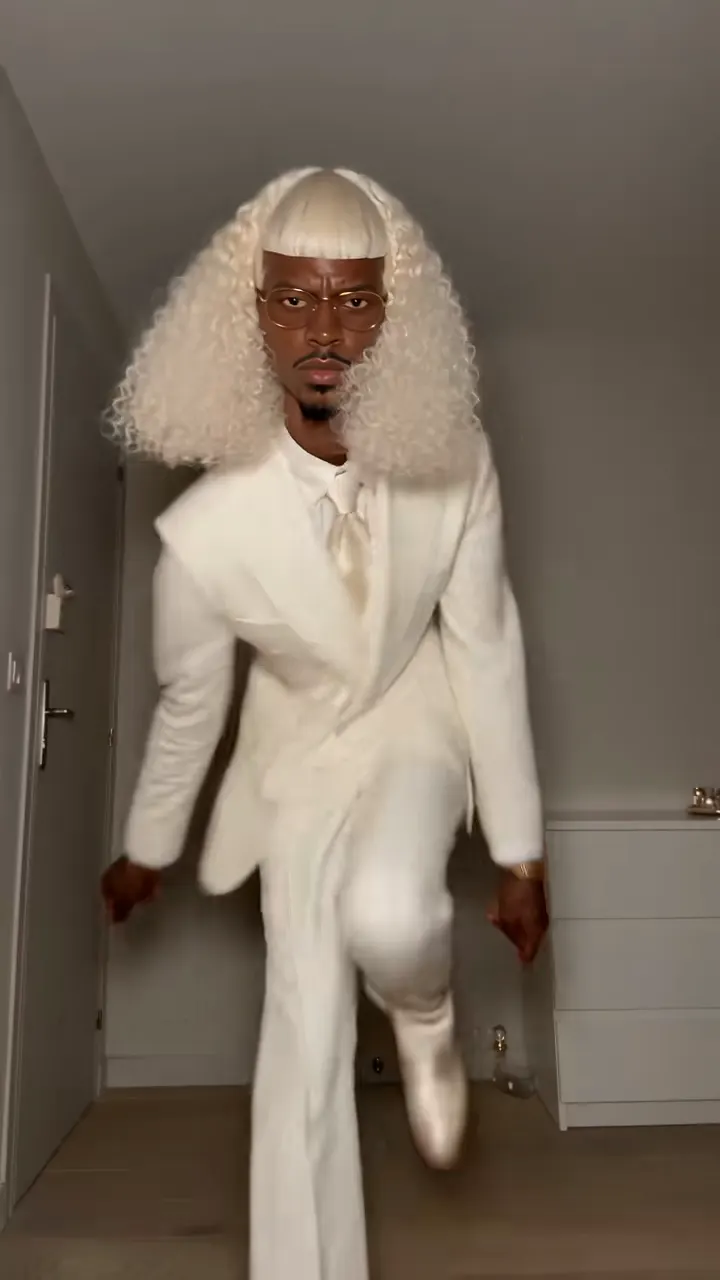 NEW300 CR
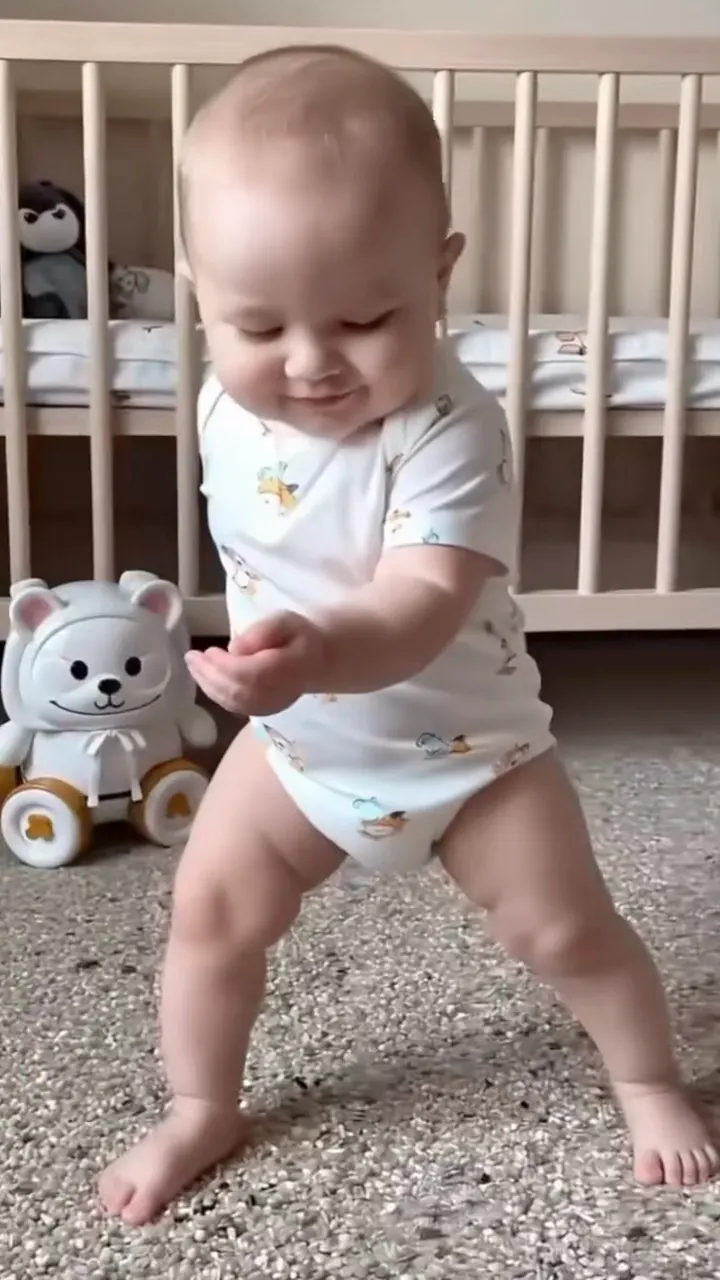 NEW380 CR
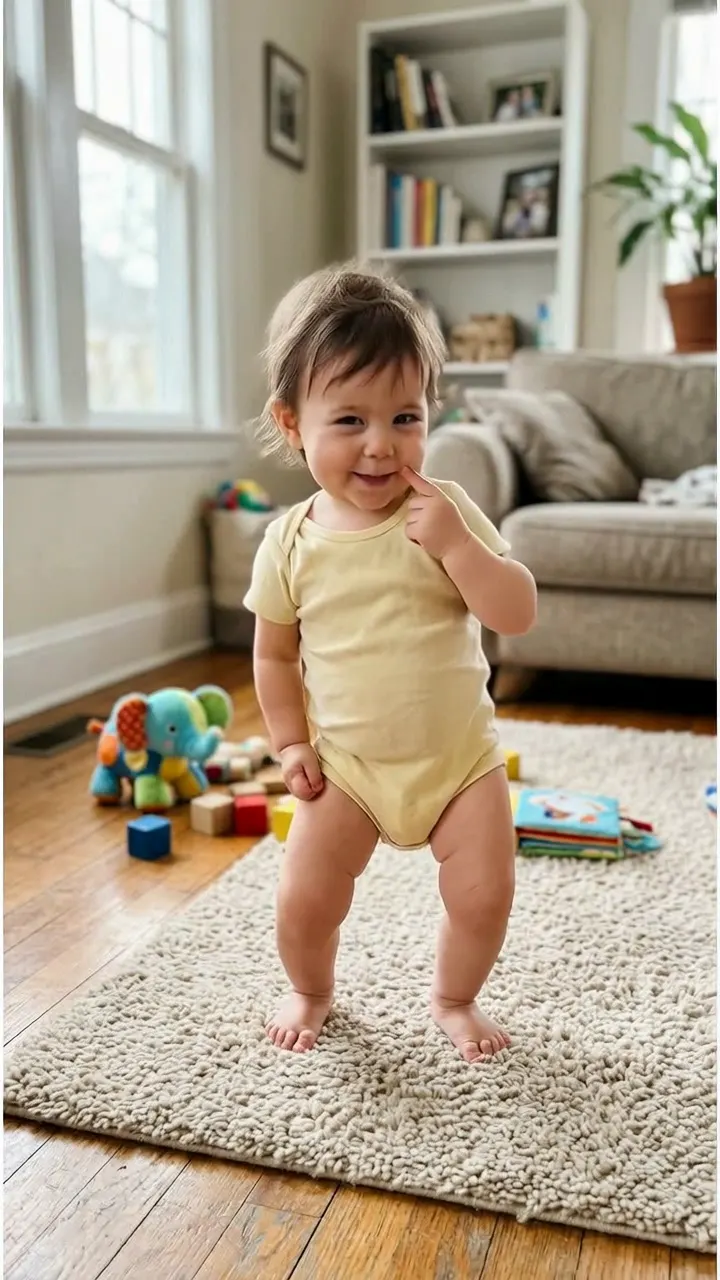 NEW400 CR
 NEW220 CR
How it works
How to make your Dime Dime Baby AI video
Add one photo, start the edit and get a complete nine-second party entrance for 240 credits. The whole scene, movement and sound are already matched for this template.
Choose one clear photo
Pick a photo with one person, a visible face and an outfit you want to see in the video. A bright portrait or full-body photo gives the party lead clear features from the first approach to the final turn.
Generate the party entrance
Dime Dime Baby AI places your person in the lead role and keeps the original walk-in, concha bite, camera look and dance-back timing. Kling 4.0 builds the performance from the silent reference video.
Play, download and share
Your finished 9-second MP4 appears in My Work with the original party sound merged beneath it. Download the vertical video or share the moment wherever your friends watch dance trends.
FAQ
Dime Dime Baby AI FAQ
What is Dime Dime Baby AI?
Dime Dime Baby AI is a one-photo video template based on the concha party dance. It makes you the foreground lead for a nine-second sequence: walking toward the camera, taking a bite of sweet bread, holding eye contact, turning and dancing back into the party. The completed MP4 is vertical at 720p with the original party sound.
Which photo works best?
Use a clear photo of one person with the face, hair and outfit easy to see. A photo with even light and a calm expression gives Kling strong details to carry through the close camera look. Portrait and full-body photos both work well when one person is clearly framed.
Will the dance and camera timing match the party clip?
Yes. This is a video-edit template, so the party setting, camera path, concha beat, direct look and turn-back dance follow the source sequence. Your uploaded person becomes the foreground lead for those same actions and timing.
How long is the finished video?
Each Dime Dime Baby AI video is nine seconds long in a vertical 9:16 frame at 720p. The short runtime keeps the complete party moment easy to share on TikTok, Reels, Shorts and group chats.
Does the finished video include sound?
Yes. The reference video used during generation is silent so the visual edit stays focused on the lead replacement. The completed MP4 has the original party sound merged under the finished video, aligned with the action.
How many credits does Dime Dime Baby AI cost?
One nine-second Dime Dime Baby AI video costs 240 credits. The price is based on the generated video length, and the same amount appears on the Generate button before you start. If a render fails, the credits return to your balance automatically.
Where can I find my completed video?
The completed Dime Dime Baby AI video appears in My Work and History on SameVid. From there you can play the result, download the MP4 and choose the version you want to share with friends.
Same category
More Dance templates
 NEW400 CR
 NEW140 CR
 NEW270 CR
 NEW220 CR
 NEW400 CR
 NEW400 CR
 NEW300 CR
 NEW400 CR
 NEW140 CR
 NEW400 CR
 NEW270 CRNEW300 CR
Keep scrolling
More viral AI video trends
NEW380 CRNEW400 CRNEW220 CR NEW220 CR
 NEW380 CR
 NEW380 CR
 NEW300 CR
 NEW270 CR
 NEW220 CR
 NEW380 CR
 NEW320 CR
 NEW350 CR