
Dance · Trending
Gas Station Dance
Add a photo for each of the three shots, or one photo for all of them. SameVid AI makes the full 15-second gas station dance with its original track.
Make yours with your photoMake the same viral video with AI
SameVid AI is an AI video generator for viral video trends. Pick a trend, add one photo or a few, and get the same scene, timing and sound with your photos in it, with no prompt to write.
- Trend templatesEach one copies a real viral video, shot by shot.From 10 credits
- Your photosOne photo can play every role, or give each role its own.JPG · PNG · WebP
- Original soundAn MP4 in the original clip's frame, with the trend's own track.MP4 with sound
Trending now
Pick a trend
The latest viral video trends, each ready as a template.
 NEW100–400 CR
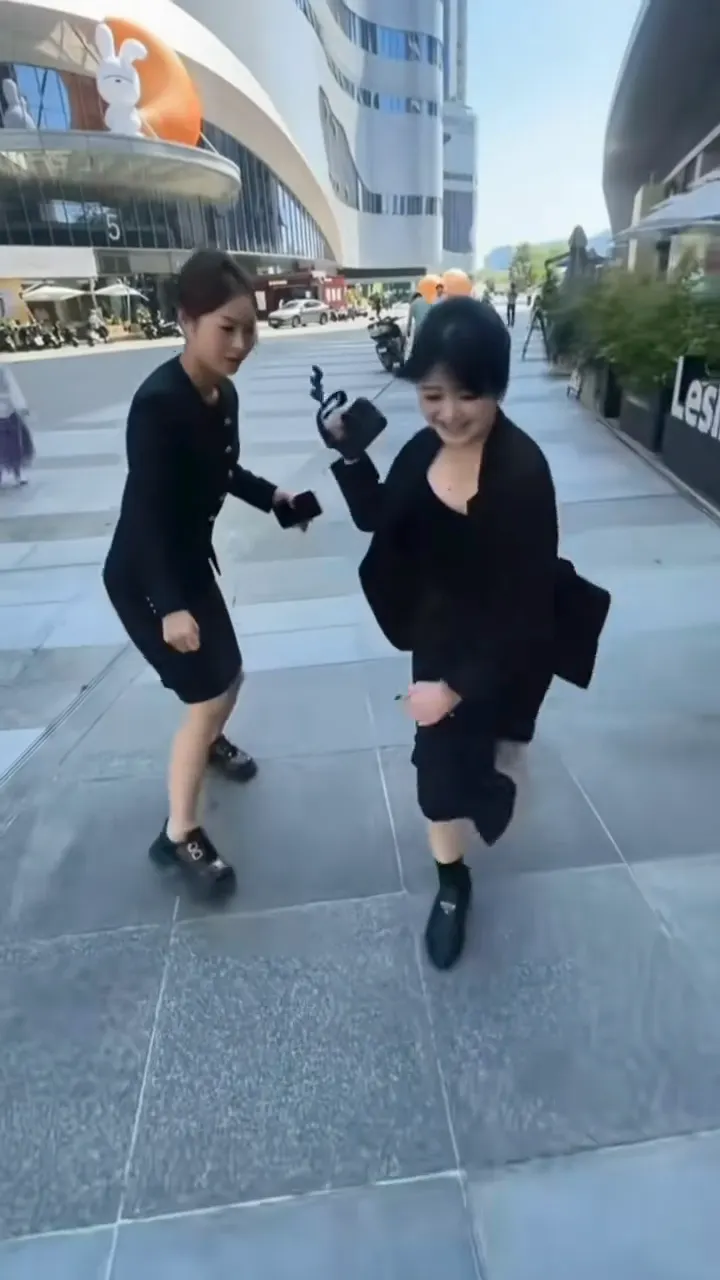 NEW160 CR
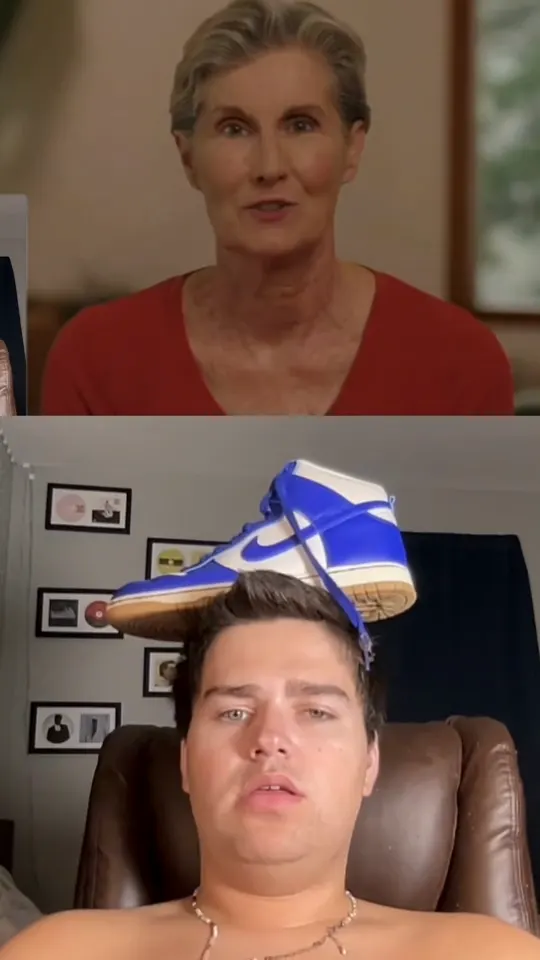 NEW400 CR
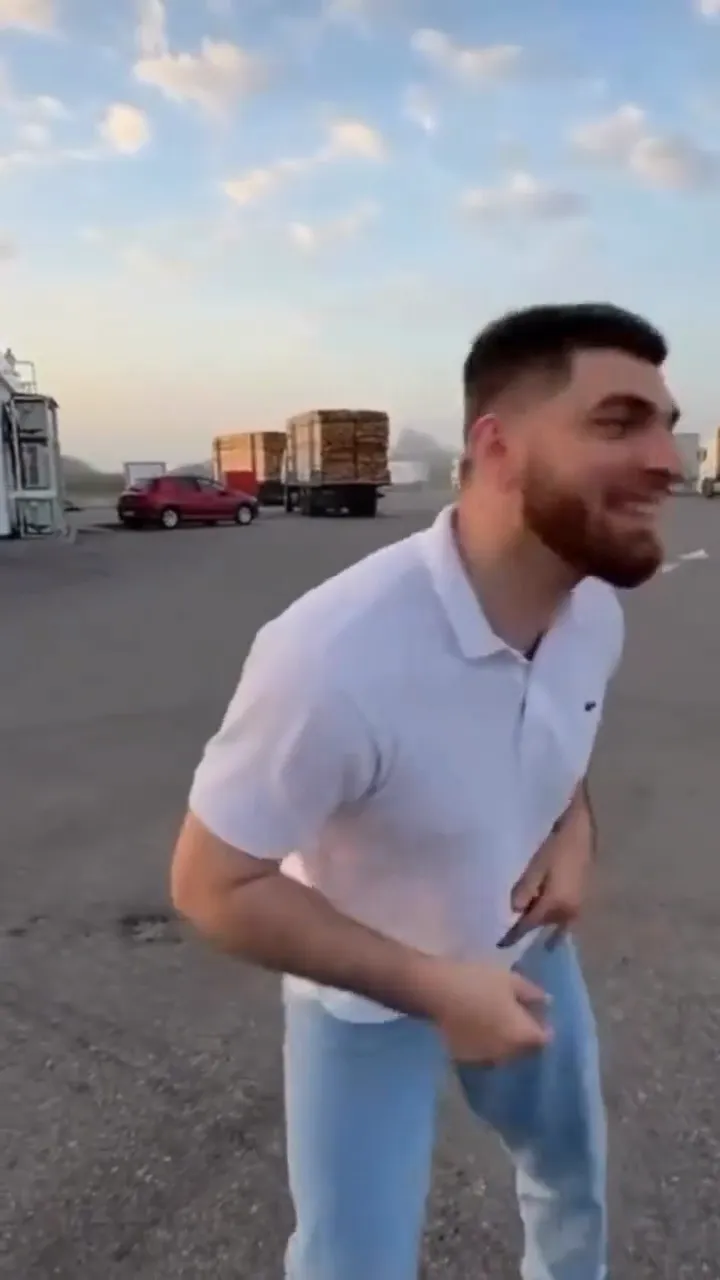 NEW400 CR
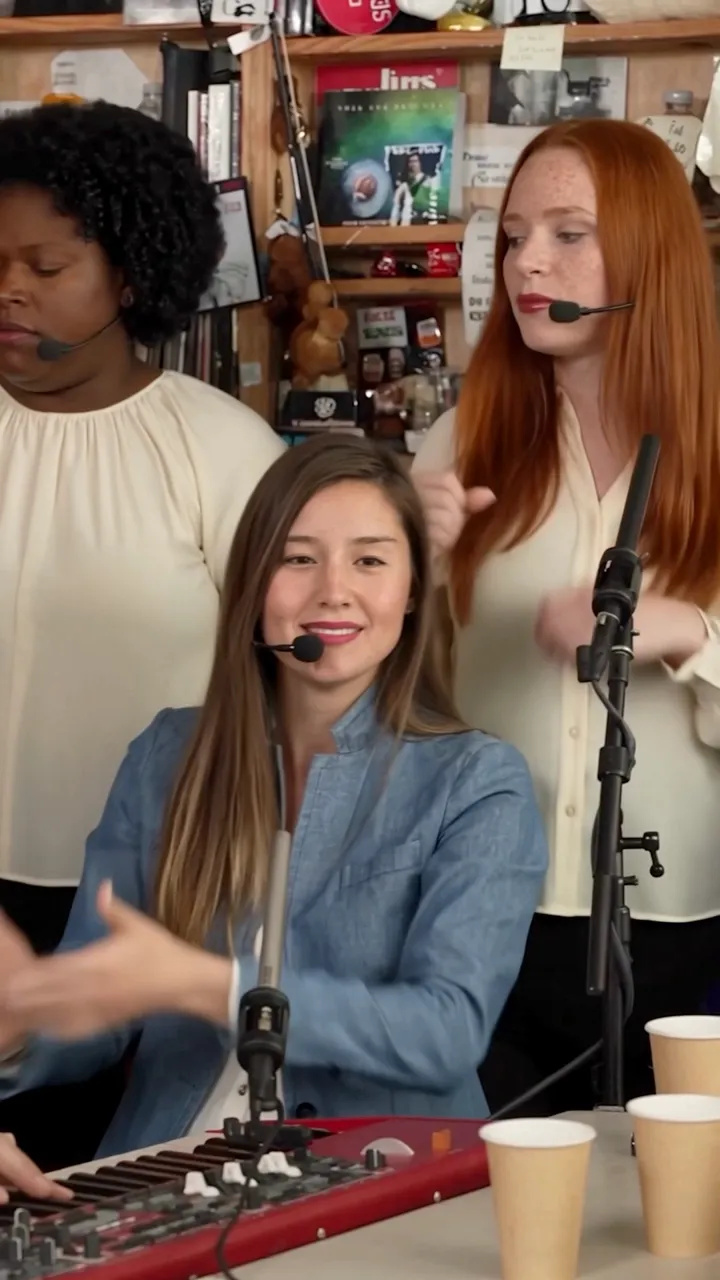 NEW350 CR
 NEW320 CR
 NEW400 CR
 NEW400 CR
 NEW400 CR
 NEW220 CR
 NEW10 CR
 NEW400 CR
 NEW220 CR
 HOT300 CR
 NEW10 CR
 HOT400 CR
 NEW100–400 CR
 NEW270 CR
 NEW320 CR
 NEW400 CR
 NEW160 CR
 NEW380 CR
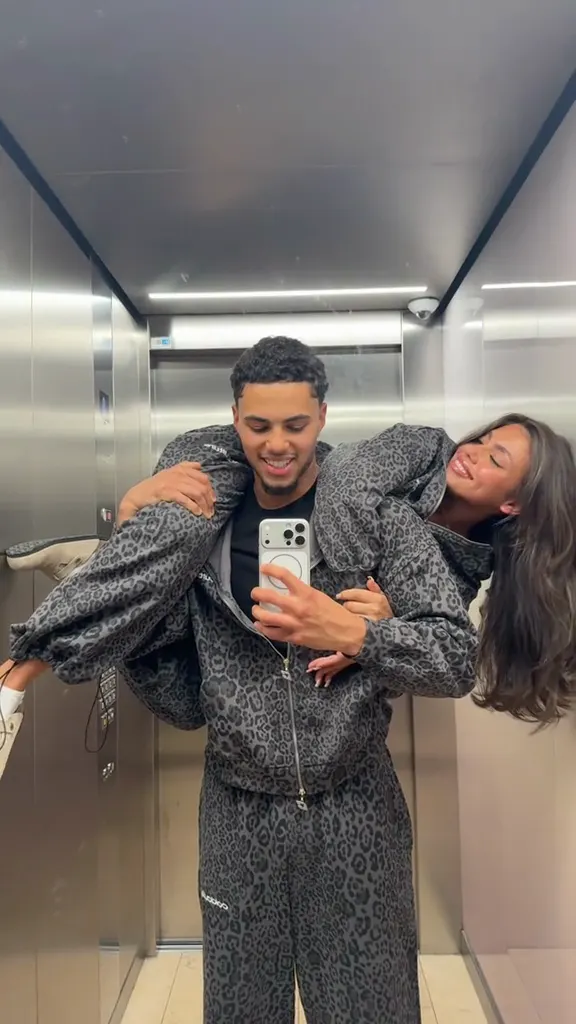 NEW270 CR
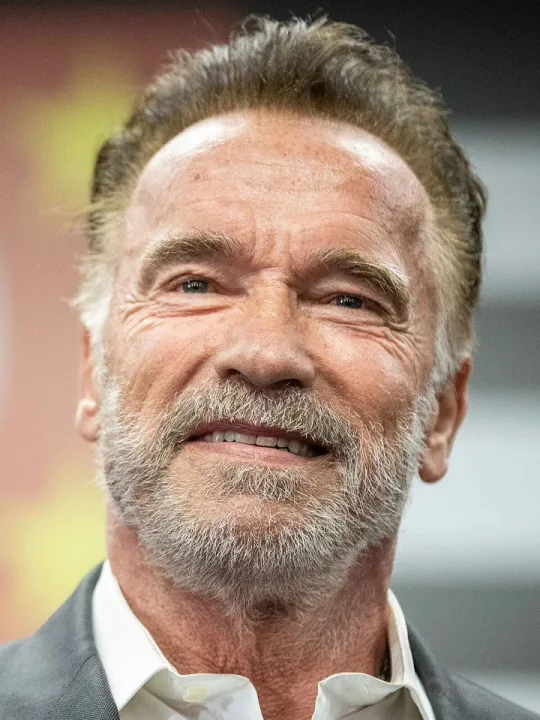 NEW100–400 CR
Genjutsu AI
Don't see your trend? Recreate any viral video
Upload any 4–30 second clip and up to 8 photos. Genjutsu AI keeps the moves, cuts and camera, and swaps in your person, pet, outfit or product.
- Any clip you have
- Motion Transfer or Object Swap
- 480p–1080p, from ≈13 credits/s
Viral video generator
Viral video trends, turned into templates
SameVid AI follows viral video trends as they spread and turns each one into a template you can cast with your own photos.
From the feed
We pick trends people are posting on TikTok, Instagram Reels and YouTube Shorts and turn each one into a template.
Kept shot for shot
The template carries the trend's scene, moves, camera cuts and sound, so your version reads as the same trend.
Back to the feed
Download a watermark-free MP4 in the trend's own frame, ready to post where the trend lives.
Just added




3 steps
How SameVid AI works
Pick a trend
Open a template. The reference video, cuts and track are already set up.
Add your photos
One photo for every role, or one per role. JPG, PNG or WebP.
Generate and post
The video renders in the background and lands in My Work and History.
Photo guide
Which photos work best
The photo decides how much the video looks like you. These hold for every template; each template page also marks the roles that need a full-body photo.
Works best
- One person or pet per photo, face clearly visible
- Front-facing or slightly turned, in good light
- Full-body or waist-up for roles marked Full body
- The sharpest photo you have, not a screenshot
- Group photos are fine: crop to one person right after you upload
Avoid
- Sunglasses, masks or hands over the face
- Heavy filters or beauty effects over the face
- Dark, blurry or tiny photos
- JPG · PNG · WebP
- At least 300 × 300 px
- Up to 10 MB
Why SameVid AI
A viral video generator made for trends, not prompts
The same video, with you in it
Every template keeps the original scene, camera cuts, timing and sound.
Frontier AI Video Generator
SameVid AI runs on top-tier video models such as Seedance and Kling, for sharp faces, natural motion and steady shots. Each template gives the model the original trend clip as its reference, so the moves, cuts and timing come from the real video.
You cast every role
Each person in the trend gets its own photo slot. Use one photo for everyone or a different one per role: friends, partners, even a pet.
Ready to post
A clean MP4 with no watermark, the trend's original track synced to the moves, in the same frame as the original clip.
Your photos stay yours
Photos go to the video model only to make your video. They are never used to train models or sold, your videos stay private to your account, and commercial use is included.
Compare
How SameVid AI differs from a general AI video generator
SameVid AI is built as a viral video generator: every template is a trend, ready to cast.
| Compared | SameVid AI | General AI video generator |
|---|---|---|
| What you add | Your photos | A prompt, plus a reference clip you find yourself |
| Moves and camera cuts | Copied from the original viral video | Described in words and guessed by the model |
| Sound | The trend's original track, synced | Added separately |
| Cast | One photo slot per role | Usually one subject |
| Trends | Ready as templates | Find and set up each trend yourself |
| Cost | Charged by video length, shown before you start | Varies with length and settings |
Transparent pricing
We charge by video length. The Basic pack is enough for one 15-second video, which fits most viral videos.
Top AI video models
Videos are made with Seedance, Kling and other state-of-the-art models that give the best results.
720p or 1080p HD video
We can generate videos in 720p and even 1080p high definition.
FAQ
SameVid AI FAQ
What is SameVid AI?
SameVid AI is an AI video generator for remaking a specific viral video with your own photos: the same scene, moves, camera cuts and original sound, with no prompt to write. Pick the trend's template, add one photo or a few, and get the video starring your people.
Is SameVid AI free to try?
Yes. New accounts get 10 free credits, enough for one video from the templates that start at 10 credits, and every video is a watermark-free MP4. Longer templates need a plan or a credit pack.
What can I make with this AI video generator?
Viral video trends people post on TikTok, Instagram Reels and YouTube Shorts: dances, couple scenes and more, each one a ready template. Pick one, cast your photos and get the same video with the same sound.
How many photos do I need?
One photo for most templates. Templates with several people take one photo per role, and many let one photo play every role. Each template page shows its roles.
What photo works best?
A clear photo of one person with the face visible. JPG, PNG and WebP photos are accepted, and each template page says which shots need a full-body photo.
Do I need a perfect photo?
No. SameVid prepares your photo for you. After you upload, a built-in cropper lets you frame one person, even from a group shot, so there is no need for another editing app. Photos that are too small, too large or oddly shaped are resized and adjusted automatically before they go to the AI.
How much does a video cost?
From 10 credits (about $0.25). The cost follows the length of the video, 400 credits for 15 seconds, and is shown on the template page and the Generate button before you start.
What happens if a video fails?
The credits go back to your balance automatically.
Do credits expire?
Credits from packs and the sign-up bonus never expire. Plan credits refresh every billing period and don't roll over.
Can I leave while it is processing?
Yes. Videos render in the background. Come back to the template page or open History to play and download them.
Can I use the videos commercially?
Yes. Every plan includes commercial use, and we don't claim ownership of the videos you generate. You need the rights to the photos you upload.
Ready?
Star in today's trend
Pick a template in the viral video generator and add your photo.