
Dance · New
Pick It Up Dance AI Video Generator
Upload one full-body photo and SameVid AI turns that person into the dancer in the viral 14-second Pick It Up Dance—also known on TikTok as the Make It Jump Dance and Put Yo Hands Up routine. You get a vertical 9:16 MP4 at 720p with the original DJZACKKK sound merged onto the finished video for 380 credits, without writing a prompt or learning a single step.
Pick It Up Dance · 14s · 9:16
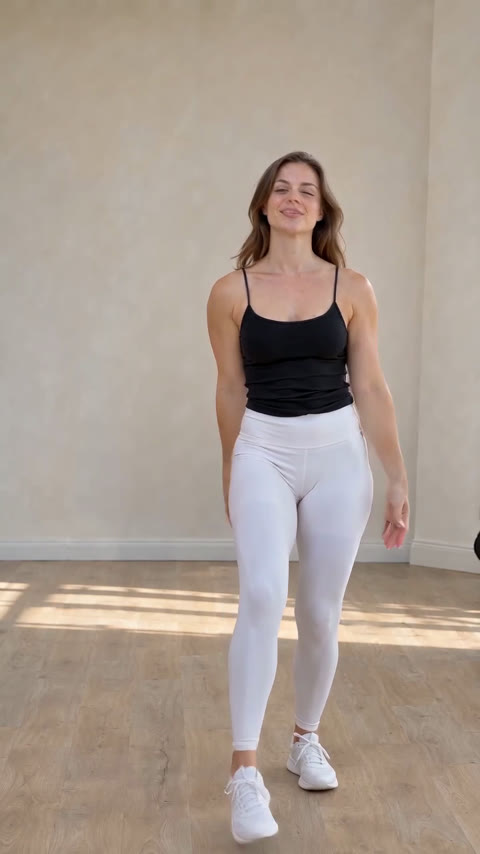
14s · 9:16 · 720p · original sound · ready in a few minutes
Four signature beats
Every beat of the 14-second Pick It Up Dance routine
The Pick It Up Dance is filmed as one continuous vertical shot where the dancer stays in full-body view from head to sneakers. Because the routine relies on exact beat hits—arms locked overhead, a full 180-degree turn, a wide hurdle squat and a jump—SameVid AI runs Kling 4.0 in video-edit mode on the 14-second reference clip so your uploaded person hits every cue on time.
0–3 s · "Pick it up": arms wide to hands locked overhead
The dancer starts facing the camera on a clean wooden floor, bounces lightly on the spot with both arms stretched out to the sides, then raises both arms straight up and locks the hands together above the head as the first vocal hook lands.
3–7 s · "Make it jump": 180-degree back turn and hip bounce
Keeping both hands raised overhead, the dancer spins 180 degrees to face away from the camera, steps the feet shoulder-width apart and bounces the hips to the Jersey Club bassline before glancing back over the shoulder with a grin.
7–11 s · Wide-stance deep squat on the drop
The dancer turns back to the front, lowers the arms to reset on the beat, then steps the feet out wide into a deep low squat with knees turned out and hands resting near the thighs, bouncing low in rhythm with the heavy kick drum.
11–14 s · "Put yo hands up": spring up and arms-high finish
Out of the low squat, the dancer springs straight up, throws both arms high in a V above the head and steps toward the lens with a wide smile as the 14-second loop closes.
Same category
More Dance templates
 NEW400 CR
 NEW400 CR
 NEW140 CR
 NEW270 CR
 NEW220 CR
 NEW400 CR
 NEW400 CR
 NEW300 CR
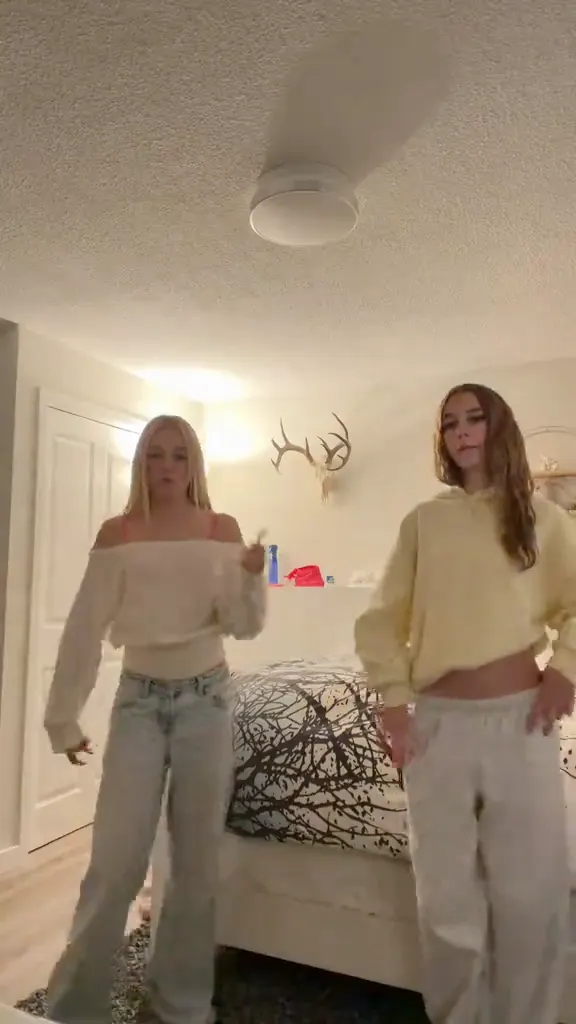 NEW400 CR
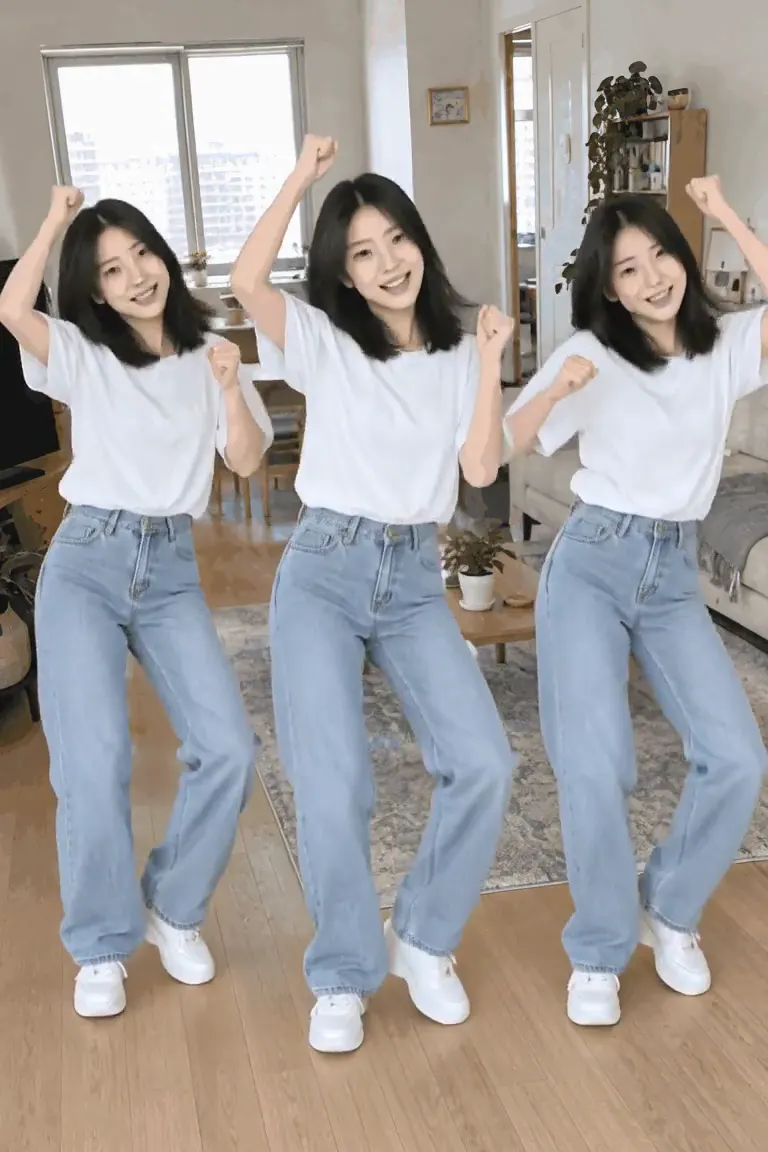 NEW140 CR
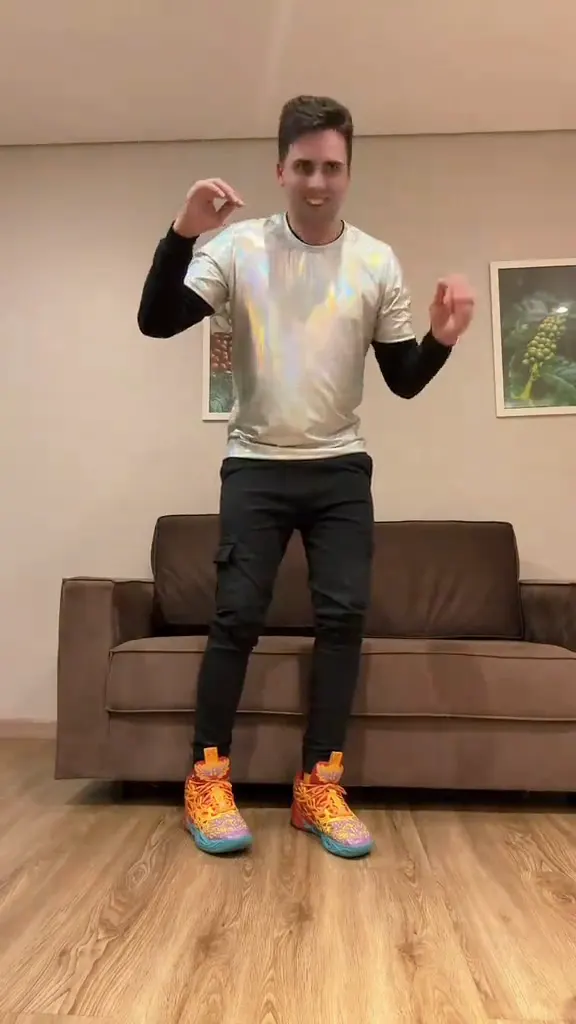 NEW400 CR
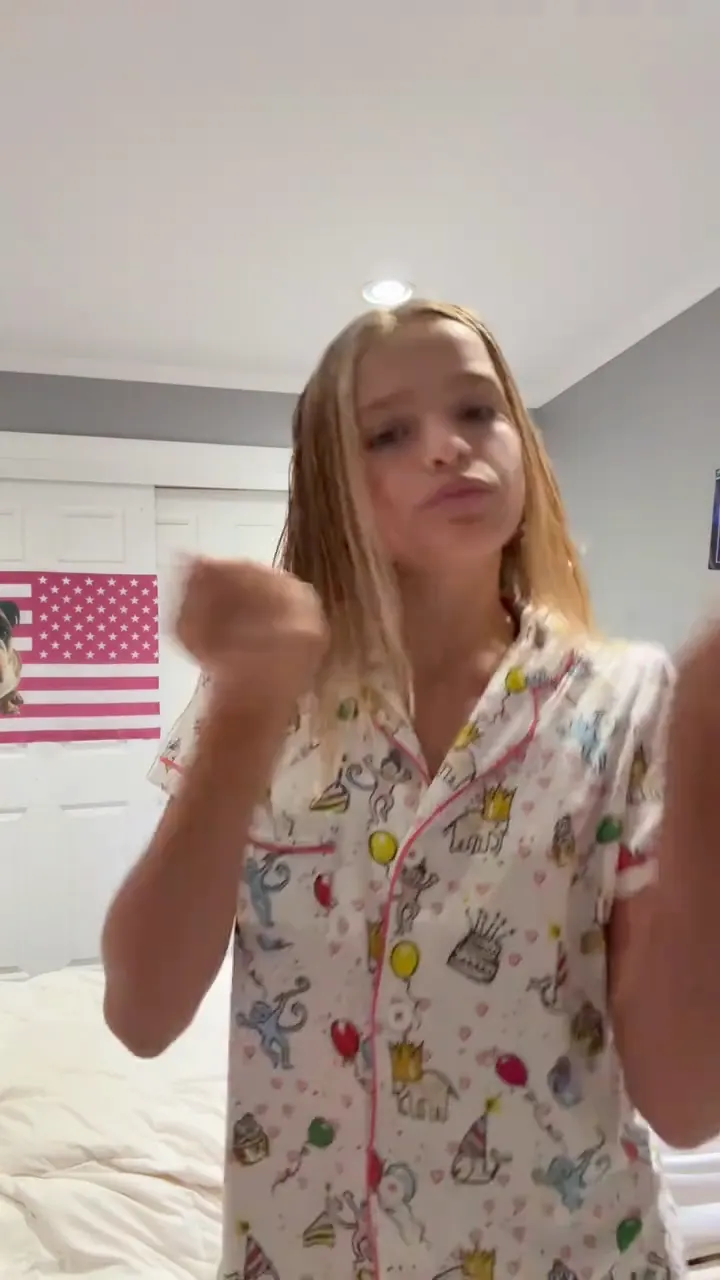 NEW270 CR
From TikTok
Pick It Up Dance clips blowing up on TikTok
Set to DJZACKKK’s club vocal "pick it up, make it jump, put yo hands up," the routine moved from studio trios and school hallways into one-photo AI baby and solo remakes in October and November 2026. Here are three of the most-watched TikTok posts driving the wave.
@dtn.rayaaa
Posted on October 16, 2026 with the caption "pick it up, make it jump, put yo hands up #dancetrend2026 #3persondance," this three-person studio clip passed 1.2 million plays and 29,000 likes. All three dancers hit the overhead lock, the synchronized back turn and the wide squat in one take.
@maybachmusiicc
Filmed in a red school locker hallway on November 6, 2026 ("pick it uppp #newdance #bayarea #duodance"), this 13-second duo version drew more than 335,000 plays and shows how cleanly the full-body footwork and squat land in a tight corridor.
@jjuicyb4by
A solo bedroom take from October 30, 2026 captioned "Pick it up make it jump put ya hands up #dancechallenge," earning over 48,000 plays and 6,200 likes. It highlights the solo framing that one-photo AI dance remakes copy.
Input and output specs
What goes in and what your Pick It Up Dance video delivers
Unlike general video models where you have to upload your own reference video, trim out watermarks and write a second-by-second choreography prompt, this template already has the silent 14-second reference motion and original sound wired in. Upload one photo, spend 380 credits and download a ready-to-post MP4.
You upload
- 1 clear full-body or three-quarter standing photo of one person, child or character
- JPG, PNG or WebP image between 300 px on the shortest side and 10 MB
- No reference video upload, no CapCut app install and no text prompt needed
You get
- A 14-second vertical 9:16 MP4 rendered natively at 720p by Kling 4.0 video edit
- Frame-faithful Pick It Up, Make It Jump choreography: overhead lock, 180° back turn, wide deep squat and jump
- The original DJZACKKK track merged onto the silent render so every move lands on the beat
- Saved automatically in My Work to replay, download watermark-free and share on TikTok, Reels or Shorts
| Photos needed | 1 standing photo |
|---|---|
| Model & mode | Kling 4.0 Video Edit |
| Output length | 14 seconds |
| Resolution & frame | 720p · 9:16 vertical (no upscale needed) |
| Audio | Original DJZACKKK sound merged on output |
| Cost per video | 380 credits (scaled from 400 credits / 15 s) |
| File format | MP4 (compressed under 3 MB for fast sharing) |
| Credits | 380 per video, refunded if it fails |
Cast ideas
Who to cast in the Pick It Up Dance template
Because the template swaps the solo studio dancer while keeping the full 14-second routine intact, any single standing photo can take the floor.
Yourself in everyday clothes
Skip rehearsing the wide squat in front of your phone. Use a standing outfit photo from your camera roll and post a deadpan 14-second dance that hits every beat.
Your toddler or kid (#aibabydance)
One of the biggest late-October TikTok branches puts a standing toddler photo into the Pick It Up squat-and-jump routine for family group chats.
A serious coworker or friend
With their permission, drop a friend’s stiffest standing portrait into the template for a birthday roast or Discord reaction clip.
Illustrated characters or avatars
Full-body anime characters, game avatars and 3D mascots with two visible arms and legs follow the overhead turn and wide squat cleanly.
Photo guide
How to pick a photo that survives the 180° turn and deep squat
The dancer turns completely away from the camera between seconds 3 and 7 and drops into a wide squat at second 8. Following these tips keeps the face, outfit and proportions steady from start to finish.
- Use a full-body standing photo from head to shoes (or at least mid-calf) so Kling 4.0 sees the pants, legs and footwear used in the wide squat.
- Pick a front-facing photo with even lighting on the face so the model restores the exact same facial features when the dancer turns back to the lens at second 7.
- Keep both arms relaxed and uncrossed, without bags, phones or drinks in the hands.
- Make sure only one person is in the frame; crop out bystanders in the background before uploading.
- Close-up headshots, car selfies or sitting photos cut off at the chest or waist, which force the model to guess the lower body during the squat.
- Sunglasses, face masks, heavy motion blur or side-profile angles that hide the eyes and jawline.
Trend origin & timeline
Where the Pick It Up, Make It Jump dance trend came from
From a Florida Jersey Club audio upload in April 2026 to @Lilcoco’s September choreography and the November AI photo wave, here is how the routine took over TikTok.
DJZACKKK’s "PICK IT UP TECO" club sound and @Lilcoco’s choreography
The track behind the trend is not the 2017 Famous Dex rap single "Pick It Up" or the 2018 ATEEZ performance video of the same name. Instead, it comes from Florida creator DJZACKKK (@djzackkk), who uploaded a fast Dade County / Jersey Club bounce edit on April 23, 2026 under the TikTok audio title "original sound - djzackkk" with the on-screen text "PICK IT UP TECO" and the repeated vocal chant "pick it up, make it jump, put yo hands up."
On September 19, 2026, TikTok dancer @Lilcoco posted the signature routine credited across the platform as "dc: @Lilcoco"—combining the overhead hand lock, the 180-degree back-turn hip bounce and the wide-stance hurdle squat. Early solo and group posts in the first week of October from creators like @overlyyocean (716,000 plays in a lit night parking lot) and @datoneeweridoo0 locked the 14-second structure in place.
Studio trios, office solos and the one-photo AI wave
By mid-October 2026 the sound crossed 16,000 TikTok videos. @dtn.rayaaa’s three-person studio clip on October 16 passed 1.2 million plays, and @vibewit_tris followed on October 26 with a deadpan office hallway solo that reached 4.4 million views. Four days later, #capcutpioneer creators began sharing one-photo AI dance templates—led by tutorials from @hao43242 (161,000 plays) and @terrytomlinson302 (85,000 plays)—that mapped a single baby or adult photo onto the 14-second Pick It Up routine.
SameVid AI pairs that exact 14-second full-body solo choreography with Kling 4.0 video editing in the browser. The reference video is sent to the model without audio so the motion transfer stays clean, and the original DJZACKKK sound is merged onto your finished 720p MP4 before it lands in My Work.
- Upload photo: Add 1 clear full-body standing photo of the person you want to star in the Pick It Up Dance.
- Generate video: Spend 380 credits and let Kling 4.0 render your 14-second 720p Pick It Up Dance video in about 5 minutes.
- Download & share: Open My Work to download the watermark-free MP4 with the original Pick It Up Dance sound attached.
Transparent credit pricing
14 seconds of Pick It Up Dance for 380 credits
Credits scale linearly with video length at 400 credits per 15 seconds (rounded up to the nearest 10), so a 14-second Pick It Up Dance video costs 380 credits. New accounts receive 10 free registration credits, one-time credit packs start at $9.90 for 400 credits (enough for 1 full 14-second dance with 20 credits left over), and Basic ($19.90/mo for 900 credits) covers 2 full videos per month. If a generation ever fails, your 380 credits are refunded automatically.
- Basic$9.9400 credits1 video
- Growth$19.9850 credits2 videos
- Most PopularPro$39.91,800 credits4 videos
- Studio$99.94,800 credits12 videos
- Max$299.915,000 credits39 videos
FAQ
Pick It Up Dance FAQ
What song is used in the Pick It Up Dance trend?
The trend uses the TikTok club track "original sound - djzackkk" uploaded by Florida creator DJZACKKK (@djzackkk) on April 23, 2026, featuring the vocal hook "pick it up, make it jump, put yo hands up." It is not related to the 2017 Famous Dex song "Pick It Up" or the 2018 ATEEZ (KQ Fellaz) dance video. You can also explore our Dance AI video templates for more viral routines.
Why does this template use Kling 4.0 Video Edit mode instead of Omni Reference?
Because Pick It Up Dance is a beat-synced choreography trend where every move—the overhead hand lock, the 180-degree back turn, the wide deep squat and the final jump—must match the reference dancer frame by frame. Kling 4.0 Video Edit preserves the exact motion, camera framing and timing of the 14-second reference clip while replacing the dancer with the person in your photo.
Does the finished video include the original Pick It Up sound?
Yes. During generation, the 14-second reference video is fed to Kling 4.0 without audio so the motion edit is clean, and SameVid AI automatically merges the original DJZACKKK audio track onto the finished MP4 before saving it to My Work.
How many credits does one Pick It Up Dance video cost, and what do credit packs cost?
SameVid AI prices video generation by output length at 400 credits per 15 seconds. Because this template produces a 14-second 720p video, one generation costs 380 credits. You get 10 free credits when you register, one-time credit packs start at $9.90 for 400 credits (up to 15,000 credits for $299.90), and monthly plans start at $19.90/month for 900 credits on our transparent pricing page. One-time credits never expire while your account is active, and failed jobs refund your credits automatically.
What kind of photo gives the best result during the 180-degree turn and deep squat?
Use a well-lit, front-facing full-body standing photo where the person’s head, torso, arms, legs and shoes are all visible and the hands are empty. Clear facial lighting helps Kling 4.0 keep the face identical when the dancer turns back toward the camera at second 7.
Do I need to upscale the video or install CapCut?
No. The video renders directly at 720p in 9:16 vertical format (no upscale step required) and is compressed under 3 MB so it loads and uploads quickly on mobile. Everything runs in your browser with no CapCut app or API key required.
Can I use a baby photo, a friend’s photo or a character illustration?
Yes. Full-body standing photos of adults, toddlers and 2D/3D characters with clear human-like proportions all work. Only upload photos of real people when you have their permission.
Where is my generated video saved and can I use it commercially?
Finished videos are saved to My Work in your account, where you can replay and download the watermark-free MP4 at any time. Videos generated with paid credits can be posted on TikTok, Instagram Reels, YouTube Shorts and commercial social channels, though platform music rules still apply to the trend audio. Explore our full templates library to try other viral trends.
Keep scrolling
More viral AI video trends
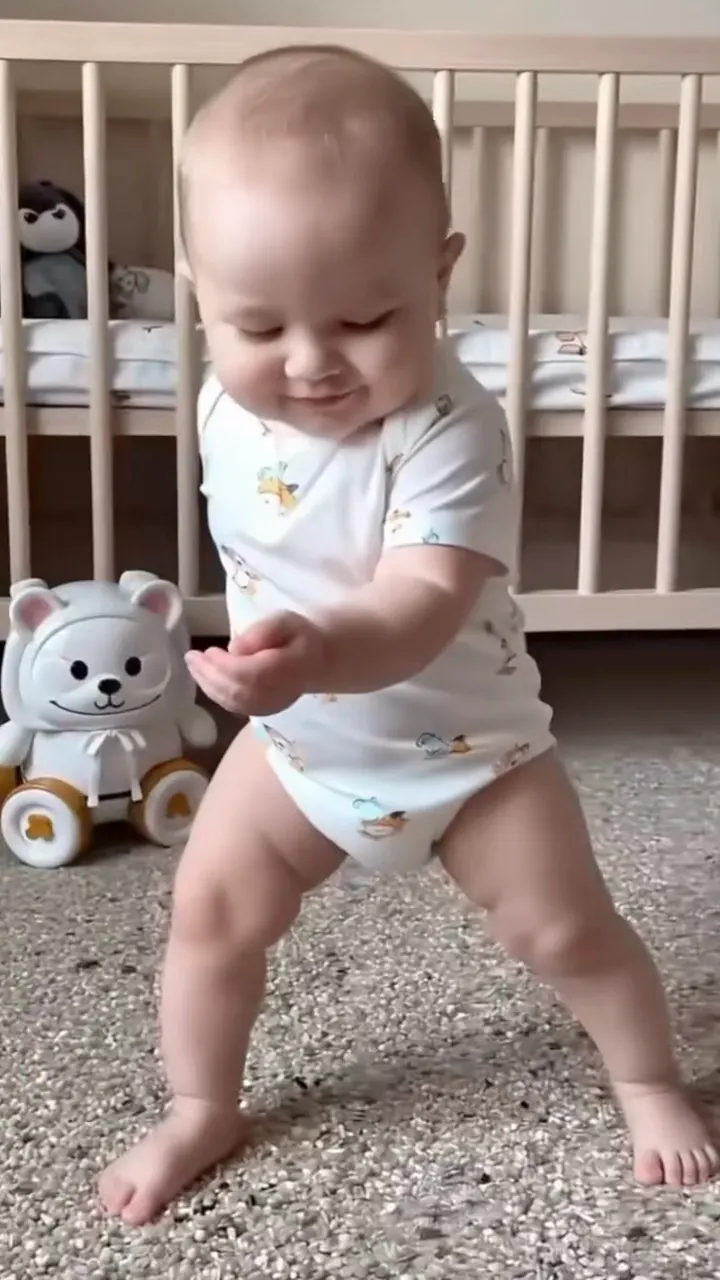 NEW380 CR
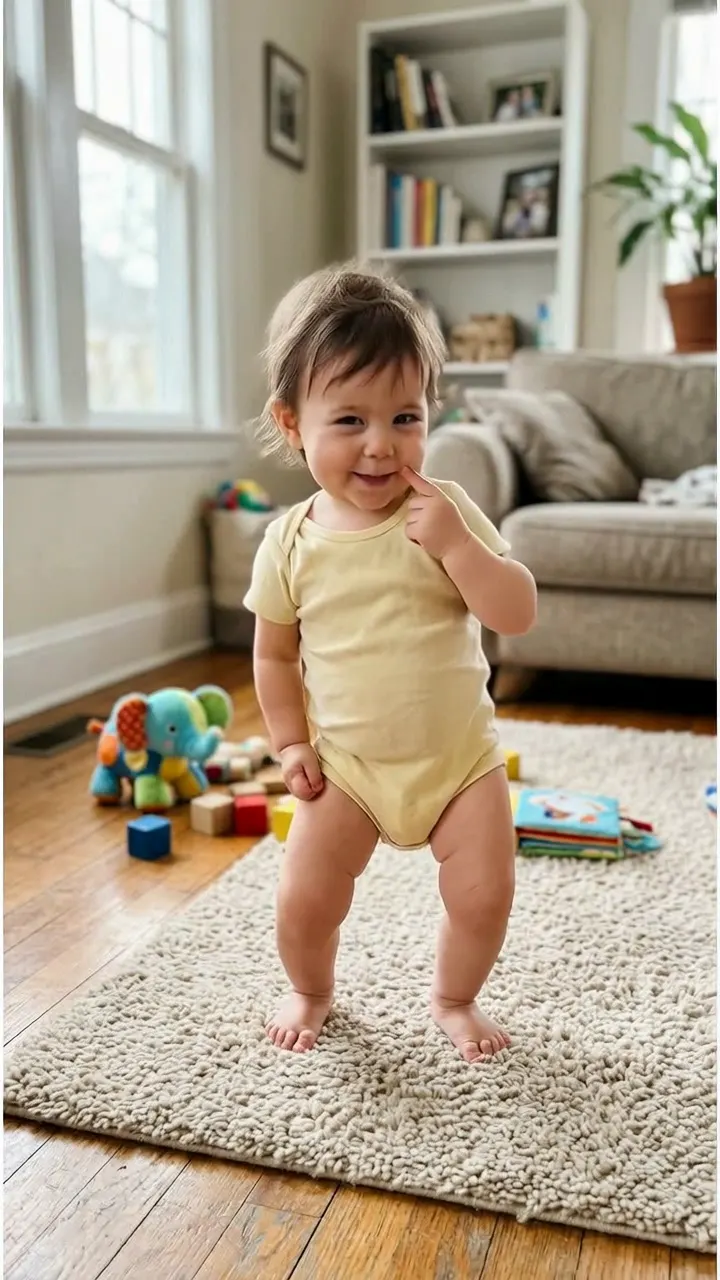 NEW400 CR
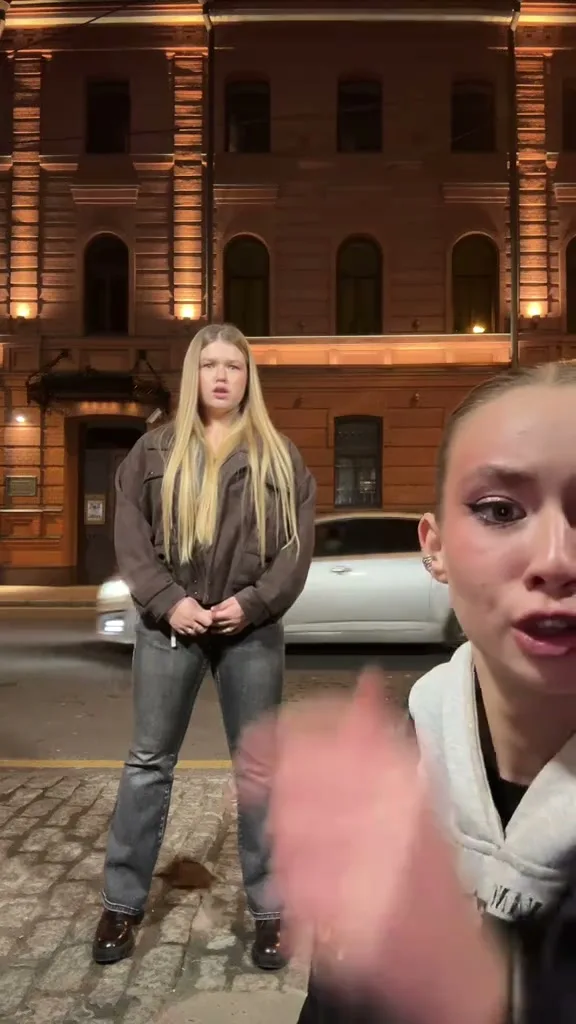 NEW220 CR
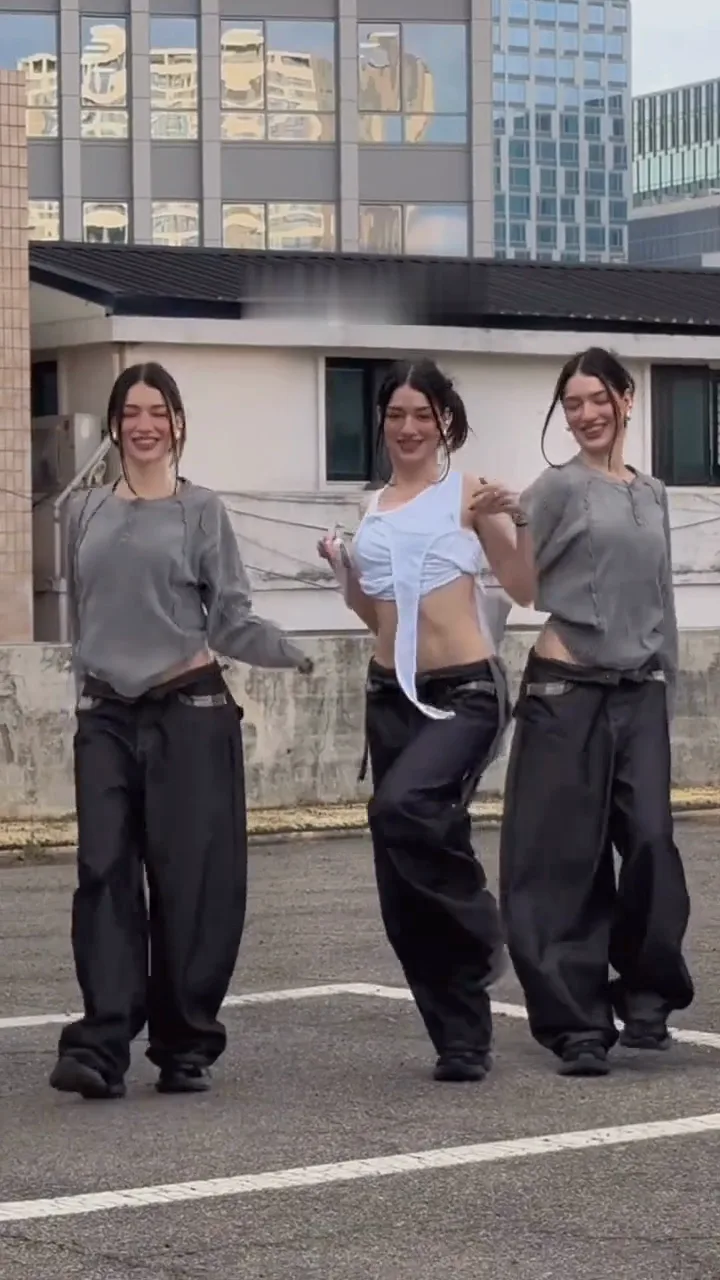 NEW400 CR
 NEW270 CR
 NEW270 CR
 NEW140 CR
 NEW240 CR
 NEW350 CR
 NEW220 CR
 NEW220 CR
 NEW220 CR