
Viral AI video templates
Viral AI video templates
Choose a photo-based trend or a handwriting reveal. Add the requested photos or text and create a short video with the settings shown.
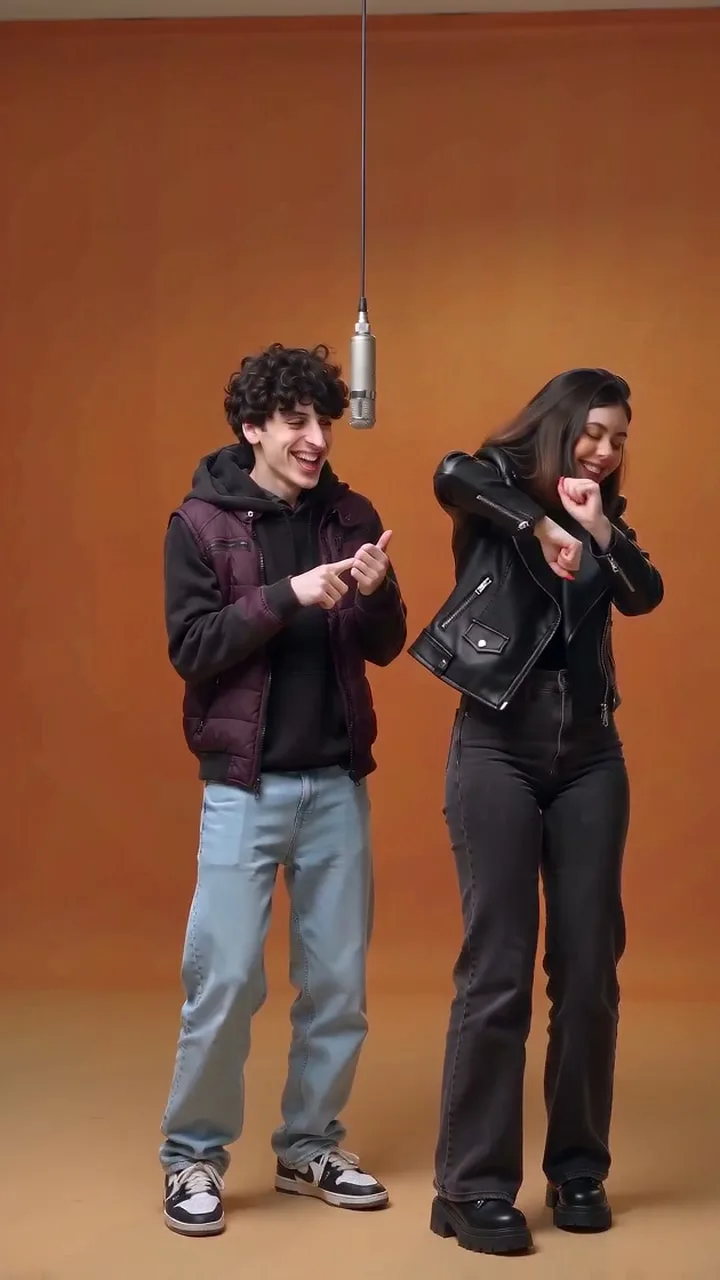 HOT60 CR
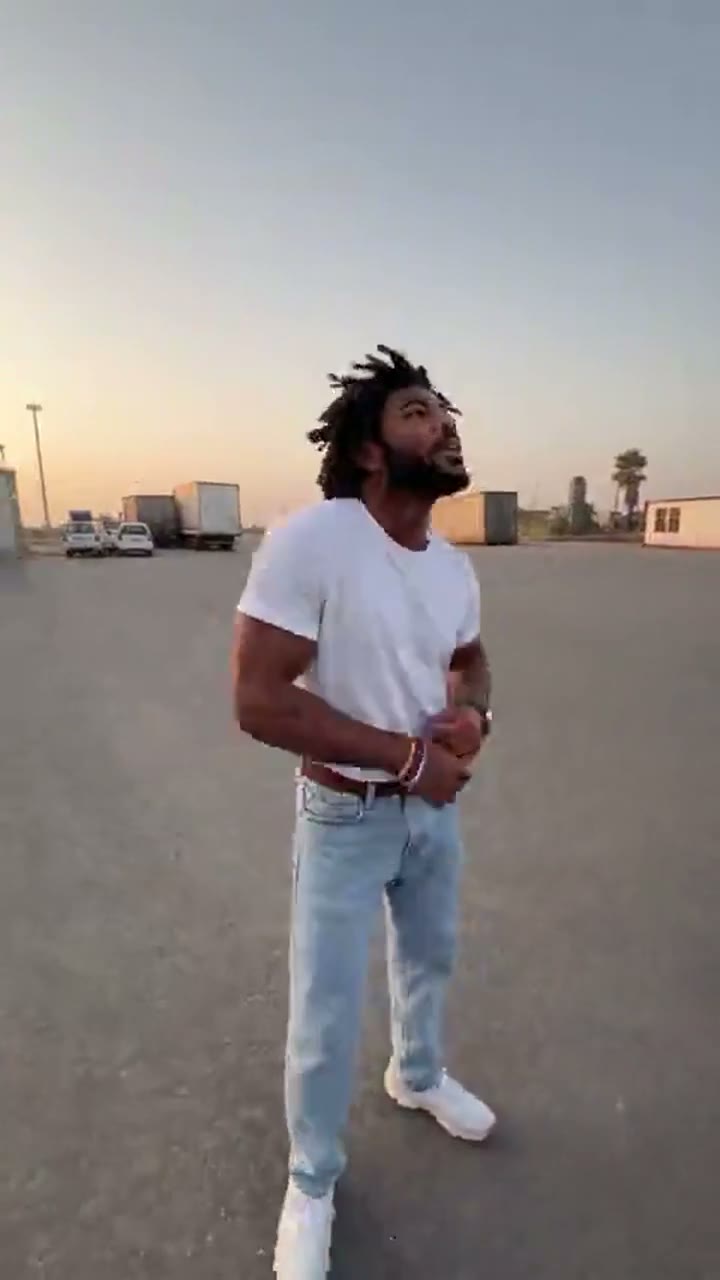 HOT110 CR
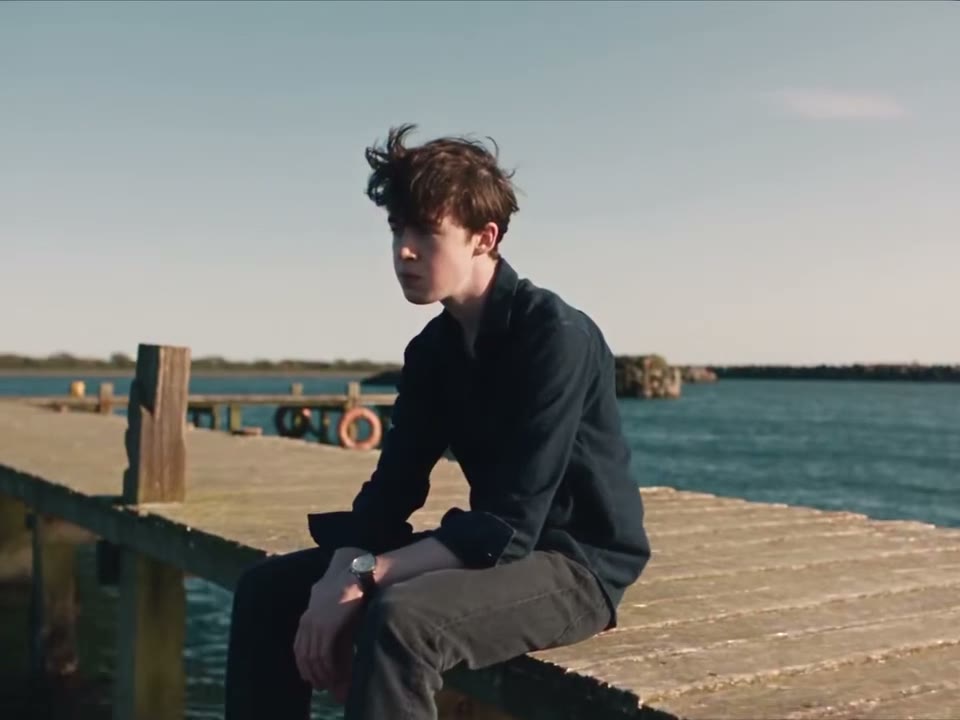 HOT60 CR
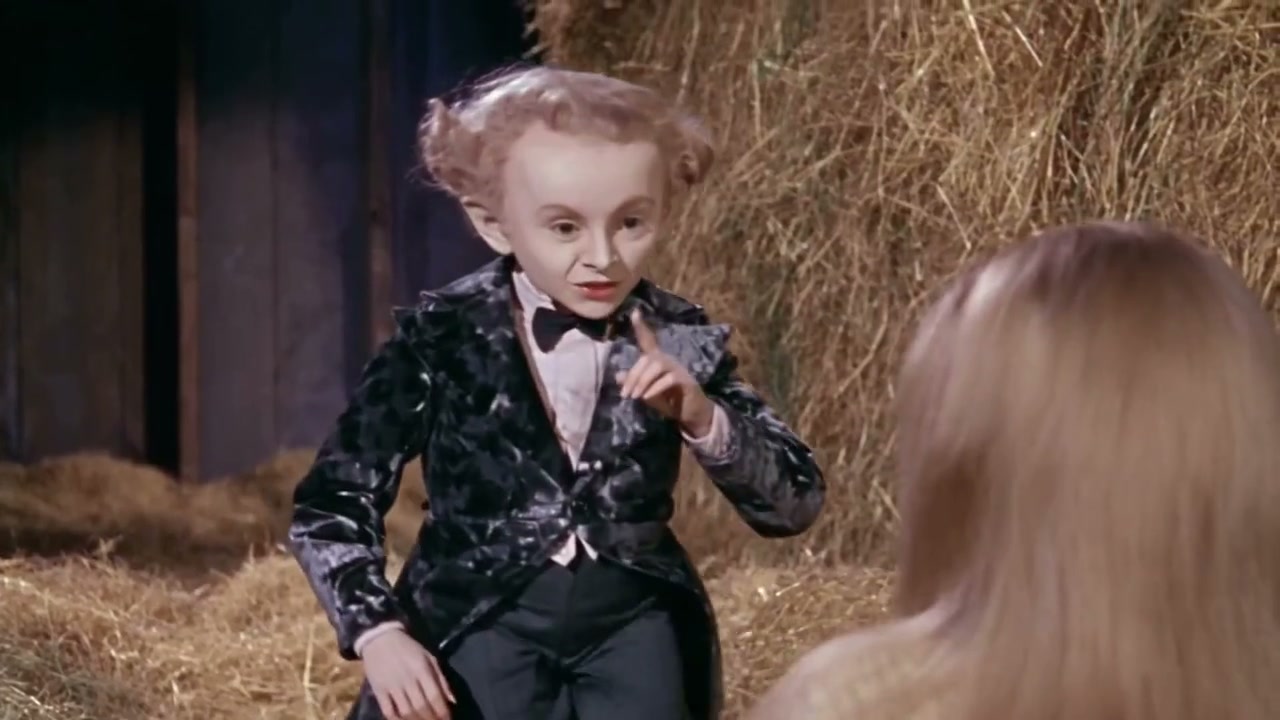 HOT330 CR
 NEW110 CR
 NEW80 CR
 NEW110 CR
 NEW50 CR
 NEW110 CR
 NEW110 CR
 NEW110 CR
 NEW330 CR
3 steps
How AI video templates work
Pick a trend
Open a tool to watch its reference and check the required inputs, video length and credit cost.
Add your inputs
Put photos in the requested role boxes, or type a name or initials in Signature. Each tool shows exactly what it needs.
Generate and download
Press Generate. The video renders in the background and appears in My Work to play and download.
The templates
What each template makes
See the input and output for each tool before you start.
Hotel Lobby AI Video Generator
Add one or two photos and get the Hotel Lobby performance in the orange booth: 15 seconds, with the original track, in the frame and resolution you choose.
Gas Station Dance AI Video Generator
Add a photo for each of the three shots, or one photo for all of them. SameVid AI makes the full 15-second gas station dance with its original track.
Raindance AI Video Generator
Two photos, one Raindance AI video. Choose who waits by the water and who walks in singing, and get the eight-second pier scene with its song.
Tip Toeing in My Jordans AI Video Generator
Upload a photo of one or two people and put them in the AI tip toe dance: a 12-second, 16:9 video, up to 1080p, with the beat already on it.
AI Zombie Video Generator
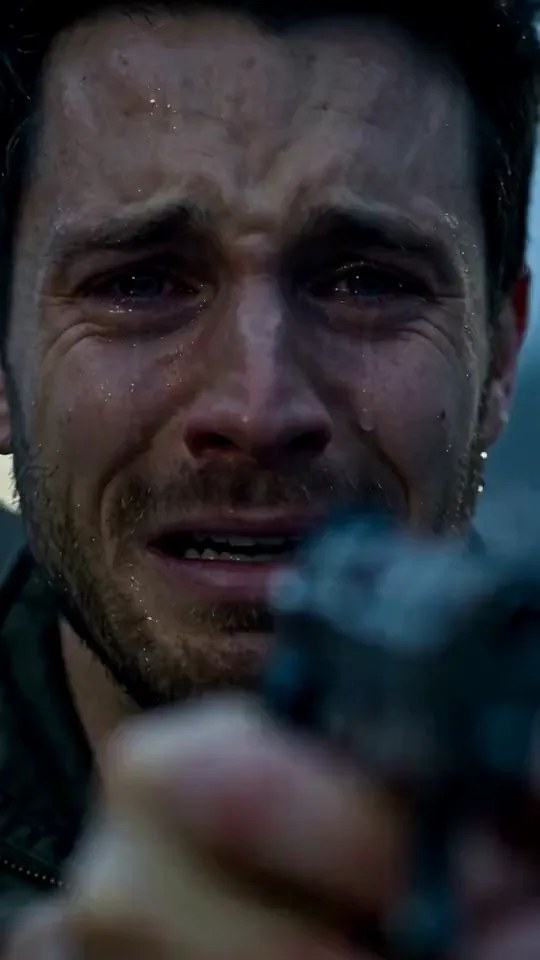
Turn two photos into the viral AI zombie love story: a 15-second video where a survivor faces an infected partner, pet, or friend, lowers the weapon, and cuts to a warm memory from before the outbreak. Pick a couple, pet, or friend story, add one photo for the human survivor and one for the loved one who turns, and download a 720p MP4 with the soundtrack already in place—no prompt writing required.
Unforgettable Car AI Video Generator
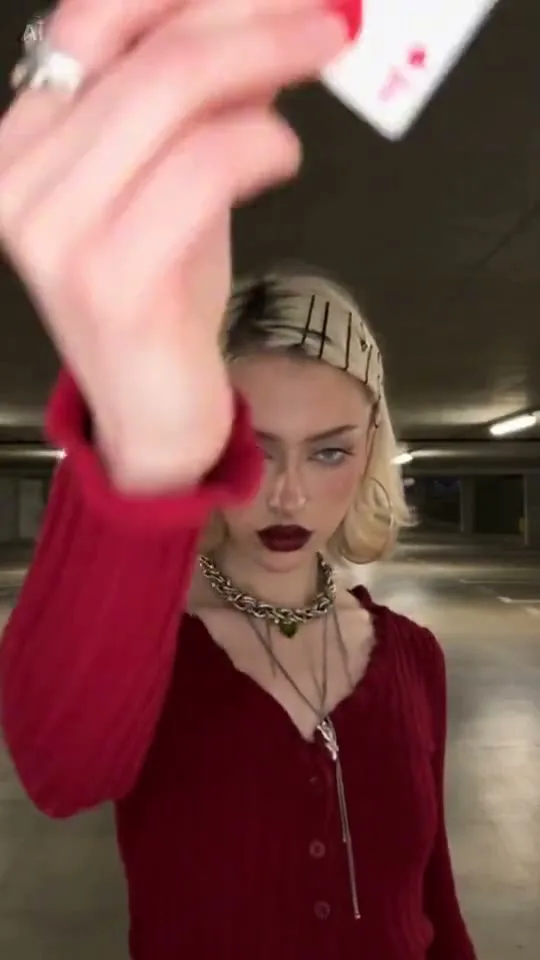
Upload your photo to make a 10-second Unforgettable Car video: walk toward the camera through the garage, flick the 2 and 4 cards, and reveal a sports car behind you. Add a car photo to use your own vehicle.
Smalltown Boy AI Video Generator for People and Cats
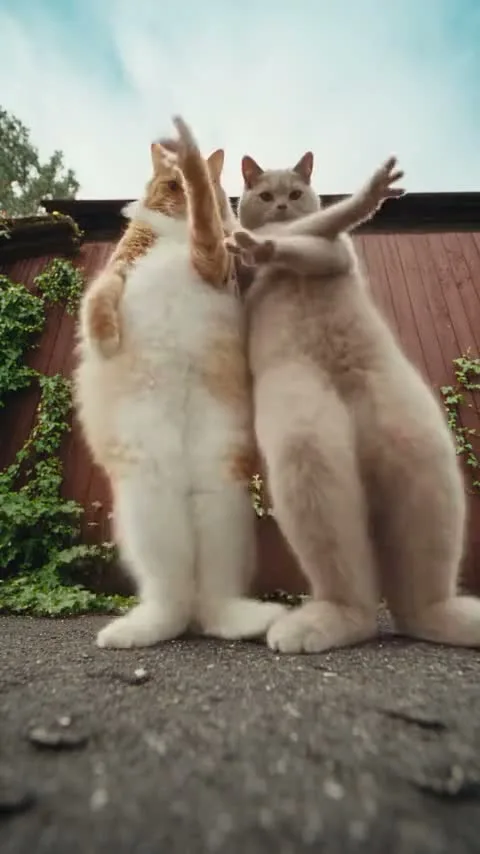
Make a Smalltown Boy AI video from two photos of people, cats or other pets: one subject screams into the wide-angle camera while the other dances, then they swap and dance together. Choose your duo for a 15-second vertical MP4 with audio.
Signature Trend AI Video Generator
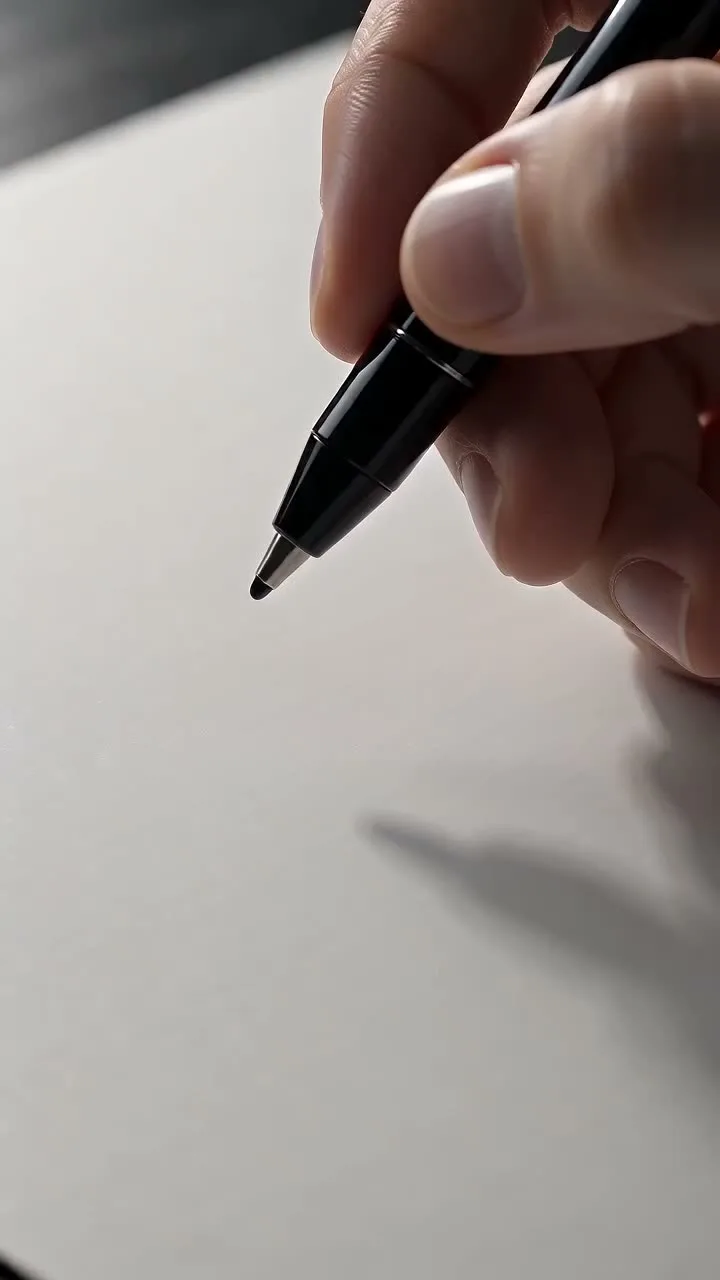
Turn your typed name or initials into an eight-second AI video of the signature trend. SameVid AI renders a fine black-ink signature on clean white paper from a fixed, slightly oblique overhead angle in macro close-up: towering capitals, quick compressed strokes, and a sweeping finish. It is a focused AI video generator built for polished personal branding, social reveals, and clean video signatures.
Dame Hombro AI Video Generator for the Shoulder Dance Trio
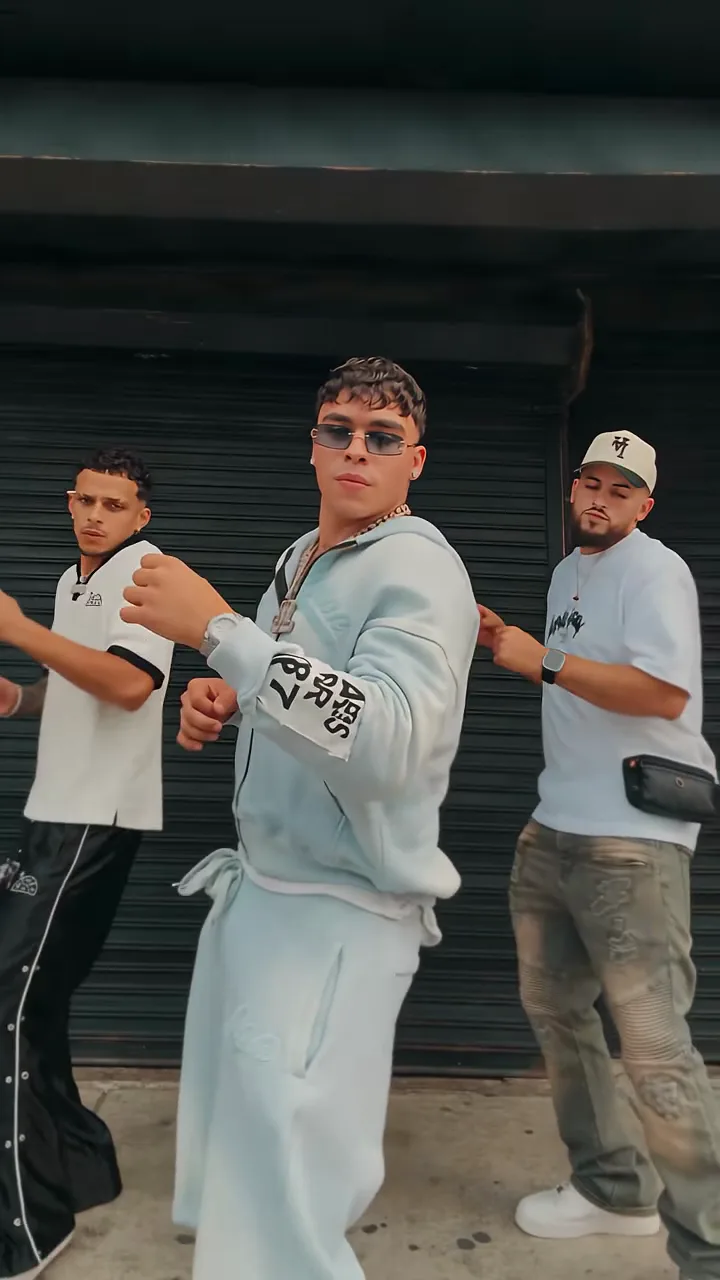
Make a Dame Hombro AI video from one or three photos: the viral shoulder dance in front of a gray street shutter, as a 15-second vertical MP4 with the trend audio. One photo puts you in the lead; three photos cast the whole trio.
Bulin 47 AI Freestyle Video Generator
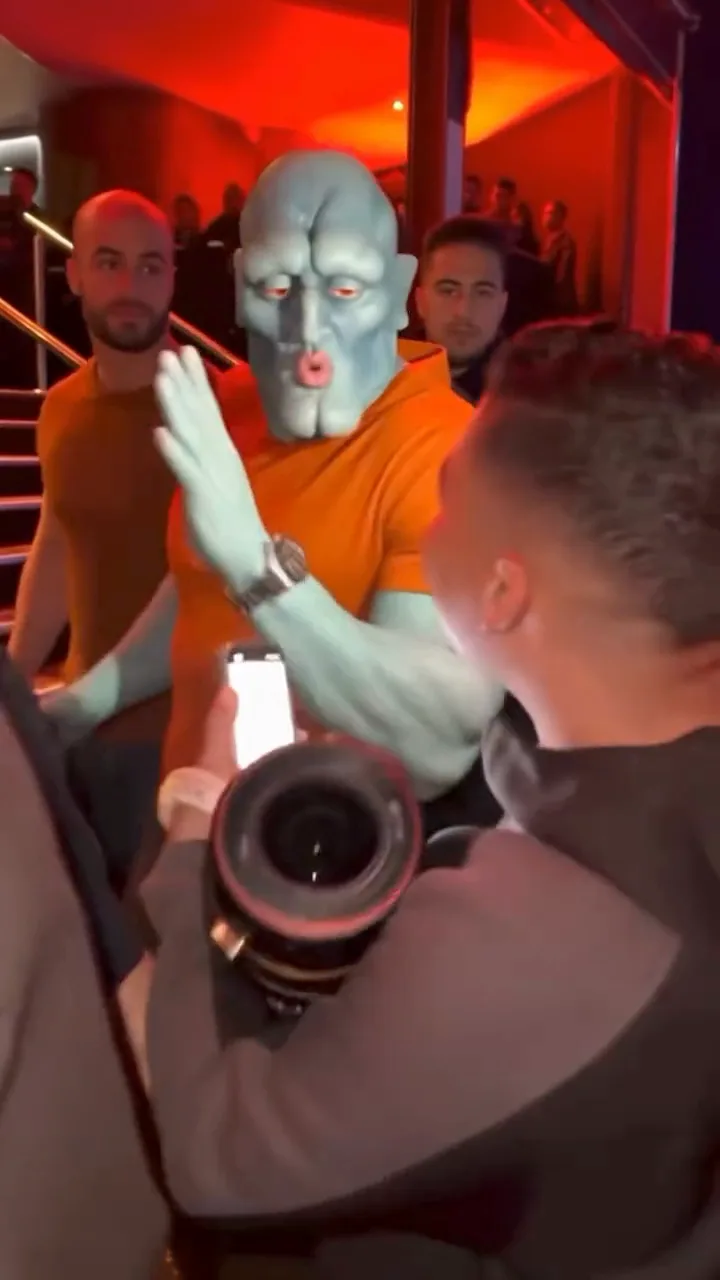
Make a Bulin 47 AI video: you take the performer’s spot in the red-lit freestyle scene, rapping and gesturing at a fan who holds up a phone and a speaker while the crowd films. Upload a photo of one person and get a 15-second vertical MP4 with the freestyle audio.
Flying Car AI Video Generator
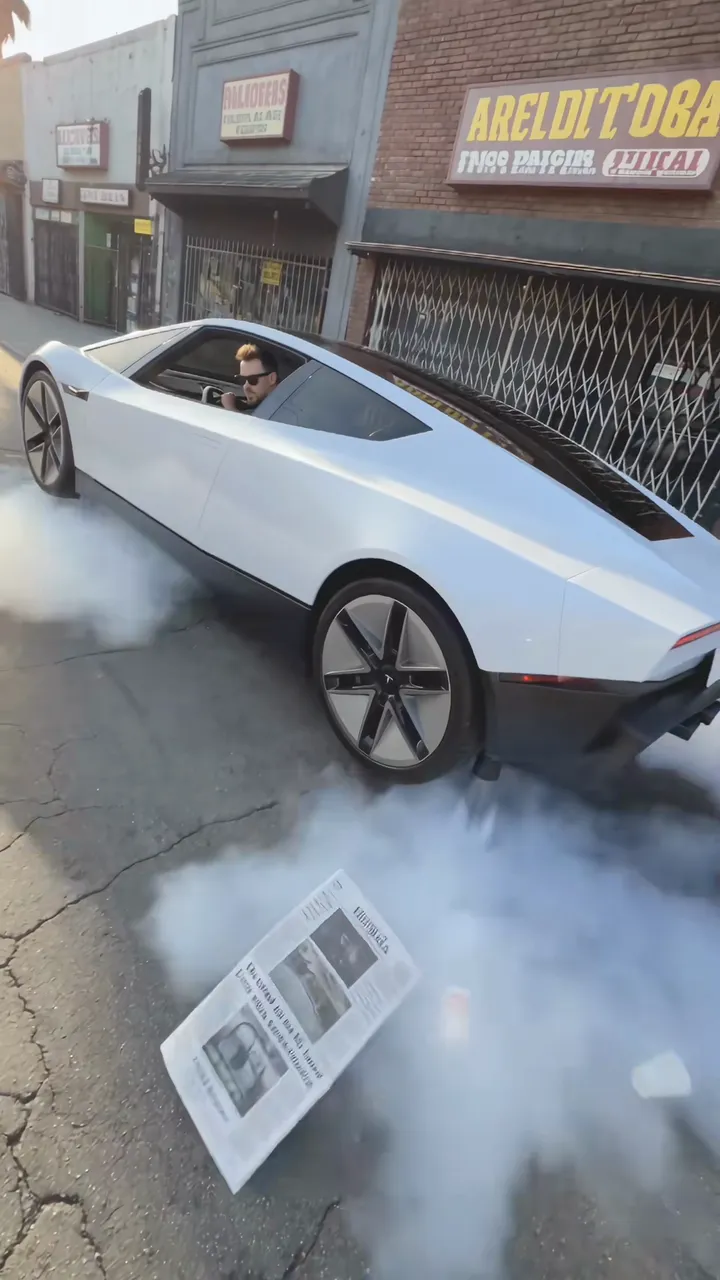
Make a flying car AI video with your car, yourself at the wheel, or both: the car hovers over a sunny street on four jets, blows newspapers and cups across the road, then lifts straight up and flies away. Add one or two photos and get an 11-second vertical MP4 in 1080p with the jet and street sound.
Ceiling Fan AI Outfit Transition Generator
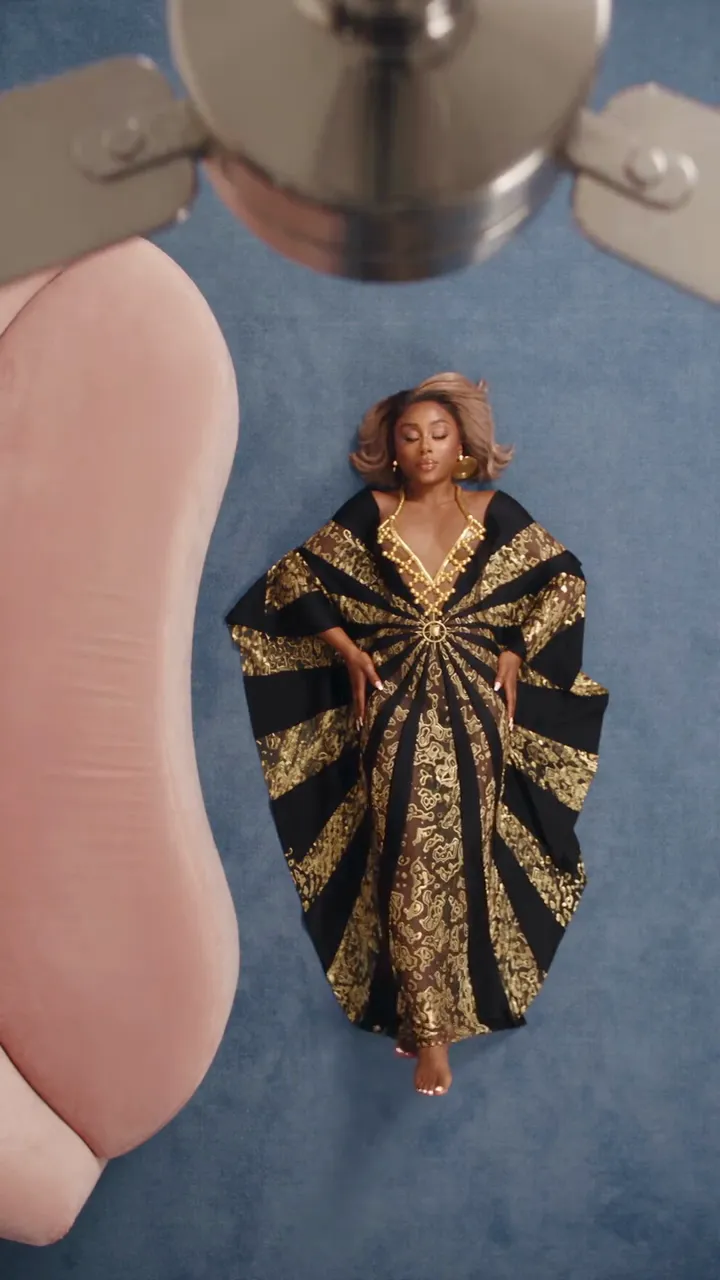
Make a ceiling fan AI video: you roll off a pink sofa onto a blue rug under a ceiling fan, and each time a blade sweeps across the overhead shot you appear in the next of four gowns. Upload a photo of one person and get a 12-second vertical MP4 with the clip’s original sound.
Compare
Templates at a glance
| Template | Input | Length | Frame | Credits |
|---|---|---|---|---|
| Hotel Lobby | 1–2 photos | 15 seconds | 9:16 | 60 |
| Gas Station Dance | 1–3 photos | 15 seconds | 9:16 | 110 |
| Raindance | 2 photos | 8 seconds | 4:3 | 60 |
| Tip Toeing in My Jordans | 1–2 photos | 12 seconds | 16:9 | 330 |
| AI Zombie Video Generator | 2 photos | 15 seconds | 9:16 | 110 |
| Unforgettable Car | 1–2 photos | 10 seconds | 9:16 | 80 |
| Smalltown Boy | 2 photos | 15 seconds | 9:16 | 110 |
| Signature AI Video | Name or initials | 8 seconds | 9:16 | 50 |
| Dame Hombro | 1–3 photos | 15 seconds | 9:16 | 110 |
| Bulin 47 | 1 photos | 15 seconds | 9:16 | 110 |
| Flying Car | 1–2 photos | 11 seconds | 9:16 | 110 |
| Ceiling Fan | 1 photos | 12 seconds | 9:16 | 330 |
Every template
What every template includes
- A preset scene and motion sequence
- The output format and audio described on its tool page
- No prompt to write and no clip to find
- An MP4 saved in My Work to play and download
- The credit cost on the Generate button before you start
- Credits back automatically if a video fails
FAQ
Templates FAQ
What is an AI video template?
A ready-made video scene with fixed motion and settings. Photo templates put your subjects into a trend reference. Signature takes a typed name or initials and generates a handwriting video.
How many photos do I need?
It depends on the template: Hotel Lobby takes 1–2, Gas Station Dance takes 1–3, Raindance takes 2, Tip Toeing in My Jordans takes 1–2, AI Zombie Video Generator takes 2, Unforgettable Car takes 1–2, Smalltown Boy takes 2, Dame Hombro takes 1–3, Bulin 47 takes 1, Flying Car takes 1–2, Ceiling Fan takes 1. Signature uses a typed name or initials instead of photos. Photo inputs accept JPG, PNG or WebP, at least 300 × 300 pixels.
Do I need to write a prompt or find a clip?
No. Each tool supplies its generation instructions. Add the requested photos, or type a name for Signature, and press Generate. The tool page shows whether the result includes a reference track or is silent.
How much does a template cost?
Each template has its own credit cost, from 50 to 330 credits per video, set by the AI video model it runs on. The Generate button shows the cost before you start.
Are the templates free?
No. New accounts get 10 sign-up credits, which is not enough for a video, so you need a plan or a credit pack. Pack credits never expire.
What happens if a video fails?
The credits go back to your balance automatically, and your inputs stay in the form so you can try again.
Can I use the videos commercially?
Yes. Every plan includes commercial use, and we don't claim ownership of the videos you generate. You need the rights to the photos you upload.
How often are new templates added?
We add templates as new trends take off, and we move a template to a newer video model when it gives a better result.