
Dance · New
Patrick Jane AI Dance Video Generator
Make a Patrick Jane AI dance video from one clear photo. You shuffle, kick and grin at the camera in a dark suit in the cinema lobby. Get a 15-second vertical MP4 with the reference sound.
Patrick Jane AI · 15s · 9:16
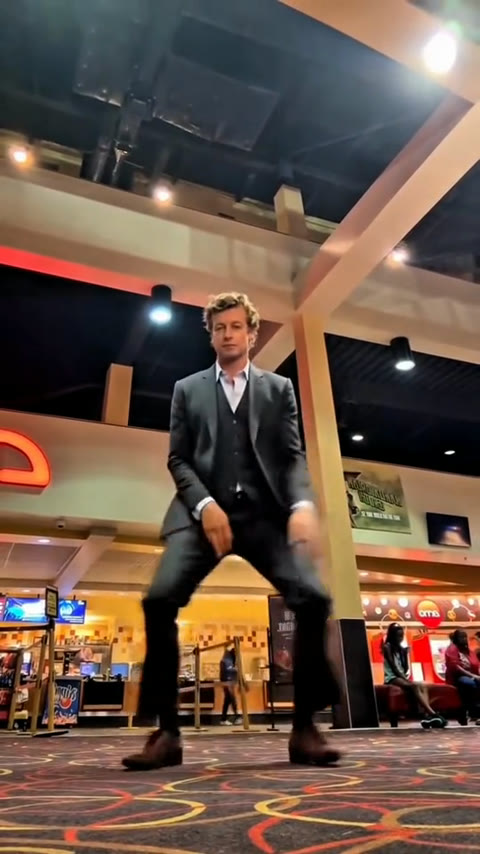
15s · 9:16 · 720p · Kling 4.0 · original sound
Input and output
What your Patrick Jane AI dance includes
One photo becomes a complete low-angle dance scene for 400 credits. The reference supplies every step, the cinema lobby and the camera position, while your image defines the dancer on screen.
You upload
- One clear photo of the person taking the dancer role
- A full-body or knees-up photo with the face, hair and outfit easy to see
- A JPG, PNG or WebP image from 300 pixels per side up to 10 MB
You get
- A 15-second Patrick Jane dance with loose shuffles, kicks and the hair flick
- A dark three-piece suit and the warm cinema-lobby setting from the reference scene
- A low camera that keeps the whole dancer in view as the moves land
- A vertical 720p MP4 with the original reference sound in My Work
| Photos | 1 dancer |
|---|---|
| Model | Kling 4.0 |
| Duration | 15 seconds |
| Resolution | 720p |
| Frame | 9:16 vertical |
| Camera | Low-angle full-body dance frame |
| Audio | Original sound from the reference clip |
| File | MP4 |
| Credits | 400 per video, refunded if it fails |
The scene
The Patrick Jane dance, beat by beat
The camera stays close to the patterned lobby carpet and watches the full dancer from below. The moves stay light, loose and slightly cheeky from the first shuffle through the final smile.
Step into the low frame
The dancer enters the full-body shot in a dark suit and waistcoat, settling into an easy shuffle while the low camera makes every step feel larger than the lobby around it.
Shuffle, kick and swing
Small kicks, relaxed footwork and an offbeat arm swing carry the middle of the dance. The suit moves with the rhythm while the camera holds its steady floor-level view.
The hair flick
A hand comes up through the hair as the dancer shifts weight and turns toward the lens. It is the playful character detail that makes the scene feel like a Patrick Jane edit rather than a formal routine.
Finish with a knowing grin
The dancer lands the final steps facing the camera, holding the pose for a beat with a calm, confident smile. The lobby lights and low-angle framing stay fixed through the close.
Three simple steps
How to make a Patrick Jane AI dance video
Add one clear photo, start the 400-credit Patrick Jane AI dance generation and collect the finished 15-second video in My Work. The template already sets the low camera, the lobby, the suit and every dance beat.
Add your dancer photo
Choose a full-body or knees-up photo with the face, hair and clothing outline easy to see. The image defines the person in the scene while the reference keeps the full-body low-angle dance position ready for them.
Generate the Patrick Jane dance
Review the 400 credits on the Generate button, sign in and start. Kling carries your appearance through the prepared shuffle, kicks, hair flick and final grin in the cinema-lobby scene.
Play and share your MP4
When rendering finishes, open My Work to play the video with the reference sound, save it to your device and post the low-angle dance wherever you share short videos.
Photo tips
Pick a photo ready for the Patrick Jane dance
The reference keeps the dancer visible from head to toe and uses a low camera, so a photo that shows the person’s face, stance and clothing gives the edit a confident starting point.
- Use a full-body or knees-up photo facing near the camera. The template carries the person’s build and pose into a full-body dance, so a clear outline gives the footwork a natural foundation.
- Choose even light with the eyes, hairline and facial expression visible. The final moments hold on a grin toward the camera, and a sharp original helps that expression stay recognizable.
- Keep the shoulders and collar area clear in the photo. The scene places the dancer in a dark suit and waistcoat, and a readable upper-body shape makes that styling sit comfortably.
- Start with JPG, PNG or WebP at least 300 pixels on each side and up to 10 MB. A detailed original gives the dancer a clean face and hair through the low-angle full-body frame.
- Choose a photo with one clear person, so the dancer remains the focus from the opening shuffle through the final pose.
- Keep the face, hair and clothing outline easy to read, so the camera can carry the same recognizable person through every kick, step and smile.
Original reference
See the Patrick Jane dance reference
This reference clip sets the moves and camera language for the template: a solo dancer in a three-piece suit, a low camera close to the carpet and a loose sequence that ends with a grin toward the lens.
Low-angle lobby dance
A suited dancer shuffles through a warm cinema lobby, lands small kicks, flicks back their hair and ends the sequence facing the low camera with a calm, playful grin.
Step into the Patrick Jane dance
Add one clear photo and take the low-angle lobby scene for yourself. Your 15-second dance is ready to generate for 400 credits.
FAQ
Patrick Jane AI FAQ
What is a Patrick Jane AI dance video?
A Patrick Jane AI dance video places one person from your photo into a short, low-angle dance scene. This template gives the dancer a dark three-piece suit, a warm cinema-lobby setting, loose shuffles, small kicks, a hand through the hair and a confident grin toward the camera.
How do I make a Patrick Jane AI dance video?
Add one clear photo, sign in and start the 400-credit generation shown on the button. The template takes care of the low camera, lobby setting, suit and dance timing. Your finished 15-second MP4 appears in My Work when rendering is complete.
What photo works best for the Patrick Jane dance?
Choose a sharp full-body or knees-up photo with one person facing near the camera. Keep the face, hair, shoulders and clothing outline visible in even light. The reference shows the dancer from head to toe, so a photo with a clear stance gives the finished shuffle and kicks a natural shape.
Do I need to learn or film the Patrick Jane dance?
The reference scene already carries the moves, camera position and timing. Your photo supplies the dancer’s face, hair and build, while the template brings that person through the shuffle, kicks, hair flick and final grin in the prepared lobby scene.
What happens in the Patrick Jane dance scene?
The video begins with a low full-body view in a warm cinema lobby. The dancer shuffles and kicks through the frame, shifts into a hand-through-the-hair gesture and then finishes facing the camera with a relaxed, knowing smile.
How long is the Patrick Jane AI dance video?
Each Patrick Jane AI dance is 15 seconds long and rendered as a vertical 720p MP4. The full sequence keeps the low camera and the dance progression in one continuous scene, from the first steps through the final pose.
Does the Patrick Jane dance video include sound?
Yes. The finished MP4 includes the original sound from the reference clip. Your photo defines the dancer in the scene, while the reference sound completes the same short-form dance experience.
Where can I find my completed Patrick Jane AI dance?
Your completed video appears in My Work. From there, you can play the vertical MP4, save it to your device and share it in a message, on TikTok, in Instagram Reels or in YouTube Shorts.
Same category
More Dance templates
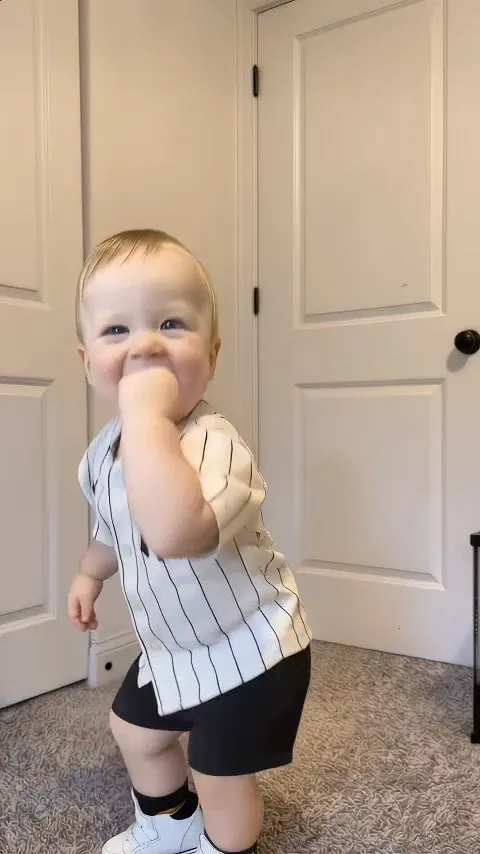 NEW400 CR
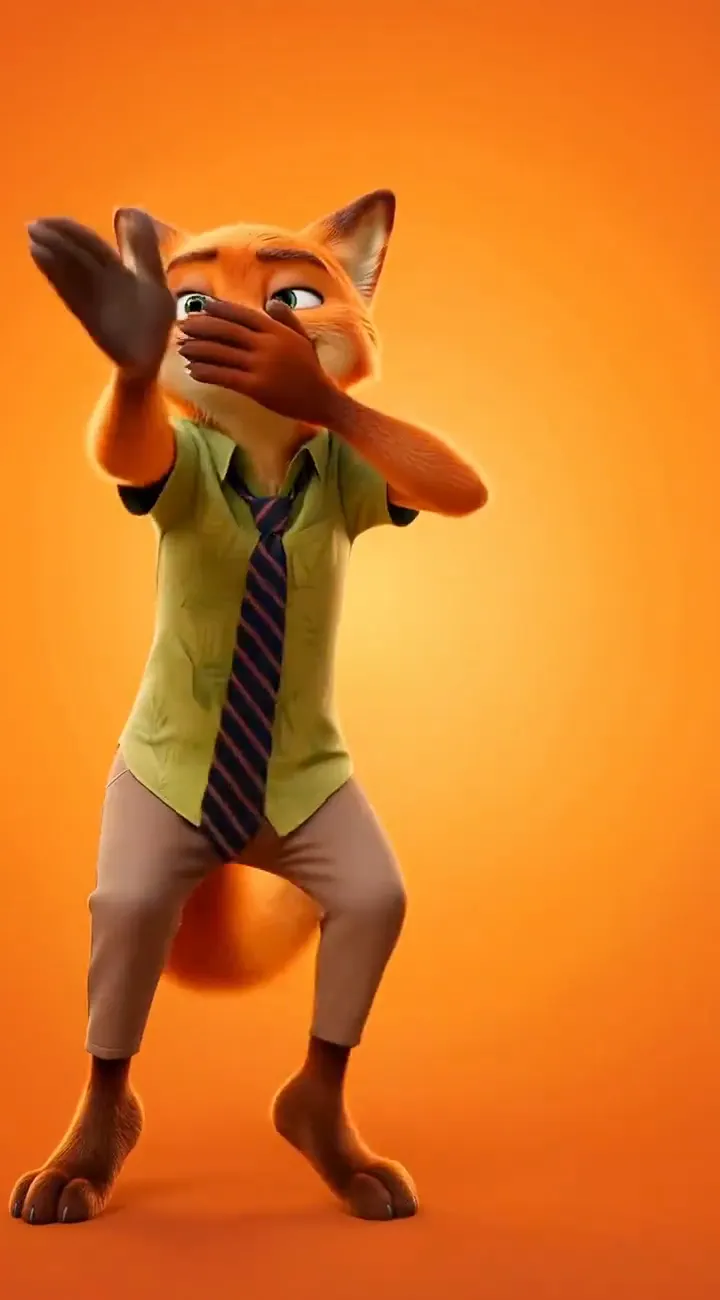 NEW140 CR
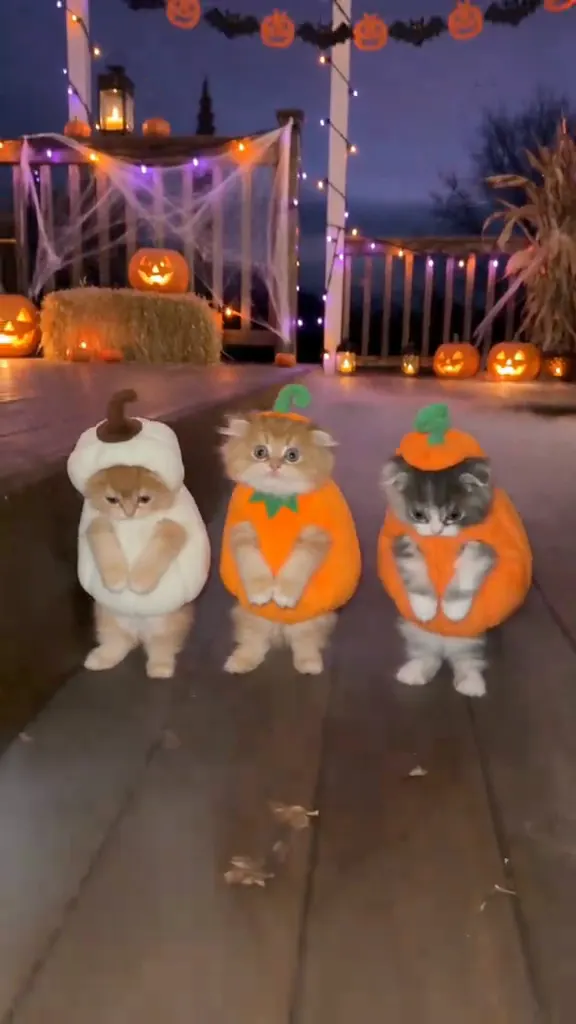 NEW270 CR
 NEW220 CR
 NEW400 CR
 NEW300 CR
 NEW400 CR
 NEW140 CR
 NEW400 CR
 NEW270 CR
 NEW240 CR
 NEW300 CR
Keep scrolling
More viral AI video trends
 NEW220 CR
 NEW270 CR
 NEW220 CR
 NEW380 CR
 NEW380 CR
 NEW300 CR
 NEW270 CR
 NEW220 CR
 NEW380 CR
 NEW320 CR
 NEW350 CR
 NEW220 CR