
Effects · New
Side by Side AI Video Generator
Upload 1 or 2 front-facing photos to create a 9-second Side by Side AI split-screen video—pairing two portraits in one vertical 720p MP4 with synced audio, smooth expressions, and matching camera rhythm for 240 credits.
Side by Side AI · 9s · 9:16
Place a photo on the left side, the right side, or fill both boxes for a two-person split-screen clip—both slots are optional and one clear portrait is enough to start.
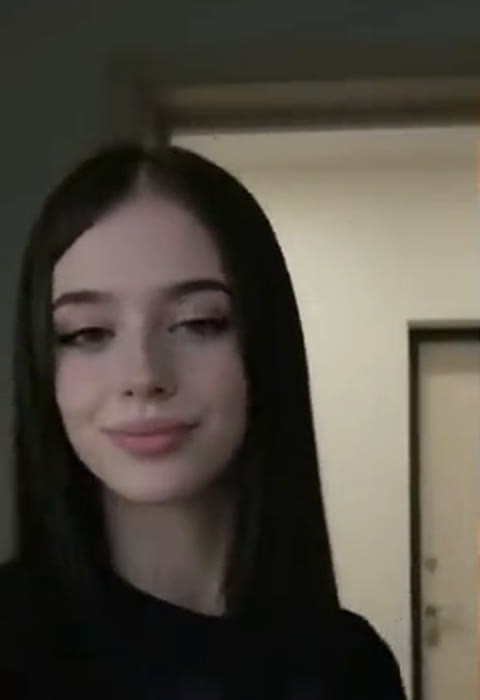
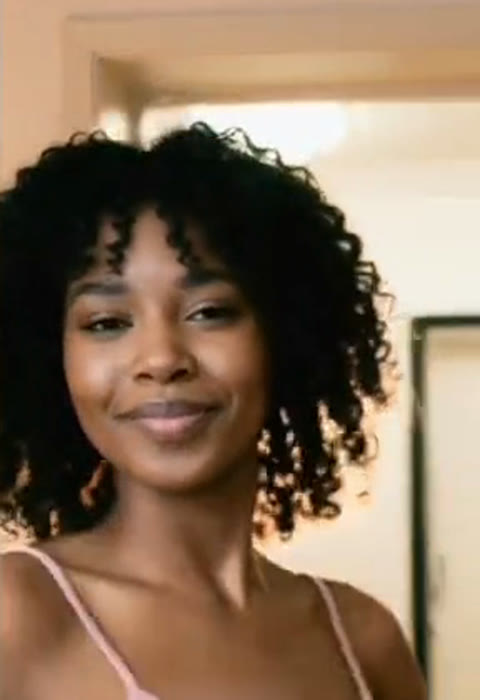
9s · 9:16 · 720p · original sound · ready in a few minutes
Photo tips
How to pick portraits for clean Side by Side AI framing
Matching eye-level angles and clean indoor lighting help Kling 4.0 keep both halves balanced from the first frame to the smile finish.
- Upload clear JPG, PNG, or WebP portraits up to 20 MB per photo with each subject centered and facing straight toward the camera at eye level.
- Pair two source photos shot from a similar waist-up or chest-up distance so head sizes and shoulder proportions look naturally aligned across the split.
- Choose sharp, evenly lit portraits where eyes, eyebrows, hairline, and signature clothing details are clearly visible for faithful facial transfer.
- Verify which photo sits in Left Person and which sits in Right Person before clicking Generate—swap the two slots anytime to reverse standing order.
Same category
More Effects templates
 NEW220 CR
 NEW10 CR
 NEW320 CR
 NEW380 CR
 NEW140 CR
 NEW220 CR
 NEW140 CR
 NEW270 CR
 NEW160 CR
 NEW160 CR
 NEW400 CR
 NEW10 CR
From TikTok
Trending Side by Side AI clips creators are posting
Real community formats behind the trend, from synchronized split-screen comparisons to split-face and anime duo edits.
@didier.tv38
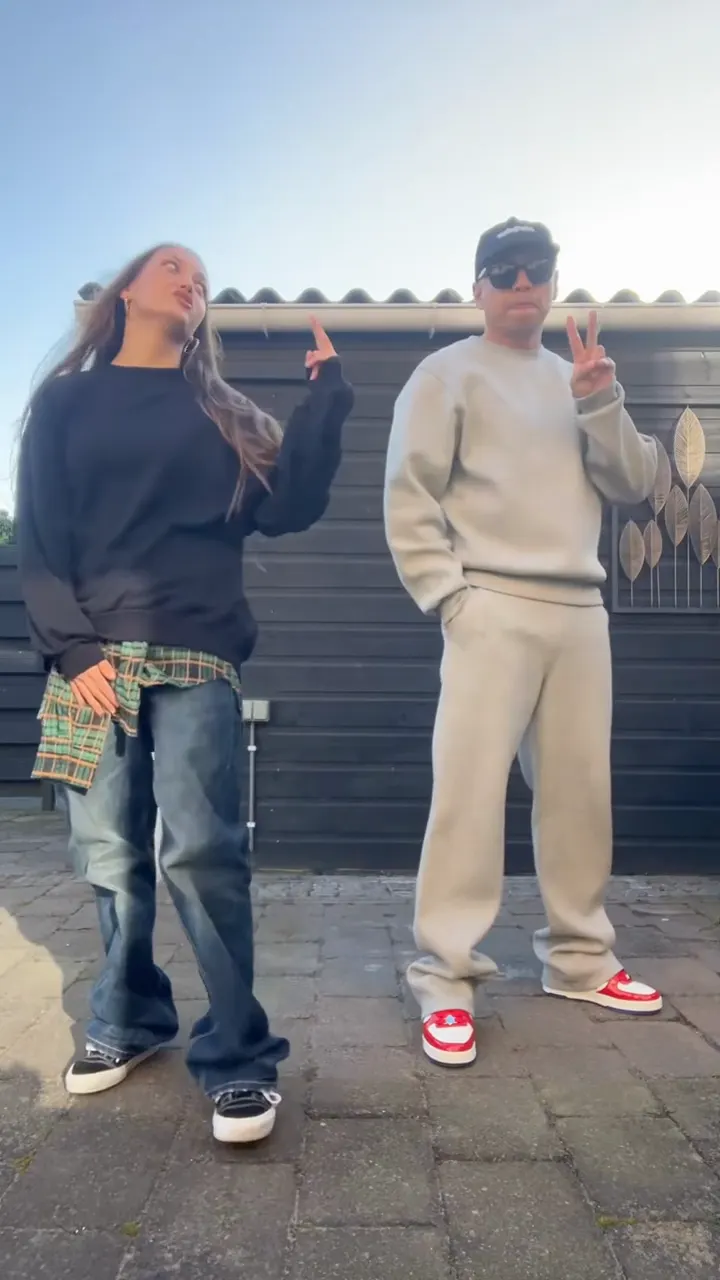
The signature 9-second Original vs AI hallway split-screen: two subjects standing side by side mirror subtle head tilts, pointing gestures, and closing smiles in sync.
@thatgirlval0002
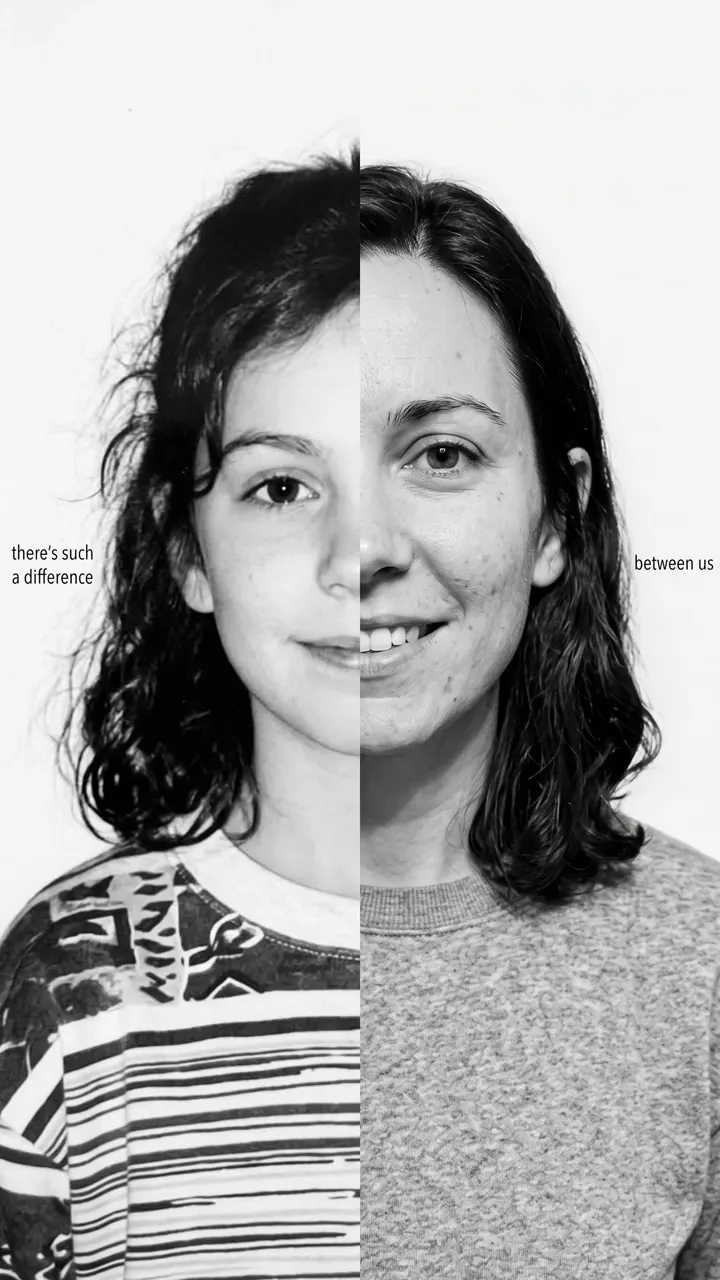
Black-and-white centerline split-face family comparison blending two portraits side by side to test who looks most alike.
@joyceeght
Real-life portrait paired side by side with an anime twin wearing the exact same outfit inside a warm living-room frame.
Origin
Where the Side by Side AI trend came from
From nostalgic dual-photo merges and Polaroid prompts to 2026 split-screen AI video comparisons.
From dual-portrait prompts to shared AI scenes
Side by Side AI grew out of two waves of viral photo-merging edits: sentimental "younger self" composites from late 2024 and the September 2025 Polaroid trend powered by Google Gemini image blending, where creators uploaded two separate portraits to place two people in one consistent frame without manual masking.
Unlike static collages that simply paste two rectangles next to each other, Side by Side AI aligns camera height, light direction, and facial scale—and with Kling 4.0 video generation on SameVid AI, brings both sides to life in a synchronized 9-second vertical clip with sound.
The Original vs AI split-screen wave
By early 2026, short-form creators expanded static side-by-side portraits into moving "Real vs AI" and "Left vs Right" split-screens. Pairing two people—or two versions of the same person—in one steady indoor frame turned Side by Side AI into a standout among AI Video Effects for couples, long-distance friends, family lookalike checks, and before-and-after character transformations.
Where these facts come from
Trend history and community examples come from Know Your Meme, CNET, Indy100, and original posts on TikTok and YouTube.
Who to put in
Best pairings for a Side by Side AI video
Cast one portrait alongside the reference co-star or upload two separate photos to share one synchronized frame.
Long-distance friends and couples
Combine two portraits taken in completely different cities into one Side by Side AI video where both of you smile, tilt your heads, and pose together in the same hallway lighting.
Younger self vs present day
Drop an old childhood or graduation portrait into Left Person and a current selfie into Right Person to create a moving side-by-side milestone keepsake.
Real photo vs stylized AI twin
Pair your real front portrait with an anime, 3D, or painted version of yourself—or upload only one photo and let the second slot remain the reference co-star.
Family lookalike and sibling checks
Put a parent and child or two siblings side by side in matching eye-level framing to highlight shared eyes, smiles, and expressions in motion.
Coworkers, roommates, and creative duos
Turn two solo headshots from a team chat into a lively 9-second Side by Side AI announcement clip ready for short-form feeds.
Photos: JPG, PNG, WebP, up to 20 MB.
Ways to share
Captions and hooks that work with Side by Side AI
Keep the focus on the contrast or connection between the left and right panels when posting your 9-second MP4.
Spot the difference or Original vs AI
Pair a real portrait with an AI-styled counterpart and ask viewers in the comments which side feels more lifelike.
Childhood vs now milestone reel
Use "Then vs Now" or "Still the same smile" when placing an older keepsake photo on the left and a recent portrait on the right.
Long-distance check-in for best friends
Post with "Side by side, always" to reunite friends studying or working in different time zones inside one shared clip.
Family resemblance poll
Upload two family members side by side and ask followers who shares the stronger resemblance across the nine-second close-up.
FAQ
Side by Side AI FAQ
What does the Side by Side AI Video Generator create?
Side by Side AI uses Kling 4.0 reference-to-video to turn 1 or 2 separate portraits into a 9-second, 720p vertical 9:16 MP4 showing both subjects standing side by side with synchronized head tilts, hand gestures, smiles, and original audio.
How is Side by Side AI different from a static photo collage?
A standard collage places two still images next to each other with zero motion. Side by Side AI animates both portraits in a unified 9-second split-screen video with matching eye-level pacing, smooth expressions, and synced sound.
Do I need to upload two photos, or does one photo work?
Both Left Person and Right Person slots are optional. Upload 2 portraits to cast both sides yourself, or upload 1 portrait to fill either side while keeping the reference co-star on the opposite panel.
Can I switch who stands on the left and who stands on the right?
You can swap who stands on the left and right in Side by Side AI anytime by reversing the photos placed in Left Person and Right Person before clicking Generate. Left Person controls the left panel, and Right Person controls the right panel.
Can the two source photos come from different places or eras?
Side by Side AI blends two portraits taken in different rooms, cities, lighting conditions, or eras into one cohesive split-screen video, especially when both faces are front-facing and shot at a similar eye-level angle.
What photo formats and sizes are supported?
Side by Side AI accepts clear JPG, PNG, and WebP images up to 20 MB per photo directly in your desktop or mobile browser, with no editing software required.
How many credits does one Side by Side AI video cost?
Generating one 9-second 720p Side by Side AI video costs 240 credits, displayed upfront on the Generate button and automatically refunded if a render fails. See the SameVid AI pricing page for credit options.
How does Side by Side AI differ from AI Clone Effect and Twins at The Carousel AI?
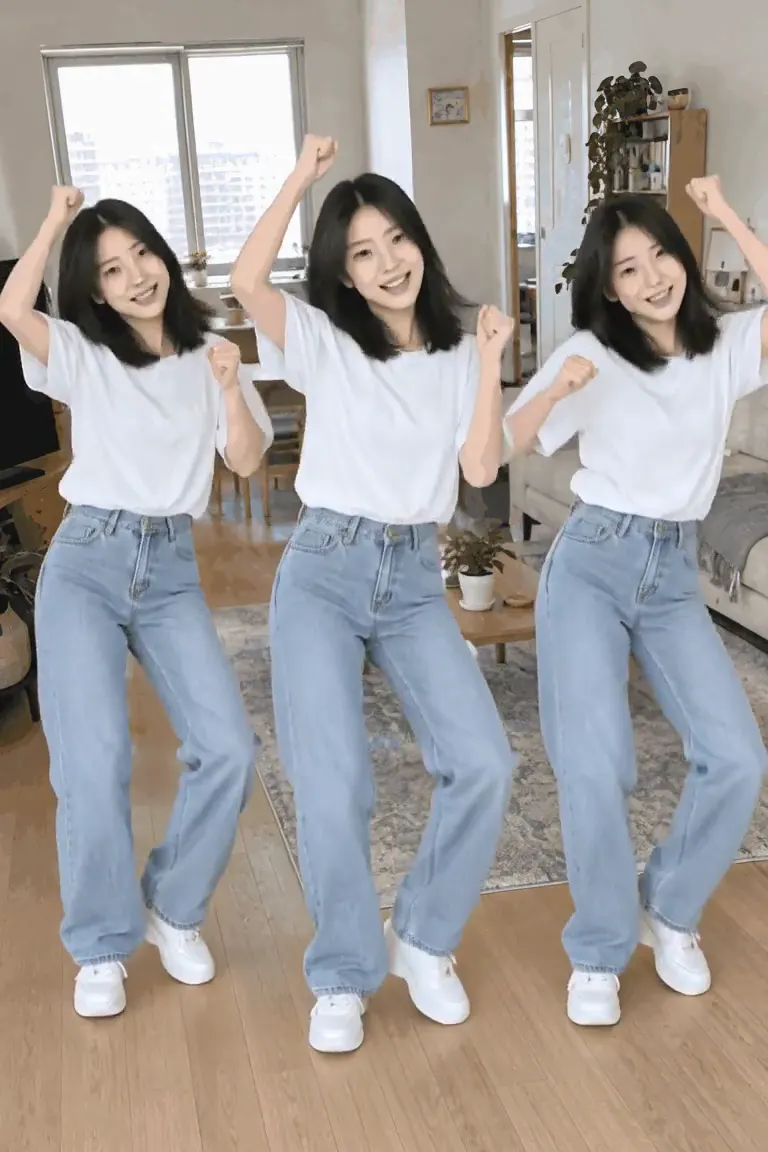
Side by Side AI runs on Kling 4.0 reference-to-video at 720p to pair 1 or 2 separate portraits in a 9-second split-screen MP4 with synced original sound, whereas AI Clone Effect duplicates 1 person into three synchronized dancers and Twins at The Carousel AI places 1 portrait into a chaotic spinning carousel scene.
Keep scrolling
More viral AI video trends
 NEW140 CR
 NEW270 CR
 NEW270 CR
 NEW20 CR
 NEW400 CR
 NEW300 CR
 NEW320 CR
 NEW30 CR
 NEW380 CR
 NEW100–400 CR
 NEW100–400 CR
 NEW220 CR