
Effects · New
Face Swap Photo to Video AI Generator
Upload a scene photo and a clear face portrait to the Face Swap Photo to Video AI Generator for a 6-second 720p vertical clip. Keep your scene's outfit, hair, and light while your face smiles and moves naturally for 160 credits.
Face Swap Photo to Video AI · 6s · 9:16
Upload a Scene Photo (outfit, pose, and background) and Your Face portrait to generate a 6-second moving face swap clip.
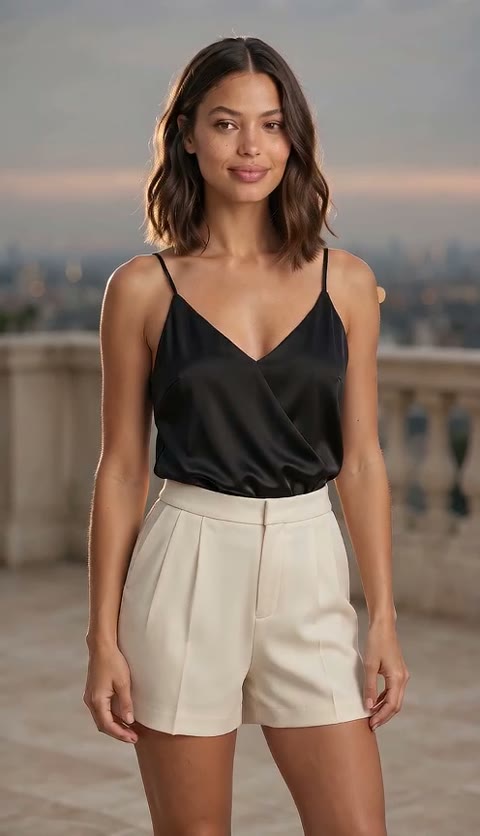
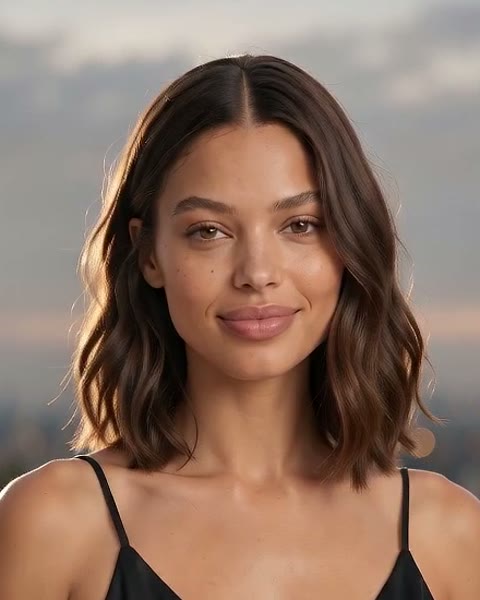
6s · 9:16 · 720p · quiet ambient sound · ready in a few minutes
Input & output
Two photos in, one 6-second Face Swap Photo to Video AI clip out
Pair any scene photo with your portrait in the Face Swap Photo to Video AI Generator to render a smooth 720p MP4 directly in your browser.
You upload
- One Scene Photo showing the outfit, pose, hairstyle, lighting, and setting you want your face swap photo to video clip to keep.
- One clear front-facing Your Face portrait whose facial features step into the scene from frame one with natural light matching.
- Both images upload directly in your browser and stage locked-identity keyframes before Kling 4.0 renders the 6-second motion.
You get
- A 6-second vertical 9:16 face swap photo to video MP4 rendered at 720p, ready for short-form social feeds, Reels, Shorts, and group chats.
- Consistent facial identity from the opening frame through the final close-up, blended seamlessly into the scene’s real shadows and color temperature.
- Natural waist-up motion—soft breathing, a relaxed smile, a subtle head turn, and a slow camera push-in—paired with quiet ambient audio.
| Photos | 2 (Scene Photo + Your Face) |
|---|---|
| Model | Kling 4.0 |
| Duration | 6 seconds |
| Resolution | 720p · 9:16 vertical |
| Audio | Quiet ambient sound included |
| Format | MP4 video download |
| Credits | 160 per video, refunded if it fails |
Same category
More Effects templates
 NEW220 CR
 NEW10 CR
 NEW320 CR
 NEW380 CR
 NEW140 CR
 NEW220 CR
 NEW140 CR
 NEW270 CR
 NEW160 CR
 NEW400 CR
 NEW10 CR
 NEW160 CR
Who to put in
Five ways creators use Face Swap Photo to Video AI
Because Face Swap Photo to Video AI animates your chosen scene photo, you can step into outfits, travel shots, and meme frames from two still pictures.
Yourself in viral photo aesthetics
Combine a trending editorial portrait, golden-hour rooftop shot, or street-style look with your selfie in Face Swap Photo to Video AI to star in a moving 9:16 clip straight from two photos.
Costume, cosplay, and outfit previews
Pair a medieval knight costume, red-carpet gown, or streetwear fit with your face portrait to preview how the whole look moves under natural scene lighting.
Birthday and group-chat surprises
Use a festive celebratory scene photo and a clear portrait of a consenting friend to send a moving 6-second face swap photo to video birthday greeting straight to your chat.
Classic meme scenes brought to life
Drop your portrait onto a recognizable reaction photo or iconic movie-style still so your face smiles, blinks, and turns naturally inside the frame.
Old travel photos revisited today
Match a favorite vacation photo from years ago with a fresh close-up shot to watch that memory come alive with today’s face in a 6-second clip.
How it works
Make a face swap photo to video clip in three steps
Upload two JPG, PNG, or WebP photos up to 20 MB directly in your browser and let Kling 4.0 handle keyframe face swapping and camera motion.
Upload your Scene Photo
Drop a clear half-body or full-body photo into the Scene Photo slot. Its clothing, hairstyle, posture, background, and ambient lighting stay locked across the entire face swap photo to video clip.
Upload Your Face portrait
Add a sharp front-facing photo in the Your Face slot. Keyframe staging maps your eyes, nose, mouth, and skin tone directly into the scene’s lighting before video generation starts.
Generate and download your 6s MP4
Click Generate to render your 6-second 720p vertical face swap photo to video clip for 160 credits. Once finished, download the MP4 to post right away or pair it with trending audio.
Photos: JPG, PNG, WebP, up to 20 MB.
Photo tips
Best photos for Face Swap Photo to Video AI
Matching lighting and clean front framing helps Face Swap Photo to Video AI lock your real facial features into the scene with crisp texture.
- Pick a front-facing portrait for Your Face with even lighting and your eyes, brows, nose, and mouth clearly visible for accurate face swap photo to video mapping.
- Choose a Scene Photo with one clear main subject facing toward or slightly angled to the camera from the waist up or full body.
- Match the general lighting warmth of both images—daylight portraits blend smoothly into outdoor golden-hour or bright indoor scenes.
- Use sharp, high-resolution original camera photos with natural expressions so the smile and gentle head turn stay lifelike across all six seconds.
- Keep the face area open and well-focused in both uploads so shadows along the jawline and cheekbones align naturally.
- Select scenes with distinct clothing textures and depth behind the subject to make the slow camera push-in feel cinematic.
Post ideas
Easy angles for sharing your face swap photo to video clip
Before-and-after carousel hook
Open a short edit with the two source photos side by side, then cut straight into the 6-second moving face swap photo to video reveal synced to a trending beat.
Outfit try-on poll
Render two or three different costume or formalwear scene photos with your same face portrait and ask followers which moving look wins.
Custom audio pairing
Because the MP4 exports with quiet ambient sound, it pairs effortlessly with any trending song, voiceover, or meme audio track on short-form feeds.
Group-chat birthday drop
Turn a friend’s favorite red-carpet or movie-poster vibe into a quick 6-second moving face swap shoutout they can save and repost.
Background
How face swap evolved into Face Swap Photo to Video AI
From early photo-editing memes to single-photo generative video, face swap photo to video tools now turn two stills into moving clips in seconds.
From static meme edits to consumer video apps
Face-swapping started as a playful internet staple in Photoshop threads and early mobile camera lenses, documented widely on Know Your Meme. By late 2017, deep-learning models made video face replacement possible on desktop workstations, and mobile apps between 2019 and 2021 brought one-tap template swaps to everyday creators, as covered by TechCrunch.
Earlier workflows focused on replacing faces inside pre-recorded video clips, which meant creators first had to source matching footage before applying a swap.
Why two-photo face swap video took off in 2025–2026
New generative image-to-video models highlighted by TechCrunch in 2025 bridged still photography and lifelike motion. Today, Face Swap Photo to Video AI combines one scene photo and one face portrait to generate natural lighting alignment, subtle head turns, and smooth camera push-ins in a single 6-second vertical clip.
Ready to create your Face Swap Photo to Video AI clip?
Upload a scene photo and a clear portrait to the Face Swap Photo to Video AI Generator for your 6-second 720p MP4 at 160 credits.
FAQ
Face Swap Photo to Video AI FAQ
How does Face Swap Photo to Video AI work with two photos?
Face Swap Photo to Video AI takes one Scene Photo for the outfit, pose, and background plus one Your Face portrait for your facial features, then renders a 6-second moving 720p MP4 directly in your browser.
How is Face Swap Photo to Video AI different from traditional video face swap tools?
Face Swap Photo to Video AI generates motion directly from two still photographs instead of requiring a pre-recorded video clip, so you can step into any still outfit photo, travel shot, or meme image in one workflow.
Will the clothing, hair, and background from my scene photo stay intact?
The Face Swap Photo to Video AI Generator locks the body posture, hairstyle, outfit details, background, and lighting of your Scene Photo while blending your face into the scene from the very first frame.
What video format, length, and resolution do I get?
Face Swap Photo to Video AI outputs a 6-second vertical 9:16 MP4 at 720p with quiet ambient sound for 160 credits, ready to download or pair with your favorite music on short-form platforms.
How many credits does one face swap photo to video clip cost?
One 6-second 720p Face Swap Photo to Video AI render costs 160 credits, scaled proportionally from our 15-second = 400 credits rate, with automatic credit refunds if a task fails.
What photo formats and sizes work best?
The Face Swap Photo to Video AI Generator accepts standard JPG, PNG, and WebP photos up to 20 MB directly in your browser, with clear front-facing portraits and single-person scene photos delivering the cleanest lighting match.
Do I need to write prompts or install an app?
The Face Swap Photo to Video AI Generator runs completely in your browser with automatic keyframe staging and camera motion built in, so you simply upload your two photos and click Generate.
Can I make a face swap photo to video clip for a friend’s birthday?
Face Swap Photo to Video AI works great for birthday greetings and group-chat surprises—pair any fun scene photo with a clear portrait of a friend who has given their consent.
Keep scrolling
More viral AI video trends
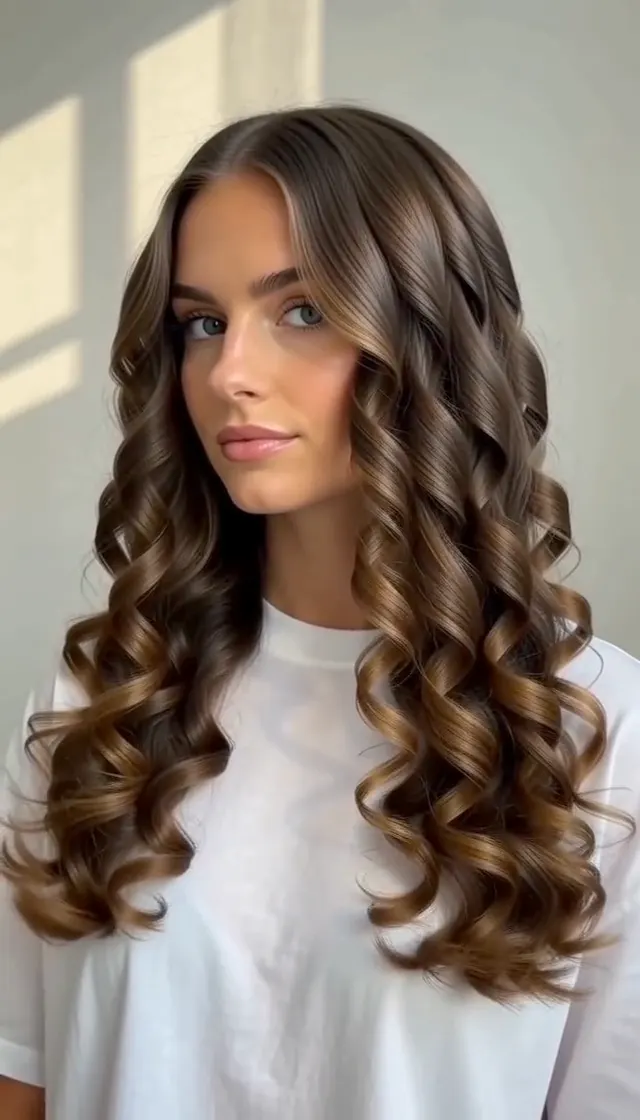 NEW140 CR
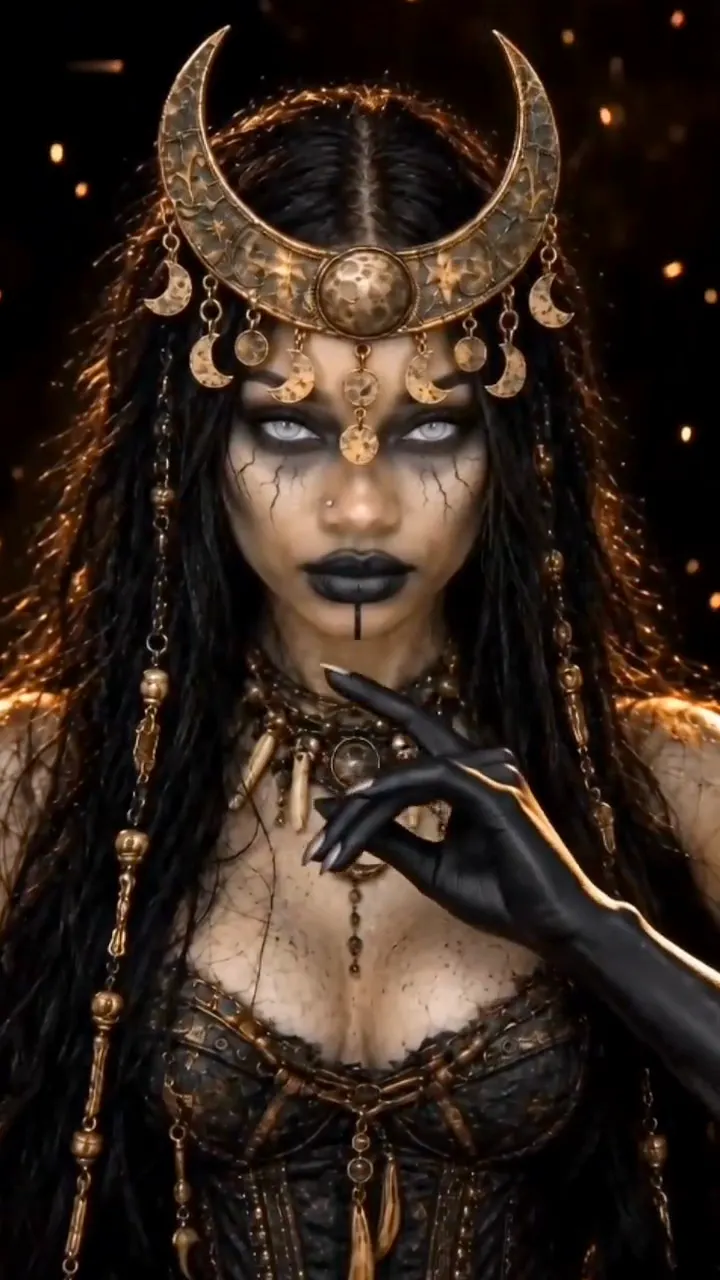 NEW270 CR
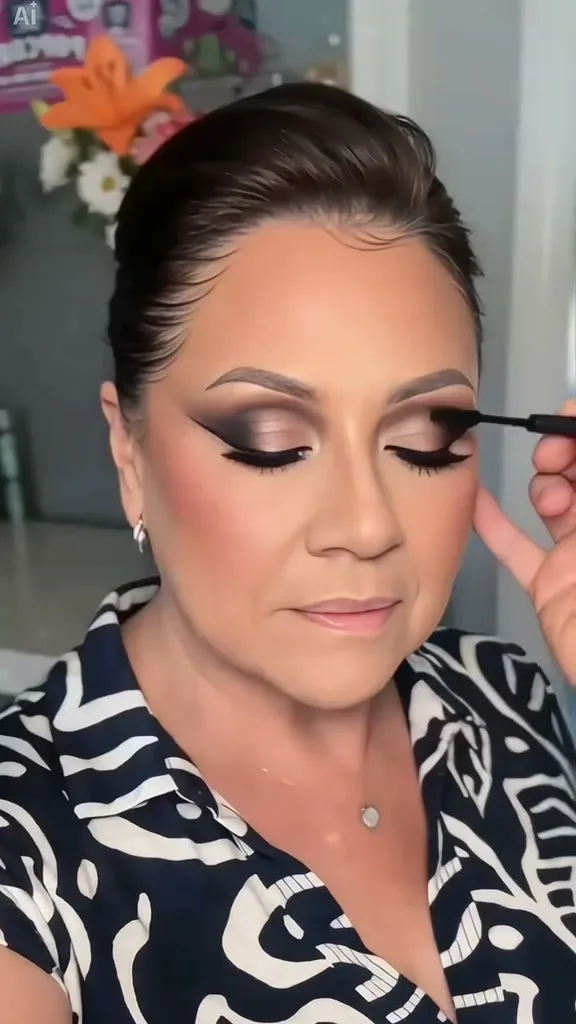 NEW140 CR
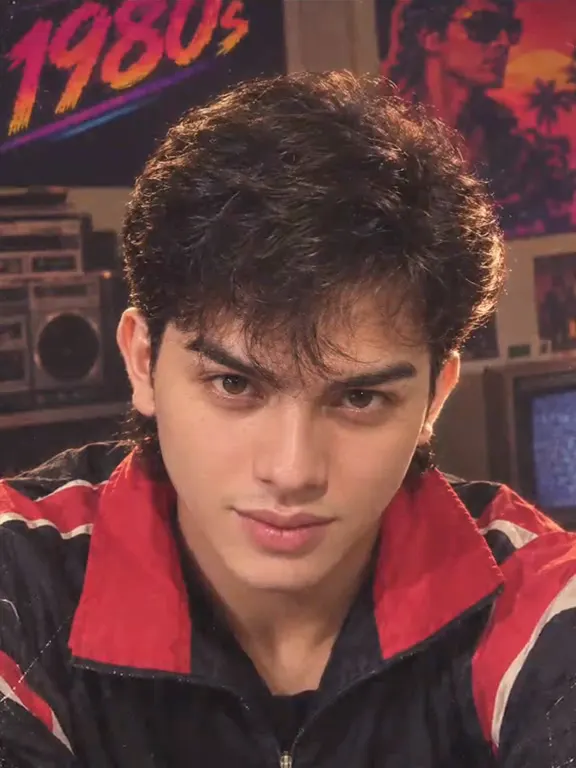 NEW30 CR
 NEW20 CR
 NEW380 CR
 NEW100–400 CR
 NEW100–400 CR
 NEW220 CR
 NEW320 CR
 NEW100–400 CR
 NEW380 CR