
GTA 6 · New
GTA 6 Loading Screen AI Video Generator
Upload one clear photo to create an 8-second 9:16 GTA 6 Loading Screen AI video in 720p. Your portrait wipes smoothly into bold Vice City sunset key art with neon palms, a retro sports car, and the viral soundtrack for 10 credits.
GTA 6 Loading Screen AI · 8s · 9:16
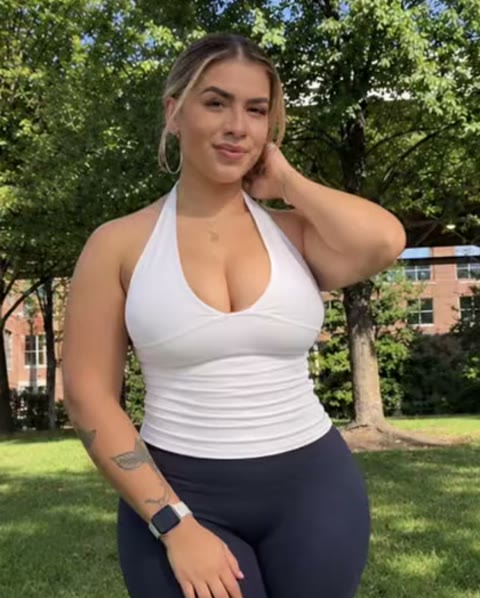
8s · 9:16 · 720p · original sound · ready in a few minutes
Quick Workflow
How to make your GTA 6 Loading Screen AI video in three steps
Turn a single everyday photo into a GTA 6 Loading Screen AI sunset reveal clip with pre-built Vice City styling, timed wipe animation, and synced audio.
Upload one clear photo
Pick a sharp front-facing portrait, full-body shot, mirror selfie, or side-by-side photo in JPG, PNG, or WebP format (up to 20 MB). Even daylight and clean framing help the GTA 6 Loading Screen AI generator lock your likeness accurately into the illustrated key art.
Let Seedream 5.0 Flash illustrate and stage the reveal
Click Generate and SameVid runs Seedream 5.0 Flash to repaint your photo into bold black-ink, cel-shaded Vice City artwork, then synthesizes the smooth 8-second GTA 6 Loading Screen AI wipe transition from your original photo into the neon palm sunset scene.
Preview and download ready to post
Watch your finished 9:16 vertical 720p MP4 with the viral loading-screen soundtrack already mastered in, then save your GTA 6 Loading Screen AI clip straight to your camera roll for Reels, Shorts, lockscreens, or launch-week group chats.
Photos: JPG, PNG, WebP, up to 20 MB.
Same category
More GTA 6 templates
 NEW380 CR
 NEW380 CR
 NEW160 CR
 NEW140 CR
 NEW400 CR
 NEW270 CR
 NEW270 CR
 NEW400 CR
 NEW270 CR
 NEW400 CR
 NEW300 CR
 NEW220 CR
Transparent Pricing
GTA 6 Loading Screen AI pricing: one photo, 10 credits
Because GTA 6 Loading Screen AI paints one crisp Vice City key-art poster and builds the wipe directly, you get flexible pay-as-you-go image pricing.
- Basic$9.90400 credits40 videos
- Growth$19.90850 credits85 videos
- Most PopularPro$39.901,800 credits180 videos
- Studio$99.904,800 credits480 videos
- Max$299.9015,000 credits1500 videos
Ways To Post
Creative ways fans share their GTA 6 Loading Screen AI clip
From launch-week flexes to custom phone lockscreens and squad drops, one 8-second GTA 6 Loading Screen AI reveal fits every social feed.
Launch-week before-and-after flex
Pair an ordinary outdoor snapshot or outfit-of-the-day photo with a punchy one-liner like "My loading screen" or "Vice City's newest problem" so the GTA 6 Loading Screen AI wipe lands right on the beat drop.
Group chat & squad takeover
Run each friend's best solo shot or a side-by-side duo photo through the GTA 6 Loading Screen AI template and drop the finished 8-second reveals into your gaming group chat to give every crew member their own character card.
Phone lockscreen & gaming avatar combo
Post the full 8-second vertical GTA 6 Loading Screen AI video to short-form feeds, then save a crisp frame from the final two seconds of the Vice City artwork as a matching 9:16 mobile lockscreen or console profile picture.
Car-side & pet protagonist spotlights
Stand beside your own car or snap a front-facing portrait of your dog or cat so the GTA 6 Loading Screen AI sunset boulevard turns your favorite ride or pet into the headlining Vice City cover star.
What You Get
GTA 6 Loading Screen AI input requirements and video specs
Every GTA 6 Loading Screen AI export is pre-timed to the 8-second vertical reveal format so you receive a sharp, sound-synced clip ready to share.
You upload
- One clear front-facing portrait, half-body, or full-body photo (solo, duo, car-side, or pet)
- Well-lit facial features with solid-colored or clean outfits for crisp comic ink outlines
- Standard JPG, PNG, or WebP files straight from your phone camera roll
You get
- An 8-second vertical 9:16 GTA 6 Loading Screen AI MP4 video encoded at crisp 720p resolution
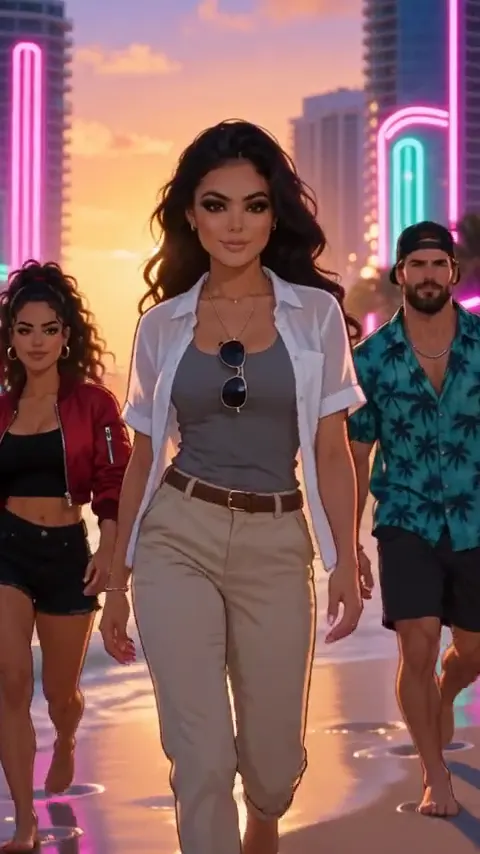
- Bold black-ink cel-shaded Vice City key art featuring pink-violet sunset skies, palm silhouettes, retro sports cars, and neon Art Deco hotels
- Strong likeness preservation so your face, hairstyle, pose, and outfit silhouette stay unmistakably yours
- Smooth 1-second original photo intro, 4.5-second reveal wipe, and 2.5-second full poster hold
- Original viral loading-screen soundtrack mastered directly onto the finished MP4
- Duration
- 8 seconds
- Aspect Ratio
- 9:16 vertical
- Resolution
- 720p HD MP4
- Photos Needed
- 1 photo
- Audio
- Viral soundtrack included
- Pipeline
- Seedream 5.0 Flash + reveal wipe synthesis
- Credits
- 10 per video, refunded if it fails
Beat By Beat
Inside the 8-second GTA 6 Loading Screen AI reveal wipe
Every second mirrors the pacing of the viral short-form GTA 6 Loading Screen AI format so the contrast between your snapshot and poster hits cleanly.
0.0–1.0s: Everyday photo opener
The clip opens cleanly on your untouched original photograph for a full second while the atmospheric track begins. Viewers immediately register your real-world setting, natural lighting, and outfit, setting up the GTA 6 Loading Screen AI visual transformation.
1.0–5.5s: Smooth Vice City reveal wipe
A crisp wipe glides steadily across the frame over four and a half seconds, peeling back everyday daylight to expose bold black ink lines, flat cel-shaded highlights, a glowing magenta-and-orange sunset sky, swaying palm trees, neon beachfront hotels, and a classic sports car behind you.
5.5–8.0s: Full loading screen poster hold
Once the reveal completes, the finished GTA 6 Loading Screen AI Vice City artwork holds steady through the eighth second. Your facial features, hair, and stance remain faithful to the original shot while fully immersed in stylized coastal twilight artwork.
Trend Origin
Where the GTA 6 Loading Screen AI trend comes from
Built on nearly two decades of iconic Rockstar loading-screen art and propelled to peak hype by the November 19, 2026 launch of Grand Theft Auto VI.
From classic Rockstar key art to viral parodies
Ever since Grand Theft Auto: San Andreas and Grand Theft Auto IV (2008), Rockstar Games defined one of gaming's most recognizable visual signatures: heavy black-ink character illustrations, saturated coastal sunsets, and unhurried loading-screen reveals. As documented on Know Your Meme, fans began remixing pop-culture clips into custom GTA loading screens on YouTube in 2010, sparking waves of parodies and "rare loading screen" jokes throughout 2020–2023.
The November 2026 launch-week AI wipe boom
With Rockstar Games officially launching Grand Theft Auto VI on November 19, 2026 (covered live by IGN), the GTA 6 Loading Screen AI format surged across TikTok in September–November 2026. Creators paired everyday portraits, mirror selfies, duo photos, and car-side shots with an 8-second reveal wipe into pink-and-purple Vice City sunset key art set to a hypnotic loading-screen beat.
Bringing identity-preserving Vice City key-art illustration on Seedream 5.0 Flash, timed reveal synthesis, and synced audio together in one browser workflow, SameVid turns your photo into a finished GTA 6 Loading Screen AI clip in minutes.
FAQ
GTA 6 Loading Screen AI FAQ
Will the GTA 6 Loading Screen AI result still look like me?
Yes. Our GTA 6 Loading Screen AI prompt locks your exact facial structure, eyes, hairstyle, skin tone, and pose from your uploaded photo while translating lighting and surfaces into bold black-ink cel-shaded Vice City key art, so friends recognize you immediately.
Do I receive a static image or an animated video with sound?
You receive a finished 8-second 9:16 vertical 720p MP4 video with the viral loading-screen soundtrack already merged in. Your original photo holds for 1 second, wipes cleanly into the Vice City illustration over 4.5 seconds, and holds the full artwork through second 8.
Why does GTA 6 Loading Screen AI only cost 10 credits?
Because the viral trend reveals one illustrated Vice City loading screen from your original photo, SameVid generates that artwork with Seedream 5.0 Flash image-to-image and synthesizes the 8-second wipe with audio directly. You pay per generated image (10 credits) using flexible credit packs from our pricing page.
Can I upload a duo photo, a pet, or a picture next to my car?
Yes. Single-person portraits and full-body photos work great, and clean side-by-side duo snapshots, pets facing the camera, or photos of you standing beside your car also translate cleanly into the Vice City boulevard scene. For dedicated two-photo couple scenes, try GTA 6 Couple AI.
What kind of photo produces the cleanest GTA 6 Loading Screen AI art style?
Pick a sharp, evenly lit photo where your face is clearly visible and centered with breathing room around your shoulders or full body. Solid-colored outfits and simple backgrounds produce the crispest ink outlines and sunset color contrast.
Are finished GTA 6 Loading Screen AI videos clean and ready for social media?
Yes. Every export is a clean 9:16 720p MP4 formatted for TikTok, Instagram Reels, YouTube Shorts, and mobile lockscreens, with your credits automatically refunded if a generation task ever fails. Explore more trending styles across all AI video templates.
Keep scrolling
More viral AI video trends
 NEW160 CR
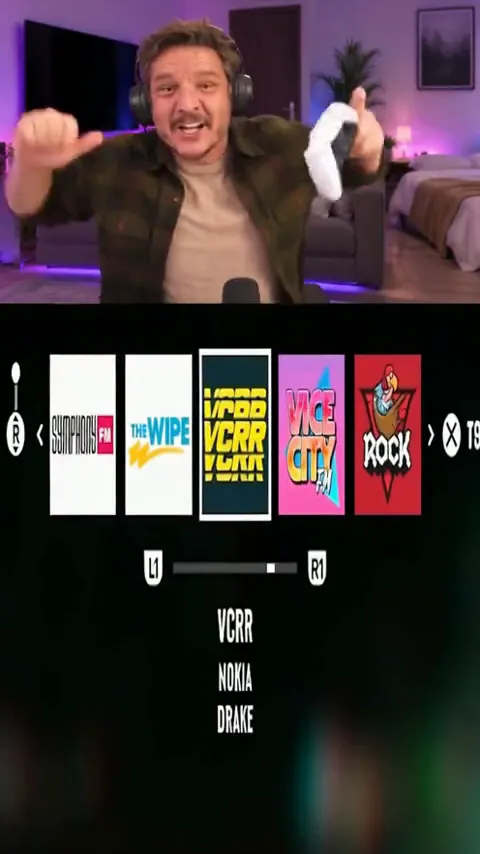 NEW270 CR
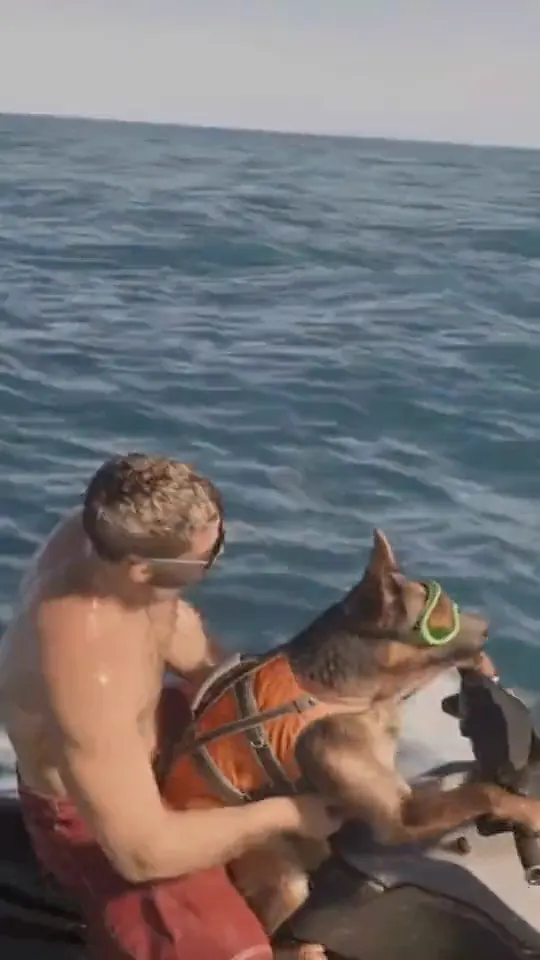 NEW400 CR
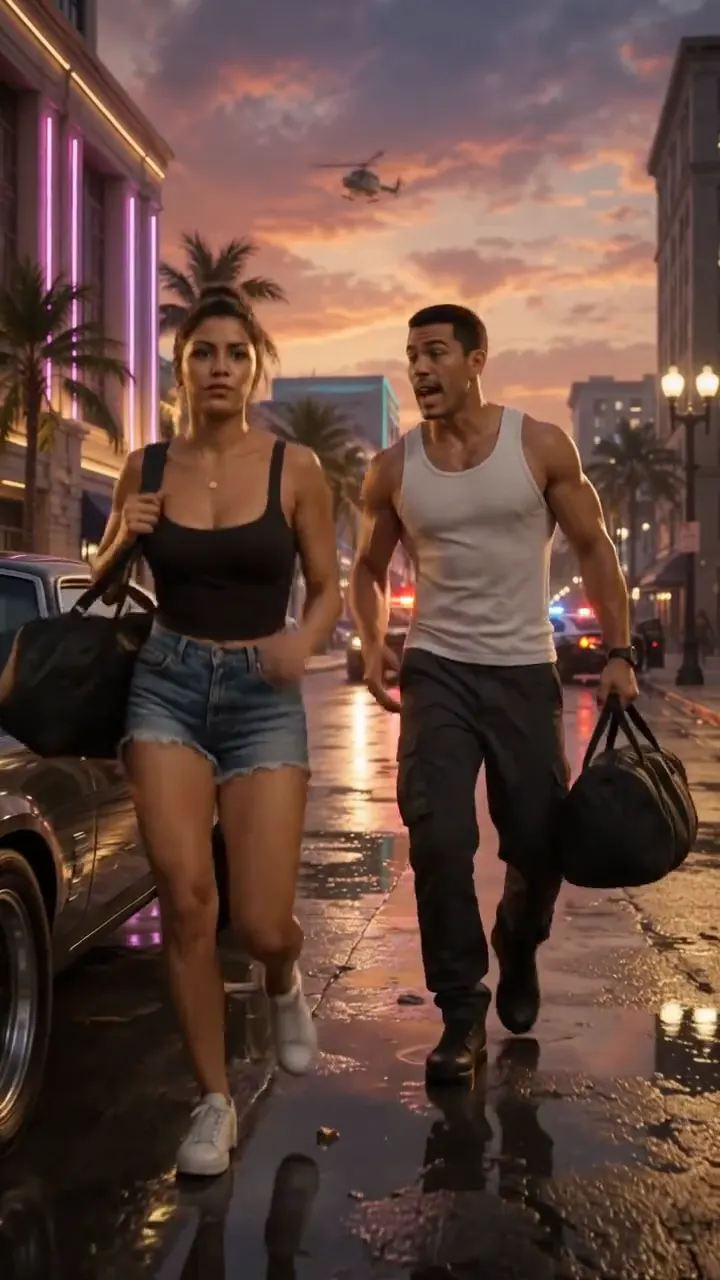 NEW400 CR
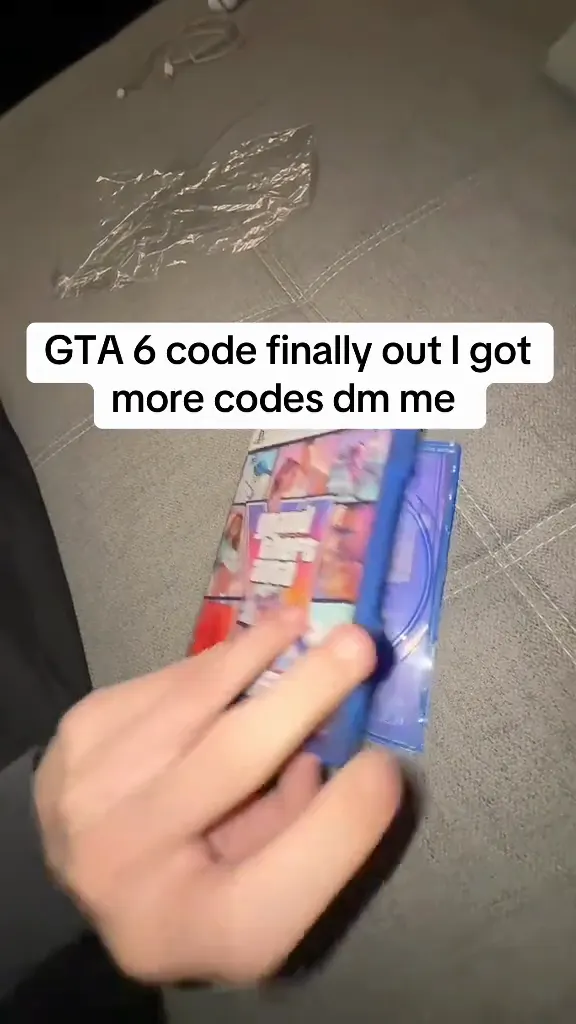 NEW220 CR
 NEW400 CR
 NEW380 CR
 NEW270 CR
 NEW10 CR
 NEW30 CR
 NEW220 CR
 NEW380 CR