
AI video recast
Genjutsu AI Video Generator
Add a 4–30 second clip and up to 8 photos, then say what to change. Motion Transfer puts the person from your photo into the moves; Object Swap replaces a person, pet, outfit or product in place. Download an MP4 in 480p, 720p or 1080p.
Choose a model
Choose a mode
Upload a clip and photos
Describe the change (optional)
Pick a quality
Before and after
Same motion, new cast
Each card plays the original clip first, then a version SameVid made from photos. The moves, cuts and camera stay; the people and pets change.
Two new performers in the orange booth
Two photos recast the duo. The booth, the mic stand and every camera cut stay where they were.
A new cast across three shots
The roadside dance, the selfie and the car exit all carry the new faces from start to finish.
From people to cats on the pier
Pet photos take over both roles, while the sunset light and the slow camera moves stay the same.
A new trio, the same routine
Three photos, three dancers, with every step landing on the same beat as the original.
A new duo for the street gag
The pointing joke, the night street and the camera framing match the source clip shot for shot.
One dancer, the same kitchen routine
Hand gestures, close-ups and the step back from the camera follow the original beat for beat.
Two modes
What is Genjutsu AI?
Genjutsu AI keeps what the camera captured in your clip, from the motion to the framing and timing, and changes who or what is in it, guided by your photos and one prompt.
Motion Transfer
The person or character in your photo performs the moves from your clip. Made for dances, stunts, runway walks and reactions you want to star in. 480p, 720p or 1080p.
Object Swap
One thing in the clip is replaced and the rest stays as filmed: a person, a pet, an outfit or a product. Point to it in the prompt with @Video1 and @Image1. 480p, 720p or 1080p.
How it works
How to make a Genjutsu AI video
One clip, a few photos and a sentence of direction. The cost shows next to Generate before anything starts.
Add your clip and photos
Upload an MP4 or MOV between 4 and 30 seconds; it becomes @Video1. Then add up to 8 JPG or PNG photos, numbered @Image1, @Image2 and so on.
Pick a mode and write the prompt
Choose Motion Transfer, Object Swap or Genjutsu Lite and a resolution. Say what to change, for example 'replace the man in @Video1 with the dog in @Image1'.
Generate and download
Press Generate, and you have 3 seconds to cancel. The finished MP4 appears in My Work on this page and in History, ready to download.
Better results
How to pick a clip and photos for Genjutsu AI
Genjutsu AI follows the motion in your clip and the look in your photos, so the inputs decide most of the result. These checks take a minute and save credits.
One clear subject
Pick a clip where the person, pet or object you want to change stays in frame and is easy to see. A crowded shot gives Genjutsu AI more than one candidate to replace.
Steady framing, few cuts
Single-take clips with a fixed or slowly moving camera keep the motion easy to follow. Fast cuts, heavy shake and dark scenes make the recast less stable.
Match the photo to the shot
For Motion Transfer, use a full-body photo when the clip shows full-body moves and a clear front-facing portrait for close-ups. For Object Swap, shoot the product or outfit on a plain background.
More angles, steadier look
You can add up to 8 photos. Extra angles of the same person or product, named @Image2, @Image3 and so on in the prompt, can help keep the look consistent from shot to shot.
Test short, then go long
Credits follow the clip length, so trim the clip to the moment that matters. A 5-second test at 480p or with Genjutsu Lite costs a fraction of a 30-second 1080p render.
Ideas
What people make with Genjutsu AI
Any clip with clear motion works as a starting point: a trend you saw, a scene you filmed, or an ad you already have.
Star in a trend
Take a dance or meme clip and put yourself, a friend or a favorite character into the exact moves.
Cast your pet
Swap a person or another animal for your cat or dog, and keep the scene, the light and the camera.
Try outfits on one take
Film one walk and swap the jacket, dress or sneakers from product photos for a full lookbook.
One shoot, many products
Replace the bottle, can or phone in an existing ad or unboxing clip with each item in your range.
Credits
Genjutsu AI credit prices
Credits follow your clip length in whole seconds and the mode and resolution you pick. The exact total shows next to Generate as soon as a video is added.
| Model and resolution | Per second | 5s clip | 15s clip | 30s clip |
|---|---|---|---|---|
| Genjutsu (Motion / Object Swap) · 480p | ≈16.7 | 90 | 260 | 510 |
| Genjutsu (Motion / Object Swap) · 720p | ≈39.0 | 200 | 590 | 1170 |
| Genjutsu (Motion / Object Swap) · 1080p | ≈111.4 | 560 | 1680 | 3350 |
| Genjutsu Lite · 720p | ≈13.4 | 70 | 210 | 410 |
| Genjutsu Lite · 1080p | ≈26.7 | 140 | 410 | 810 |
One-time credit packs run from $9.90 for 400 credits to $299.90 for 15,000 credits, so a credit costs about $0.020–$0.025; monthly and yearly plans include credits too. Pack credits never expire, and credits go back to your balance if a video fails. See every plan and credit pack.
Trending templates
No clip yet? Start from a trending template
The SameVid templates people open most right now. The scene is built in, so there is no clip to find and no prompt to write.
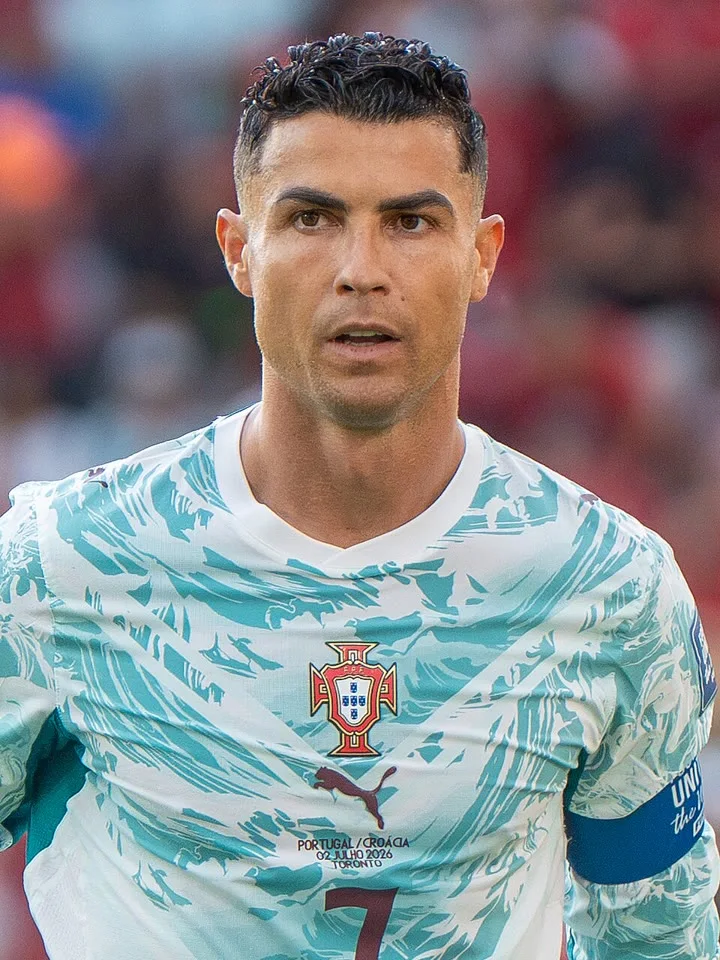 NEW100–400 CR
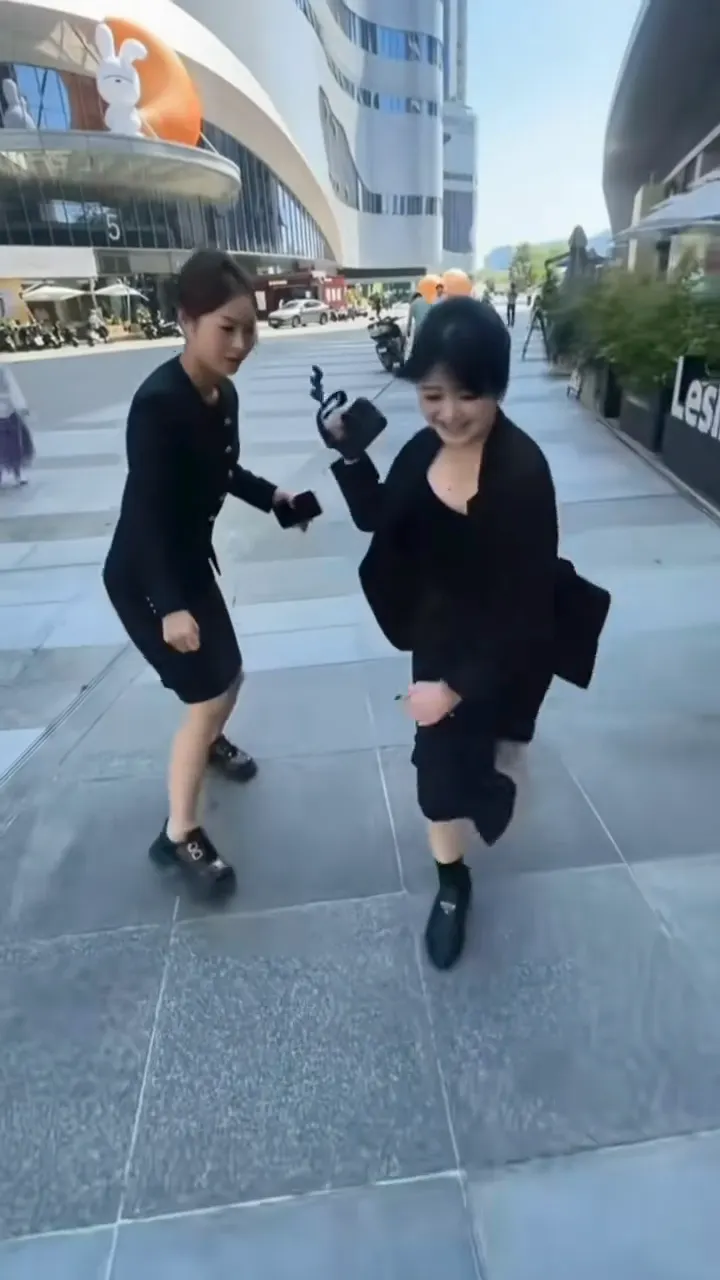 NEW160 CR
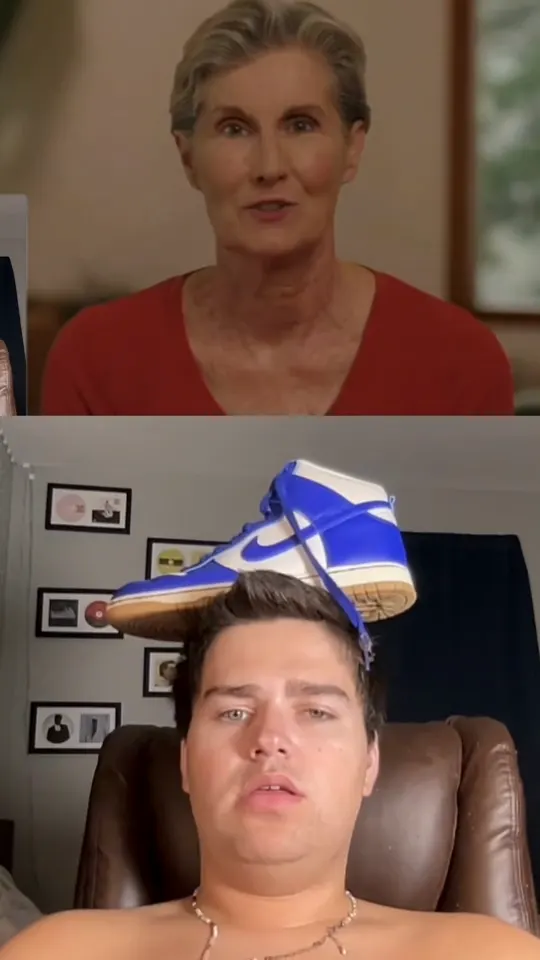 NEW400 CR
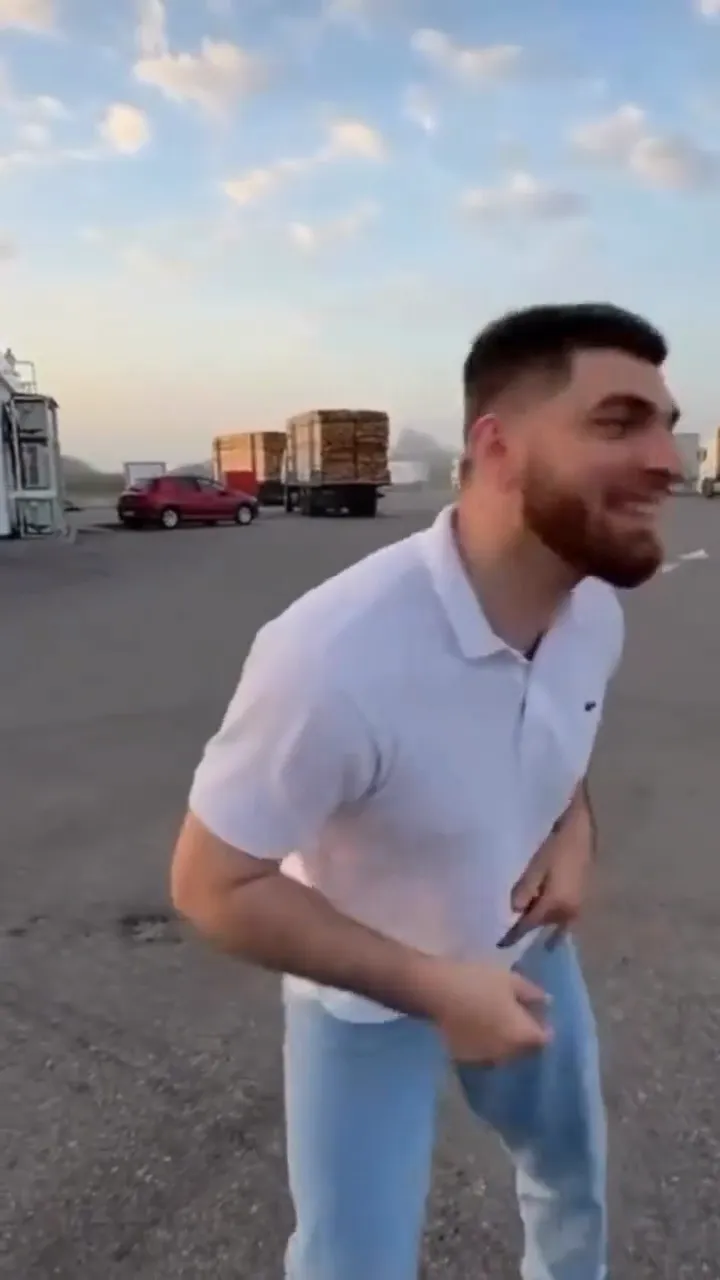 NEW400 CR
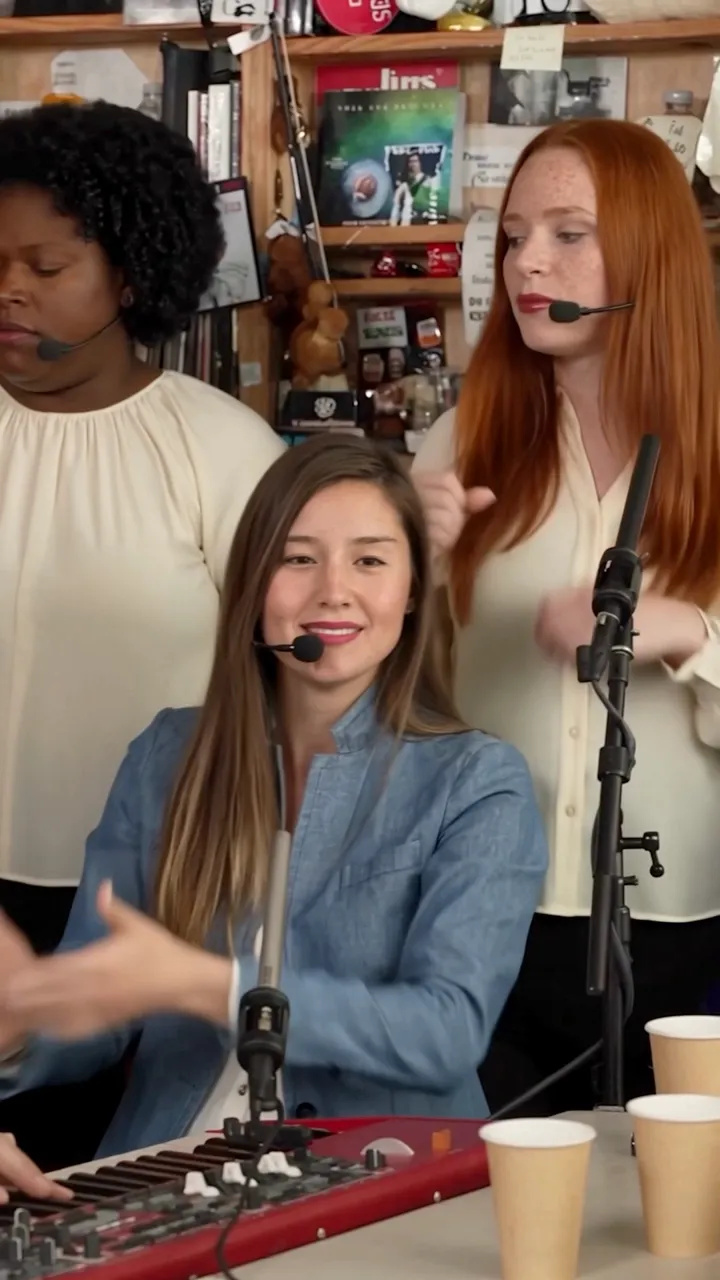 NEW350 CR
 NEW320 CR
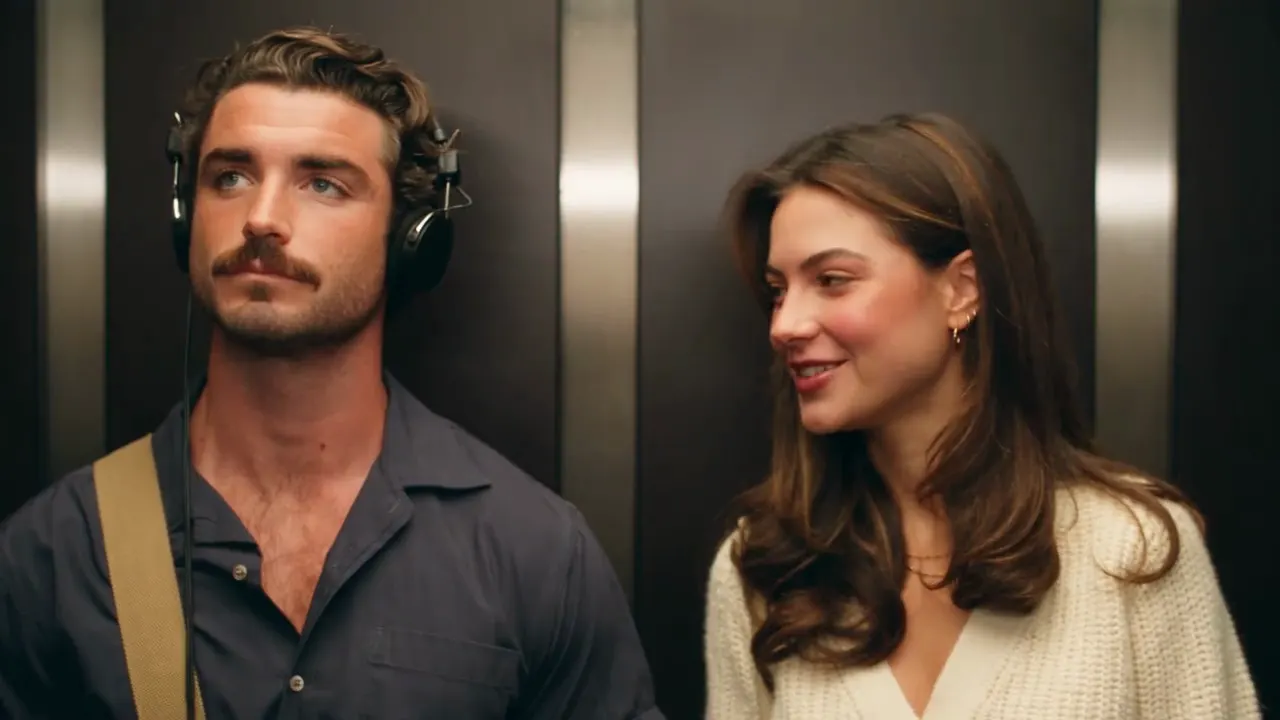 NEW400 CR
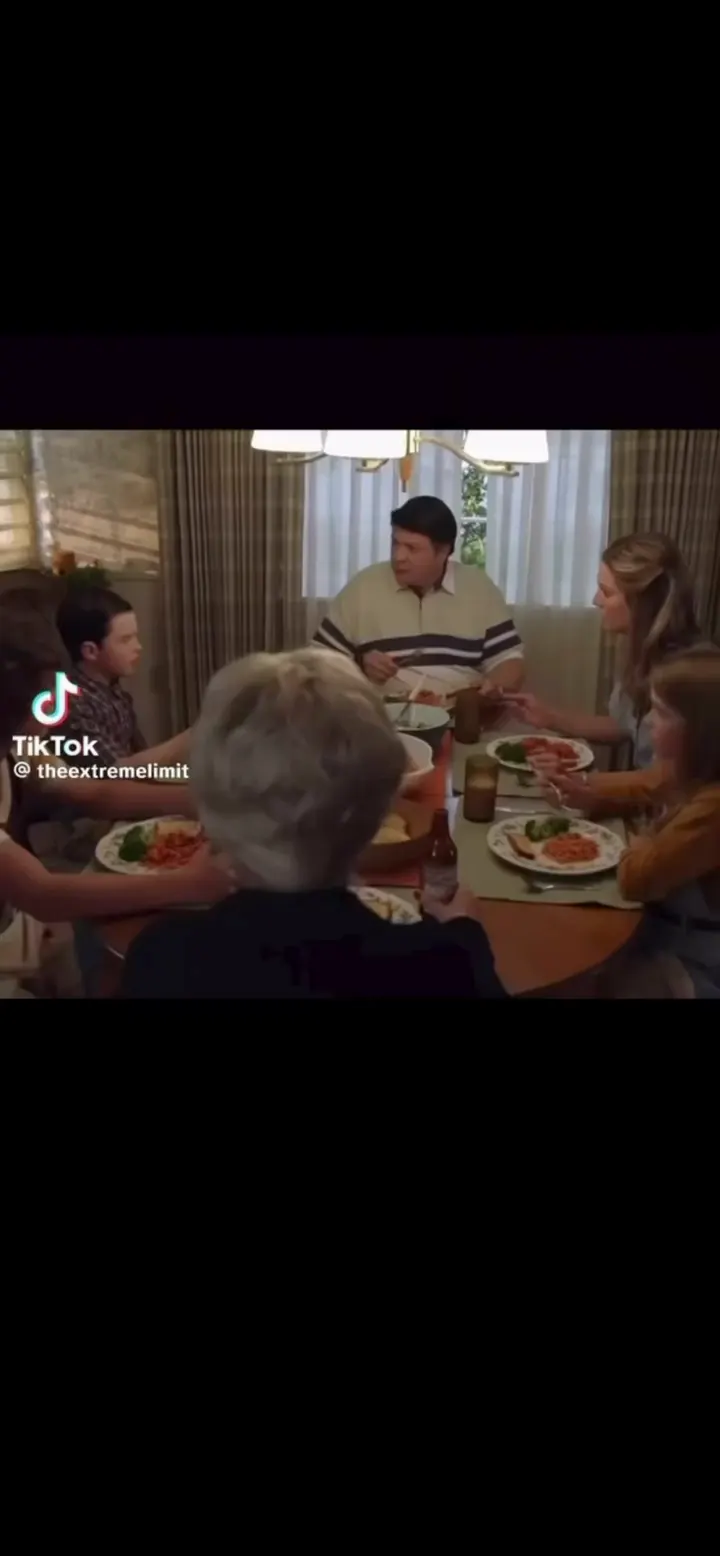 NEW400 CR
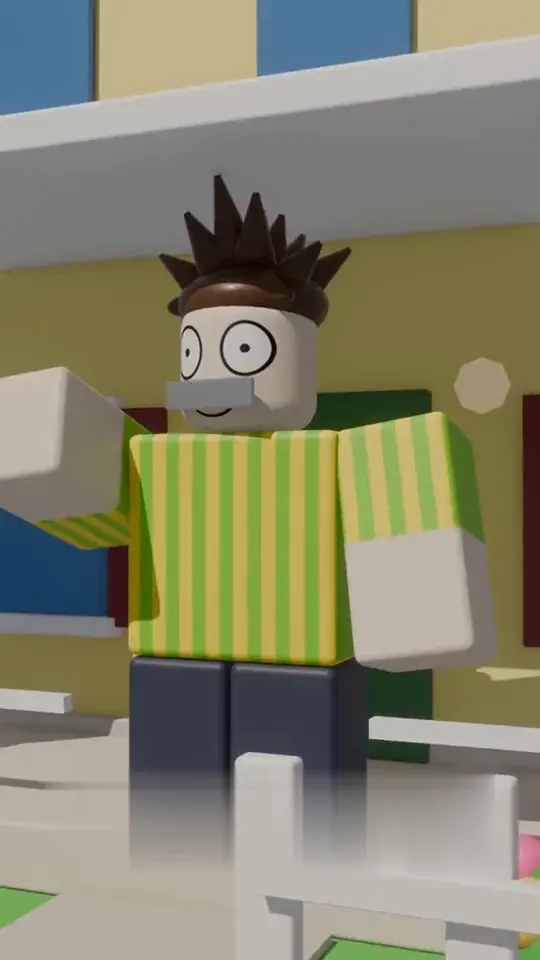 NEW400 CR
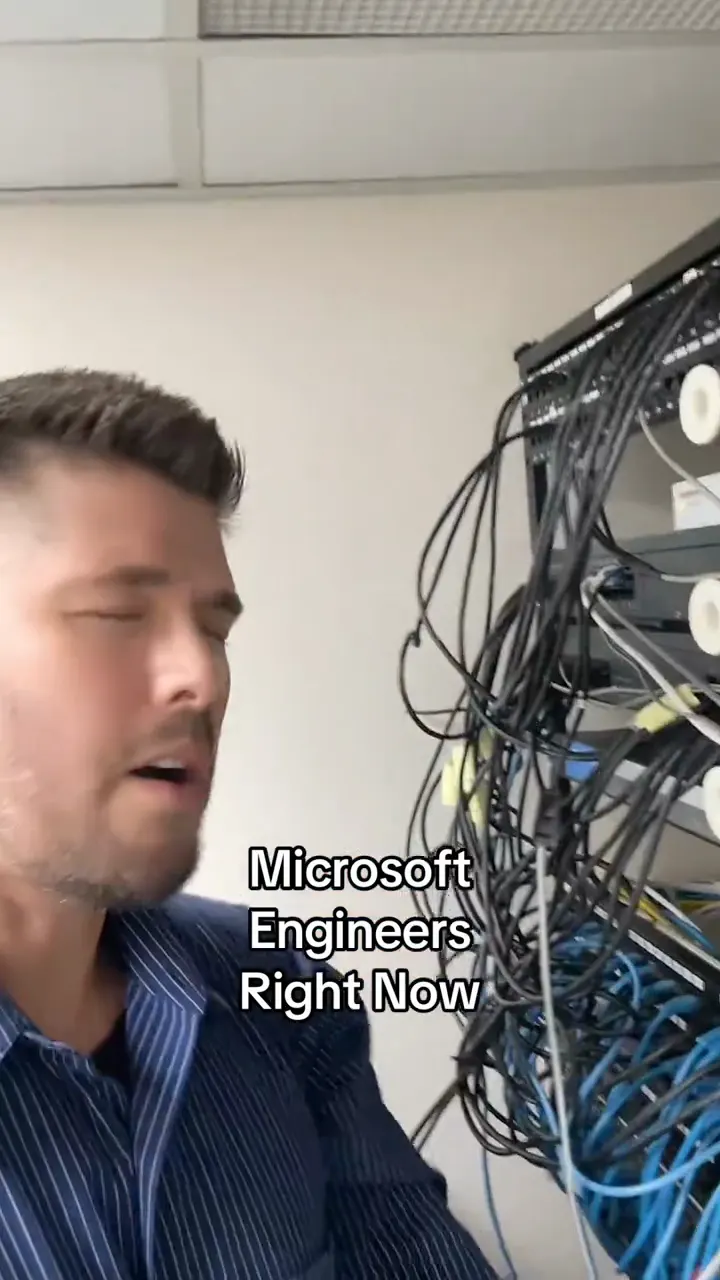 NEW220 CR
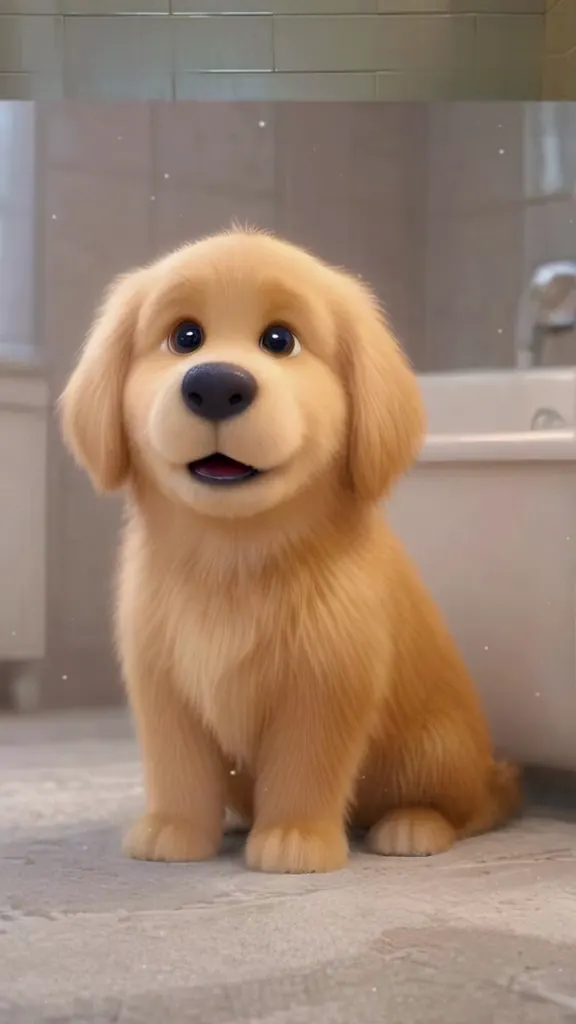 NEW10 CR
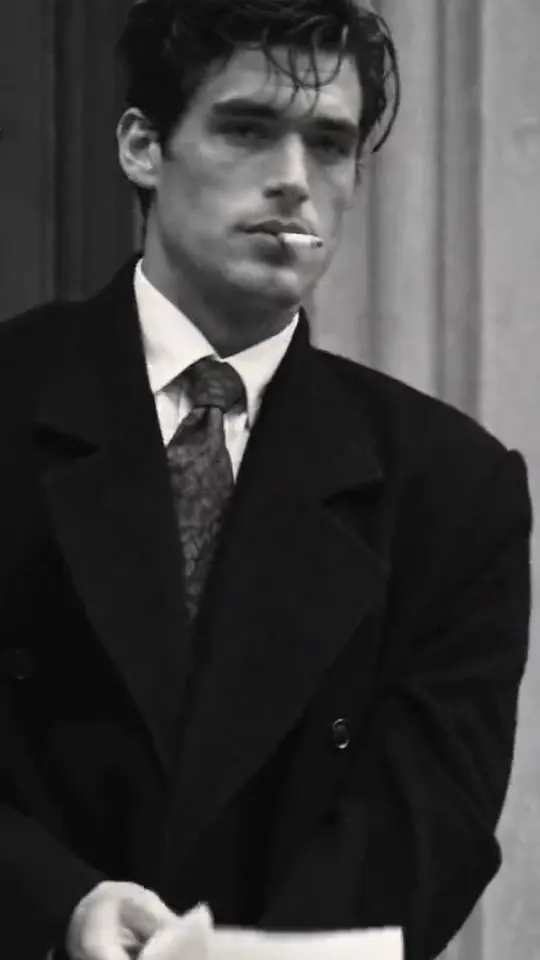 NEW400 CR
Genjutsu AI FAQ
How does Genjutsu AI work?
Genjutsu AI is a video model that recasts an existing clip. You give it a source video and one or more photos, and it keeps the motion, framing and timing of the clip while changing the person, pet, outfit or object to the ones in your photos.
What is the difference between Motion Transfer and Object Swap?
Motion Transfer makes the person in your photo perform the moves from your clip. Object Swap keeps the clip as filmed and replaces one thing in it, such as a person, an animal, clothing or a product. Genjutsu Lite is a lower-priced Object Swap in 720p or 1080p.
What video can I upload?
An MP4 or MOV between 4 and 30 seconds, up to 95 MB. Clips with one clear subject, steady framing and good light give the cleanest results.
How many photos can I add?
Up to 8 JPG or PNG photos of up to 10 MB each. They are numbered in order as @Image1, @Image2 and so on, so the prompt can say which photo goes where.
How many credits does a Genjutsu AI video cost?
The price depends on the mode, the resolution and the length of your clip in whole seconds. A 15-second clip costs 260 credits with Genjutsu at 480p, 590 at 720p and 210 with Genjutsu Lite at 720p. If a video fails, its credits go back to your balance.
How do I write a good prompt?
Name the thing to change and where it comes from, using the tags on your uploads: 'replace the woman in @Video1 with the man in @Image1'. Add what should stay the same, like the camera, lighting or background.
Where do I find my videos?
Each video appears in the My Work tab next to the generator while it renders, and in your History once it is done, ready to download as an MP4.
Is there a Naruto Genjutsu template?
Yes. Naruto Genjutsu AI is a ready-made template with the orange-studio scene built in, and Genjutsu Basketball AI turns a photo into the arena slam dunk clip. Both need only photos.
Ready when you are
Make your first Genjutsu AI video
Bring a clip and a photo. The moves stay; the cast is yours.