
Effects · New
Spider-Man AI Video Generator
Upload one clear photo to the Spider-Man AI Video Generator for a 15-second Manhattan action clip. Tip backward out a city window, web-swing past yellow taxis, and land on the Empire State Building spire in 720p widescreen MP4 for 400 credits.
Spider-Man AI · 15s · 16:9
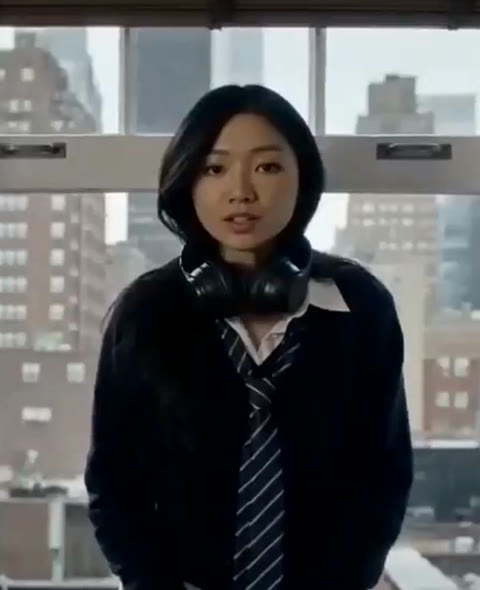
15s · 16:9 · 720p · original sound · ready in a few minutes
How it works
How to make a Spider-Man AI video from one photo
Three quick steps turn one portrait or full-body photo into a continuous 15-second Spider-Man AI web-swinging clip with pre-built camera motion.
Upload one clear photo of yourself
Drop a sharp JPG, PNG, or WebP photo up to 20 MB into the Spider-Man AI Video Generator upload slot. A front-facing full-body or waist-up shot in even daylight gives the Spider-Man AI model clear facial detail and outfit proportions for the opening windowsill close-up.
Start the 15-second Kling 4.0 render
Click Generate to launch the Spider-Man AI reference-to-video pipeline. Kling 4.0 locks your face, hair, and outfit onto the protagonist while following the exact single-take camera path from the apartment sill down into Manhattan traffic and up into the clouds.
Download your 720p MP4 and add your favorite track
Your finished 15-second 16:9 Spider-Man AI MP4 arrives cleanly in your History tab ready for immediate posting. Save it directly to your phone or editor and layer your favorite superhero score, trending sound, or city wind audio on top.
Photos: JPG, PNG, WebP, up to 20 MB.
Same category
More Effects templates
 NEW220 CR
 NEW10 CR
 NEW320 CR
 NEW380 CR
 NEW140 CR
 NEW220 CR
 NEW140 CR
 NEW270 CR
 NEW160 CR
 NEW160 CR
 NEW10 CR
 NEW160 CR
Specs
What goes in and what comes out of Spider-Man AI
One clear photo enters the Spider-Man AI Video Generator, and one continuous 15-second widescreen New York web-swinging action clip comes out at 720p.
You upload
- One front-facing full-body or waist-up photo of yourself, a friend, or a favorite character
- Standard JPG, PNG, or WebP image up to 20 MB with clear face lighting and tidy framing
You get
- A continuous 15-second single-take Spider-Man AI action sequence across Manhattan
- Opening apartment windowsill drop, red-brick alley plunge, yellow-cab street weave, and Empire State Building spire landing
- Clean 720p widescreen 16:9 MP4 file ready for social sharing and custom audio pairing
| Photos | 1 |
|---|---|
| Model | Kling 4.0 |
| Duration | 15 seconds |
| Picture | 720p, 16:9 |
| Audio | Silent MP4 (ready for your track) |
| File | MP4 |
| Credits | 400 per video, refunded if it fails |
Who to put in
Who to star in your Spider-Man AI web-swinging clip
Because the opening three seconds hold a crisp front-facing window shot before the plunge, any clear solo portrait makes a standout Spider-Man AI reveal.
Yourself on a Manhattan rooftop leap
Upload your favorite casual selfie or full-body streetwear shot to the Spider-Man AI Video Generator and watch yourself lean back out a New York apartment window, skim past yellow cabs, and land on the skyline.
Your best friend, sibling, or roommate
Surprise a consenting friend or sibling by turning an everyday portrait into a big-budget Spider-Man AI stunt clip—ideal for birthday shoutouts, group chat drops, and quick reels.
Cosplayers and comic fans in full gear
Bring a Spider-Verse hoodie, classic red-and-blue cosplay suit, or streetwear look to life in a continuous 15-second Spider-Man AI city flight that keeps your outfit colors moving naturally in the wind.
Your dog or cat as a pocket web-slinger
Drop in a crisp front-facing pet photo to turn your dog or cat into a playful Spider-Man AI hero soaring high above the Empire State Building.
Photo tips
Photo tips for crisp Spider-Man AI face and outfit tracking
The opening windowsill shot frames your face head-on before the camera dives outside, so clean lighting and clear clothing edges pay off across all 15 seconds.
- Choose a sharp front-facing waist-up or full-body photo looking directly at the camera so facial features, hair, and shoulders transfer cleanly onto the Spider-Man AI windowsill opener.
- Use even natural daylight or bright indoor light to match the overcast New York City window and street-level lighting throughout the Spider-Man AI swing.
- Wear distinct, well-defined clothing—such as a jacket, hoodie, school uniform, or superhero suit—so your silhouette reads clearly against brick walls and grey skies.
- Upload the original camera photo against a tidy background for smooth subject separation during the backward drop and street-level web weave.
- Dark sunglasses, face-covering masks, wide brims, or raised hands across the eyes and jawline during the opening close-up.
- Low-light motion blur, heavy color filters, cropped screenshots, or crowded group pictures with overlapping figures.
Origin
Where the Spider-Man AI video trend came from
From 2023 Spider-Verse portrait filters to 2026 single-take Manhattan web-swinging clips, Spider-Man AI evolved into one of social media’s favorite superhero remix formats.
From Spider-Verse filters to single-take city web-swinging
The Spider-Man AI wave first took off in mid-2023 alongside Spider-Man: Across the Spider-Verse, when creators turned selfies into comic-book Spider-Verse variants and shared viral Miles Morales trend edits across short-form video feeds.
By mid-2026, motion-controlled AI video models pushed Spider-Man AI beyond static portraits into continuous action shots: a calm everyday moment by a city window suddenly erupts into a first-person dive between brick apartments, a low-altitude weave past yellow taxis, and a skyline launch. Fans exploring superhero and cinematic stunts on SameVid also pair this template with Desi Batman AI and Hand of God AI.
Why the 2026 Spider-Man AI resurgence caught fire online
Fresh excitement around Spider-Man: Brand New Day and viral YouTube superhero AI remakes kept Spider-Man AI edits trending across Reels, Shorts, and fan communities. Exporting a clean silent MP4 lets creators pair the 15-second city flight with any trending audio, orchestral theme, or hip-hop drop so every soundtrack fits smoothly.
Also called
Other names for the Spider-Man AI trend
Creators describe this Spider-Man AI New York web-swinging format under several overlapping names depending on the opening shot and camera style.
Spider-Man Swinging AI
Refers specifically to the continuous Spider-Man AI city-flight action format where a solo subject drops off a ledge or window and swings between skyscrapers and yellow cabs.
Spider-Man AI Filter
The catch-all name used for one-photo superhero effects that place your face or everyday outfit directly into a Spider-Man AI scene or comic-inspired reveal.
Spider-Man Window Drop Trend
Highlights the signature opening beat where the subject sits casually on an apartment windowsill, puts on headphones, and tips backward into open air.
POV Web-Swinging AI Video
Describes the dynamic FPV chase-camera movement that tracks tightly behind the flyer through narrow brick alleys and Midtown street traffic.
Create your Spider-Man AI video across Manhattan
Upload one clear photo to the Spider-Man AI Video Generator and render your 15-second 720p web-swinging clip with Kling 4.0 for 400 credits.
FAQ
Spider-Man AI FAQ
How many photos do I need for the Spider-Man AI Video Generator?
The Spider-Man AI Video Generator requires one clear photo. Upload a single front-facing full-body or waist-up portrait of yourself, a friend, or a pet, and Kling 4.0 carries your likeness from the opening windowsill shot through the full 15-second Manhattan flight.
What happens in the 15-second Spider-Man AI video?
Spider-Man AI opens inside a bright New York apartment as you sit on the open windowsill, put on headphones, and tip backward out the window. The chase camera dives with you down a red-brick alley, weaves low down a Manhattan street between black SUVs and yellow taxis, and launches skyward to land atop the Empire State Building spire.
Does the finished Spider-Man AI video include music or audio?
Spider-Man AI exports as a clean silent 15-second MP4 so you can pair it with any trending audio, orchestral superhero theme, or custom sound effects directly in your favorite social app or video editor.
Will my face and outfit stay recognizable in the Spider-Man AI clip?
Spider-Man AI uses Kling 4.0 reference-to-video to anchor your facial identity, hairstyle, and clothing silhouette from your uploaded photo—especially sharp during the three-second opening windowsill close-up—while matching natural wind movement and overcast New York daylight across every turn.
What resolution, aspect ratio, and file format does Spider-Man AI deliver?
The Spider-Man AI Video Generator delivers a 15-second widescreen 16:9 MP4 rendered at 720p, ready to download from your History tab and share directly on YouTube, X, Reels, or group chats.
How many credits does one Spider-Man AI video cost?
One 15-second 720p Spider-Man AI generation costs 400 credits on SameVid AI, calculated proportionally from the 15-second output length, with automatic credit refunds if a task fails to finish.
How does Spider-Man AI work for beginners with simple photo uploads?
The Spider-Man AI Video Generator handles every camera move, New York street detail, and skyline transition automatically inside a pre-built Kling 4.0 workflow—simply upload one clear photo and click Generate.
How does Spider-Man AI compare to Desi Batman AI and Hand of God AI?
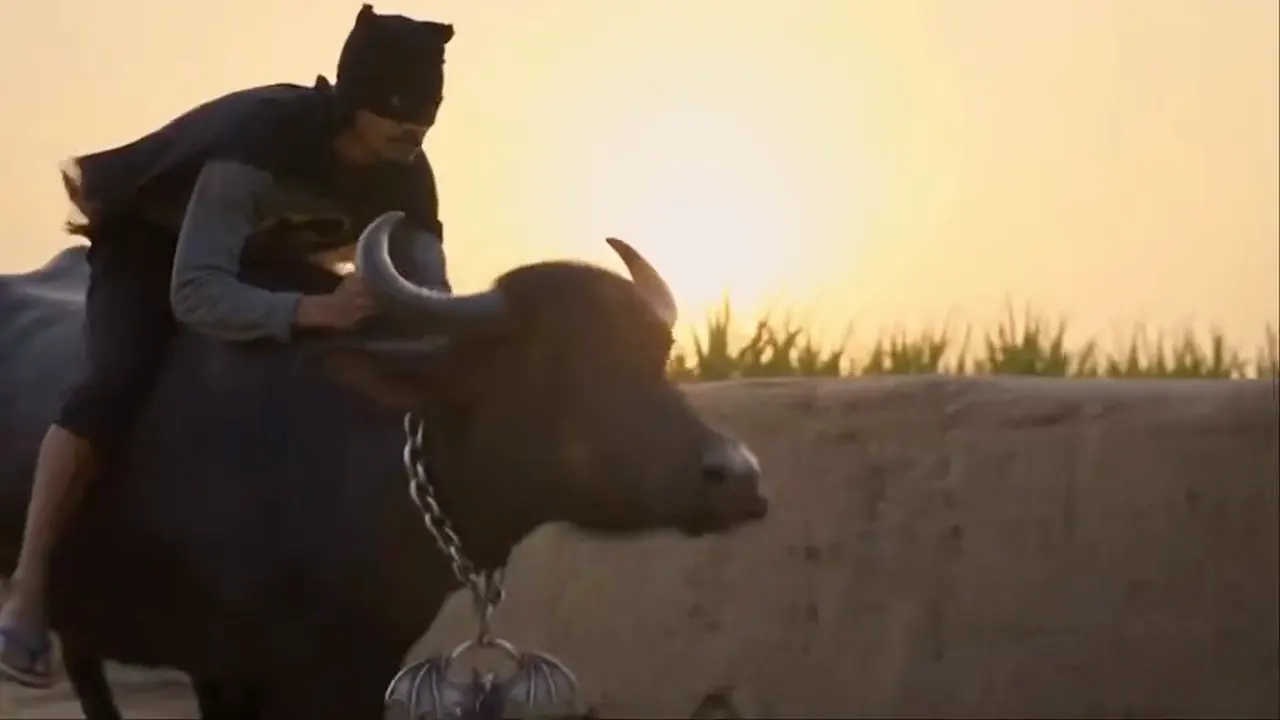
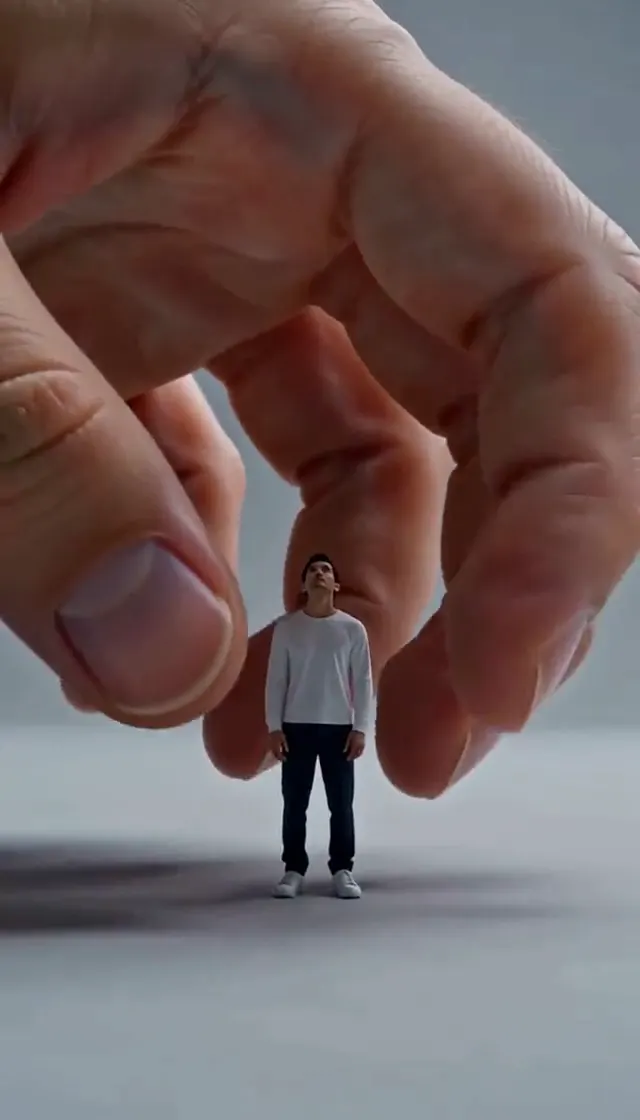
Spider-Man AI focuses on a continuous 15-second widescreen Manhattan web-swinging flight, while Desi Batman AI stages a 12-second village superhero parody and Hand of God AI creates a 5-second vertical miniature studio pickup. Explore more visual stunts in AI Video Effects.
Keep scrolling
More viral AI video trends
 NEW320 CR
 NEW140 CR
 NEW220 CR
 NEW100–400 CR
 NEW380 CR
 NEW100–400 CR
 NEW100–400 CR
 NEW220 CR
 NEW320 CR
 NEW100–400 CR
 NEW380 CR
 NEW160 CR