
Dance · New
I Need A Girl AI Dance Video Generator
Upload 2 clear portraits to star side-by-side in a 15-second synchronized hip-hop duo dance video. Replicate the viral street groove to the remastered "I Need a Girl (Pt. 2)" beat in 720p HD with authentic audio for 400 credits.
I Need A Girl AI · 15s · 9:16
Upload 2 clear front-facing portraits to star side-by-side in the iconic street-dance routine. Kling 4.0 transfers your facial identities into the full 15-second synchronized hip-hop groove.
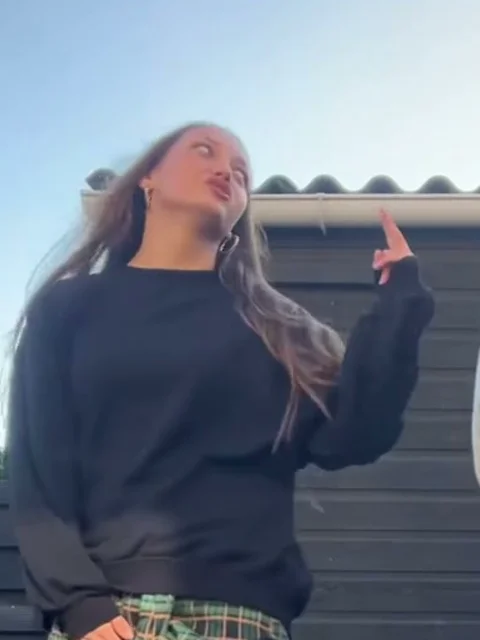
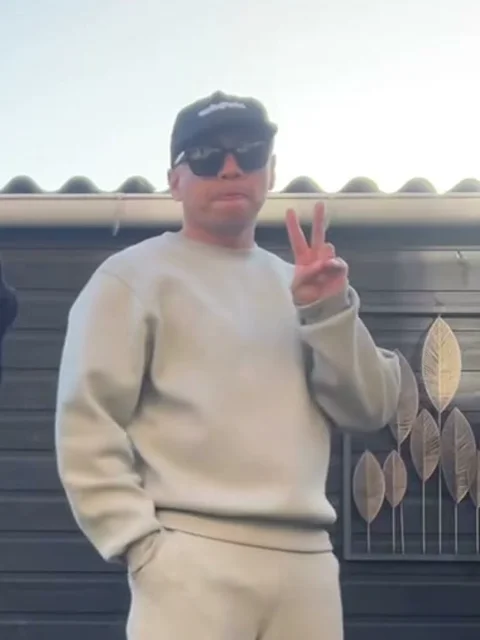
15s · 9:16 · 720p · authentic sound · ready in a few minutes
Choreography Breakdown
Five signature beats of the I Need A Girl AI dance
The 15-second routine captures the full progression from cool spoken anticipation to synchronized, effortless street-dance flow.
0.0s – 2.0s: "Hold up" spoken intro & approach
The left dancer steps smoothly toward the camera, lip-syncing the iconic opening spoken cue while the right dancer poses coolly in the background flashing a two-finger peace sign.
2.0s – 3.5s: Step-back alignment & stance setup
The left dancer hops lightly back into a side-by-side stance roughly one meter apart. Both dancers drop their weight with knees slightly bent in anticipation of the beat drop.
3.5s – 7.0s: Heavy beat drop & synchronized bounce
As the heavy bass drops, both performers drop into rhythmic knee bounces and alternating arm pumps, locked together with crisp timing and relaxed swagger.
7.0s – 11.0s: Shoulder isolation & lateral slides
Both dancers transition into fluid shoulder isolations, sliding sideways with arm waves and forward pointing gestures that highlight their synchronized street chemistry.
11.0s – 15.0s: Cross-step finale & sharp pose freeze
The duo executes quick cross-stepping footwork through the final musical phrase, hitting an effortless half-turn freeze right on the 15th-second closing beat.
Same category
More Dance templates
 NEW350 CR
 NEW380 CR
 NEW320 CR
 NEW400 CR
 NEW400 CR
 NEW400 CR
 NEW270 CR
 NEW400 CR
 NEW400 CR
 NEW400 CR
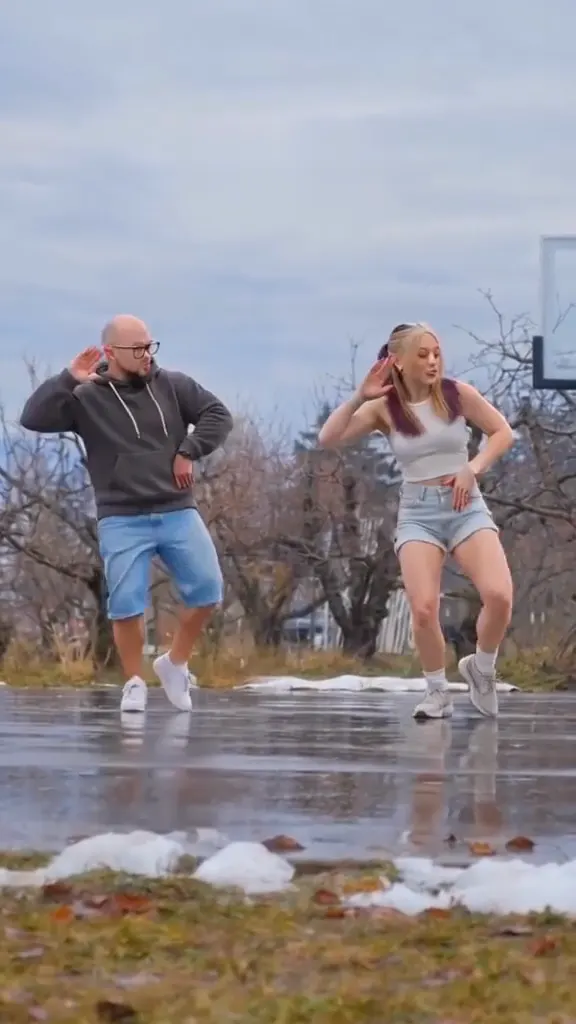 NEW270 CR
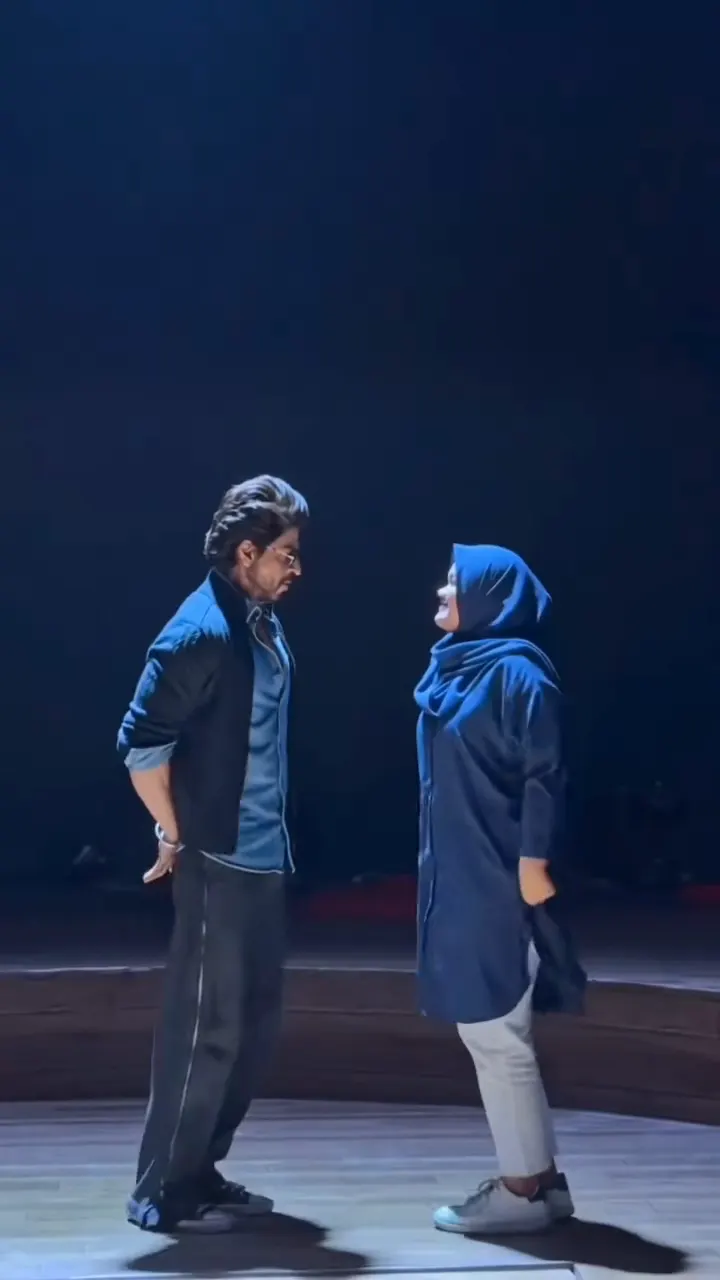 NEW400 CR
Duo Combinations
Pairing ideas for the I Need A Girl AI duo dance
Assign any two personalities to the left and right dancer slots for instant chemistry, viral comedy, or romantic swagger.
Couples & dating partners
Put yourself and your partner in the lead slots. The natural banter of the opening approach and shared rhythmic bounce makes for an unforgettable couples highlight.
Best friends & bestie duos
Team up with your best friend to create a viral dance video without needing hours of rehearsals or studio floor space.
Celebrity & idol mashups
Combine your own portrait with your favorite artist, actor, or athlete to share the stage as a world-class street-dance pairing.
Coworker & comedy pairs
Pair up colleagues, roommates, or sibling rivalries for hilarious short-form video content that commands likes and comments across group chats.
Simple Workflow
How to make your I Need A Girl AI dance video in 3 steps
No choreography tutorials, complex video editing software, or prompt drafting required. SameVid orchestrates Kling 4.0 motion mapping end-to-end.
1. Upload two front-facing photos
Select one clear photo for the left dancer role and another for the right dancer role. Both can be separate individual selfies from your phone camera roll.
2. Review the role positions
Confirm who dances on the left (the lead opening approach role) and who dances on the right (the peace-sign support role).
3. Generate and download in 720p HD
Kling 4.0 video-edit transfers the full choreography onto your personas while preserving the outdoor patio background. The finished video downloads with stereo audio ready to post.
Photos: JPG, PNG, WebP, up to 20 MB.
Viral Variations
Top social clips and creator variations behind the duo hip-hop trend
From outdoor sidewalk bestie sessions to high-energy studio choreography, explore the viral videos that shaped the I Need a Girl dance phenomenon.
@@ardundundun
Drawing over 540,000 views under the #dancetok and #ineedagirl tags, @ardundundun and partner Helen Gratch performed an energetic bestie duo routine in matching casual street clothes against a warm terracotta building, highlighting the playful chemistry of the synchronized bounce.
@@gl.pimpitch
Amassing over 5.8 million views across social dance communities, this high-energy studio performance showcases crisp rhythm and fluid arm isolation, demonstrating the international appeal and cross-cultural reach of the classic groove.
Delivery Specs
I Need A Girl AI dance video output specs
Every generation delivers an export-ready short-form MP4 formatted specifically for vertical video feeds.
You upload
- Two clear front-facing portrait photos (JPG, PNG, or WebP up to 20MB each)
- Clear facial details with balanced natural ambient lighting
- Separate individual selfies without obstructing accessories
You get
- A full 15-second synchronized duo hip-hop choreography video in crisp 720p HD
- Standard 9:16 vertical ratio optimized for TikTok, Instagram Reels, and YouTube Shorts
- Remastered stereo soundtrack featuring the iconic P. Diddy "I Need a Girl (Pt. 2)" beat
- 100% clean output with zero third-party platform watermarks, logos, or burned captions
- Format
- MP4 (H.264 video, AAC stereo audio)
- Resolution
- 720p HD (720×1280 vertical 9:16)
- Duration
- 15 seconds (complete routine)
- Audio Track
- P. Diddy feat. Usher & Loon — I Need a Girl (Pt. 2)
- AI Model
- Kling 4.0 Video Edit (kwaivgi/kling-v4.0/video-edit)
- Credits
- 400 per video, refunded if it fails
Upload Advice
Photo tips for the I Need A Girl AI dance generator
Kling 4.0 reconstructs face identity, head angles, and natural expressions. Clean source portraits produce the most convincing dance motion.
- Use separate solo portraits: Provide an individual picture for each person so the AI can distinguish facial features and hairline boundaries without confusion.
- Balanced natural lighting: Well-lit selfies taken in daylight or soft room lighting preserve skin tone fidelity and eye highlights across quick head turns.
- Avoid heavy sunglasses or face coverings: Dark eyewear and medical masks obscure key landmark points, making it harder for the model to reproduce facial likeness.
- Avoid extreme bird-eye or worm-eye angles: Level eye-contact photos give the AI the clearest reference geometry for seamless video integration.
Meme Background
From 2000s R&B anthem to viral duo dance phenomenon
The story behind the infectious sound and effortless choreography that took over social media feeds.
The 2002 Billboard hit by P. Diddy
The dance trend draws its signature bounce from "I Need a Girl (Part Two)", released in 2002 by P. Diddy featuring Usher, Loon, Ginuwine, and Mario Winans. The track peaked at #4 on the Billboard Hot 100, driven by its crisp guitar groove and iconic spoken intro.
The 2023 viral TikTok choreography
In March 2023, world-renowned dancers Slavik Pustovoytov and Lauren Gibson posted an impromptu backyard session on TikTok. Their 15-second groove featuring an opening spoken approach and synchronized knee bounces ignited a global dance challenge with millions of views.
AI-powered duo video generation
With Kling 4.0 video-edit, two individual portraits can now be mapped directly into the routine. The model preserves exact choreography timing, camera perspective, and outdoor lighting while rendering seamless character identities.
FAQ
I Need A Girl AI FAQ
Do we need a photo taken together in the same picture?
No! You upload two separate solo photos. SameVid independently maps Person 1 to the left dancer role and Person 2 to the right dancer role, merging them naturally side-by-side into the same video.
Can we use two photos of women or two photos of men?
Yes, absolutely. The underlying motion-transfer engine maps whatever facial identity and hair you provide onto each designated dancing persona, allowing female-female, male-male, and mixed duo pairings.
Does the generated video include the original song audio?
Yes. After Kling 4.0 finishes generating the video visuals, our pipeline automatically mixes the crystal-clear remastered "I Need a Girl (Pt. 2)" stereo audio track over the output MP4.
Why does this template use video editing instead of simple 2D face swap?
Standard face swap tools merely paste a flat 2D sticker onto the existing performers, which warps awkwardly whenever dancers turn or bob their heads. Kling 4.0 video editing regenerates the entire human subject, preserving authentic skin textures, hair movement, and dynamic perspective throughout 15 seconds of intense hip-hop footwork.
How many credits does one generation cost?
The template costs 400 credits for a complete 15-second generation, calculated based on the standardized 15-second / 400-credit billing ratio with zero hidden fees.
How long does video synthesis take?
A typical Kling 4.0 Video Edit render completes in approximately 3 to 5 minutes. You can freely navigate away from the page while processing; your completed video will be saved automatically in your My Work library.
Can I post the finished video on TikTok or Instagram?
Yes. Every I Need A Girl AI dance video is delivered as a watermark-free 9:16 MP4, ready to post on TikTok, Instagram Reels, and YouTube Shorts.
What happens if the generation fails or times out?
If an AI generation task fails or encounters an upstream timeout, all 400 credits are automatically and immediately refunded to your account balance.
Keep scrolling
More viral AI video trends
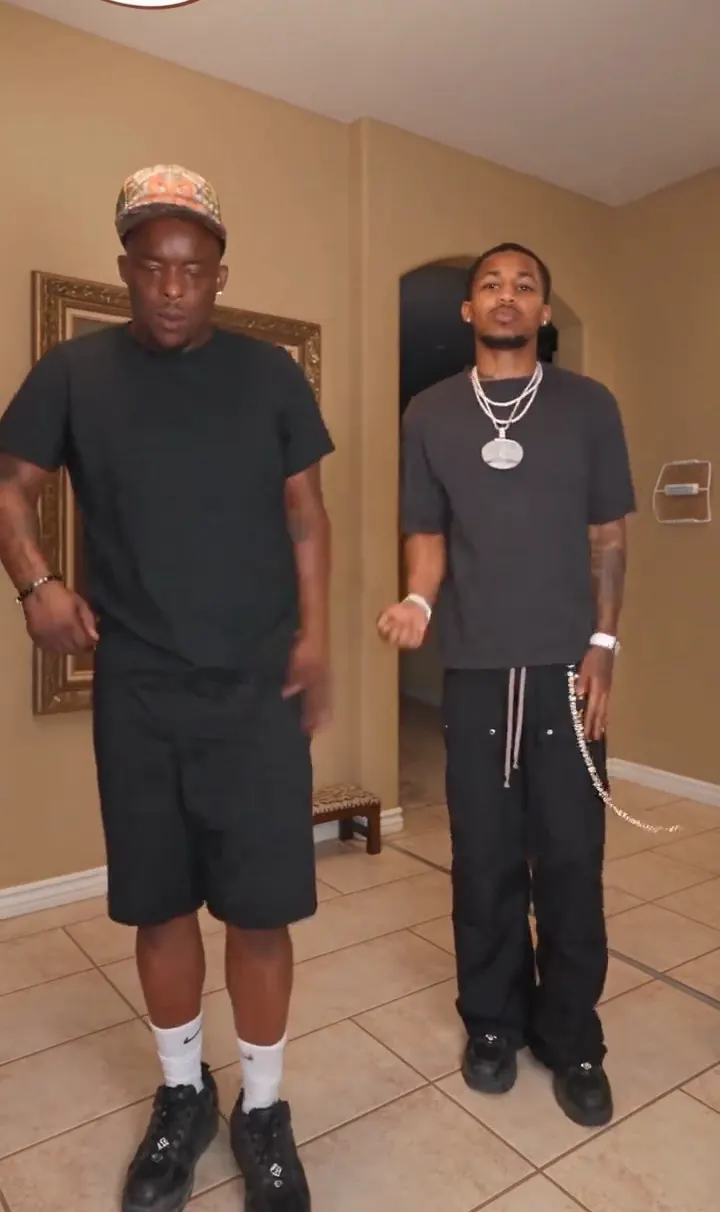 NEW350 CR
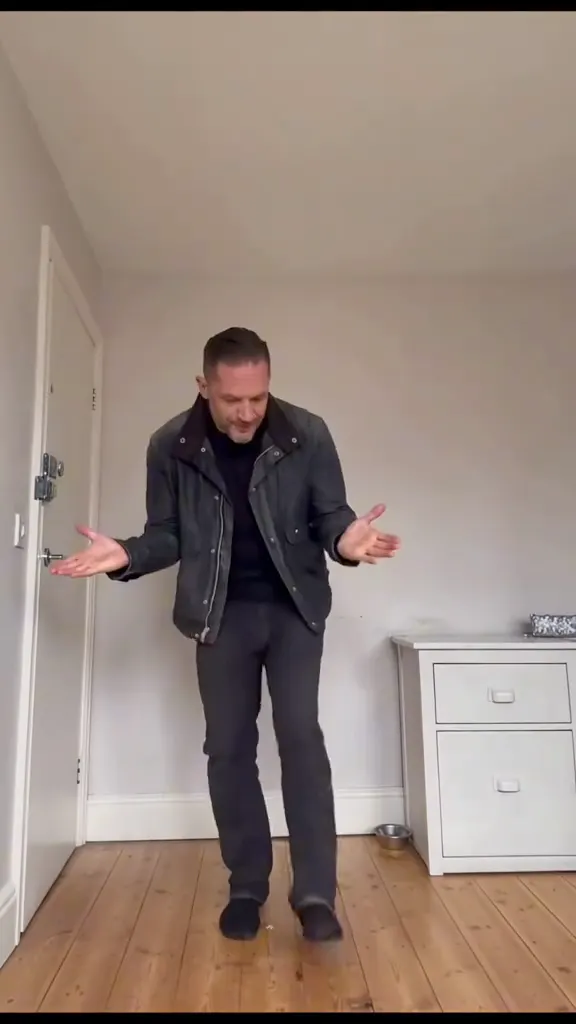 NEW270 CR
 NEW400 CR
 NEW320 CR
 NEW270 CR
 NEW240 CR
 NEW300 CR
 NEW140 CR
 NEW270 CR
 NEW350 CR
 NEW400 CR
 NEW240 CR