
GTA 6 · New
Jason GTA 6 AI Video Generator
Upload one clear photo to the Jason GTA 6 AI Video Generator and walk the Grand Theft Auto VI red carpet as Jason Duval. Pass off your jacket and pose for press flashes in a 14-second 9:16 720p MP4 with original sound for 380 credits.
Jason GTA 6 AI · 14s · 9:16
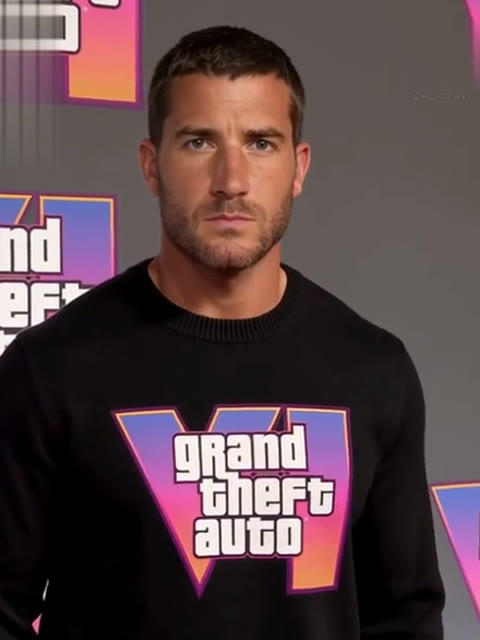
14s · 9:16 · 720p · original sound · ready in a few minutes
Ready to post
Captions for your Jason GTA 6 AI red carpet clip
- “Cast me as Jason for the Jason GTA 6 AI premiere”
- “Pulling up to the Vice City red carpet in my Jason GTA 6 AI debut”
- “My Jason GTA 6 AI walk straight from Leonida to the step-and-repeat wall”
- “POV: Rockstar called and needed a new lead for Grand Theft Auto VI”
- “VC changed bro — straight from the Keys to the Jason GTA 6 AI press flashes”
- “Handed off the jacket and locked in for the Jason GTA 6 AI red carpet line”
- “POV: You made the GTA 6 launch cast before your friends finished Chapter 1”
- Keep your opening caption crisp and under ten words so viewers follow the jacket handoff right into the final Jason GTA 6 AI camera stare.
- Pair the original red carpet shutter audio with a brief text hook near the top edge, keeping the Grand Theft Auto VI crewneck emblem and face bright.
- Post a follow-up Jason GTA 6 AI clip tagging a friend to audition for Lucia so your comments grow into a Vice City cast thread.
Same category
More GTA 6 templates
 NEW380 CR
 NEW160 CR
 NEW140 CR
 NEW400 CR
 NEW270 CR
 NEW270 CR
 NEW400 CR
 NEW270 CR
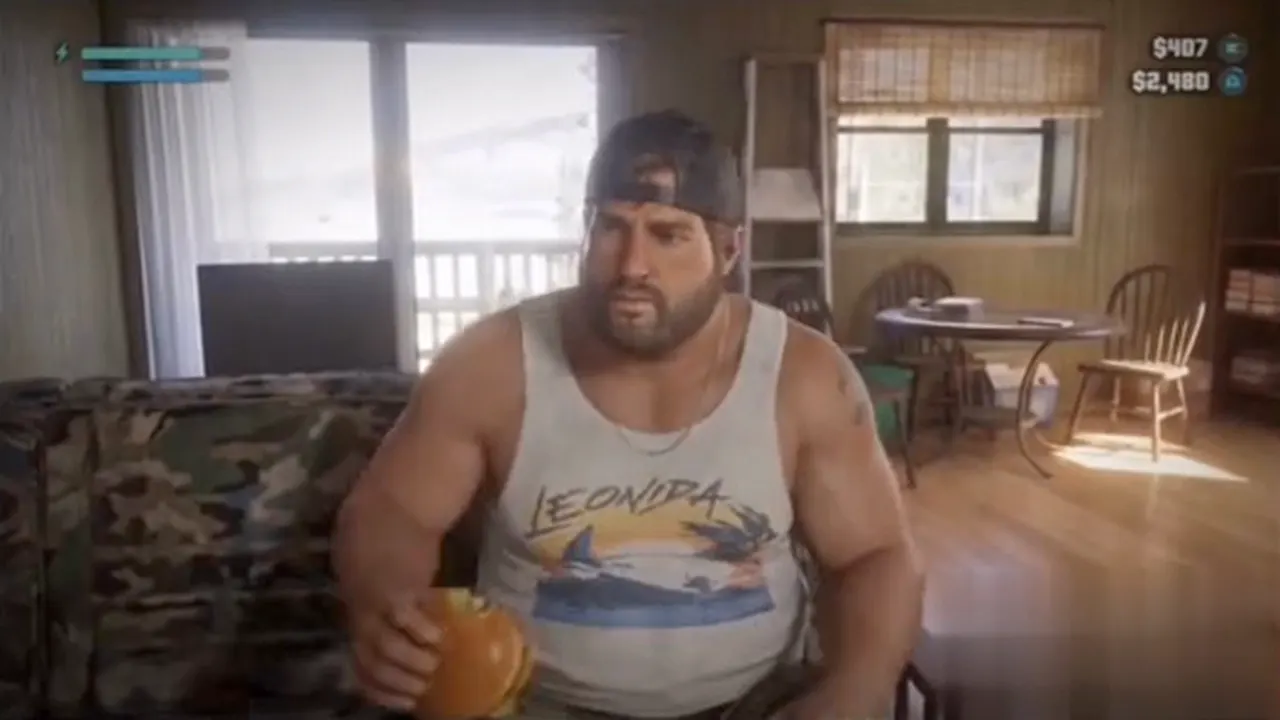 NEW400 CR
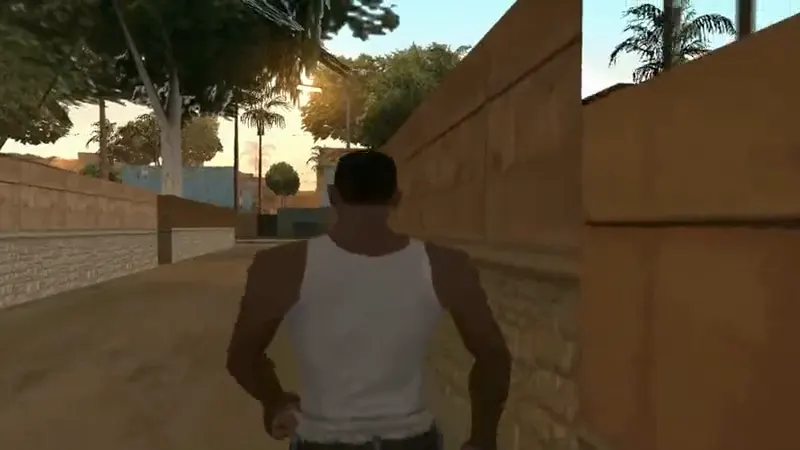 NEW300 CR
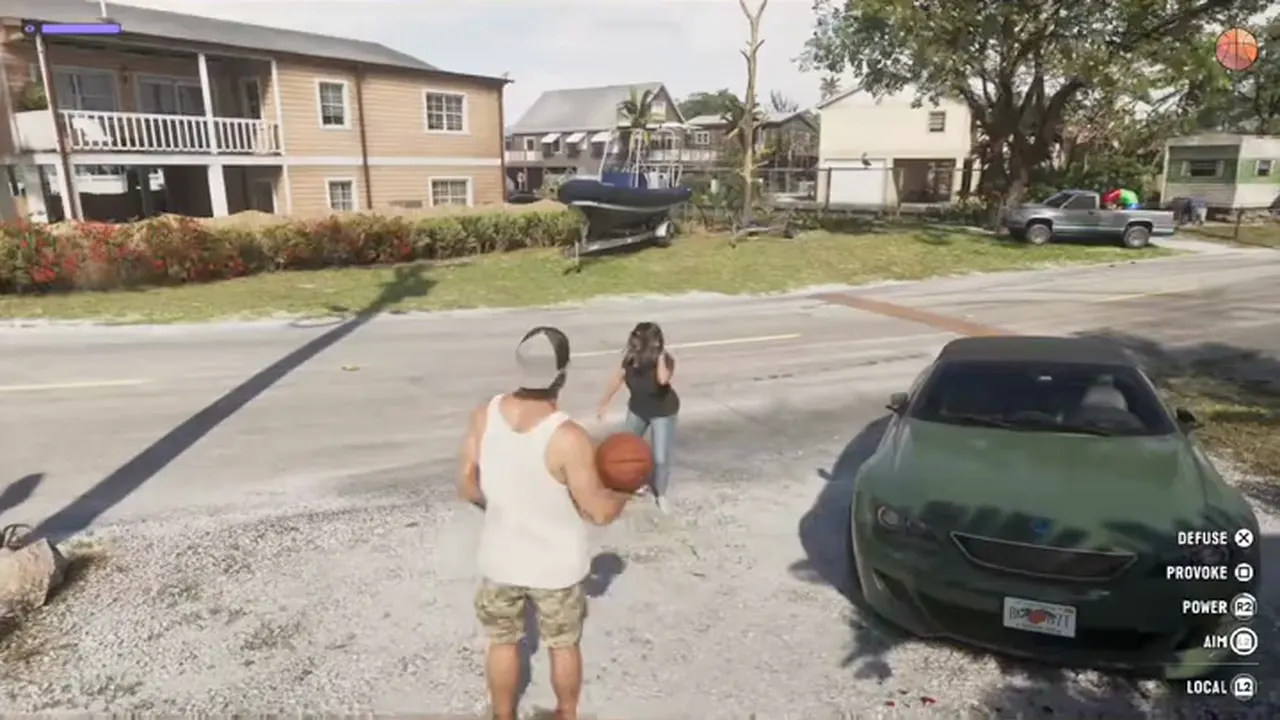 NEW220 CR
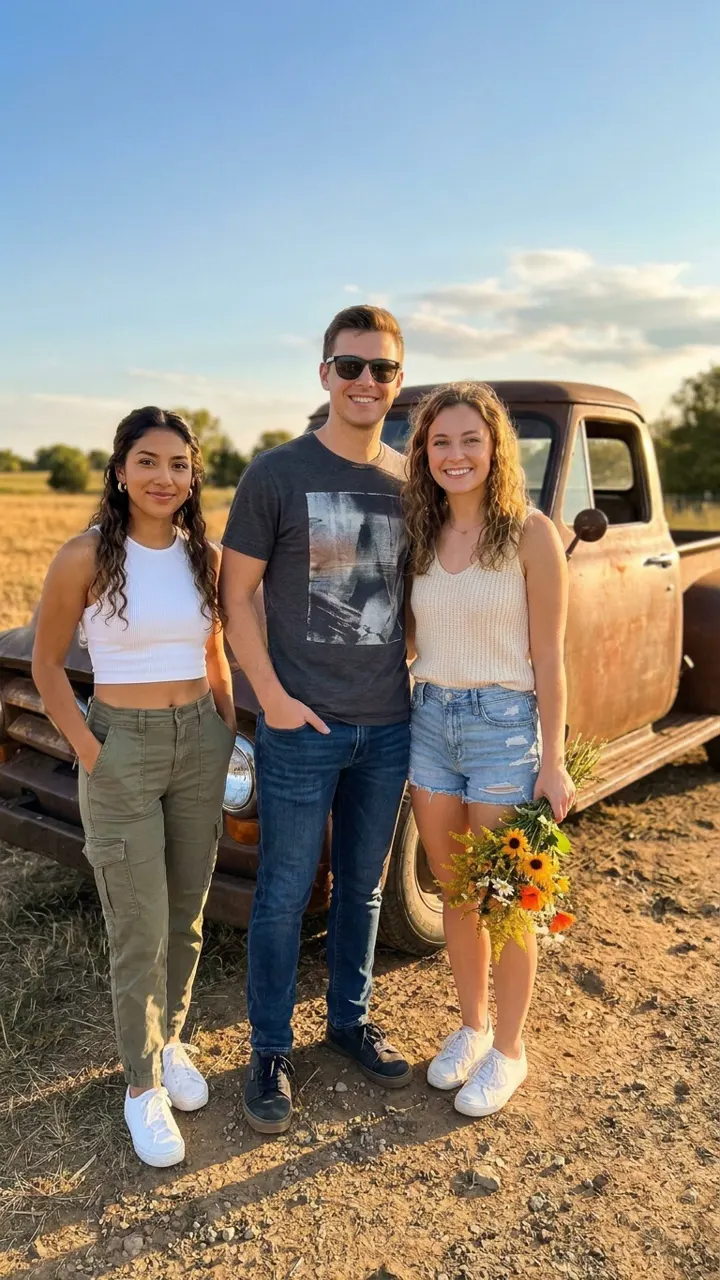 NEW160 CR
How it works
Make a Jason GTA 6 AI red carpet video in three steps
The Jason GTA 6 AI Video Generator runs directly in your browser with a locked red carpet reference shot, handling camera tracking and sound automatically.
Upload one clear portrait
Drop a well-lit half-body or full-body photo (JPG, PNG, or WebP up to 10 MB) into the You slot above. Front-facing portraits with a clear view of your face and hairline help Jason GTA 6 AI preserve your exact likeness across the entire red carpet stride.
Launch the Kling 4.0 render
Select Generate (380 credits) to start your Jason GTA 6 AI render. The Jason GTA 6 AI Video Generator pairs your portrait with the silent 14-second red carpet reference shot inside Kling 4.0 reference-to-video, locking the tracking path, overhead premiere lights, and jacket handoff.
Save your clip with original sound
Within a few minutes, your finished 9:16 720p Jason GTA 6 AI MP4 lands in My Work with the original premiere ambience and camera-shutter flashes merged back onto the track. Download the clean file and publish straight to TikTok, Reels, or Shorts.
Photos: JPG, PNG, WebP, up to 20 MB.
Who to put in
Best people to cast in Jason GTA 6 AI
Jason GTA 6 AI spotlights one solo red carpet headliner from opening stride to final press stare, making it a natural showcase for gamers and creators.
Yourself on GTA 6 launch week
Upload a sharp front-facing selfie or waist-up photo into Jason GTA 6 AI and headline the Grand Theft Auto VI premiere in the signature black crewneck sweater. Great for your launch-week post or pinned profile clip.
Your squad’s main character
Surprise the friend who spent all year counting down to Leonida by starring them in a Jason GTA 6 AI red carpet entrance. Create one clip per friend to assemble a full group-chat premiere lineup.
Gaming streamers and video creators
Drop a clean studio portrait into the Jason GTA 6 AI Video Generator to produce a 14-second vertical opener for GTA 6 livestreams, highlight reels, or YouTube Shorts recaps.
Birthday and milestone reveals
Turn a gamer friend’s favorite portrait into a Hollywood-style Jason GTA 6 AI premiere arrival for a memorable birthday shoutout or Discord server celebration.
Specs & output
What goes into Jason GTA 6 AI and what comes out
Every Jason GTA 6 AI render mirrors the exact 14-second red carpet preview beside the uploader, matching camera motion, lighting, and sound frame for frame.
You upload
- One clear front-facing photo of one person (half-body or full-body framing)
- Even, natural lighting with full head, shoulders, and eyes clearly visible
You get
- A continuous 14-second single-take Jason GTA 6 AI red carpet entrance and press-line pose
- Photorealistic Grand Theft Auto VI step-and-repeat backdrop and black premiere crewneck styling
- Synchronized original red carpet ambient audio with press-camera shutter bursts
- Clean 720p vertical 9:16 MP4 stored in My Work, backed by automatic credit refund protection on incomplete runs
| Photos | 1 clear photo |
|---|---|
| Model | Kling 4.0 (reference-to-video) |
| Duration | 14 seconds |
| Picture | 720p, 9:16 vertical |
| Audio | Original premiere sound merged |
| File | Watermark-free MP4 |
| Credits | 380 per video, refunded if it fails |
Photo tips
Photo tips for realistic Jason GTA 6 AI flash lighting
Because Jason GTA 6 AI tracks smoothly from a wide entrance into a medium press close-up, a clean front-facing source image keeps facial features steady throughout.
- Choose a sharp, front-facing portrait or waist-up shot captured at eye level in bright daylight or soft indoor lighting so Jason GTA 6 AI maps natural skin texture cleanly.
- Leave generous breathing room above the top of your head and around both shoulders so Kling 4.0 aligns your hairstyle and posture cleanly onto the red carpet stride.
- Keep both eyes clearly visible with a calm expression or slight smile to match the confident Jason GTA 6 AI press-line stare at the end of the shot.
- Pick a tidy background with a single person centered in frame so the Jason GTA 6 AI Video Generator locks onto your face from the opening step.
- Favor an uncovered, unfiltered portrait over dark sunglasses, low hat brims, or heavy color tints so the red carpet camera flashes reflect naturally on your face.
- Choose a dedicated solo photo over a crowded group snapshot so Jason GTA 6 AI immediately recognizes the exact headliner stepping onto the carpet.
Origin
Where the Jason GTA 6 AI trend started
From Rockstar’s Trailer 2 breakout scene to the November 2026 launch-week premiere clips, Jason Duval quickly became one of gaming’s favorite AI video subjects.
Jason Duval’s viral rise from Trailer 2 to launch week
Jason Duval is the male co-protagonist of Rockstar Games’ Grand Theft Auto VI alongside Lucia Caminos. When GTA 6 Trailer 2 premiered in May 2025, its sunlit opening shot of Jason fixing a roof and joking about "fixing some leaks" sparked wide meme coverage on Know Your Meme and Kotaku, launching waves of fancams and glow-up edits.
Following the worldwide GTA 6 launch on November 19, 2026, short-form feeds surged again with two overlapping waves: players showing off customized "My Jason" hair, tattoos, and Chapter 1-to-Chapter 3 looks, alongside creators dropping photorealistic Jason GTA 6 AI videos into real-world settings.
Why the red carpet IRL clip drives the Jason GTA 6 AI trend
Among launch-week remixes, the photorealistic Jason GTA 6 AI red carpet premiere clip stood out because it combines an unmistakable Grand Theft Auto VI step-and-repeat wall with one unbroken camera track: striding in with a black jacket, passing it off to an attendant, and holding a centered press pose.
Whereas rapid gameplay compilations split attention across dozens of quick cuts, this continuous 14-second Jason GTA 6 AI shot lets a single portrait carry the entire story from wide arrival to crisp press close-up.
Ideas
Four ways creators post their Jason GTA 6 AI video
“Cast me as Jason” premiere reveal
Publish your 14-second Jason GTA 6 AI clip directly to TikTok or Reels with a short casting hook, letting the opening carpet walk build right into the centered press stare.
Source portrait to premiere carousel
Share your original casual photo on slide one and your Jason GTA 6 AI video on slide two to highlight how smoothly one snapshot becomes a launch-night red carpet arrival.
Group-chat Vice City cast lineup
Run the Jason GTA 6 AI Video Generator for each member of your gaming squad and share the clips back-to-back in Discord or Stories as your official launch-night cast.
Livestream opener and Shorts bumper
Play your vertical Jason GTA 6 AI clip as a mobile stream intro or Shorts teaser before starting a GTA 6 session, keeping the authentic press-flash audio or layering a Vice City synth beat.
FAQ
Jason GTA 6 AI FAQ
How does the Jason GTA 6 AI Video Generator work?
The Jason GTA 6 AI Video Generator transforms one clear front-facing photo into a 14-second photorealistic red carpet premiere clip using Kling 4.0 reference-to-video. It follows our cleaned red carpet reference shot for camera movement, jacket handoff, and flash lighting, then merges the original premiere audio onto your finished MP4.
How long is a Jason GTA 6 AI video and what resolution do I get?
Jason GTA 6 AI renders every video at 14 seconds in vertical 9:16 framing at 720p HD, matching the preview clip shown beside the upload slot. Your download arrives as a crisp watermark-free MP4 sized for TikTok, Instagram Reels, and YouTube Shorts.
How many credits does one Jason GTA 6 AI video cost?
Jason GTA 6 AI costs 380 credits per 14-second 720p video, scaled proportionally from our 15-second rate of 400 credits. Your account receives an automatic full credit refund if a render ends incomplete.
Does Jason GTA 6 AI include original red carpet sound?
Jason GTA 6 AI includes synchronized original red carpet premiere ambience and camera-shutter audio on every completed MP4. Kling 4.0 generates clean visual motion from a silent reference track, and SameVid automatically merges the original premiere audio track afterward so your video is ready to post with sound.
What photo gives the best Jason GTA 6 AI likeness?
Jason GTA 6 AI delivers the sharpest likeness from a clear, front-facing half-body or full-body photo captured in even lighting. Keeping your head, eyes, and shoulders framed against a clean background helps preserve realistic facial detail from the opening carpet stride through the close-up press pose.
How long does the Jason GTA 6 AI Video Generator take to render?
The Jason GTA 6 AI Video Generator typically finishes a 14-second Kling 4.0 reference video in a few minutes. You can follow live render progress inside the result panel or open My Work anytime to replay and download your MP4.
Can I make a Jason GTA 6 AI video directly in my browser?
The Jason GTA 6 AI Video Generator runs completely in your browser with all red carpet staging, lighting cues, and motion references pre-configured. Upload one JPG, PNG, or WebP photo up to 10 MB and generate directly, ready to download and share straight away.
Where did the Jason GTA 6 AI red carpet trend come from?
Jason GTA 6 AI grew out of the viral fandom around Grand Theft Auto VI co-protagonist Jason Duval—starting with May 2025 Trailer 2 memes and surging after the November 19, 2026 game launch with photorealistic red carpet premiere clips and custom Jason showcases across social feeds.
Keep scrolling
More viral AI video trends
 NEW400 CR
 NEW10 CR
 NEW220 CR
 NEW380 CR
 NEW10 CR
 NEW320 CR
 NEW100–400 CR
 NEW100–400 CR
 NEW140 CR
 NEW220 CR
 NEW220 CR
 NEW320 CR