
Effects · New
Bullet Time AI Video Generator
Upload one photo to generate a 7-second Bullet Time AI video where you leap, freeze mid-air as the camera sweeps 180 degrees around you, and land softly. Rendered in 720p vertical MP4 with cinematic leap and landing sound for 190 credits.
Bullet Time AI · 7s · 9:16
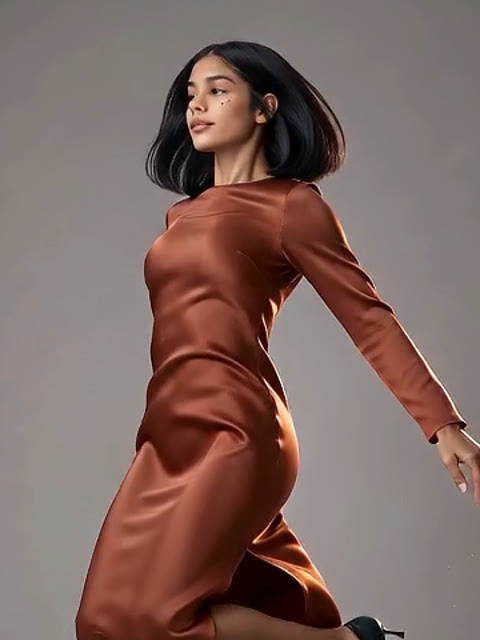
7s · 9:16 · 720p · original sound · ready in a few minutes
Photo tips
Photos that give the sharpest Bullet Time AI freeze
A clear, well-lit image helps the camera hold your face, clothing folds, and silhouette steady from front to side to back.
- Use a full-body photo that includes your shoes and complete outfit so the Bullet Time AI leap, mid-air tuck, and landing carry your entire look from head to toe.
- Pick a crisp front-facing shot with even natural or studio lighting so facial features, hairstyle, and fabric textures stay true as the lens sweeps across your profile.
- Choose a photo with crisp separation between you and the background; clean contrast makes the 3D parallax orbit around floating hair and hems look remarkably solid.
- Start with a relaxed standing pose or an energetic action snapshot—both work smoothly because the template animates the crouch, upward leap, mid-air halt, and soft landing automatically.
- Keep one clear subject centered in the frame with breathing room around head and feet, giving the frozen jump plenty of vertical space inside the 9:16 canvas.
Same category
More Effects templates
 NEW190 CR
 NEW270 CR
 NEW190 CR
 NEW10 CR
 NEW220 CR
 NEW10 CR
 NEW320 CR
 NEW380 CR
 NEW140 CR
 NEW220 CR
 NEW140 CR
 NEW270 CR
Origin
From cinema camera arrays to single-photo Bullet Time AI
How a 1999 sci-fi breakthrough evolved from 100-camera studio rigs and spinning action sticks into an instant single-photo video trend.
The Matrix and the original time-slice rig (1999)
The phrase "bullet time" entered pop culture with The Matrix (1999), conceived by the Wachowskis and brought to life by visual effects supervisor John Gaeta and the Manex team in an Academy Award-winning sequence. Building on nineteenth-century motion studies pioneered by Eadweard Muybridge, the film crew arranged dozens of still cameras along an arc to capture a single instant from multiple angles and interpolate a sweeping virtual lens around a frozen actor.
For decades, producing true time-slice footage remained a specialty reserved for multi-camera soundstages, calibrated shutter rigs, and painstaking manual frame interpolation by visual effects teams.
360-degree action cameras and the Bullet Time AI wave (2018–2026)
Consumer 360-degree action cameras brought bullet time into travel and sports reels through overhead spinning selfie sticks that locked the horizon while slowing down motion on location.
Modern image-to-video camera-control models unlocked single-photo Bullet Time AI directly from still pictures—sparking viral frozen jump outfit showcases, sports replay highlights, and suspended-moment edits across short-form feeds. This Bullet Time AI template packages that exact cinema camera arc—crouch, upward spring, peak freeze, 180-degree eye-level sweep, and soft landing—into one repeatable workflow.
Where these facts come from
Historical details on the 1999 bullet-time camera array and John Gaeta’s visual effects work come from Wikipedia and VFX coverage in befores & afters, alongside reporting in Inc. on the rise of AI-driven camera-orbit templates.
How it works
How to make a Bullet Time AI video from one photo
The built-in camera path, frozen jump choreography, and cinema sound mix take a single still photo to a finished Bullet Time AI clip in three quick steps.
Upload one clear photo
Drop a single JPG, PNG, or WebP photo up to 20 MB into the You slot above. A full-body photo showing your outfit and shoes delivers the most striking leap and mid-air freeze, while waist-up portraits and pet photos also animate smoothly.
Click Generate and let Kling 4.0 run the orbit
Hit the Generate button (190 credits) to start rendering. Kling 4.0 references our 7-second Bullet Time AI camera path to animate the upward leap, lock your pose at peak height, glide 180 degrees at eye level from front to back, and resume gravity for a soft landing.
Download your 720p vertical MP4 with sound
Your finished 7-second clip appears in the result panel and My Work in a few minutes, complete with synchronized leap whoosh, mid-air stillness, and soft landing thud—ready to share on Reels, Shorts, or any vertical feed.
Photos: JPG, PNG, WebP, up to 20 MB.
Pay per Bullet Time AI clip, with automatic credit protection
One 7-second 720p Bullet Time AI video uses 190 credits with the cinematic sound mix included. Flexible pay-as-you-go credits return automatically if a render fails.
- Basic$9.90400 credits2 videos
- Growth$19.90850 credits4 videos
- Most PopularPro$39.901,800 credits9 videos
- Studio$99.904,800 credits25 videos
- Max$299.9015,000 credits78 videos
Specs
What goes in and what comes out
Every render follows the exact 7-second frozen jump arc and cinema sound design shown in the studio preview above.
You upload
- 1 clear photo of one person or a pet (full-body with shoes recommended, waist-up portraits welcome)
- Standard standing posture or candid snapshot—the crouch, vertical jump, freeze, and landing come built into the template
- Pre-configured camera trajectory, lighting continuity, and synced sound effects handled automatically in one click
You get
- A continuous 7-second single-take vertical Bullet Time AI MP4 where you leap, lock motionless mid-air, and land softly
- Smooth 180-degree eye-level camera orbit from straight in front, around your left profile, to directly behind you
- Consistent facial likeness, floating hair strands, garment drape, and shoes carried through every camera angle
- Original cinematic sound effects—upward leap whoosh, hushed mid-air freeze, and grounded landing thud—muxed directly into the file
| Photos | 1 photo |
|---|---|
| Model | Kling 4.0 (reference-to-video) |
| Duration | 7 seconds |
| Picture | 720p, 9:16 vertical |
| Audio | Original leap whoosh, freeze silence, and landing thud |
| File | MP4, ready to post |
| Credits | 190 per video, refunded if it fails |
Who to put in
Who looks best in a Bullet Time AI frozen jump shot
Any single-subject photo with personality, bold styling, or athletic energy turns into a scroll-stopping cinema highlight.
Outfit & streetwear creators
Turn a full-body fit check into a 3D Bullet Time AI showcase. As the lens circles from front to side to back while you hang mid-air, viewers catch jacket structure, dress flow, and sneakers from every angle in seven seconds.
Athletes, skaters & dancers
Upload a shot in your jersey, gym gear, skate fit, or stage costume. The peak-height frozen jump and sweeping eye-level arc recreate the drama of a broadcast sports replay or music video hero moment.
Everyday portraits & friend shout-outs
Give a casual travel photo, graduation look, or weekend portrait a blockbuster upgrade. Holding your original stance for half a second before launching upward makes the reveal feel effortless and fun.
Cats & dogs
Upload a crisp full-body shot of your dog or cat to see your pet spring upward and hang suspended in mid-air like an action-movie star while the camera glides around them.
FAQ
Bullet Time AI FAQ
What is the Bullet Time AI video effect?
Bullet Time AI freezes your subject at the peak of an upward jump while the camera continues gliding smoothly around them in three-dimensional space. From a single uploaded photo, you get a 7-second vertical clip that leaps, pauses mid-air as the lens sweeps behind you, and snaps back to full speed for a soft landing.
Where does the camera move during the Bullet Time AI freeze?
The camera travels in a steady, eye-level 180-degree arc. It begins straight in front of your subject as they spring upward, sweeps smoothly past their left profile while hair and clothing stay suspended in mid-air, and finishes directly behind them just as time resumes for the landing. For a full 360-degree spotlight spin, you can also explore Camera Orbit AI.
How is Bullet Time AI different from a standard spin effect?
In a standard spin effect, the subject turns in place while the camera stays fixed. In Bullet Time AI, your body, hair, and outfit stay completely frozen mid-air while the camera physically orbits around you, producing genuine depth parallax and cinema-style motion. For a suspended-props street moment, try AI Chaos Trend.
Do I need a jumping photo, or will a regular standing picture work?
A regular standing photo works great. Bullet Time AI holds your original posture briefly at the start, then animates the knee bend, vertical leap, peak-height freeze, camera orbit, and landing automatically. Uploading a shot with bold styling or flowing fabric amplifies the mid-air drama.
Can I use Bullet Time AI for outfits, sports looks, or pets?
Yes. Full-body outfit photos with shoes, sports jerseys, dance looks, everyday portraits, and clear full-body photos of cats or dogs all translate smoothly into the 7-second frozen jump arc. Browse more single-photo visual templates in all AI video effects.
How long is a Bullet Time AI video, what resolution is it, and how many credits does it cost?
Every Bullet Time AI render outputs a 7-second, 720p vertical (9:16) MP4 powered by Kling 4.0 for 190 credits. The file includes the synchronized sound mix—a crisp upward whoosh on the leap, dramatic hush during the mid-air freeze, and a soft landing thud. View pack options anytime on our pricing page.
How does the one-photo Bullet Time AI workflow stay consistent automatically?
The camera trajectory, frozen jump timing, lighting continuity, and sound design are all pre-built inside the Bullet Time AI template. Simply upload one clear picture and click Generate to launch your render.
Keep scrolling
More viral AI video trends
 NEW270 CR
 NEW140 CR
 NEW320 CR
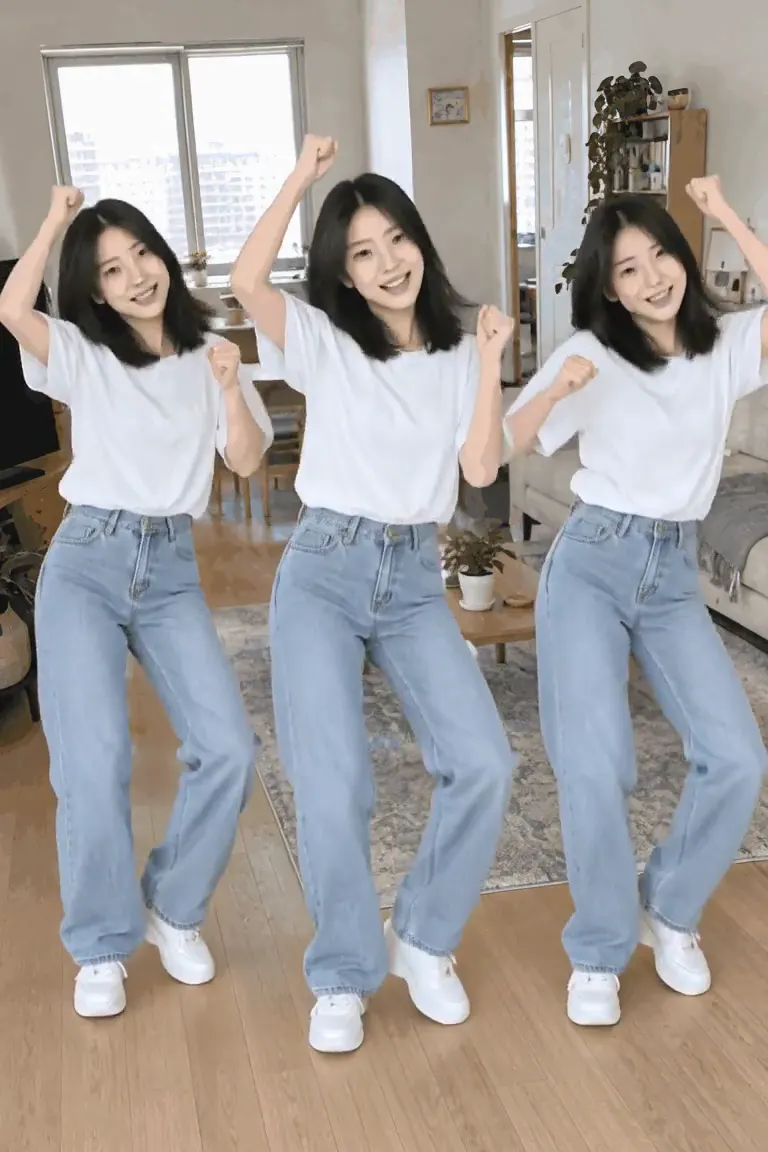 NEW140 CR
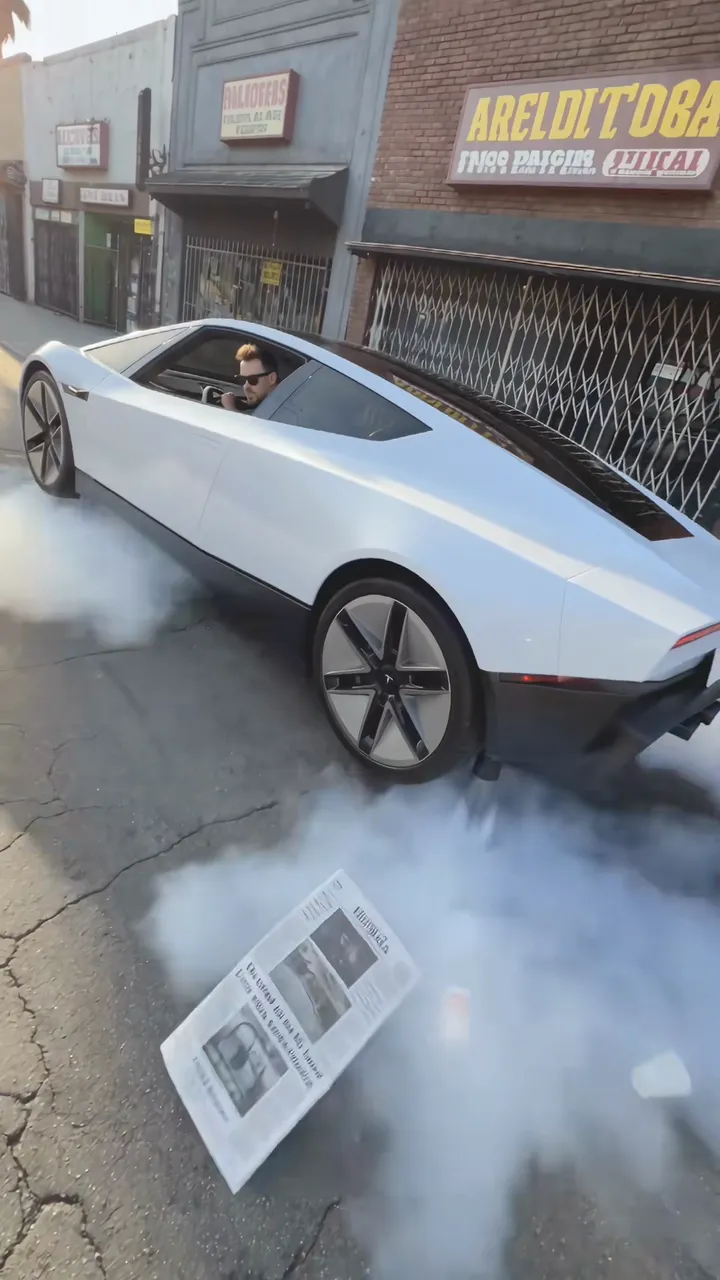 NEW300 CR
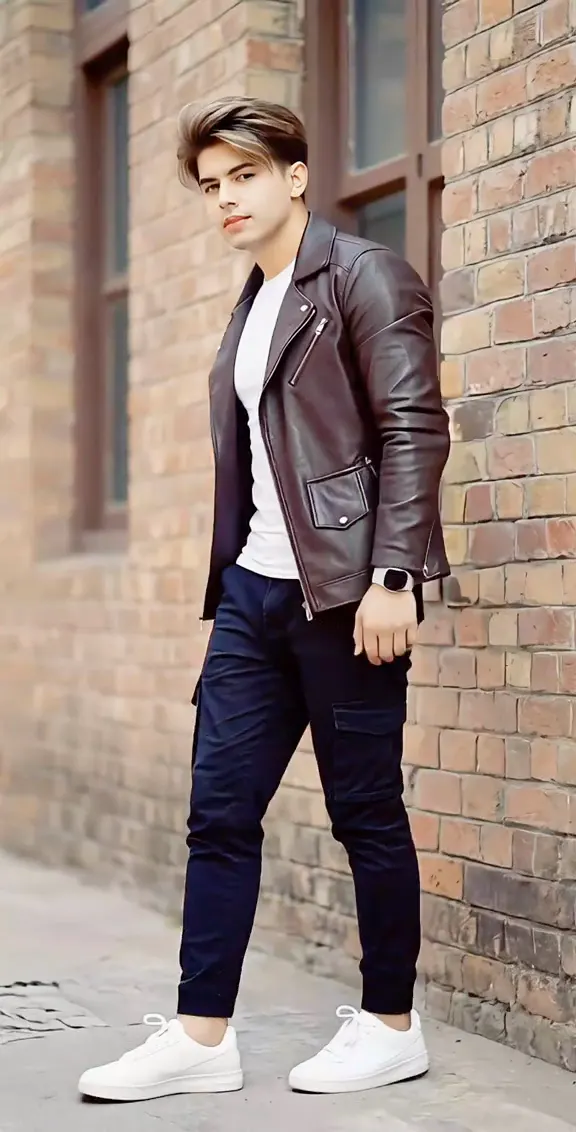 NEW240 CR
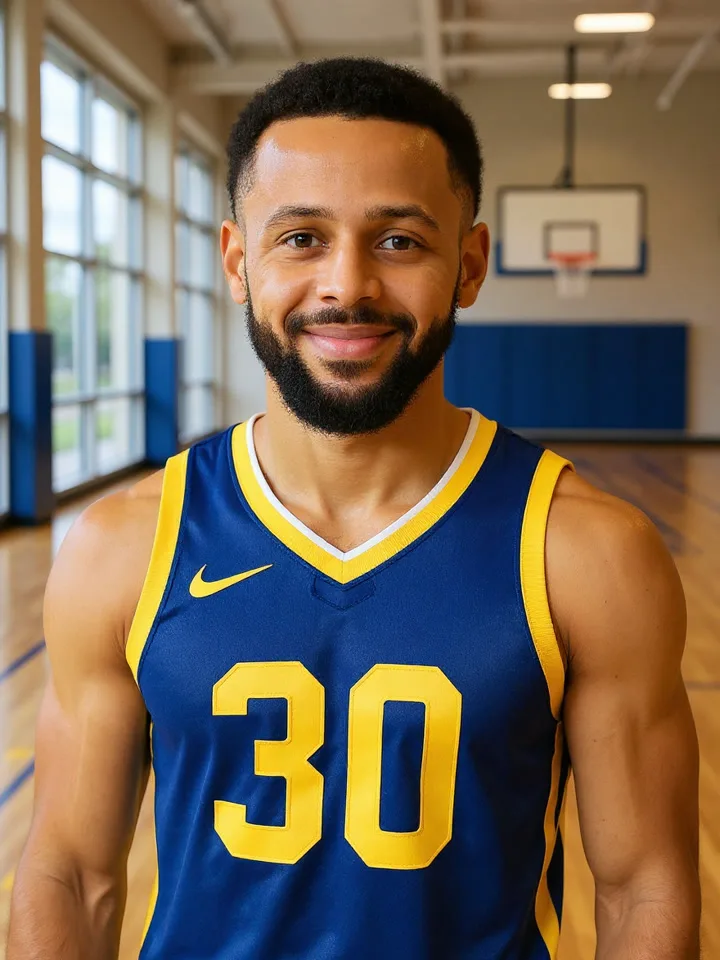 NEW100–400 CR
 NEW100–400 CR
 NEW100–400 CR
 NEW240 CR
 NEW160 CR
 NEW100–400 CR