
Transformation · New
Gossip Girl AI Filter Video Generator
Upload one clear photo to create a 10-second 9:16 Gossip Girl AI Filter video in 720p. Your selfie wipes smoothly into a tailored Upper East Side portrait with pearl accents, Manhattan hotel bokeh, and classic narration audio for 10 credits.
Gossip Girl AI Filter · 10s · 9:16
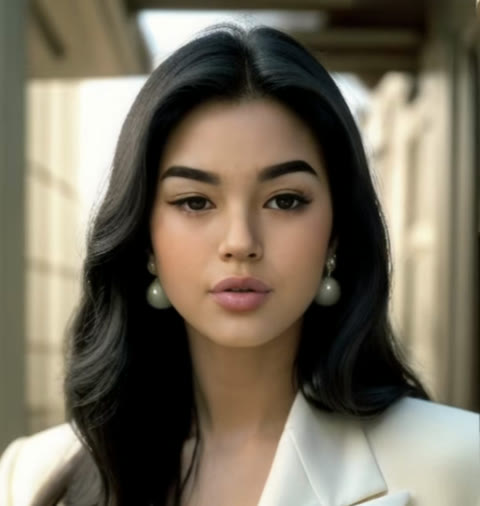
10s · 9:16 · 720p · original sound · ready in a few minutes
Simple Pricing
Gossip Girl AI Filter pricing: one photo, 10 credits
Every Gossip Girl AI Filter clip renders one sharp Upper East Side character portrait and encodes the 10-second wipe reveal at single-image pricing.
- Basic$9.90400 credits40 videos
- Growth$19.90850 credits85 videos
- Most PopularPro$39.901,800 credits180 videos
- Studio$99.904,800 credits480 videos
- Max$299.9015,000 credits1500 videos
Same category
More Transformation templates
 NEW270 CR
 NEW160 CR
 NEW220 CR
 NEW10 CR
 NEW320 CR
 NEW140 CR
 NEW220 CR
 NEW220 CR
 NEW140 CR
 NEW380 CR
 NEW270 CR
 NEW160 CR
Ready To Post
Gossip Girl AI Filter captions and hooks for social feeds
Pair your 10-second Gossip Girl AI Filter reveal with a classic Upper East Side tagline or anonymous gossip blast line right on the wipe.
- “Spotted: trading loungewear for Upper East Side couture. XOXO, Gossip Girl.”
- “How would I look in Gossip Girl? Consider my Manhattan era launched.”
- “If I were in Gossip Girl, the Met Steps would be my morning commute.”
- “You know you love me. One selfie turned into a Gossip Girl AI Filter portrait.”
- “Spotted on Fifth Avenue: a quiet luxury glow-up in ten seconds flat.”
- “Every Serena girl needs her Blair girl — tag your bestie for the next reveal.”
- Add a brief hook like "How would I look in Gossip Girl?" during the first three seconds so viewers stay through the wipe.
- Coordinate solo drops with your best friend or partner on the same day for a matching Upper East Side duo moment.
- Save a sharp still from the final three seconds of your finished MP4 as a matching story cover or profile avatar.
Trend Origin
Where the Gossip Girl AI Filter trend comes from
How late-2000s Manhattan television style, viral title remixes, and short-video reveals grew into the Gossip Girl AI Filter wipe format.
Upper East Side styling meets viral remixes
The signature look behind the Gossip Girl AI Filter began with the CW drama (2007–2012): tailored prep blazers, pearl jewelry, warm Manhattan townhouse lighting, and Kristen Bell voicing "XOXO, Gossip Girl." In April 2020, fans revived that visual identity with viral letter-swap logo jokes documented on Know Your Meme.
The #GossipGirlHere and "Spotted" short-video wave
Ahead of the July 2021 reboot premiere, Elite Daily spotlighted creators filming casual-to-Upper-East-Side transitions synced to Kristen Bell's narration. The official "Gossip Girl Presents: Spotted" vertical campaign honored by The Shorty Awards cemented the candid Manhattan blast format.
The 10-second AI portrait wipe reveal
By December 2023, the Gossip Girl AI Filter crystallized into a clean 10-second horizontal wipe: three seconds of an everyday selfie sweeping into a glamorous Upper East Side portrait over the full opening monologue.
Photo Guide
Best photos for a sharp Gossip Girl AI Filter likeness
A clear, evenly lit portrait helps the Gossip Girl AI Filter preserve your real bone structure, eyes, and expression while upgrading wardrobe and backdrop.
- Choose a bright, front-facing portrait with your eyes, brows, and natural hairline clearly visible so your Gossip Girl AI Filter result stays unmistakably yours.
- Use soft, even daylight across your face so the ivory blazer, pearl details, and warm hotel bokeh match your natural highlights seamlessly.
- Frame from the chest or shoulders up with a relaxed gaze so the structured blazer lapels sit cleanly inside vertical 9:16 proportions.
- Pick a simple background behind your shoulders for clean hair edges as the horizontal wipe glides across the frame.
- Start with a casual everyday selfie for bold before-and-after contrast—cozy sweaters make the Manhattan luxury reveal hit harder.
- Upload clear portraits of friends, family members, or pets—the Gossip Girl AI Filter adapts classic Upper East Side tailoring naturally to every subject.
Three Quick Steps
How to make a Gossip Girl AI Filter video online
Turn one camera-roll photo into a 10-second Gossip Girl AI Filter reveal right in your browser with automatic styling, wipe timing, and narration audio.
Upload one clear photo
Drop a front-facing portrait, chest-up selfie, or pet photo in JPG, PNG, or WebP format (up to 20 MB) into the upload slot above. Even lighting helps the Gossip Girl AI Filter lock your exact likeness.
Generate your Upper East Side portrait and wipe
Click Generate and SameVid runs Seedream 5.0 Flash to style your portrait in tailored ivory wool, subtle luxury accents, and blurred Manhattan hotel architecture, then builds the 3-second intro and 3.5-second wipe automatically.
Preview and download ready to share
Watch your finished 10-second 9:16 Gossip Girl AI Filter MP4 in 720p with the full classic narration soundtrack synced in, then save it straight to your device.
Photos: JPG, PNG, WebP, up to 20 MB.
Ways To Share
Creative ways to post your Gossip Girl AI Filter reveal
One 10-second vertical Gossip Girl AI Filter clip fits effortlessly into solo glow-ups, best-friend drops, travel recaps, and pet cameos.
Casual-to-couture before-and-after
Open on a morning coffee or hoodie selfie so the three-second intro contrasts sharply with your glossy Upper East Side Gossip Girl AI Filter portrait.
Serena and Blair bestie drop
Have each friend run a solo photo through the Gossip Girl AI Filter and post your clips back-to-back to crown your group chat Manhattan cast.
Upper East Side pet spotlight
Upload a sharp front portrait of your dog or cat for a tailored ivory collar look and Fifth Avenue hotel bokeh set to the classic narration.
Autumn fashion and NYC trip opener
Use your Gossip Girl AI Filter reveal as a polished opening clip for fall coat lookbooks, party invites, or New York City weekend recaps.
Output Specs
Gossip Girl AI Filter inputs and finished video specs
Every Gossip Girl AI Filter export is pre-timed to the 10-second vertical wipe format with matched narration audio ready to post.
You upload
- One clear front-facing portrait, chest-up selfie, or solo pet photo
- Standard JPG, PNG, or WebP file from your phone or computer
- Natural everyday lighting for bold before-and-after contrast
You get
- A 10-second vertical 9:16 Gossip Girl AI Filter MP4 in crisp 720p HD
- High-likeness Upper East Side styling with ivory blazer, pearl or silk accents, and warm Manhattan hotel bokeh
- Timed 3-second photo opener, 3.5-second left-to-right wipe, and 3.5-second portrait hold
- Complete classic opening narration and theme sting mastered onto the finished MP4
- Clean full-bleed artwork ready for your own captions or stickers
| Duration | 10 seconds |
|---|---|
| Aspect Ratio | 9:16 vertical |
| Resolution | 720p HD MP4 |
| Photos Needed | 1 photo |
| Audio | Original narration & theme included |
| Pipeline | Seedream 5.0 Flash + reveal wipe synthesis |
| Credits | 10 per video, refunded if it fails |
FAQ
Gossip Girl AI Filter FAQ
How does the Gossip Girl AI Filter video generator work?
The Gossip Girl AI Filter uses Seedream 5.0 Flash to restyle one uploaded photo into a tailored Upper East Side character portrait while keeping your real facial identity intact. SameVid encodes a 10-second 9:16 MP4 with a 3-second photo intro, a 3.5-second wipe, and synced narration audio.
How many credits does Gossip Girl AI Filter cost?
Each 10-second Gossip Girl AI Filter video costs 10 credits, covering one Seedream 5.0 Flash portrait render plus wipe synthesis and audio mastering. Credits return automatically if any task fails; view full packs on our pricing page.
How is this Gossip Girl AI Filter different from a static photo filter?
Unlike static photo filters that export one silent image, the Gossip Girl AI Filter outputs a finished 10-second 9:16 MP4 video in 720p HD with the timed wipe transition and full narration soundtrack synced in. You can also save a crisp frame from My Work.
Can men, friends, or pets use the Gossip Girl AI Filter?
The Gossip Girl AI Filter works for women, men, friends, and pets by preserving each subject’s real features while adapting Upper East Side tailoring—from ivory blazers and pearls to structured menswear or polished pet collars.
What photo gives the cleanest Gossip Girl AI Filter likeness?
A sharp, evenly lit front-facing portrait framed from the chest up gives the Gossip Girl AI Filter the strongest facial accuracy. Clear eyes, an open hairline, and a simple backdrop help the wipe transition glide smoothly.
How long does Gossip Girl AI Filter generation take?
Most Gossip Girl AI Filter videos finish rendering within a few minutes. Your completed 720p MP4 appears in the preview panel on this page and stays saved in My Work for re-downloading.
Which other portrait templates pair well with Gossip Girl AI Filter?
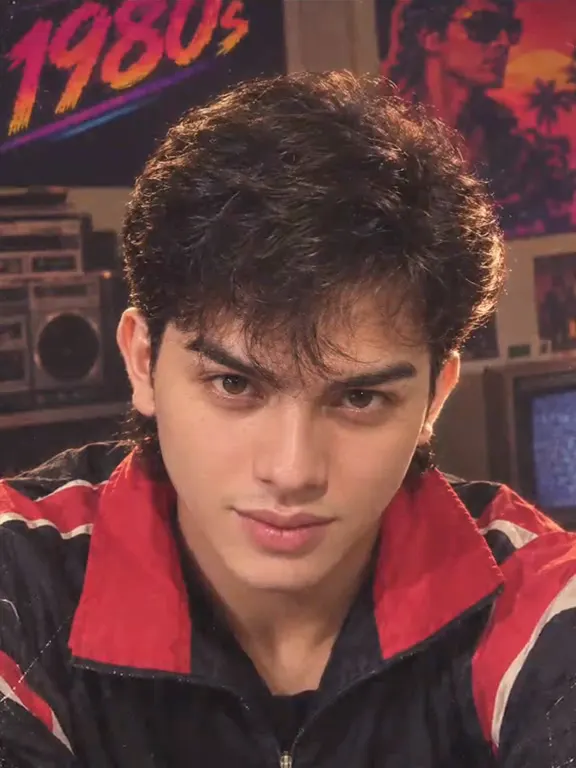
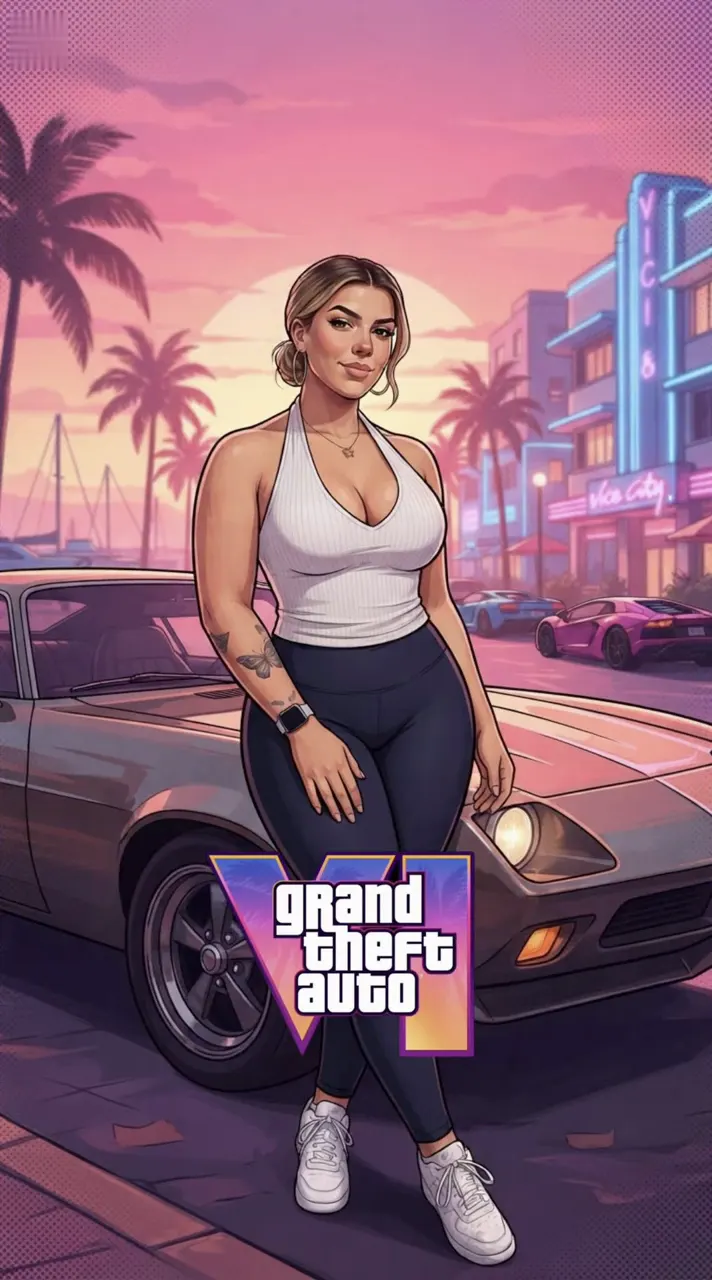
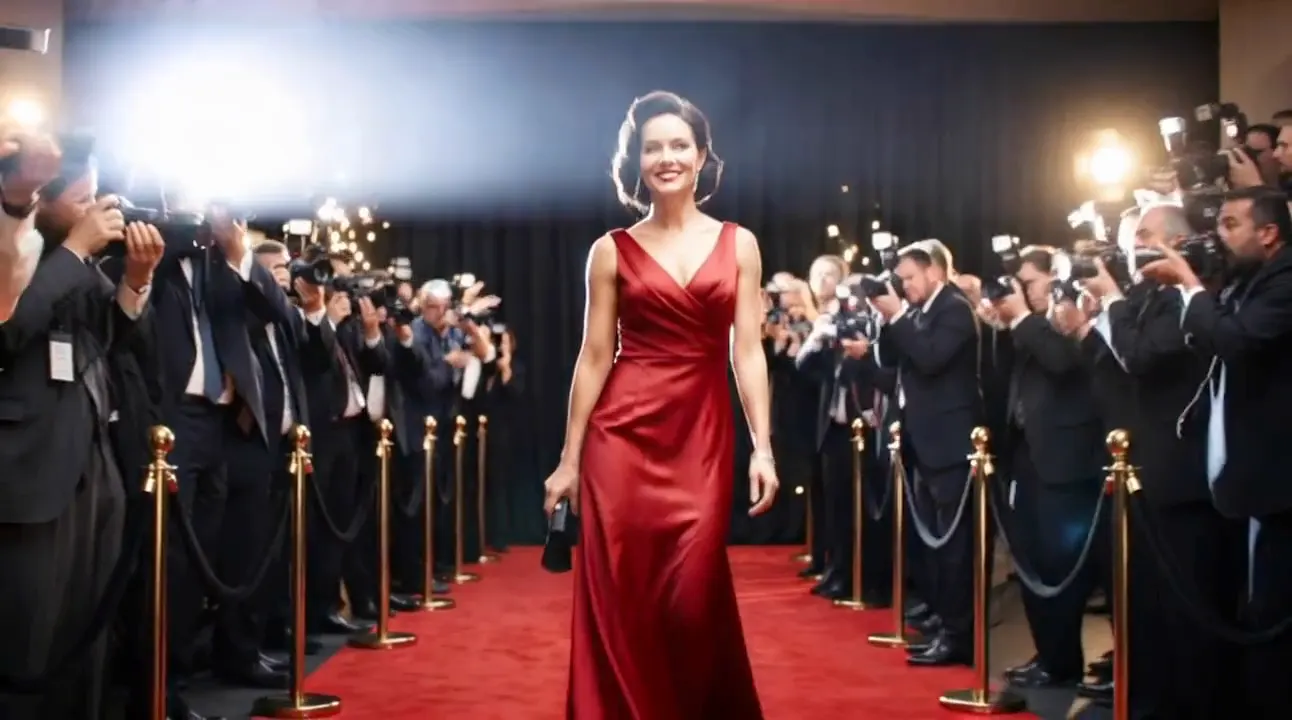
Related portrait templates that pair naturally with Gossip Girl AI Filter include 80s Portrait AI for retro 35mm studio looks, Red Carpet AI for premiere glamour, and GTA 6 Loading Screen AI for a Vice City sunset wipe.
Keep scrolling
More viral AI video trends
 NEW30 CR
 NEW10 CR
 NEW10 CR
 NEW140 CR
 NEW270 CR
 NEW140 CR
 NEW270 CR
 NEW400 CR
 NEW400 CR
 NEW190 CR
 NEW30 CR
 NEW30 CR