
GTA 6 · New
GTA 6 Drake Radio Reaction AI Video Generator
Drop your face into the GTA 6 Drake Radio Reaction AI split-screen meme. Upload 1 clear portrait and generate a 10-second 9:16 720p video with original Nokia audio and streaming-room hype for 270 credits.
GTA 6 Drake Radio Reaction AI · 10s · 9:16
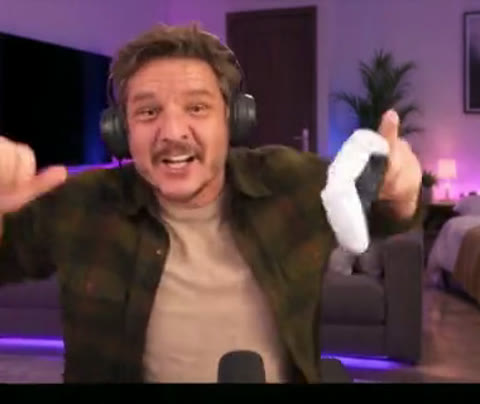
10s · 9:16 · 720p · original sound · ready in a few minutes
Examples
How the GTA 6 Drake Radio Reaction AI split-screen plays out
The top frame locks onto your streamer reaction under purple studio lighting while the bottom frame cycles the GTA 6 radio wheel onto VCRR.
GTA 6 Drake Radio Reaction AI VCRR Nokia clip
A focused gamer leans toward the screen during a night drive, spots VCRR playing Drake Nokia on the radio wheel, and throws both arms up in celebration.
Same category
More GTA 6 templates
 NEW380 CR
 NEW380 CR
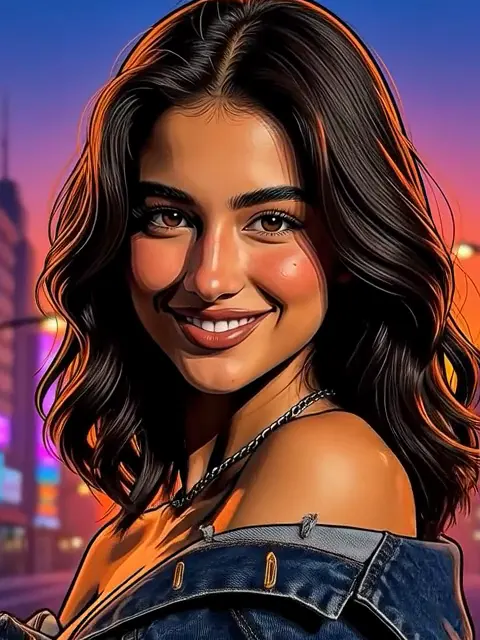 NEW160 CR
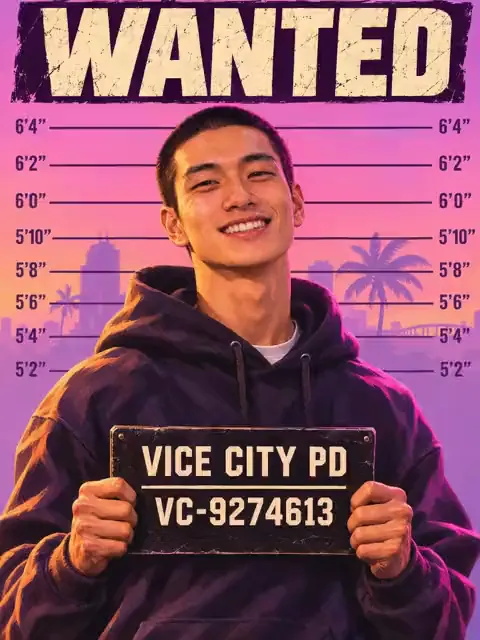 NEW140 CR
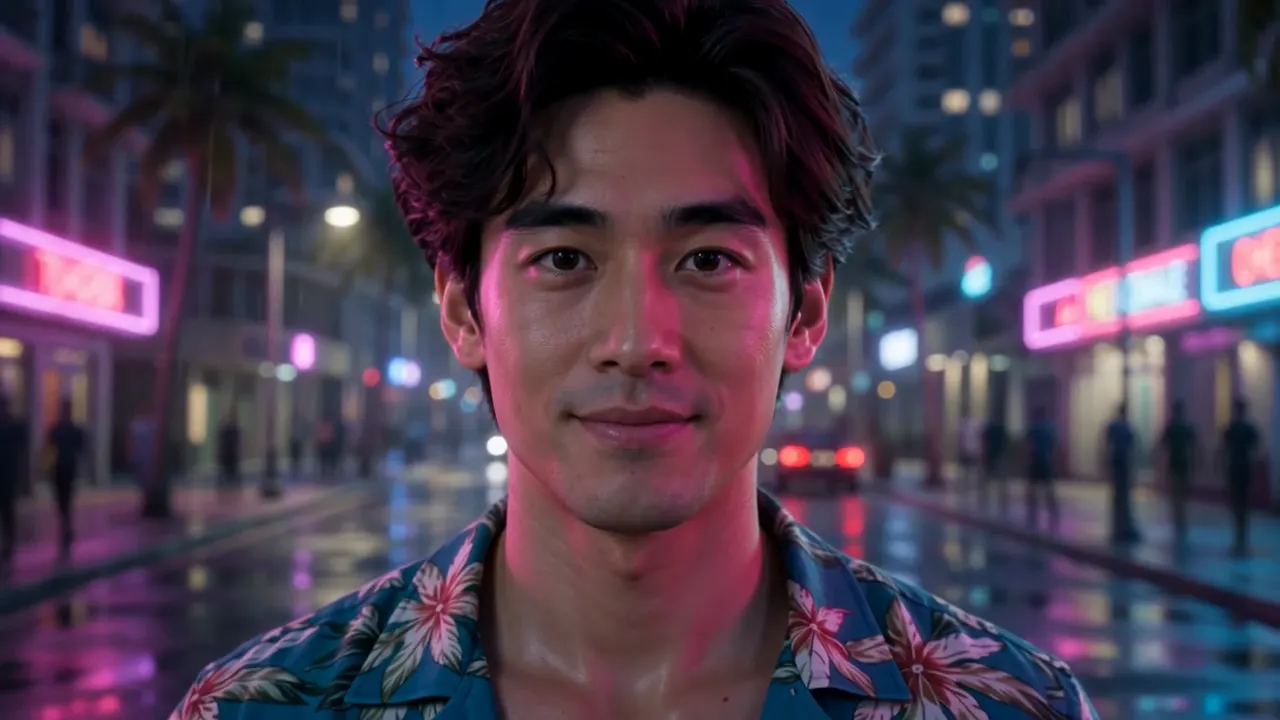 NEW400 CR
 NEW270 CR
 NEW270 CR
 NEW400 CR
 NEW270 CR
 NEW400 CR
 NEW300 CR
 NEW220 CR
The scene
Five GTA 6 Drake Radio Reaction AI beats from cruise to hype
Every GTA 6 Drake Radio Reaction AI clip follows the exact 10-second timing of the viral radio reveal so your reaction lands on the beat drop.
0–2s · Locked-in night cruise
The top half shows your chosen character wearing headphones and gripping a white controller under warm purple-pink room lighting, while the bottom half drives a pickup truck down a dark Vice City highway.
2–3s · Radio wheel lands on VCRR
The in-game station dial flicks past Flash FM and Gloriana Blues before stopping cleanly on VCRR with NOKIA by Drake displayed across the center readout.
3–6s · Instant shock and arms up
As the beat kicks in, the streamer snaps their head back in disbelief, opens their mouth in a huge grin, and throws both arms wide while still clutching the controller.
6–9s · Peak sing-along celebration
Your character laughs, bounces in the gaming chair, and sings along with full streamer energy while live chat messages scroll beside the gameplay feed.
9–10s · Neon highway outro
The camera returns to the glowing taillights of the pickup truck cruising through downtown traffic as the streamer rides out the chorus with a celebratory fist pump.
Origin
Where the GTA 6 Drake Radio Reaction AI meme came from
Rumors of Drake hosting his own Vice City station sparked one of the fastest-spreading gaming reaction formats across social feeds.
From radio leak rumors to the viral VCRR moment
Talk around Drake appearing in GTA 6 began circulating after producer Jermaine Dupri told interviewers that the artist had his own dedicated station in the game, as reported by RockstarINTEL. When leaked in-game radio tracklists surfaced on Dexerto showing multiple Drake tracks—including Hold On, We’re Going Home, Nonstop, and NOKIA—fans immediately started hunting for the station.
The GTA 6 Drake Radio Reaction AI format itself took off after streamer FaZe Lacy shared a split-screen clip—reposted across YouTube and X—showing him flipping through stations during a night drive and losing it the second VCRR started playing NOKIA.
Why creators put friends and pets in the top frame
Because the lower half delivers the GTA 6 driving and radio UI context automatically, anyone can star as the streamer in the upper frame. Friends, gaming duo partners, and even cats or dogs facing the camera make the GTA 6 Drake Radio Reaction AI moment readable on sight.
Instead of recording gameplay, syncing a webcam overlay, and cutting around the station dial manually, SameVid AI preserves the split-screen pacing and casts your portrait straight into the studio seat.
Best ways to style your input photo
Upload a single bright, front-facing portrait in JPG, PNG, or WebP format where the face sits clearly in the center of the frame. Natural indoor or daylight photos translate cleanly into the purple-lit streaming room, and solo pet portraits facing the camera produce hilarious contrast when the arms fly up.
More GTA 6 trends
GTA 6 Drake Radio Reaction AI and related Vice City templates
Pair your GTA 6 Drake Radio Reaction AI clip with loading-screen transformations, jet ski pet rescues, and cheat-code scenes.
 NEW10 CR
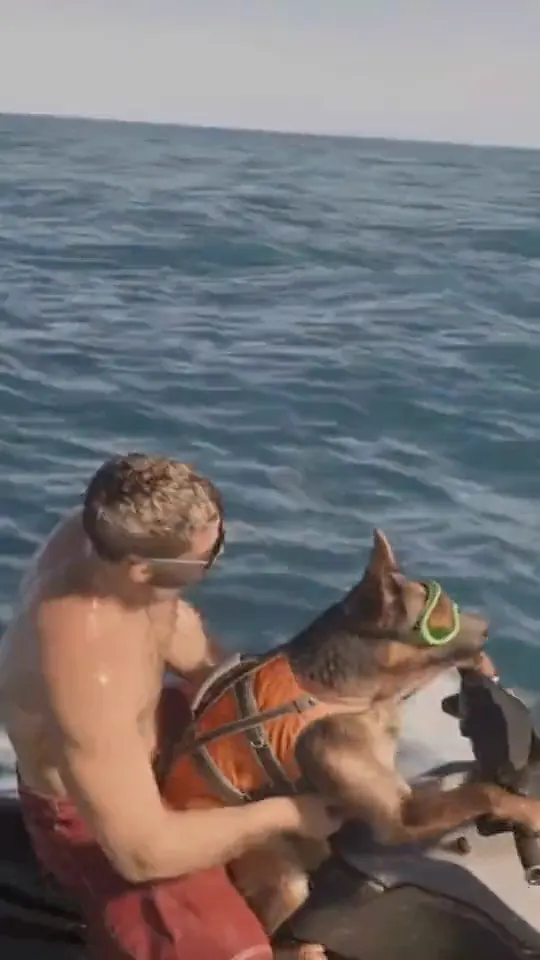 NEW400 CR
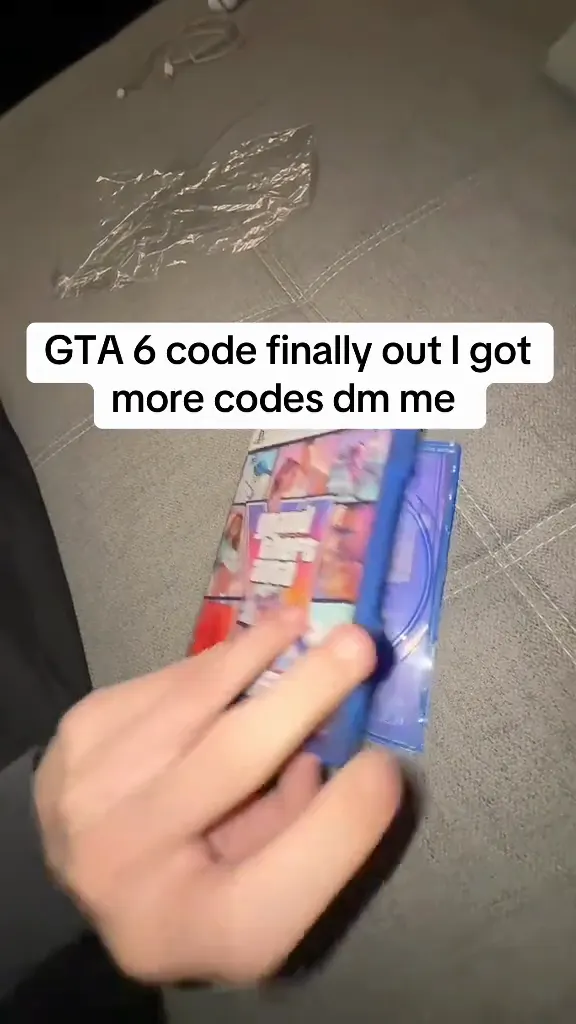 NEW220 CR
 NEW270 CR
Specs & inputs
GTA 6 Drake Radio Reaction AI inputs, specs, and output
Upload 1 clear front-facing portrait into the streamer slot to render a 10-second vertical MP4 with synced original Nokia audio.
You upload
- 1 clear front-facing portrait photo (JPG, PNG, or WebP) of yourself, a friend, or a cat or dog facing the camera
- Even lighting with eyes and full face clearly visible in the upper-center area of the shot
You get
- 10-second 9:16 vertical MP4 at 720p ready for Reels, Shorts, and TikTok
- Split-screen layout preserving the GTA 6 night drive, VCRR radio wheel, and purple studio backdrop
- Original Drake NOKIA audio track and live reaction sound mixed cleanly into the final download
| Photos | 1 |
|---|---|
| Model | Kling 4.0 |
| Duration | 10 seconds |
| Picture | 720p, 9:16 |
| Audio | Original Nokia & reaction track |
| File | MP4 |
| Credits | 270 per video, refunded if it fails |
Photos: JPG, PNG, WebP, up to 20 MB.
FAQ
GTA 6 Drake Radio Reaction AI FAQ
How many photos does GTA 6 Drake Radio Reaction AI need?
GTA 6 Drake Radio Reaction AI requires 1 clear front-facing photo (JPG, PNG, or WebP). That single portrait maps directly to the streamer in the upper half of the split-screen layout while the GTA 6 gameplay and VCRR radio dial run below.
Can GTA 6 Drake Radio Reaction AI use a pet photo instead of a human portrait?
GTA 6 Drake Radio Reaction AI works with both human portraits and front-facing cat or dog photos in the streamer slot. Pet portraits pair well with our AI pet video templates collection for instant comedic contrast.
Does GTA 6 Drake Radio Reaction AI include the original Drake Nokia audio?
GTA 6 Drake Radio Reaction AI muxes the original 10-second VCRR Nokia music and streamer celebration audio directly onto your finished 720p 9:16 MP4 so the arm-raise hype lands right on the beat.
What photo framing gives the cleanest GTA 6 Drake Radio Reaction AI result?
GTA 6 Drake Radio Reaction AI produces the sharpest likeness from a bright, front-facing head-and-shoulders or chest-up portrait with eyes and full face clearly visible in the center of the frame.
How long is a GTA 6 Drake Radio Reaction AI video and how many credits does it cost?
GTA 6 Drake Radio Reaction AI generates a 10-second vertical 9:16 MP4 at 720p resolution for 270 credits per run, with automatic credit refunds on any failed job; see SameVid AI pricing for credit packs.
Do I need to write prompts or edit gameplay for GTA 6 Drake Radio Reaction AI?
GTA 6 Drake Radio Reaction AI handles the prompt engineering, split-screen pacing, and gameplay compositing automatically inside our funny AI video templates pipeline—simply upload 1 photo and click generate.
How does GTA 6 Drake Radio Reaction AI differ from GTA 6 Loading Screen AI and GTA 6 Jet Ski Dog AI?
GTA 6 Drake Radio Reaction AI puts your face inside a 10-second split-screen gaming setup reacting to VCRR playing Drake Nokia, whereas GTA 6 Loading Screen AI freezes a street photo into painted cover art, GTA 6 Jet Ski Dog AI casts your pet as a Vice City ocean rescuer, and GTA 6 Cheat Code AI turns text into chaotic city stunts.
Keep scrolling
More viral AI video trends
 NEW100–400 CRNEW10 CRNEW400 CRNEW220 CR
 NEW220 CR
 NEW380 CR
 NEW10 CR
 NEW320 CR
 NEW100–400 CR
 NEW100–400 CR
 NEW140 CR
 NEW220 CR