
GTA 6 · New
GTA 6 Cheat Code AI Concept Generator
Upload one front-facing portrait to star in an 8-second GTA-style cheat code concept video. Kling 4.0 renders a 720p vertical MP4 with neon keypad UI and original sound for 220 credits.
GTA 6 Cheat Code AI Concept Generator · 8s · 9:16
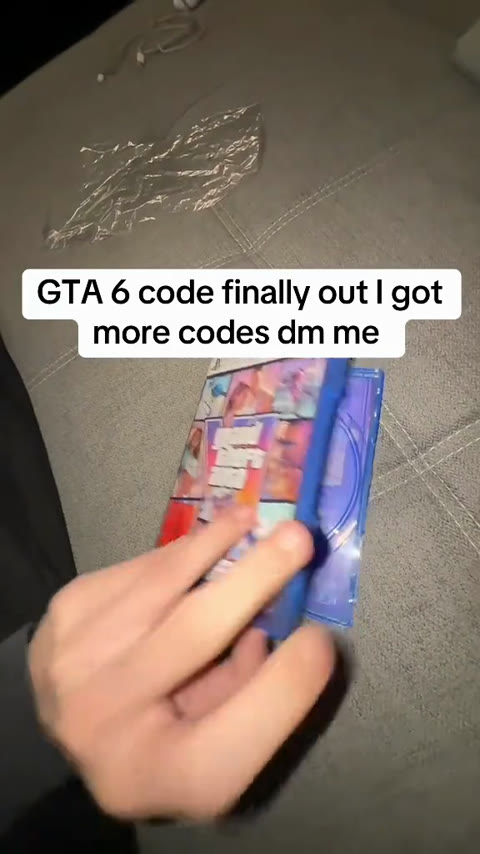
8s · 9:16 · 720p · original sound · ready in a few minutes
Input & output
What goes in and what comes out
Send one clear portrait and get an 8-second stylized cheat-menu concept clip built for vertical gaming feeds.
You upload
- 1 clear front-facing portrait for the Player slot
- JPG, PNG, or WebP, at least 300 px per side and up to 20 MB
- Group pictures can be cropped to one person right inside the uploader
- No screen recording, keypad overlay, or prompt writing needed
You get
- An 8-second vertical 9:16 MP4 rendered at 720p resolution
- Stylized phone keypad cheat-entry aesthetic and neon Vice City lighting
- Original audio merged cleanly with zero watermarks or burned-in subtitles
- Playback and direct MP4 download saved in My Work on this template page
| Photos | 1 |
|---|---|
| Model | Kling 4.0 (reference-to-video) |
| Duration | 8 seconds |
| Picture | 720p, 9:16 vertical |
| Audio | Original sound included |
| File | MP4 |
| Credits | 220 per video, refunded if it fails |
Same category
More GTA 6 templates
 NEW380 CR
 NEW380 CR
 NEW160 CR
 NEW140 CR
 NEW400 CR
 NEW270 CR
 NEW270 CR
 NEW400 CR
 NEW270 CR
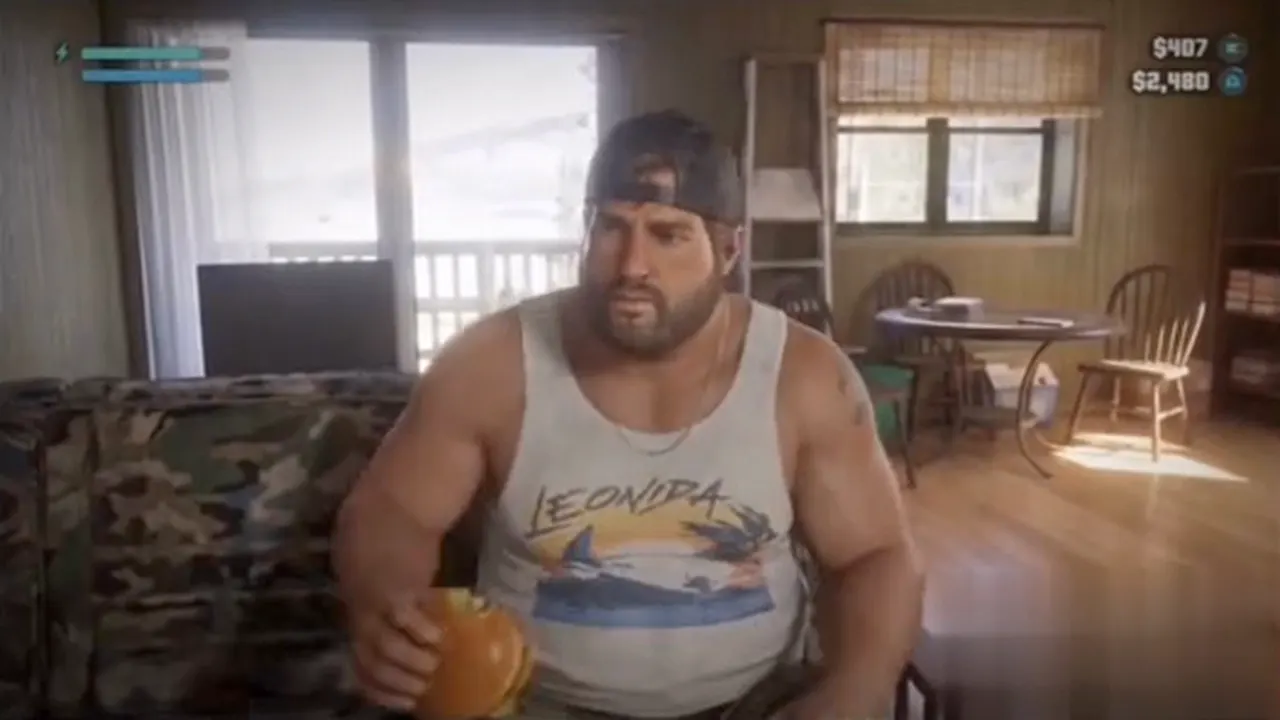 NEW400 CR
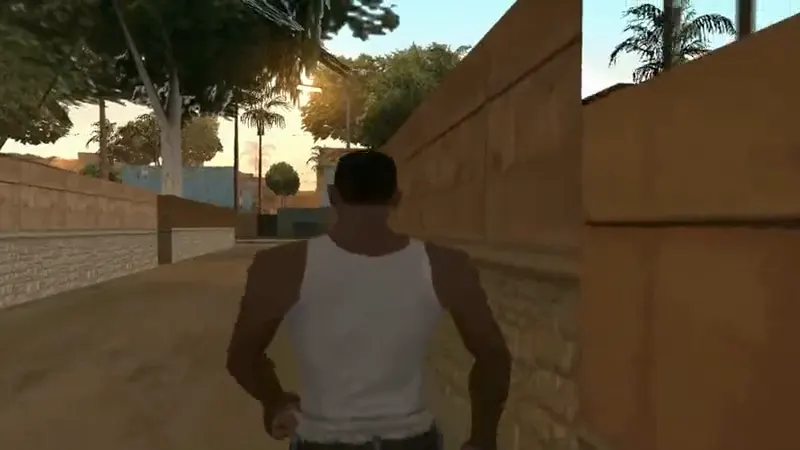 NEW300 CR
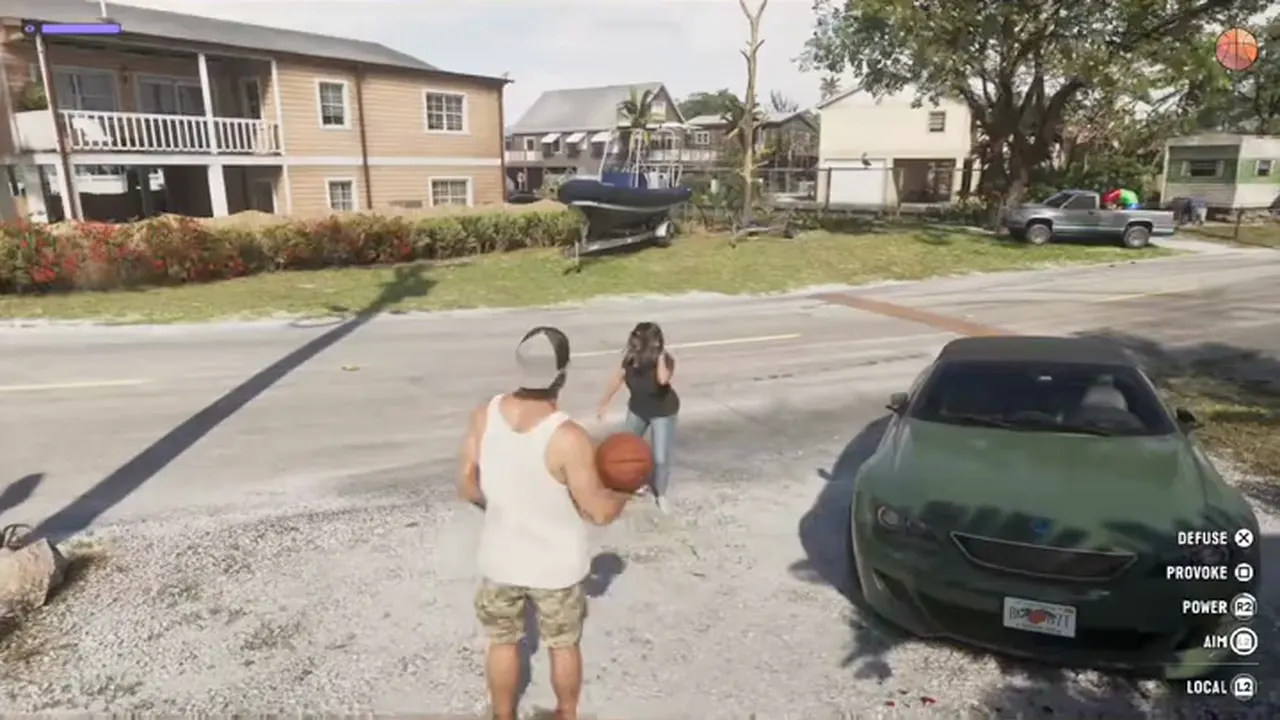 NEW220 CR
Who to put in
Who to put in the Player slot
One clear portrait turns anyone into the protagonist activating a stylized cheat menu.
Your own gaming persona
Drop in your sharpest solo portrait, streaming profile picture, or gaming avatar photo to place yourself inside an 8-second Vice-inspired cheat-entry concept sequence.
Your squad’s multiplayer carry
Celebrate the friend who always pulls off impossible late-game clutches by casting them in a slick neon cheat-code clip for the Discord server or group chat.
A bold night-out or streetwear shot
Portraits in jackets, sharp hairstyles, or evening street lighting blend naturally with the neon Vice palette and phone-keypad framing.
A gaming creator or co-op buddy
Surprise a co-op partner with a custom 8-second concept video showing them dialing in the ultimate weekend cheat code.
Variants
More GTA-inspired AI templates
Explore sibling gaming aesthetic templates for loading screens, Vice City arrivals, and classic parodies.
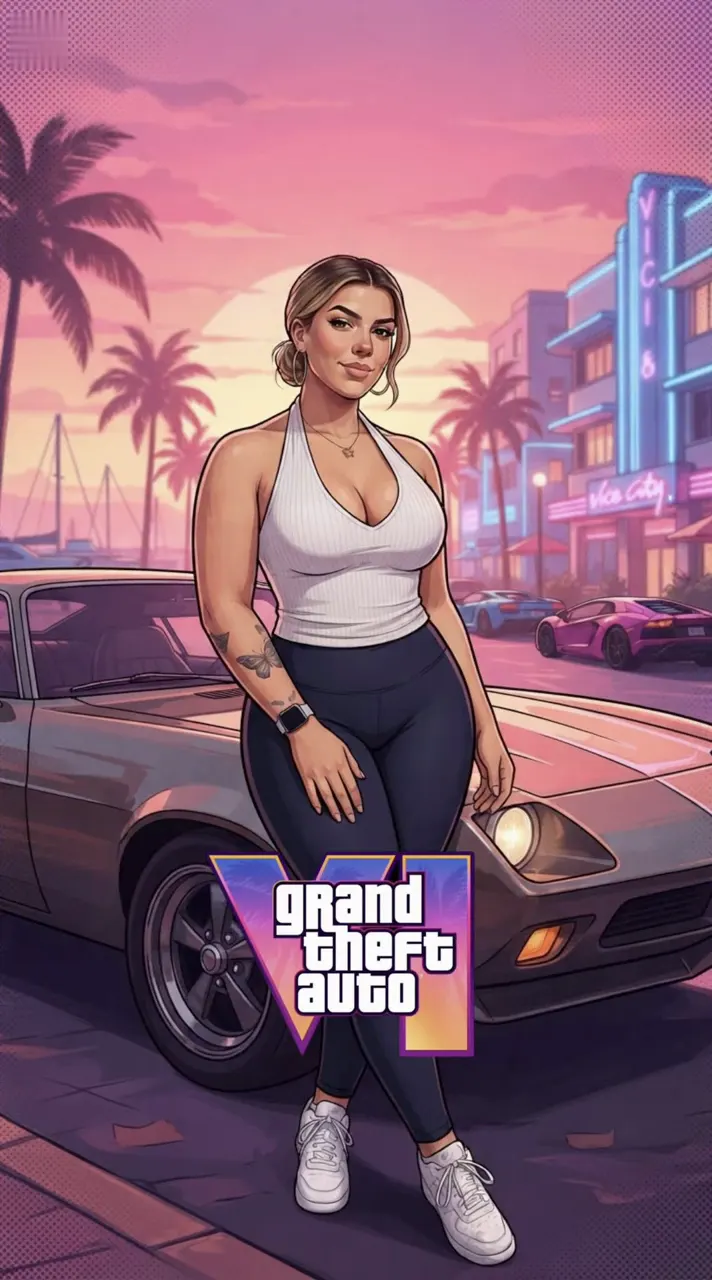 NEW10 CR
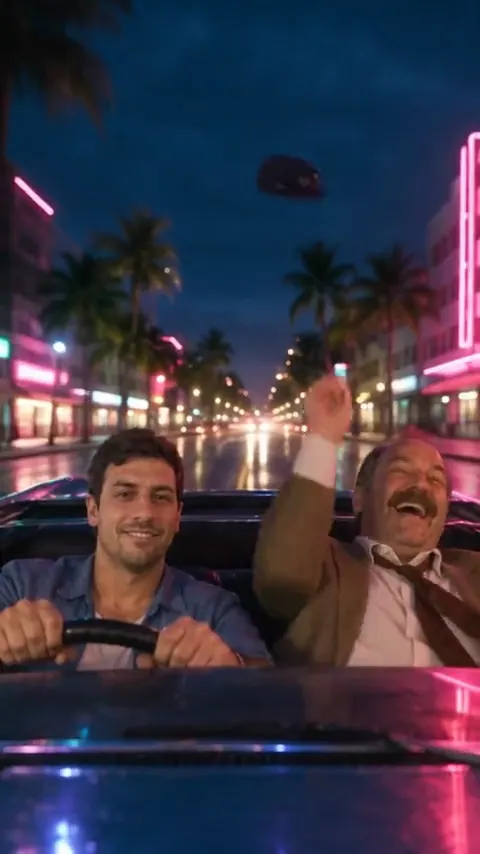 NEW350 CR
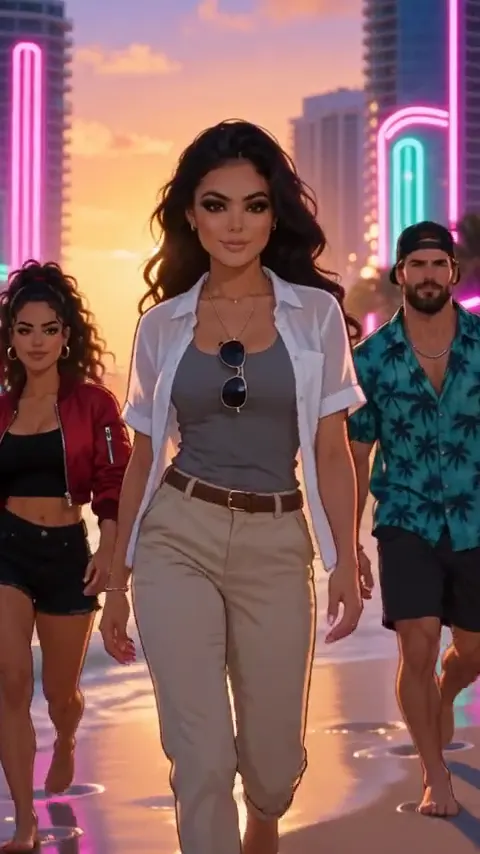 NEW400 CR
Ideas
Ways creators share this GTA concept clip
Use the 8-second stylized concept video as a playful gaming edit, meme opener, or stream intro.
Gaming hype and countdown intros
Drop the 8-second cheat-menu concept at the start of a gaming montage, stream highlight reel, or release-countdown post to set an unmistakable Vice City mood.
Friend-group joke edits
Pair the downloaded MP4 with captions like "typing the infinite weekend cheat" or "unlocking Friday night mode" for instant laughs in group chats.
Clean visual concept showcases
Show off how your portrait looks inside stylized game-UI neon lighting while clearly framing the clip as fan-made AI concept art rather than real gameplay.
Before-and-after gamer glow-ups
Combine your ordinary portrait with the finished 8-second neon keypad clip in a quick side-by-side reel to show how one everyday selfie turns into a stylized open-world game character scene.
Channel banner and profile teaser
Use the crisp 720p vertical output as a looping pinned clip or community announcement whenever you kick off a new stream schedule or retro-to-next-gen gaming marathon.
How it works
How to make your GTA 6 cheat code concept video
Three quick steps turn one portrait into an 8-second 720p MP4 for 220 credits.
Upload one Player portrait
Pick a sharp, front-facing photo of one person in JPG, PNG, or WebP format (at least 300 px per side, up to 20 MB). Even daylight or clean room lighting on the face keeps your identity crisp under the neon game palette, and group shots can be cropped down to one face right inside the uploader.
Generate with Kling 4.0
Click Generate for 220 credits. Kling 4.0 reference-to-video follows the original clip’s cinematic camera path, phone keypad menu framing, and neon lighting while mapping your uploaded portrait onto the player character.
Download from My Work
Rendering finishes in a few minutes and continues running safely in the background if you switch tabs or leave the page. Play the finished 8-second 720p vertical MP4 with original synced audio in My Work and save it ready to post. Credits refund automatically if any task fails.
Photos: JPG, PNG, WebP, up to 20 MB.
Start creating
Ready to render your cheat-menu concept?
Upload one portrait and generate your 8-second vertical clip for 220 credits.
FAQ
GTA 6 Cheat Code AI Concept Generator FAQ
Is this a real game cheat tool or a visual concept video?
This is purely an AI-generated visual concept video template designed for entertainment and social edits. It places your portrait into a stylized, cinematic phone-keypad cheat menu aesthetic inspired by anticipation for the next open-world release—it produces a clean 8-second MP4 video clip and does not interact with or modify any game software.
Can I explore other GTA-style visual scenes on SameVid?
Yes. Alongside this 8-second cheat-menu concept, you can try sibling templates like GTA 6 Loading Screen AI, Vice City Arrival AI, and Hot Coffee Run AI linked in the Variants section above, each offering its own camera framing and aesthetic.
How many credits does one generation cost?
Each 8-second 720p vertical video costs 220 credits, displayed right on the Generate button before you confirm. If a task ever fails, the charged credits return to your balance automatically so nothing is lost.
What kind of portrait works best for the Player slot?
A clear, front-facing portrait of one person with even lighting works best. Head-and-shoulders or half-body photos in JPG, PNG, or WebP (300 px minimum per side, max 20 MB) preserve facial likeness cleanly. Starting from a group picture? Upload it and crop to one person inside the uploader.
Does the output include sound and stay free of watermarks?
Yes. SameVid merges the original audio track into your 8-second MP4 automatically and keeps the video clean of subtitles, logos, or third-party phone UI clutter so you can post it anywhere cleanly.
How long does rendering take?
Generation usually takes a few minutes. You can close or switch tabs while Kling 4.0 renders safely in the background, and your finished 720p vertical MP4 appears under My Work when ready for replay and download.
Keep scrolling
More viral AI video trends
 NEW270 CRNEW10 CRNEW350 CR
 NEW220 CR
 NEW380 CR
 NEW10 CR
 NEW320 CR
 NEW100–400 CR
 NEW100–400 CR
 NEW140 CR
 NEW220 CR
 NEW220 CR