
GTA 6 · New
Vice City AI Video Generator
Turn one front portrait into a 15-second Vice City AI neon Miami trailer. Walk rain-slick Ocean Drive, meet by a sunset muscle car, pick up a diner bag, outrun flashing lights, and pose curb-side in 720p 16:9 MP4 with original sound for 400 credits.
Vice City AI · 15s · 16:9
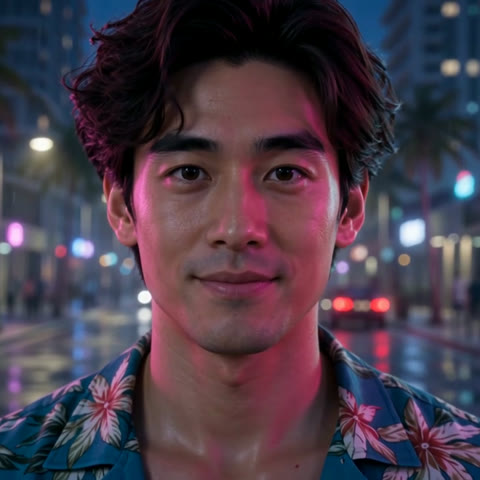
15s · 16:9 · 720p · original sound · ready in a few minutes
The scene
Six Vice City AI story beats in 15 seconds
Each Vice City AI clip stitches six widescreen Miami crime-drama shots together, carrying your uploaded portrait from neon rain to a sunset curb finale.
0.0–2.5s · Rain-slick Ocean Drive close-up
Your Vice City AI trailer opens chest-up in the center of a rain-washed Miami boulevard at night. Styled in an open turquoise floral shirt over a white tank top, you glance calmly into the camera and offer a slight smirk as hot-pink and electric-cyan storefront signs shimmer across the wet asphalt behind you.
2.5–5.0s · Sunset boardwalk muscle car meet
The cut widens to a golden-pink palm-lined coastal promenade beside a parked black convertible muscle car. Two crew silhouettes wait along the fender while you turn your head toward the lens under warm sunset light that matches classic Vice City AI poster tones.
5.0–7.5s · Neon diner booth handoff
Inside a warmly lit retro diner booth beneath glowing ceiling strips, you sit across from a dark-jacketed contact, reach across the laminated table to lift a black duffel bag beside a set of car keys, and hold steady eye contact before slipping out into the night.
7.5–10.0s · Palm-lined night highway drift
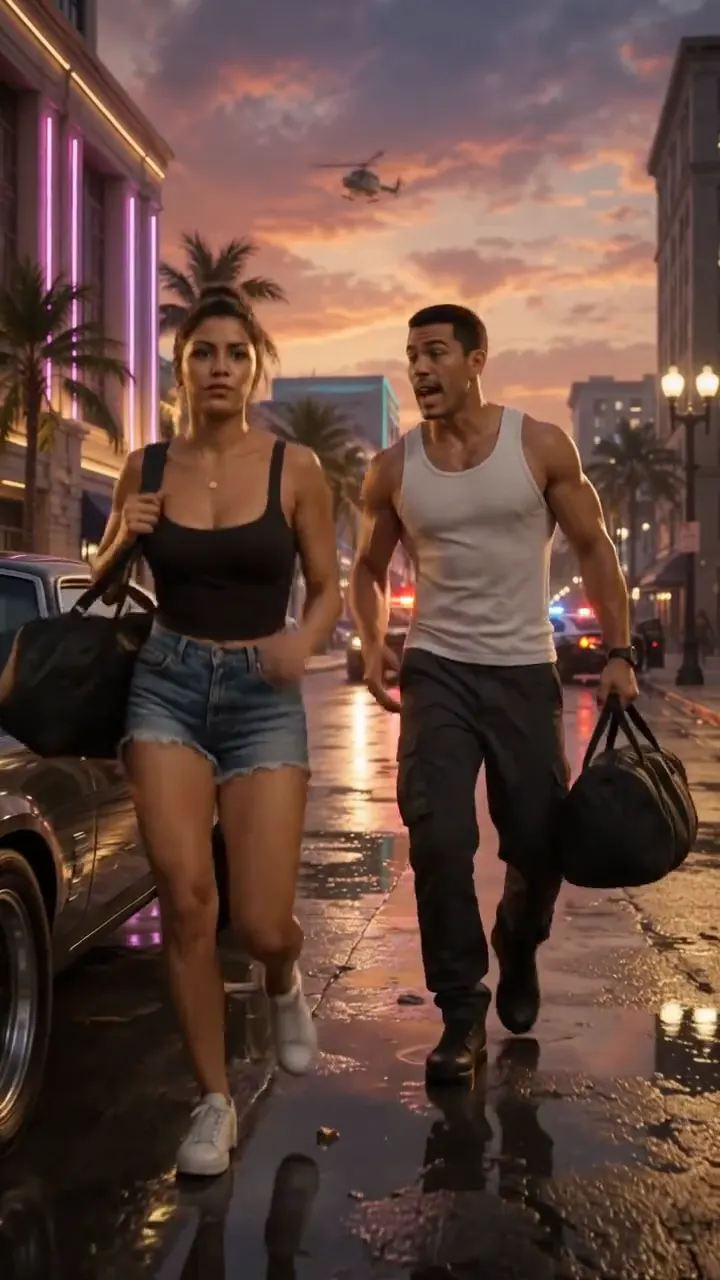
Low on the wet boulevard outside, the black muscle car kicks its rear tires wide through a sweeping drift beneath towering palms as red-and-blue emergency strobes flare brightly down the avenue behind the rear bumper.
10.0–12.5s · Cockpit wheel grip and flashing mirrors
Inside the driver seat, the Vice City AI camera frames your face and hands gripping the steering wheel as neon storefronts streak past the side glass and flashing emergency lights sweep across the back window.
12.5–15.0s · Pink neon curb finale
The trailer closes beside the parked black muscle car in front of glowing pink motel neon and silhouetted palms at dusk, holding a clean medium portrait as you turn squarely toward the lens with a relaxed grin.
Same category
More GTA 6 templates
 NEW380 CR
 NEW380 CR
 NEW160 CR
 NEW140 CR
 NEW270 CR
 NEW270 CR
 NEW400 CR
 NEW270 CR
 NEW400 CR
 NEW300 CR
 NEW220 CR
 NEW160 CR
Photo tips
How to pick a portrait for crisp Vice City AI likeness
Because five of the six Vice City AI shots keep your face front and center, a clean eye-level selfie carries your expression cleanly across every lighting change.
- Use a sharp front-facing head-and-shoulders photo with both eyes clearly visible so the opening Ocean Drive close-up and closing motel curb portrait preserve your natural gaze and facial proportions.
- Choose bright, even daylight or soft indoor lighting with balanced tones across your cheeks and forehead, giving the model clean facial geometry to relight under pink and cyan neon.
- Upload a solo image with only one person in the frame so Kling 4.0 locks your exact hairstyle, jawline, and expression onto the Vice City AI lead role with clear identity focus.
- Pick a relaxed expression or slight confident smile looking straight at the camera, which matches both the calm diner handoff and the closing Vice City AI curb pose.
Who to put in
Great portraits to cast in Vice City AI
One clear photo is all it takes to put yourself, a friend, or a favorite character into the driver seat of this 15-second Miami night story.
Yourself in launch-week style
Upload a clean solo selfie to star in all six widescreen Vice City AI scenes—stepping out on rain-slick Ocean Drive, taking the diner duffel, and steering the getaway muscle car yourself.
A friend celebrating a new ride or milestone
Drop a friend’s portrait into the lead slot for a playful birthday, promotion, or new-car announcement reel set against glowing Miami palms and classic muscle-car chases.
Gamers, streamers, and channel intros
Creators covering open-world games or synthwave playlists use Vice City AI to generate a custom 15-second widescreen cold open featuring their own face before jumping into commentary.
Retro 80s and neon aesthetic fans
Pair a sharp portrait with the turquoise floral shirt, golden coastal twilight, and magenta-cyan motel neon to create a shareable cinematic Vice City AI short straight from one portrait.
Specs
What goes into Vice City AI and what comes out
Upload a single portrait and receive a widescreen 15-second Vice City AI trailer with synced original sound ready for feeds or channel intros.
You upload
- 1 clear solo portrait photo in JPG, PNG, or WebP format
- Front-facing head-and-shoulders framing with clear eyes and even lighting
You get
- 15-second 16:9 widescreen MP4 rendered at 720p as a clean, ready-to-share download
- Original coastal synth and street audio synced directly to the finished Vice City AI clip
| Photos | 1 |
|---|---|
| Model | Kling |
| Duration | 15 seconds |
| Picture | 720p, 16:9 |
| Audio | Original sound included |
| File | MP4 |
| Credits | 400 per video, refunded if it fails |
Origin
Where the Vice City AI trend comes from
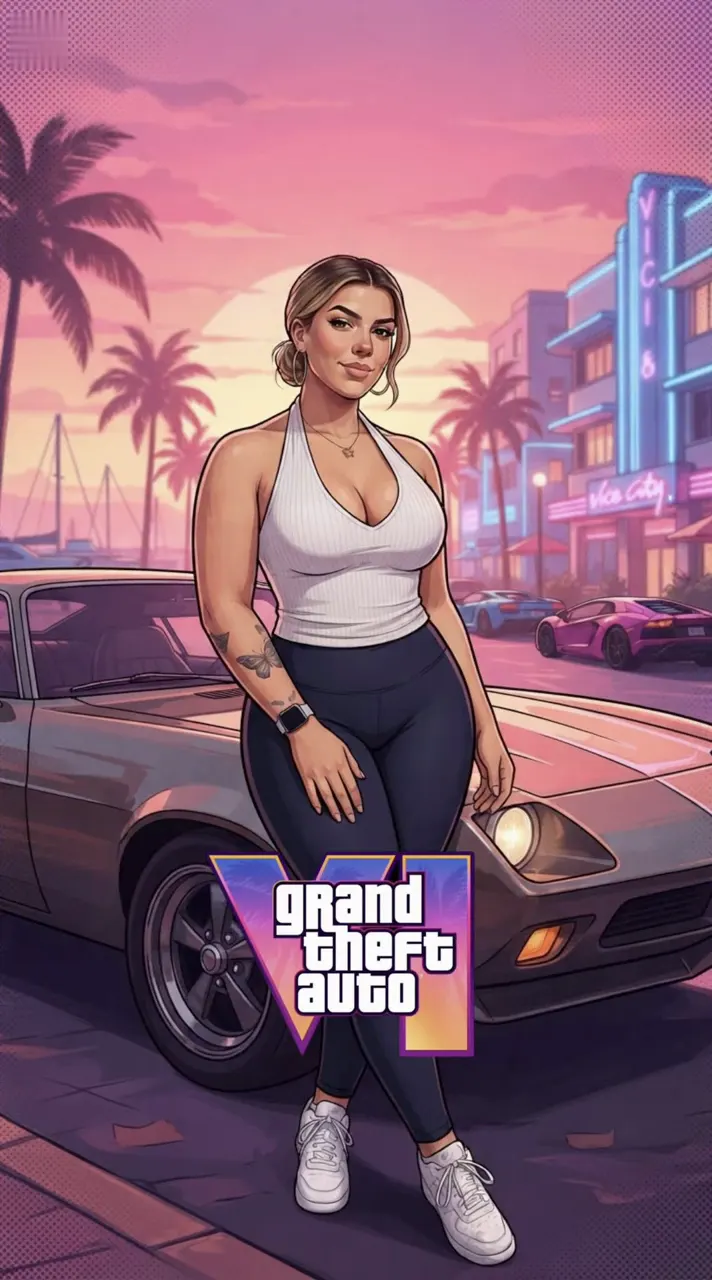
Miami neon nostalgia and Grand Theft Auto VI launch excitement turned single-portrait AI posters into full multi-shot Vice City AI story trailers.
From static Vice City posters to 15-second story trailers
During the November 2026 launch wave of Grand Theft Auto VI, social feeds filled with custom Vice City portraits, a trend covered by Times of India and Livemint. Earlier waves in 2023 paired selfie filters with retro low-poly loading screens before 2024–2026 trailers brought sunset palms and glowing magenta-cyan hotel strips into the spotlight.
As AI video models matured, creators moved beyond single still posters into multi-shot Vice City AI narrative edits—combining neon night street portraits, boardwalk muscle cars, diner handoffs, and police-lit highway drifts into one continuous 15-second mini-movie.
Where these facts come from
Coverage of the selfie-to-Vice-City trend, decade-long GTA VI countdown meme, and viral AI clips appears in Times of India, Know Your Meme, and Kotaku.
How it works
How to create your Vice City AI video in three steps
Go from one photo to a six-shot neon Miami trailer in minutes with pre-built camera pacing and lighting ready out of the box.
Upload one clear solo portrait
Add a sharp JPG, PNG, or WebP portrait up to 20 MB in the You upload box. Natural front lighting and clear eyes give your Vice City AI video strong likeness across every night and sunset shot.
Generate your 15-second Vice City AI trailer
Click Generate to use 400 credits. Kling 4.0 Reference-to-Video preserves the six-shot widescreen pacing, floral shirt wardrobe, muscle-car chase, and neon Miami lighting while mapping your face into the lead role.
Download MP4 with synced audio
Save your finished 15-second 720p 16:9 Vice City AI MP4 from My Work with the original atmospheric soundtrack already merged and ready to share across YouTube, X, or group chats.
Photos: JPG, PNG, WebP, up to 20 MB.
Create your Vice City AI video on Ocean Drive
Turn one portrait into a 15-second 720p widescreen Vice City AI story trailer with sound for 400 credits.
FAQ
Vice City AI FAQ
How many photos do I need for Vice City AI?
Vice City AI requires one clear solo portrait photo. Upload a sharp front-facing head-and-shoulders image into the You slot, and the template casts you across all five protagonist shots in the 15-second widescreen trailer.
What kind of photo gives the best Vice City AI likeness?
A well-lit front portrait with both eyes clearly visible and only one person in frame gives the strongest Vice City AI likeness. Even lighting helps the model preserve your facial features accurately under both pink-cyan street neon and warm sunset light.
How long is the Vice City AI video and what resolution does it output?
Every Vice City AI generation delivers a 15-second, 16:9 widescreen MP4 video at 720p resolution as a clean, ready-to-share file with original sound included.
Does Vice City AI include background music and sound?
Yes, Vice City AI delivers every 15-second widescreen MP4 with the original Miami synth soundtrack synced directly to the file. While the silent reference clip guides the six-shot motion inside Kling 4.0, the finished audio track merges automatically before download.
How many credits does Vice City AI cost?
One 15-second 720p widescreen Vice City AI video costs 400 credits, and credits are automatically refunded if a generation fails. See bundle options on our pricing page.
How is Vice City AI different from Vice City Arrival AI and GTA 6 Loading Screen AI?
Vice City AI is a 16:9 widescreen six-shot crime-drama trailer featuring neon Ocean Drive, a retro diner handoff, and a highway muscle-car drift. Try Vice City Arrival AI for a vertical 9:16 speedboat beach landing, or GTA 6 Loading Screen AI for an 8-second portrait-to-cover wipe.
Do I need to write any prompts or edit clips manually?
Vice City AI runs automatically from your single uploaded portrait with pre-built camera angles, lighting shifts, wardrobe details, and audio timing. Explore more ready-to-use scenes in all AI video templates.
Keep scrolling
More viral AI video trends
 NEW400 CR
 NEW10 CR
 NEW400 CR
 NEW270 CR
 NEW220 CR
 NEW380 CR
 NEW10 CR
 NEW320 CR
 NEW100–400 CR
 NEW100–400 CR
 NEW140 CR
 NEW220 CR