
GTA 6 · New
GTA Wasted AI Video Generator
Turn one front-facing portrait into a 10-second GTA Wasted fail meme. Kling 4.0 casts your person into the 7-second comedic buildup and dramatic 3-second greyscale slow-motion "WASTED" impact in 720p 9:16 with audio for 270 credits.
GTA Wasted AI Video Generator · 10s · 9:16
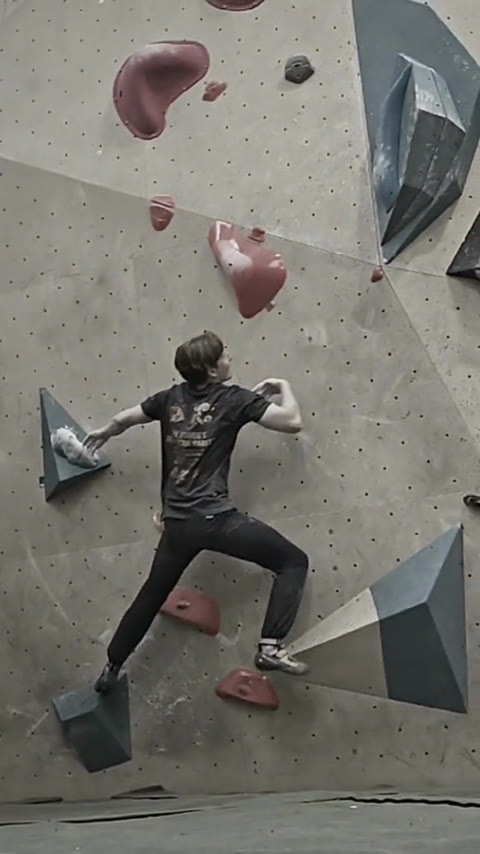
10s · 9:16 · 720p · original sound · ready in a few minutes
Ideas
Everyday fails that fit the GTA Wasted meme
Even the smallest minor inconvenience becomes pure comedy when cut with slow-motion greyscale and the classic game-over screen.
Monday morning coffee disasters
Use a candid portrait to joke about spilling espresso on a clean white shirt, locking your keys inside the house, or hitting every red light on the way to work.
Gym and sports wipeouts
Cast yourself or a teammate into the comedic tumble for missed penalty kicks, tripping over a curb mid-jog, losing balance on a skateboard, or dropping the last rep.
Exam and deadline meltdowns
Caption the slow-motion freeze frame with "When the professor says turn to the back side of the final page" or "Closing the browser tab right before hitting save."
Friend-group roasts
Drop a friend’s dressed-up or straight-faced selfie into the You slot to celebrate their mildest clumsy moment and send the clip straight into the group chat.
Same category
More GTA 6 templates
 NEW380 CR
 NEW380 CR
 NEW160 CR
 NEW140 CR
 NEW400 CR
 NEW270 CR
 NEW270 CR
 NEW400 CR
 NEW270 CR
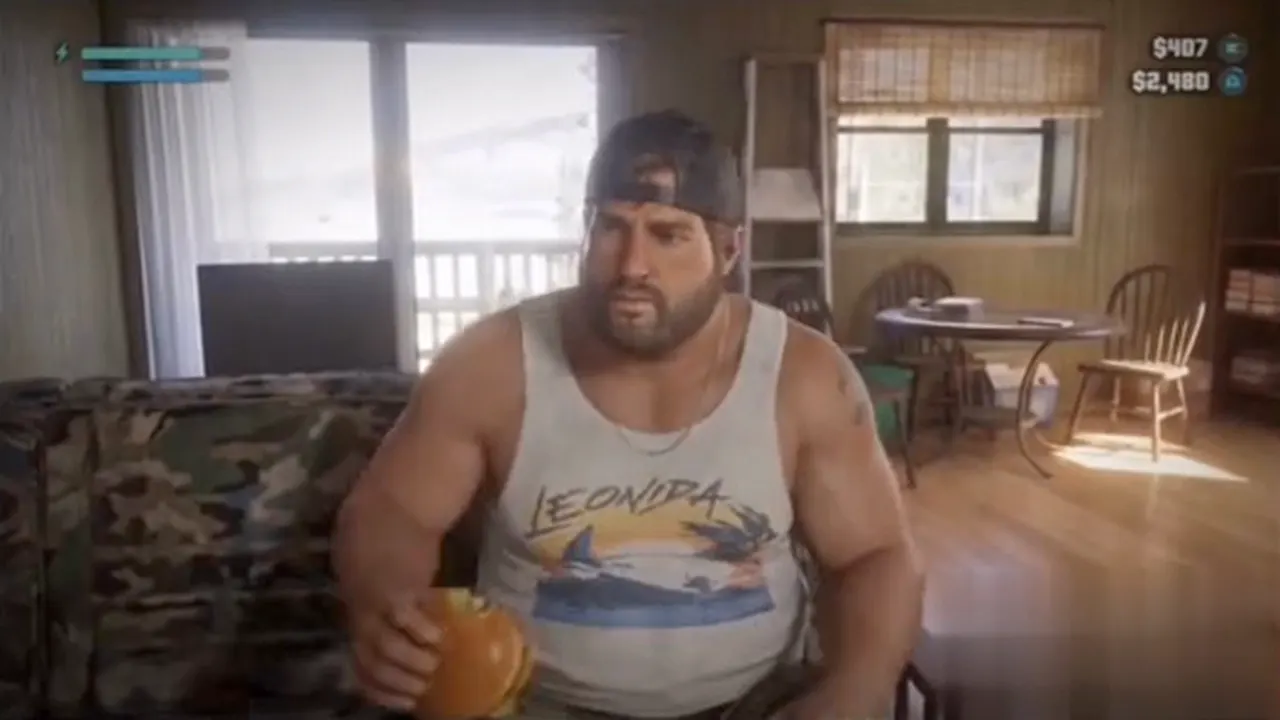 NEW400 CR
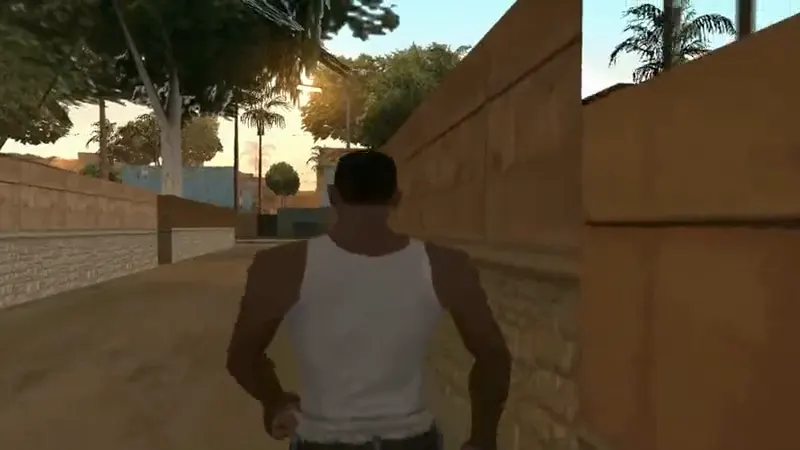 NEW300 CR
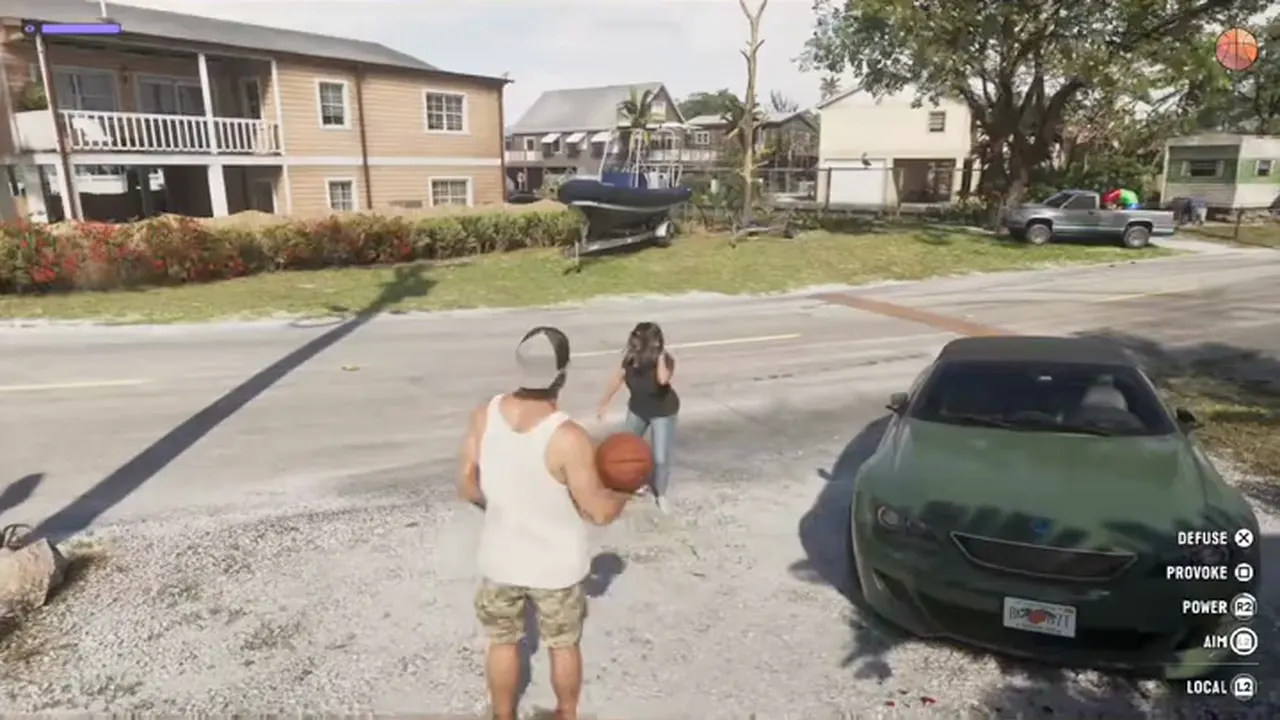 NEW220 CR
Also called
GTA Wasted meme terms and styles
Internet culture knows this iconic transition under a few classic gaming and edit names.
Wasted Death Screen
Inspired by the classic Grand Theft Auto knockout banner, pairing desaturated slow-motion camera drift with bold red lettering across the center of the screen.
Slow-Mo Greyscale Fail
The signature editing beat where normal full-color action suddenly freezes into monochrome slow motion at the exact millisecond of comedic impact.
Real-Life Game Over Meme
Turns ordinary social blunders—like waving back enthusiastically at someone waving behind you—into a dramatic video-game defeat.
AI Fail Stunt Generator
Creates the entire comedic setup, stumble, and game-over impact from a single portrait photo without needing to film a stunt yourself.
How it works
How to make a GTA Wasted AI video from one photo
Upload one front portrait into the You slot and generate a 10-second vertical MP4 in three quick steps for 270 credits.
Upload one clear photo
Pick a sharp JPG, PNG, or WebP portrait (at least 300 pixels per side, up to 20 MB) of one person facing the camera. Your face, hair, skin tone, and outfit styling carry into the protagonist of the 10-second clip without needing any manual video recording or masking.
Generate the fail and transition
Press Generate to spend 270 credits. Kling 4.0 places your character into the 0–7s comedic buildup, then triggers the 7–10s fail impact, greyscale slow-motion shift, and iconic "WASTED" screen overlay without any prompt writing or manual timeline editing.
Download with synced audio
Tasks run asynchronously in the background and typically finish in a few minutes. When My Work completes the job, SameVid merges the classic sound effect and audio track onto your 720p 9:16 MP4 so it is ready to save and share.
Photos: JPG, PNG, WebP, up to 20 MB.
The scene
How the 10-second GTA Wasted sequence unfolds
Every clip follows the classic two-part comedic timing that makes the punchline land cleanly.
0–7s: The normal-speed buildup
The scene opens in full color with your uploaded character moving through an ordinary, confident moment. Everything looks calm, bright, and predictable—lulling viewers right up to the clumsy turning point before anything goes wrong.
7–8.5s: The sudden fail impact
At the 7-second mark, the unexpected stumble hits right on cue. Playback motion slows down abruptly as the vivid color drains out into dramatic high-contrast greyscale with subtle cinematic camera drift.
8.5–10s: Slow-motion WASTED screen
The camera holds the monochrome slow-motion frame while the iconic red "WASTED" graphic and matching game-over audio boom drop in cleanly to seal the joke.
Post-render audio sync
SameVid keeps the visual reference silent during generation so Kling 4.0 focuses strictly on facial likeness and smooth slow-motion physics, then merges the classic impact audio directly into your 720p MP4.
Examples
Watch the GTA Wasted reference clip
Preview the 10-second comedic buildup, greyscale transition, and "WASTED" ending that your photo steps into.
GTA Wasted Reference Clip
A 10-second vertical example demonstrating the full-color buildup (0–7s) followed by the greyscale slow-motion impact and WASTED overlay (7–10s) that your uploaded portrait recreates.
Ready to play?
Turn one portrait into a GTA Wasted meme
Upload a clear front portrait for a 10-second 720p vertical MP4 with synced audio at 270 credits.
FAQ
GTA Wasted AI Video Generator FAQ
Do I upload a video or a photo for GTA Wasted AI?
You upload one photo—just a clear front-facing portrait in the You slot (JPG, PNG, or WebP, at least 300 pixels per side, up to 20 MB). Kling 4.0 animates your character through the entire 10-second fail buildup and slow-motion Wasted transition.
How long is the generated clip and what resolution is it?
Every GTA Wasted AI video runs 10 seconds in 9:16 vertical format at 720p resolution, delivered as a clean MP4 ready for mobile feeds.
How many credits does one generation cost?
One 10-second video costs 270 credits, shown directly on the Generate button before you confirm. If a task ever fails, the charged credits return to your balance automatically.
Does the finished video include the Wasted sound effect?
Yes. SameVid uses a silent visual reference during generation and merges the original reference audio track onto your finished 720p MP4 before placing it in My Work.
How long does rendering take and where do I download the MP4?
Jobs run in the background and typically finish in a few minutes. You can switch tabs or close the page and come back to My Work anytime to preview and save your clip.
What kind of portrait photo gives the best likeness?
A sharp, evenly lit front portrait with no sunglasses or face coverings works best. Keeping your hair and expression clear ensures your face stays recognizable right through the greyscale slow-motion finish.
Keep scrolling
More viral AI video trends
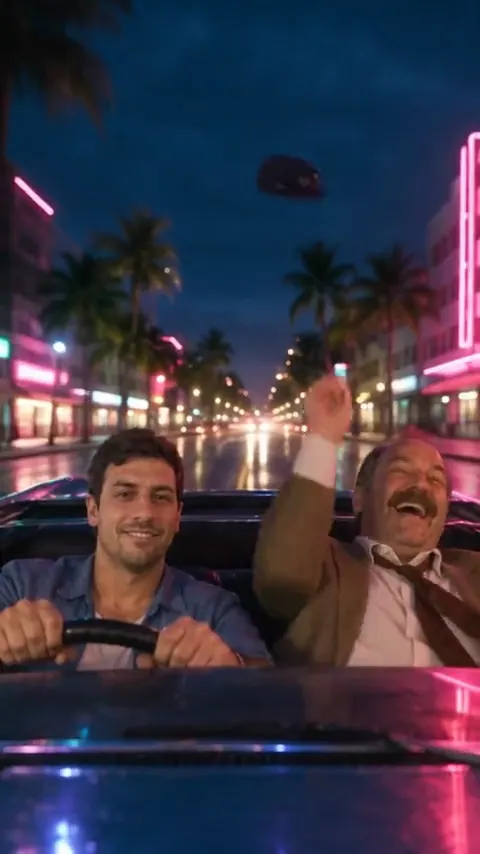 NEW350 CR
 NEW220 CR
 NEW380 CR
 NEW10 CR
 NEW320 CR
 NEW100–400 CR
 NEW100–400 CR
 NEW140 CR
 NEW220 CR
 NEW220 CR
 NEW320 CR
 NEW100–400 CR