
GTA 6 · New
GTA 5 AI Video Generator
Upload one clear photo to burst into a 6-second GTA 5 AI cel-shaded character video. A radial comic flash transforms your portrait into a bold hand-inked Los Santos sunset scene with a smooth zoom-in, 720p output, and original audio for 160 credits.
GTA 5 AI · 6s · 9:16
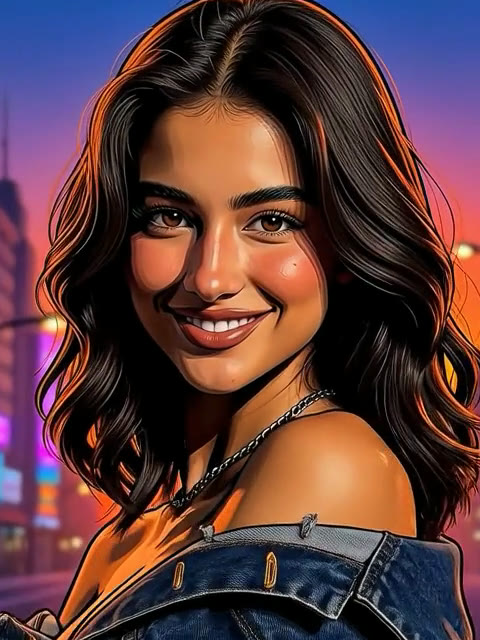
6s · 9:16 · 720p · original sound · ready in a few minutes
Origin
How the GTA 5 AI character transformation took over social feeds
From classic loading-screen fan edits to one-tap GTA 5 AI video reveals, the bold ink-outlined Los Santos look keeps returning every time Grand Theft Auto trends.
Inspired by iconic loading-screen artwork
The GTA 5 AI trend draws directly from the unmistakable visual language of Grand Theft Auto loading screens: thick black ink outlines, warm golden-orange rim lighting, dramatic cel-shaded contrast, and twilight skylines drenched in purple and neon magenta. Players and creators began reimagining their own portraits as playable open-world characters, pairing everyday selfies with the unmistakable swagger of a Los Santos cover illustration.
Early waves in 2023 relied on static photo filters stitched together inside manual editing apps with light-sweep transitions. As modern AI video models matured through 2025 and 2026, static loading-screen portraits evolved into fluid GTA 5 AI motion clips where a real photograph flashes straight into an animated, smiling game character.
Why GTA 5 AI surged again in late 2026
With the console launch of Grand Theft Auto VI in November 2026 sparking massive nostalgia across gaming communities and entertainment press such as Times of India and Know Your Meme, fans across every platform revisited the classic GTA 5 AI aesthetic alongside Vice City sunset palettes. Turning a single portrait into a moving, sound-synced character reveal quickly became a favorite format for launch-week tributes, gaming channel intros, and squad profile videos.
Same category
More GTA 6 templates
 NEW380 CR
 NEW380 CR
 NEW140 CR
 NEW400 CR
 NEW270 CR
 NEW270 CR
 NEW400 CR
 NEW270 CR
 NEW400 CR
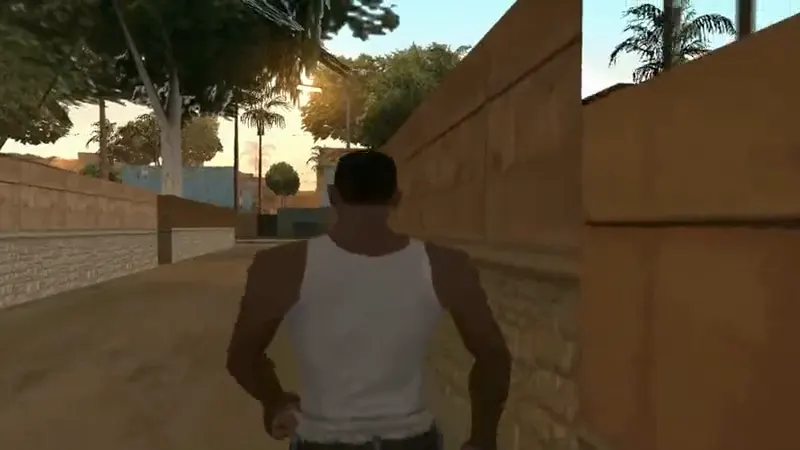 NEW300 CR
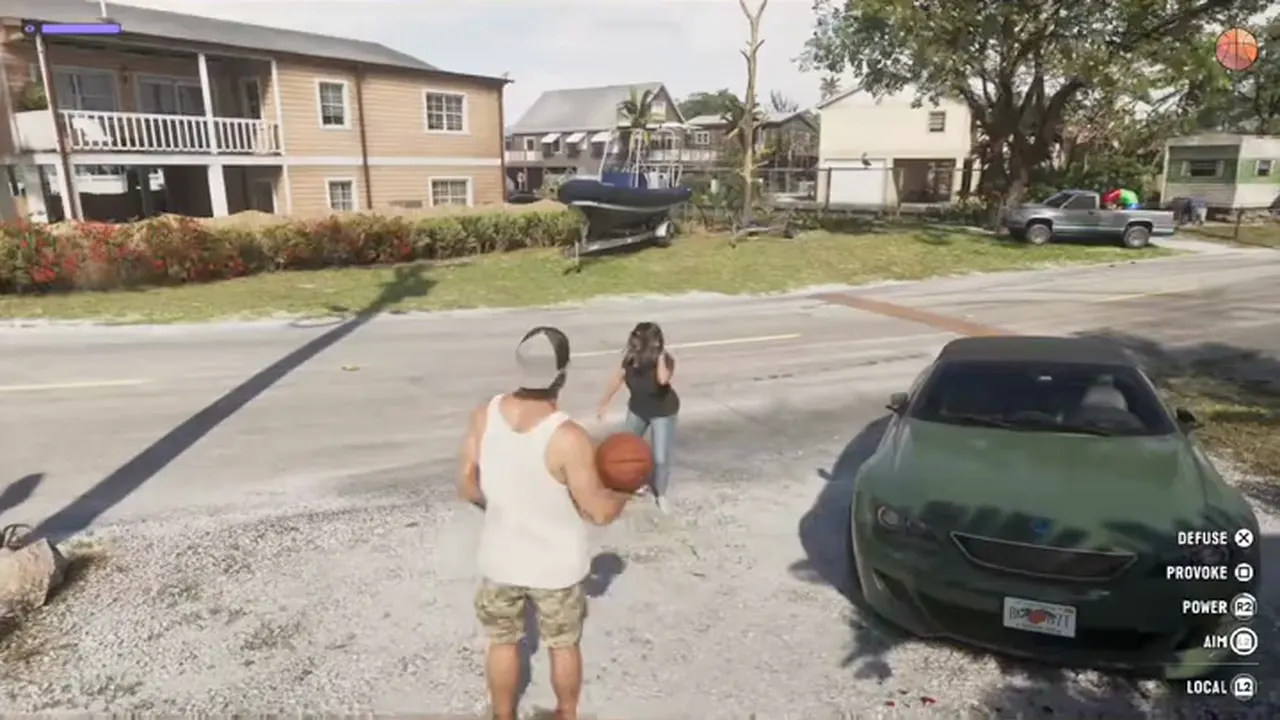 NEW220 CR
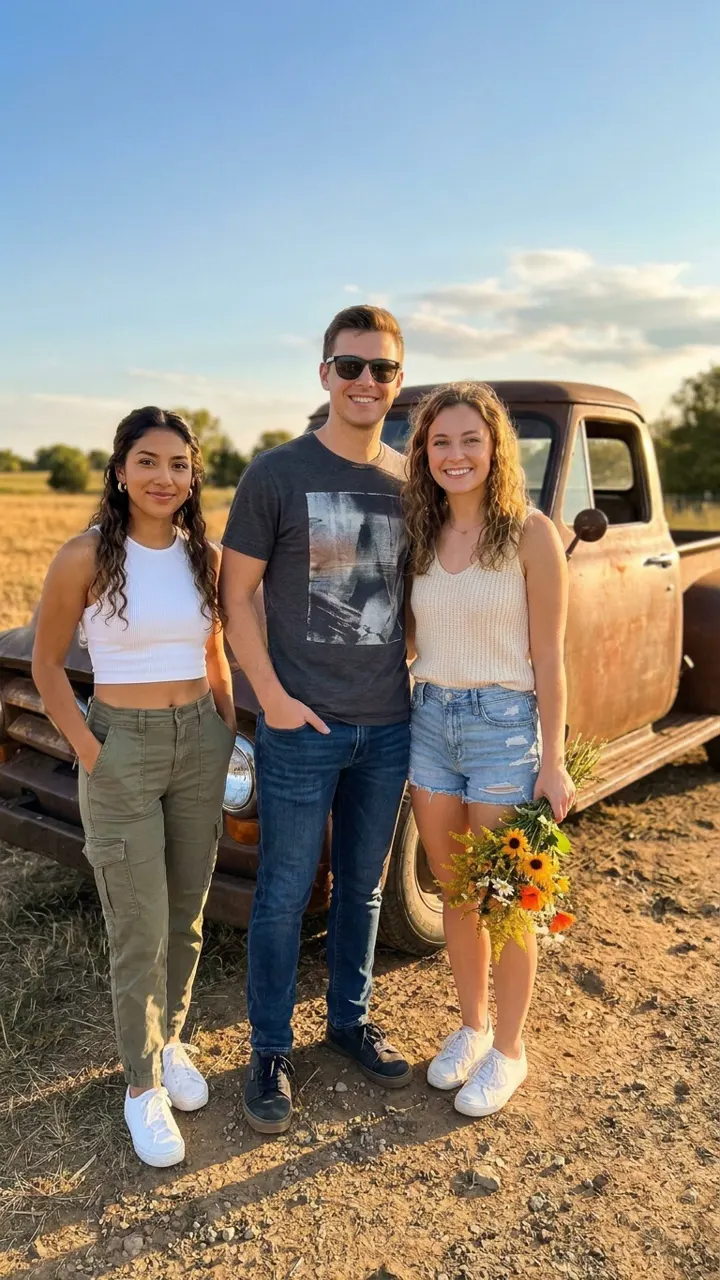 NEW160 CR
Deliverables
What goes in and what comes out of GTA 5 AI
One clear portrait goes in, and a ready-to-post 6-second vertical GTA 5 AI transformation clip comes out with synchronized audio and bold cel-shaded detail.
You upload
- One front-facing portrait or upper-body photo of yourself, a friend, or a favorite pet
- Natural everyday outfits such as denim jackets, hoodies, streetwear, or sunglasses that translate cleanly into inked GTA 5 AI artwork
- Even lighting and clear facial visibility so eyes, hairstyle, and expression stay recognizable after the comic flash
You get
- A 6-second vertical 9:16 MP4 video rendered at 720p with crisp hand-inked GTA 5 AI character lines and sunset city bokeh
- A timed radial speed-line burst that bridges your original portrait into the illustrated twilight skyline
- Smooth slow dolly-in camera motion as your illustrated character blinks naturally and eases into a confident smile
- Original trend audio muxed directly into the final MP4 so your GTA 5 AI clip is ready to share right away
| Photos | 1 |
|---|---|
| Model | Kling 4.0 |
| Duration | 6 seconds |
| Picture | 720p, 9:16 |
| Audio | Original track included |
| File | MP4 |
| Credits | 160 per video, refunded if it fails |
Who to put in
Portraits that shine in the GTA 5 AI sunset look
Because this GTA 5 AI clip focuses tightly on one lead subject from start to finish, clear solo portraits and characterful pets give the sharpest likeness.
Your own everyday selfie or street portrait
Upload a sharp front-facing photo in a jacket, tee, or sunglasses to step straight into a Los Santos loading screen. The cel-shaded GTA 5 AI ink lines emphasize cheekbones, hair volume, and collar details while keeping your real smile unmistakable during the closing zoom.
Your heist partner or best friend
Surprise a longtime co-op teammate by turning their favorite profile picture into a heroic 6-second GTA 5 AI character card. It makes an instant reaction clip for group chats, birthday shoutouts, or gaming Discord servers.
Gaming creators and streamers
Refresh your channel bumper, stream starting-soon loop, or social bio clip with an animated GTA 5 AI persona that matches your real face and signature wardrobe in seconds.
Your dog or cat as the neighborhood boss
Pets with clear front-facing eyes and distinct fur markings translate wonderfully into bold comic-style shading, turning a casual pet snapshot into a hilarious GTA 5 AI sunset character reveal.
How it works
Make your GTA 5 AI video in three quick steps
Bring portrait upload, radial comic flash styling, and synced audio together in one streamlined browser workflow powered by Kling 4.0.
Upload one clear photo
Drop in a sharp JPG, PNG, or WebP photo up to 20 MB showing your face and shoulders clearly. Good front lighting helps preserve hair texture, glasses, jewelry, and jacket details.
Click generate and let Kling 4.0 animate the burst
Confirm the 160-credit run to launch the 6-second reference-guided GTA 5 AI transformation. The model aligns your portrait to the opening beat, triggers the radial speed-line flash, and paints the sunset skyline around you.
Preview and download your 720p MP4
Once rendering wraps in a few minutes, watch your finished 9:16 GTA 5 AI clip with original audio already synced, then download the clean MP4 to post on Shorts, Reels, or your gaming feed.
Photos: JPG, PNG, WebP, up to 20 MB.
Photo tips
How to pick a photo for crisp GTA 5 AI likeness
Small choices in framing and lighting make the inked GTA 5 AI transformation look custom-drawn for you from frame one through the closing smile.
- Use a sharp, well-lit front-facing portrait where both eyes, eyebrows, and your natural hairline are fully visible.
- Frame from the chest or shoulders up with a little breathing room above your head so the slow zoom-in lands cleanly on your face.
- Wear outfits with crisp textures—such as denim jackets, leather collars, hoodies, or chains—which catch the warm orange sunset rim light beautifully.
- Choose a calm or subtle expression in the source photo so the natural transition into a bright closing smile feels lifelike and expressive.
- Pick a clean, uncluttered background so the radial speed-line flash separates your silhouette cleanly into the twilight city skyline.
Also called
Common names for the GTA 5 AI character trend
Creators describe this illustrated GTA 5 AI reveal in several ways across gaming forums and short-video feeds—all pointing to the same sunset loading-screen style.
GTA 5 AI Filter
The most popular shorthand for turning a real-life photo into bold, black-outlined Grand Theft Auto V artwork with warm California sunset highlights.
GTA Loading Screen AI
Refers specifically to the classic pre-game loading-screen aesthetic where characters appear in stylized hand-painted close-ups over a glowing city backdrop.
GTA Character Trend
Used when creators showcase before-and-after reveals of themselves, friends, or pets transformed into stylized open-world protagonists.
GTA V to Vice City Sunset Edit
Highlights the purple, magenta, and amber twilight sky paired with neon street signs that bridges classic Los Santos artwork with modern GTA 6 nostalgia.
Ready to star in your own GTA 5 AI loading screen?
Upload one portrait and render your 6-second 720p GTA 5 AI cel-shaded reveal with original audio for 160 credits.
FAQ
GTA 5 AI FAQ
How many photos do I need for the GTA 5 AI template?
Just one clear front-facing photo. Upload a single portrait or chest-up shot of yourself, a friend, or a pet, and the GTA 5 AI template handles the opening frame, speed-line burst, and sunset close-up automatically.
How many credits does one GTA 5 AI video cost?
Each 6-second 720p vertical GTA 5 AI clip costs 160 credits, scaled proportionally from our standard 15-second rate. You can review credit bundles on our pricing page, and the Generate button always shows the exact credit total and dollar value before you confirm.
Will the generated GTA 5 AI character still look like me?
Yes. The reference-guided Kling 4.0 pipeline anchors your facial structure, eye shape, hairstyle, glasses or beard, and upper-body outfit from your uploaded photo while applying bold cel-shaded ink lines and warm sunset lighting.
Does the finished GTA 5 AI video include sound?
Yes. Every completed GTA 5 AI download is delivered as a 720p 9:16 MP4 with the original trend audio track already synchronized, ready to upload straight to short-form feeds.
How is the GTA 5 AI look different from GTA 6 or farewell templates?
The GTA 5 AI look focuses on a fast 6-second comic speed-line portrait transformation into Los Santos cel-shaded art. For a full multi-shot sunset pier farewell with Michael, Franklin, and Trevor, try GTA 5 Goodbye AI, or browse all AI video templates for more gaming scenes.
What photo formats and sizes work best?
Upload a high-resolution JPG, PNG, or WebP image up to 20 MB. Even front lighting and clear chest-up framing give the smoothest transition from real photo to animated illustration.
How long does rendering take?
Most 6-second GTA 5 AI clips finish within a few minutes. You can stay on the page to watch the live preview or check your generation history once the MP4 is ready to download.
Keep scrolling
More viral AI video trends
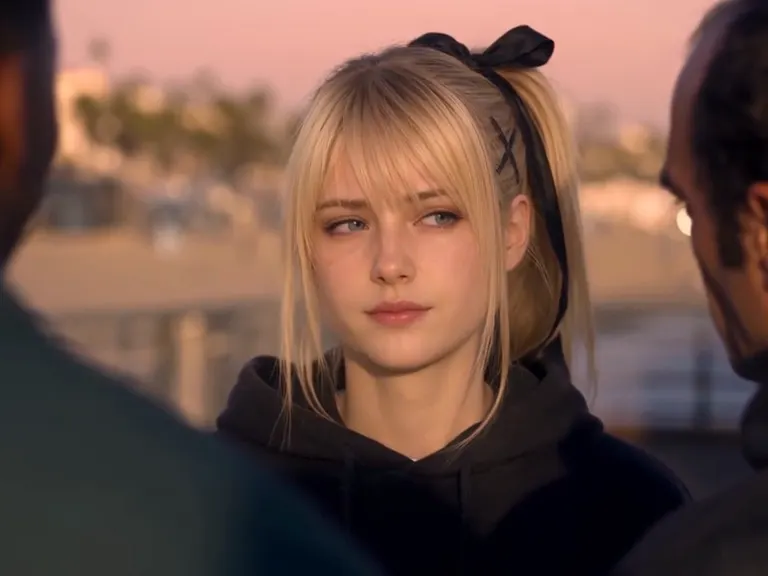 NEW380 CR
 NEW270 CR
 NEW400 CR
 NEW400 CR
 NEW300 CR
 NEW220 CR
 NEW270 CR
 NEW220 CR
 NEW380 CR
 NEW10 CR
 NEW320 CR
 NEW100–400 CR