
GTA 6 · New
GTA 6 Basketball AI Video Generator
Upload 1 clear photo to star in an 8-second 16:9 GTA 6 Basketball AI street clip at 720p on Kling 4.0. Step onto a sunlit Vice City block with a basketball, original street sound, and instant player replacement for 220 credits.
GTA 6 Basketball AI · 8s · 16:9
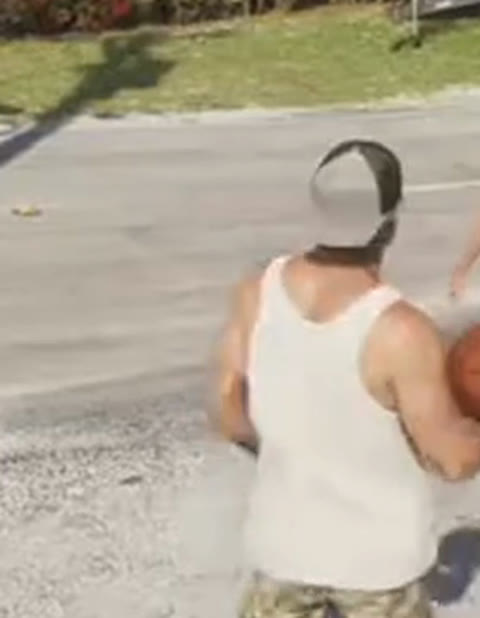
8s · 16:9 · 720p · original sound · ready in a few minutes
Also called
Popular ways players describe GTA 6 Basketball AI clips
Creators and gaming communities search for this Vice City street hooping trend under several related names across social feeds and video channels.
GTA 6 Basketball
The flagship phrase used for Grand Theft Auto VI street and coastal basketball gameplay clips, highlight reels, and custom character edits since the feature returned to the series for the first time since San Andreas.
Hooping in GTA 6
Casual gaming slang shared under short-form streetball clips, celebrating smooth dribbling physics, residential pickup shots, and playful sidewalk chaos across sunlit Vice City neighborhoods.
GTA 6 Vice City Court
Used when highlighting outdoor residential courts, beachside hoops, palm-lined asphalt streets, and classic sunset backdrops recreated inside the open-world game.
GTA 6 Trickshots & Dodgeball
Refers to viral comedy clips where players grab a loose basketball in free roam and launch long-range street throws past parked coupes, trailers, and passing scooters.
Same category
More GTA 6 templates
 NEW380 CR
 NEW380 CR
 NEW160 CR
 NEW140 CR
 NEW400 CR
 NEW270 CR
 NEW270 CR
 NEW400 CR
 NEW270 CR
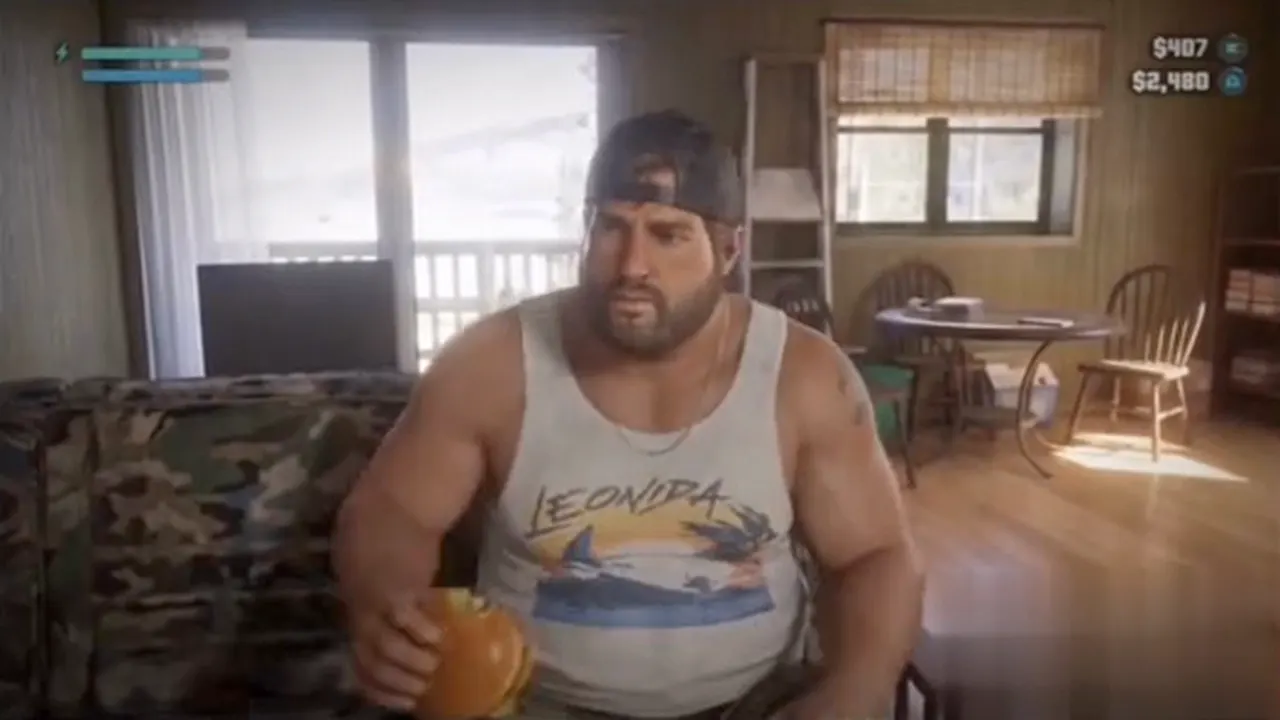 NEW400 CR
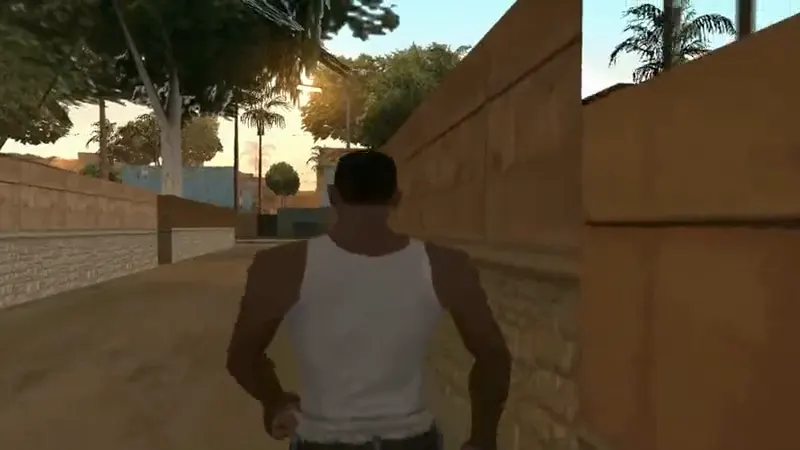 NEW300 CR
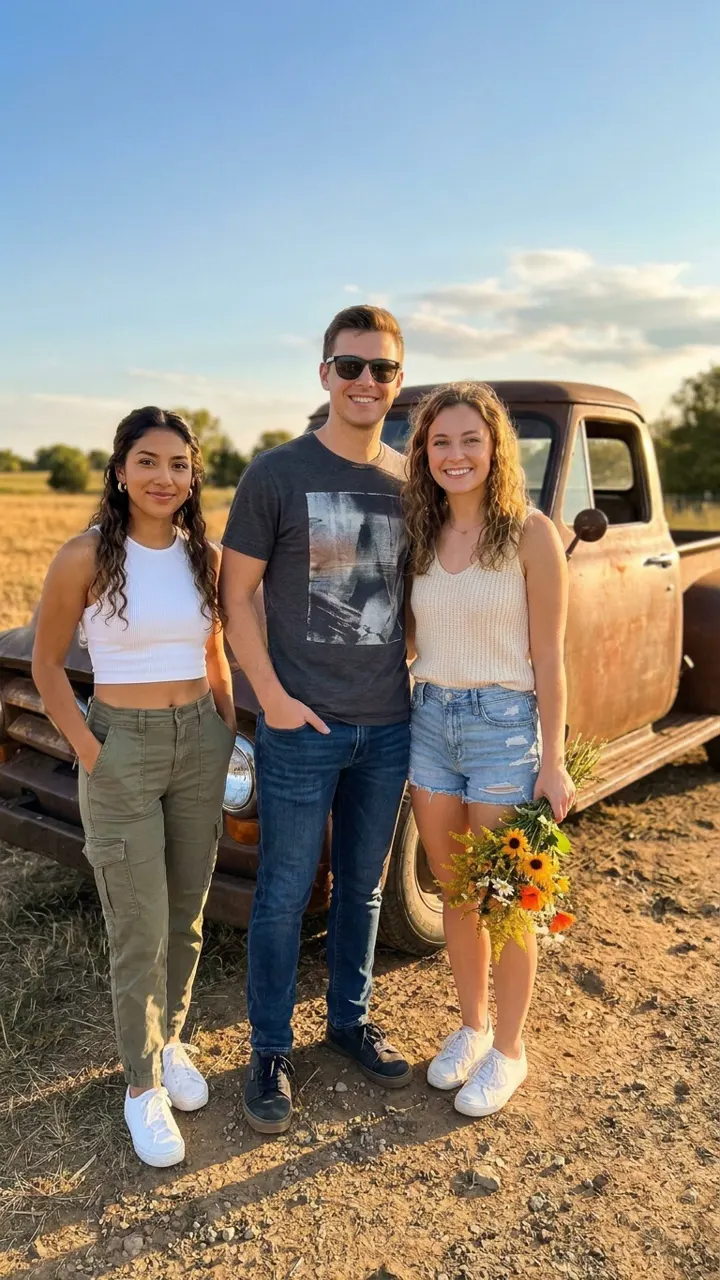 NEW160 CR
Specifications
GTA 6 Basketball AI inputs, specs, and export details
One photo goes in and an 8-second 16:9 widescreen MP4 comes out at 720p on Kling 4.0 with original street sound.
You upload
- One clear full-body or three-quarter portrait of the person you want to cast in the GTA 6 Basketball AI street clip
- Even daylight or clean indoor lighting with clear facial features, hair, and outfit silhouette
- Standard JPG, PNG, or WebP photo up to 20 MB uploaded straight from phone or desktop
You get
- An 8-second 16:9 widescreen MP4 rendered at crisp 720p HD on Kling 4.0 Reference-to-Video
- Your uploaded person cast into the lead GTA 6 Basketball AI third-person streetball role from start to finish
- Sunlit Vice City residential street scenery with parked green coupe, palm trees, and passing scooter timing preserved
- Original ambient street basketball audio merged cleanly into the final MP4 with zero watermarks
| Photos | 1 photo |
|---|---|
| Model | Kling 4.0 Reference-to-Video |
| Duration | 8 seconds |
| Picture | 720p, 16:9 widescreen |
| Audio | Original street sound |
| File | Clean MP4 |
| Credits | 220 per video, refunded if it fails |
Variants
More GTA 6 and basketball AI video templates
Pair your GTA 6 Basketball AI clip with other Vice City character templates and high-energy basketball AI edits in our library.
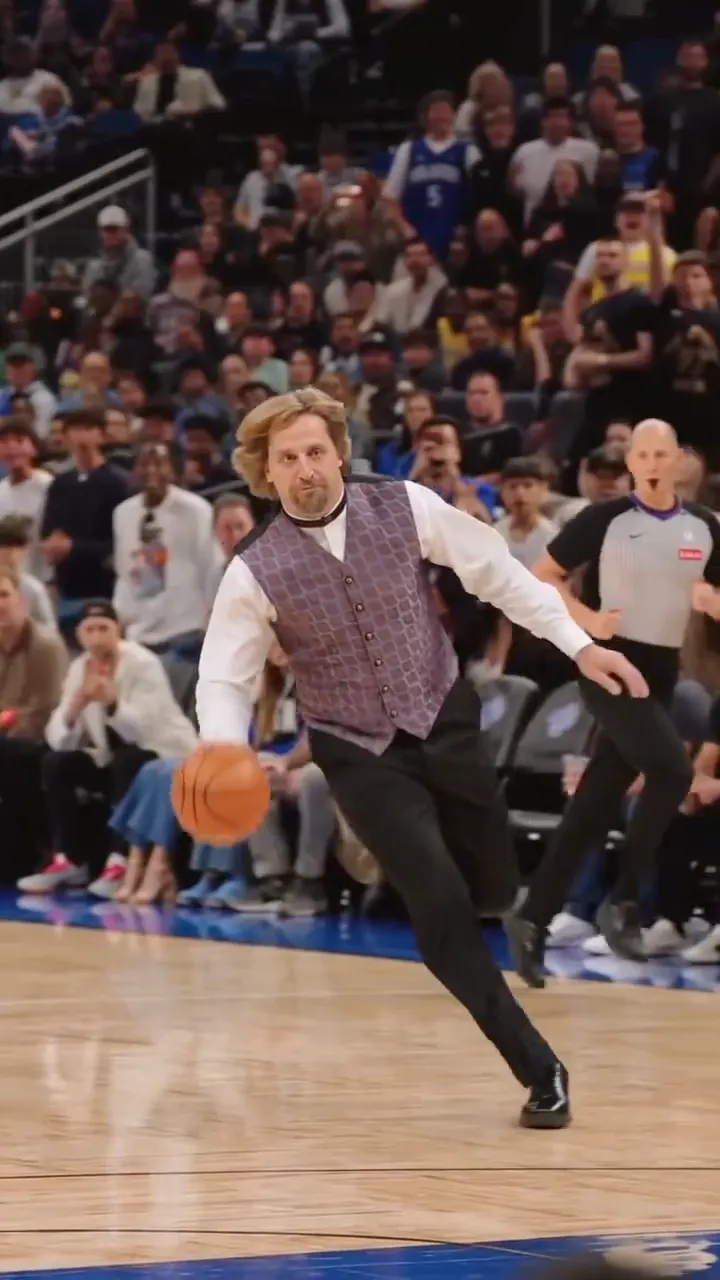 NEW320 CRNEW160 CR
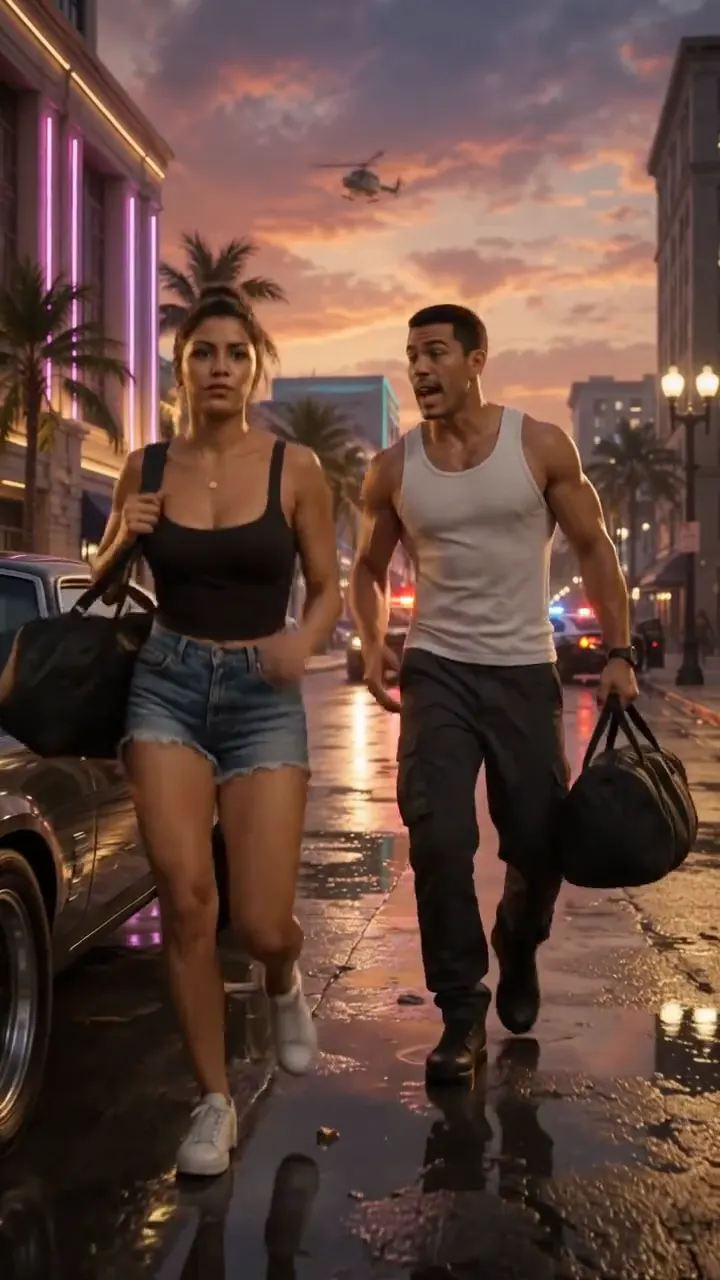 NEW400 CR
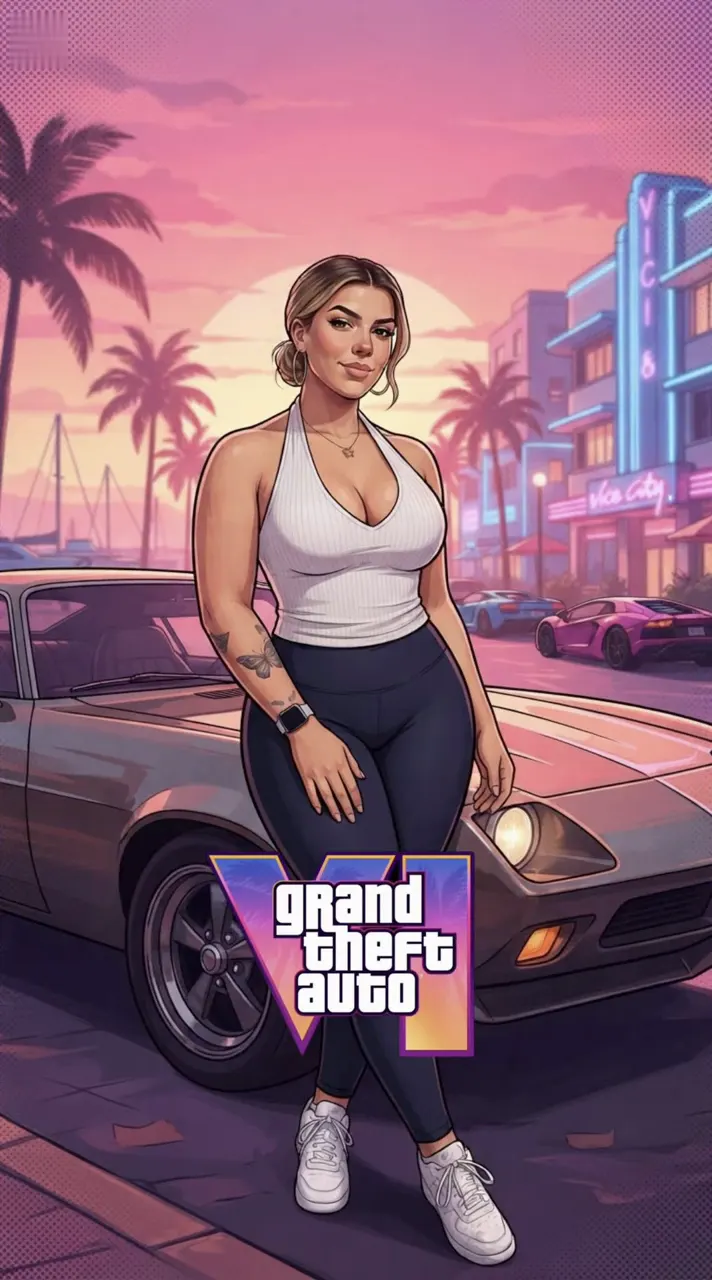 NEW10 CR
Who to put in
Who fits best inside the GTA 6 Basketball AI scene
Cast yourself, your gaming squad, or a hoops-obsessed friend into the GTA 6 Basketball AI streetball clip for instant gaming banter.
Yourself in free-roam mode
Drop in a clear full-body street fit or gym photo to star as the GTA 6 Basketball AI lead launching street throws down a sunny Florida-inspired neighborhood.
Your basketball-loving friend
Turn a teammate or pickup-run buddy into the lead character for group-chat jokes comparing GTA 6 ball physics with console basketball sims.
Gaming streamers and channel hosts
Create an 8-second widescreen GTA 6 Basketball AI intro bumper or skit cutaway featuring your own likeness right inside a Grand Theft Auto VI street moment.
Cosplayers and summer streetwear looks
Photos in sleeveless jerseys, tank tops, caps, sunglasses, or shorts blend effortlessly into the warm coastal lighting and bright asphalt shadows.
The scene
How the 8-second GTA 6 Basketball AI clip unfolds
Kling 4.0 keeps the continuous single-take camera path and streetball timing across three crisp story beats.
0.0–2.5s: Sunlit street wind-up and opening throw
The third-person tracking camera opens behind your character on a bright palm-lined street beside a trailered boat and parked green coupe, catching the wind-up and opening orange basketball throw.
2.5–5.0s: Mid-street bounce and quick ball scoop
As the ball rebounds across the asphalt road, your player jogs forward past the dark green sports car, drops into a quick crouch, and scoops the basketball cleanly off the pavement.
5.0–8.0s: Passing yellow scooter and closing heave
A yellow motor scooter glides through the intersection from left to right as your character winds up for one more street pass and holds the sunlit crosswalk frame.
How it works
How to make a GTA 6 Basketball AI video in three steps
Skip manual prompt writing and video editing—cast your photo into the GTA 6 Basketball AI streetball clip directly in your browser.
Upload one clear photo
Click the Player slot and upload one JPG, PNG, or WebP photo up to 20 MB showing clear posture, hair, and clothing in steady daylight.
Generate with Kling 4.0
Click Generate (220 credits) and Kling 4.0 Reference-to-Video builds your 8-second 720p widescreen 16:9 GTA 6 Basketball AI street clip while locking in the scene pacing.
Download with original sound
Preview your finished 8-second MP4 in My Work, download it cleanly with original ambient street audio attached, and share it with your gaming crew.
Photos: JPG, PNG, WebP, up to 20 MB.
Step onto the Vice City street court now
Cast one photo into the 8-second 720p 16:9 GTA 6 Basketball AI clip with original street sound for 220 credits.
FAQ
GTA 6 Basketball AI FAQ
How many photos do I need for GTA 6 Basketball AI?
GTA 6 Basketball AI needs one clear photo of a single person to cast you into the 8-second Vice City street clip. Full-body or waist-up shots in casual summer wear, jerseys, or streetwear help Kling 4.0 carry your likeness and silhouette smoothly through the motion.
What video format, resolution, and duration do I get?
Every GTA 6 Basketball AI export is an 8-second, 16:9 widescreen MP4 at 720p HD resolution with the original ambient street audio mixed cleanly into the final file.
How many credits does one GTA 6 Basketball AI video cost?
One 8-second 720p Kling 4.0 GTA 6 Basketball AI video costs 220 credits, scaled proportionally from our 15-second / 400-credit rate. If a generation ever fails, your credits return automatically; see flexible bundles on our pricing page.
Why did GTA 6 basketball clips go viral?
GTA 6 Basketball AI builds on Grand Theft Auto VI bringing back playable street basketball in Vice City for the first time in a mainline release since San Andreas, inspiring millions of players to share free-roam trickshots, beach hoops, and playful sidewalk throws.
Does GTA 6 Basketball AI work with Kling 4.0 Reference-to-Video?
GTA 6 Basketball AI runs on Kling 4.0 Reference-to-Video to follow the reference clip’s camera tracking, bright afternoon lighting, parked coupe, and passing scooter timing while adapting the lead player to match your uploaded photo.
Are finished clips watermark-free and ready to post?
Every GTA 6 Basketball AI video exports as a clean 720p MP4 with zero third-party watermarks or burned-in captions, ready to post right away. Explore more Vice City styles in our GTA 6 AI templates hub or browse all AI video templates.
Keep scrolling
More viral AI video trends
NEW320 CRNEW400 CRNEW10 CR NEW220 CR
 NEW270 CR
 NEW380 CR
 NEW270 CR
 NEW220 CR
 NEW380 CR
 NEW10 CR
 NEW320 CR
 NEW100–400 CR