
GTA 6 · New
GTA 6 Baby AI Video Generator
Upload 1 clear adult front portrait to star as the baby getaway driver in a 15-second 16:9 GTA 6 Baby AI night chase at 720p on Kling 4.0, delivered with original audio for 400 credits.
GTA 6 Baby AI · 15s · 16:9
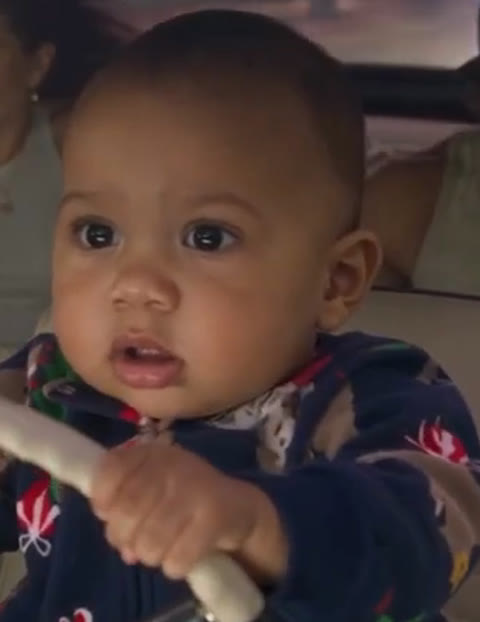
15s · 16:9 · 720p · original sound · ready in a few minutes
How it works
How to make a GTA 6 Baby AI video in three steps
Transform a single adult portrait into the full 15-second neon Vice City baby getaway driver scene right in your browser.
Upload one clear adult portrait
Select the Getaway Driver slot and upload one JPG, PNG, or WebP portrait (up to 20 MB) of an adult age 18 or older facing the camera in clean, even light so Kling 4.0 locks onto your eyes, brows, and expression.
Render with Kling 4.0
Click Generate (400 credits) to run Kling 4.0 Reference-to-Video. The model turns your adult facial features into the baby-faced driver gripping the white steering wheel while keeping the convertible, rear passengers, and neon street pursuit.
Download your 720p widescreen MP4
Open your finished 15-second 16:9 video in My Work with the original chase sound already mixed in, then share the clean widescreen clip straight to YouTube Shorts, Reels, Discord, or group chats.
Photos: JPG, PNG, WebP, up to 20 MB.
Same category
More GTA 6 templates
 NEW380 CR
 NEW380 CR
 NEW160 CR
 NEW140 CR
 NEW400 CR
 NEW270 CR
 NEW270 CR
 NEW270 CR
 NEW400 CR
 NEW300 CR
 NEW220 CR
 NEW160 CR
The scene
Inside the 15-second GTA 6 Baby AI chase timeline
Kling 4.0 follows one continuous pullback camera move from the driver’s windshield out over the wet neon avenue.
0.0s–6.0s: Windshield close-up on the baby getaway driver
The clip opens tight through the convertible windshield with your transformed baby face in sharp focus, small hands gripping the white steering wheel while two getaway companions look back and red-and-blue patrol lights close in.
6.0s–8.5s: Police cruiser pulls alongside the quarter panel
A pursuing cruiser surges beside the classic black convertible with flashing beacons and bright headlights slicing through road spray as the camera starts gliding backward.
8.5s–12.0s: Hood pullback under Vice City neon hotels
The lens pulls smoothly over the dark hood to reveal glowing pink and cyan Art Deco storefronts, swaying palms, and wet asphalt mirroring the neon skyline.
12.0s–15.0s: Wide aerial pursuit with twin helicopters
Pulling back into a wide street view, the getaway car speeds down the center lane as patrol cruisers trail behind and two police helicopters sweep bright searchlights overhead.
Origin
Where the GTA 6 Baby AI meme came from
Launch-week shock over Grand Theft Auto VI’s prologue baby reveal collided with viral AI baby comedy shorts.
GTA 6’s surprise baby Tomás twist
When Grand Theft Auto VI launched on November 19, 2026, players were stunned by an unannounced prologue flashback revealing that leads Jason Duval and Lucia Caminos have a baby son named Tomás, as covered by Kotaku and SVG.

Within hours, social timelines flooded with reactions about Rockstar hiding the baby twist from every trailer alongside long-time fans joking that they waited 13 years since GTA V only to be raising kids of their own on launch night.
AI Baby shorts meet Vice City getaway parodies
At the same time, surreal AI baby comedy formats—from the viral AI Baby Holding Laugh reaction meme to AI baby gamer skits and toddler getaway-driver shorts—merged naturally with Grand Theft Auto VI launch humor.
Putting an adult friend’s recognizable face onto a tiny toddler steering a classic Vice City getaway convertible became the quickest punchline format to build and share.
Photo tips
Photo tips for the cleanest GTA 6 Baby AI driver
Start with a clear, well-lit adult selfie so the baby driver conversion keeps your recognizable look.
- Use an 18+ adult portrait facing the camera with eyes, brows, and expression clearly visible.
- Pick balanced front lighting so skin tone stays crisp during the 6-second windshield close-up.
- Choose a sharp head-and-shoulders image with a clear hairline and open forehead.
- Keep the face centered and relaxed to match the alert getaway-driver look.
- Skip heavy sunglasses, face masks, or shadows across one cheek that hide facial features.
- Skip blurry group shots or distant portraits where the face fills only a small corner.
Who to put in
Who to put behind the wheel in GTA 6 Baby AI
Turning an adult face into the serious toddler getaway driver creates instant comedy for gaming chats.
Your squad’s designated driver
Cast the friend who always insists on driving during co-op missions as the wide-eyed toddler piloting the Vice City getaway convertible.
Yourself for launch-week reactions
Turn your front selfie into the 15-second widescreen chase clip to celebrate launch week or joke about balancing gaming with adult life.
The friend who waited 13 years
Roast the long-time GTA fan in your Discord server by casting their face as the tiny driver leading a helicopter chase.
Gaming streamers and podcast hosts
Creators covering Grand Theft Auto VI reactions can drop one studio headshot to generate a custom 16:9 cutaway clip.
Examples
Watch the GTA 6 Baby AI reference scene
Preview the full 15-second 16:9 getaway chase from the opening windshield close-up through the neon helicopter pursuit.
GTA 6 Baby AI neon convertible getaway chase
A 15-second 16:9 720p reference video opening inside a classic convertible steered by a baby getaway driver before pulling back down a rain-slick Vice City neon avenue pursued by police cruisers and helicopters.
Put yourself behind the getaway wheel now
Upload one adult front portrait to generate the 15-second 720p 16:9 GTA 6 Baby AI chase on Kling 4.0 for 400 credits.
FAQ
GTA 6 Baby AI FAQ
What photo should I upload for GTA 6 Baby AI?
GTA 6 Baby AI works from one clear, front-facing portrait of an adult aged 18 or older in JPG, PNG, or WebP format up to 20 MB. Kling 4.0 transforms your adult facial features into the baby getaway driver while keeping your recognizable eyes, nose, and expression.
How does Kling 4.0 handle the GTA 6 Baby AI transformation?
GTA 6 Baby AI runs Kling 4.0 Reference-to-Video using our silent 15-second reference clip for the convertible framing, neon avenue, police pursuit, and pullback camera move, then merges the original chase audio onto your finished 720p 16:9 MP4.
How many credits does one GTA 6 Baby AI video cost?
GTA 6 Baby AI costs 400 credits per 15-second 720p 16:9 clip, priced proportionally from the 15-second generation duration with automatic credit refund on failed tasks—check full bundle rates on the SameVid AI pricing page.
Do I need to write prompts or edit the chase clip myself?
GTA 6 Baby AI includes every camera beat, neon street lighting cue, helicopter timing step, and original audio sync inside the preset pipeline—simply upload one adult portrait and click Generate.
What resolution and aspect ratio does GTA 6 Baby AI output?
GTA 6 Baby AI delivers a clean 15-second widescreen 16:9 MP4 at native 720p with original sound, watermark-free and ready to share across YouTube Shorts, Discord, and gaming feeds alongside more Funny AI Video Templates and AI Video Effects.
Why should I upload an adult portrait instead of a child photo?
GTA 6 Baby AI is built specifically for 18+ adult portraits in line with platform AI safety standards, letting you or your adult friends star humorously as the tiny getaway driver from a grown-up selfie.
How is GTA 6 Baby AI different from GTA 6 Fat Jason AI Meme, GTA 6 Couple AI, and GTA 6 Loading Screen AI?
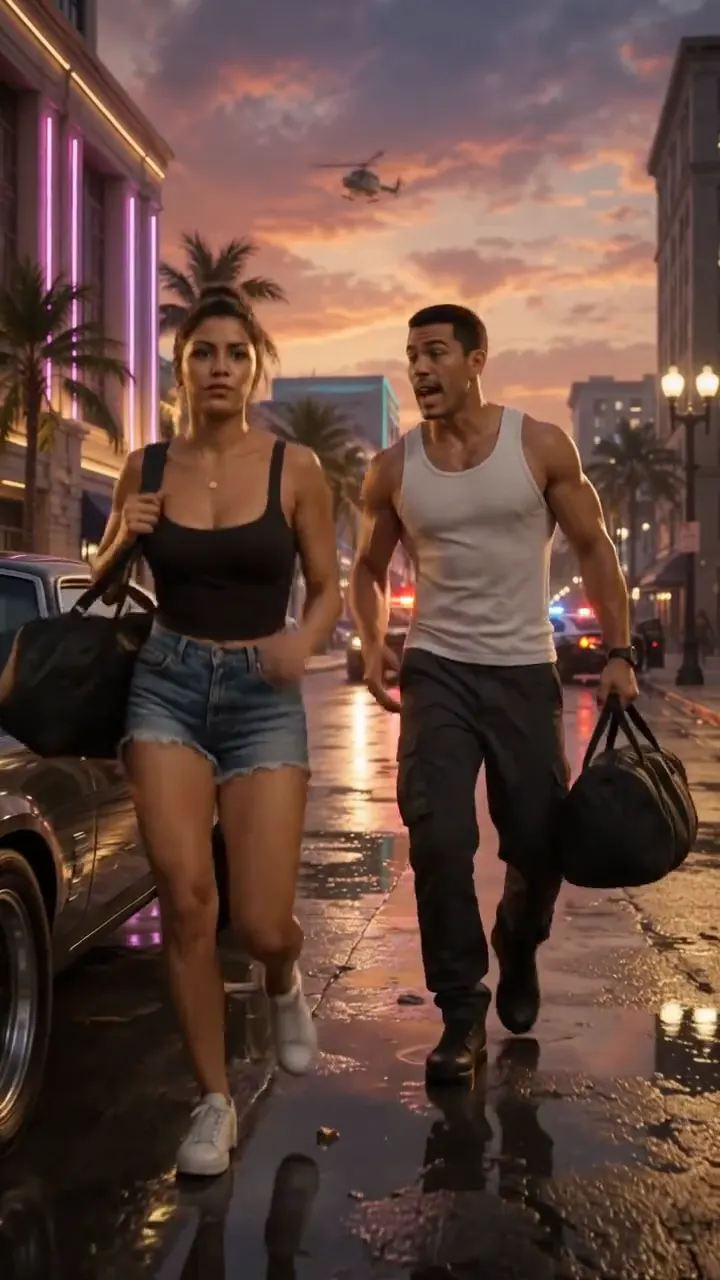
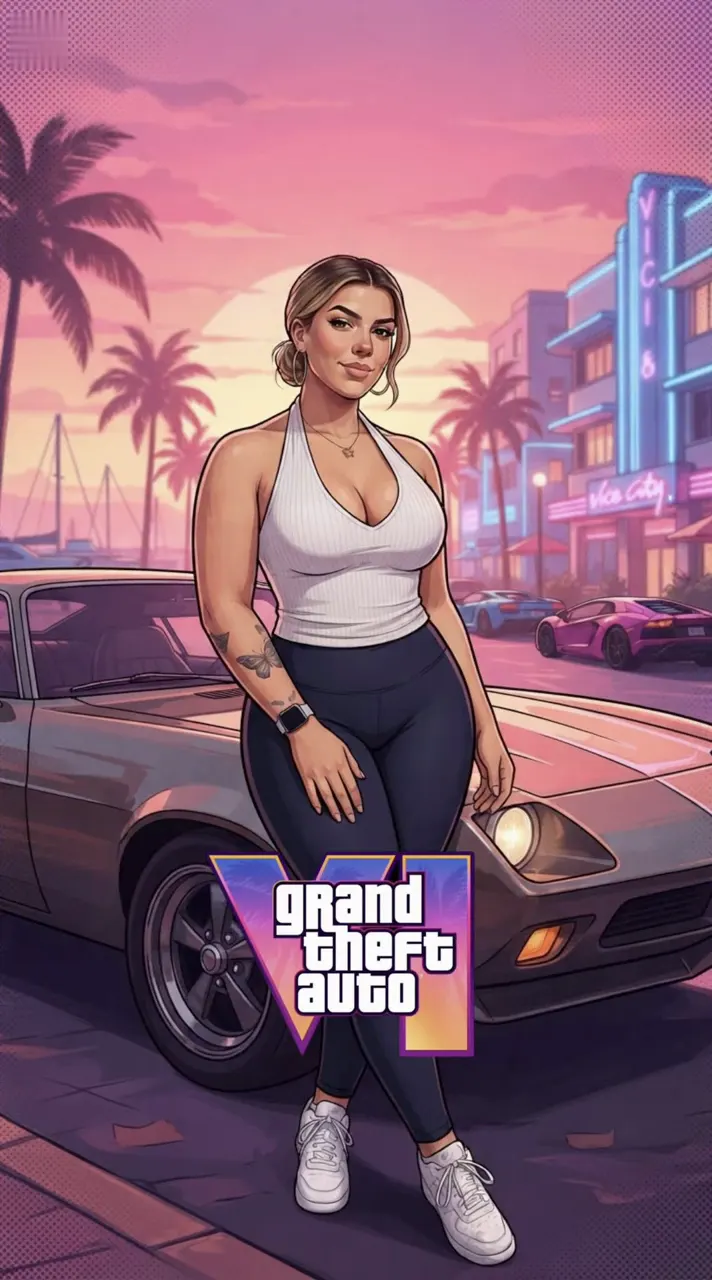
GTA 6 Baby AI puts one adult portrait behind the steering wheel of a 15-second 16:9 neon convertible police chase as a toddler driver (400 credits), whereas GTA 6 Fat Jason AI Meme runs a 15-second indoor apartment burger-and-scooter parody, GTA 6 Couple AI casts two optional portraits into a 15-second 9:16 outlaw getaway trailer, and GTA 6 Loading Screen AI wipes one portrait into an 8-second cel-shaded Vice City poster.
Keep scrolling
More viral AI video trends
 NEW400 CR
 NEW10 CR
 NEW270 CR
 NEW220 CR
 NEW380 CR
 NEW10 CR
 NEW320 CR
 NEW100–400 CR
 NEW100–400 CR
 NEW140 CR
 NEW220 CR
 NEW220 CR