
Transformation · New
Clothes Swap AI Video Generator
Upload one clear photo to star in a 15-second Clothes Swap AI video. Every pass of the overhead ceiling fan changes your outfit across four dark-glam evening looks in 720p vertical MP4 with original sound for 400 credits.
Clothes Swap AI · 15s · 9:16
15s · 9:16 · 720p · original sound · ready in a few minutes
Examples
See Clothes Swap AI four-outfit transitions in motion
Watch how a fixed overhead shot and three rhythmic ceiling-fan sweeps carry one subject cleanly across four contrasting evening outfits.
Four-Look Ceiling-Fan Clothes Swap AI Preview
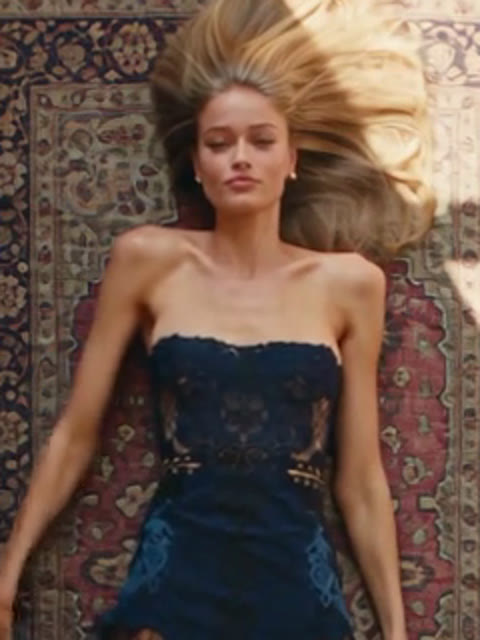
In this Clothes Swap AI example, a strapless sheer-paneled navy-and-black corset midi dress transitions seamlessly with each fan-blade pass into a ruffled ivory-and-black tulle tutu mini, a long-sleeve floral lace dress, and a belted high-slit maxi silhouette in warm afternoon sunlight.
Same category
More Transformation templates
 NEW220 CR
 NEW10 CR
 NEW320 CR
 NEW140 CR
 NEW220 CR
 NEW220 CR
 NEW140 CR
 NEW380 CR
 NEW270 CR
 NEW160 CR
 NEW160 CR
 NEW270 CR
Simple Clothes Swap AI pricing for every 15s render
Generate a 15-second 720p Clothes Swap AI video with original sound for 400 credits using flexible pay-as-you-go pricing and automatic credit refunds if any render fails.
- Basic$9.90400 credits1 video
- Growth$19.90850 credits2 videos
- Most PopularPro$39.901,800 credits4 videos
- Studio$99.904,800 credits12 videos
- Max$299.9015,000 credits37 videos
How it works
How to make a Clothes Swap AI video in three steps
Turn a single portrait or full-body shot into a four-outfit transition reel with automatic wardrobe timing and smooth frame transitions.
Upload one clear photo
Choose a crisp JPG, PNG, or WebP photo up to 20 MB showing one person facing forward in even light. Selfies, studio headshots, and casual full-body pictures carry your exact face and hair smoothly into the Clothes Swap AI scene.
Start the Kling 4.0 render
Click Generate to spend 400 credits. Kling 4.0 follows the 15-second overhead camera angle, warm window sunbeams, and three fan-blade wipes while performing each Clothes Swap AI wardrobe change across all four evening outfits.
Save and post with sound
Download your finished 9:16 vertical Clothes Swap AI MP4 from My Work with the original audio track already merged in. Share it directly as a styling lookbook, wardrobe poll, or weekend outfit reveal.
Photos: JPG, PNG, WebP, up to 20 MB.
Photo tips
Photo tips for crisp Clothes Swap AI renders
A well-lit source photo helps Clothes Swap AI lock your facial features, hairline, and proportions cleanly across all four wardrobe transitions.
- Use a straight-on, eye-level portrait or full-body photo where both eyes, jawline, and shoulders sit clearly in frame.
- Pick natural daylight or soft studio lighting so warm window shadows on the rug blend seamlessly with your skin tone.
- Wear simple everyday clothing or a fitted top in your input photo so the jump into structured evening silhouettes looks dramatic.
- Keep sunglasses, wide-brimmed hats, and hands clear of your face so every cut preserves a sharp likeness.
- Center one solo subject up close in the frame for crisp facial detail across all four looks.
The scene
Four Clothes Swap AI outfit reveals timed to every fan sweep
Each three-to-four-second window in Clothes Swap AI holds a distinct black-and-ivory evening look before the ceiling fan blade wipes cleanly to the next outfit.
0.0–3.5 s · Strapless Navy-Black Corset Midi
The overhead camera looks straight down onto an ornate burgundy-and-cream Persian rug beside a plum velvet sofa. Your subject rests calmly in a strapless sheer-paneled navy and black corset midi dress bathed in warm diagonal sunlight.
3.5–8.0 s · Ivory-Ruffled Tulle Corset Mini
A dark-brown fan blade sweeps across the lens, revealing a sweetheart black corset mini dress flared with layered ivory-and-black tulle ruffles as your subject lifts one hand lightly toward her temple.
8.0–11.5 s · Sheer Floral Lace Long-Sleeve Look
A second fan-blade wipe transforms the outfit into a sleek, fitted mock-neck sheer black floral lace mini dress while keeping the rug texture, hair spread, and golden afternoon shadows steady.
11.5–15.0 s · Belted Shoulder-Pad High-Slit Maxi
After the final fan sweep, Clothes Swap AI closes on a structured short-sleeve black padded-shoulder top, silver double-loop belt, and flowing high-slit lace skirt with sheer tights.
Ready to post
Captions ready for your Clothes Swap AI reel
- “Which look would you choose—1, 2, 3, or 4? 👇 Every spin of the fan swaps the whole outfit.”
- “Tested four evening looks from one photo while staying in one spot ✨ #clothesswapai #outfitswap”
- “Wait for the third fan spin… that belted high-slit look stole the whole video 🖤 #ootd #fashionai”
- “One clear portrait, four sunlit evening looks—ready in 15 seconds with Clothes Swap AI.”
- “Rate the wardrobe lineup from 1 to 4 in the comments 🔥 #outfittransition #virtualwardrobe”
- Open your caption with a "1, 2, 3, or 4?" poll so viewers replay the 15-second loop to compare every dress.
- Post the 720p vertical MP4 at full 9:16 vertical framing so the diagonal sunbeams and ceiling-fan blades frame the rug cleanly.
Variants
More AI outfit swap and styling templates
Try another wardrobe transition format—from sunlit dress reveals and fitting-room curtains to color-lit studio dance swaps.
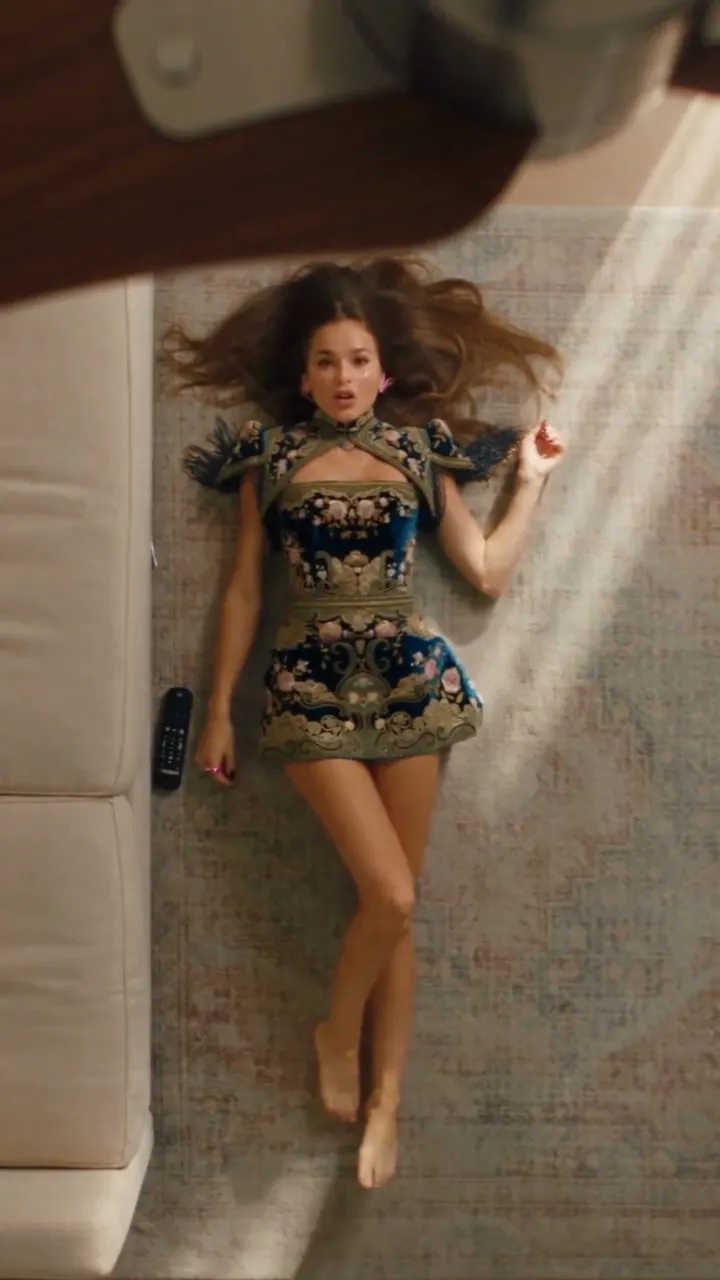 NEW400 CR
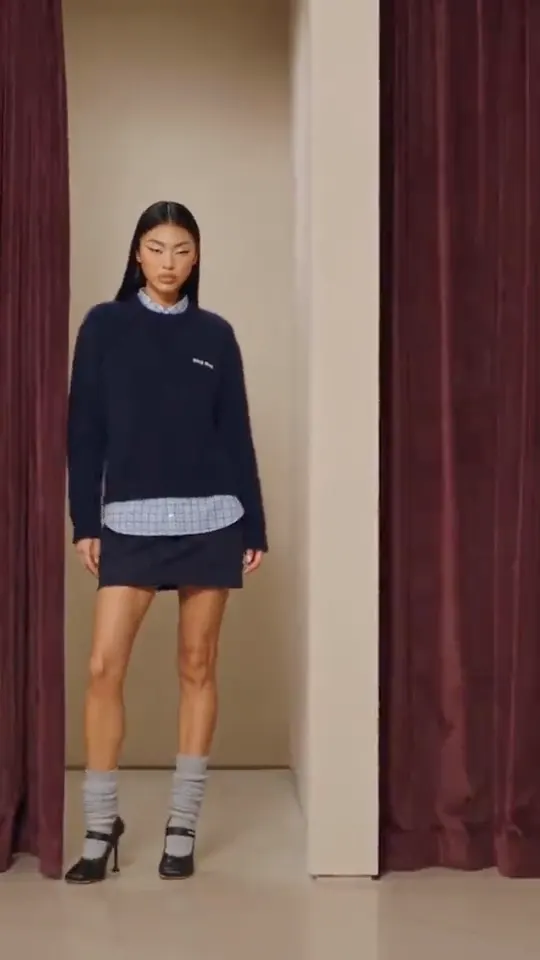 NEW400 CR
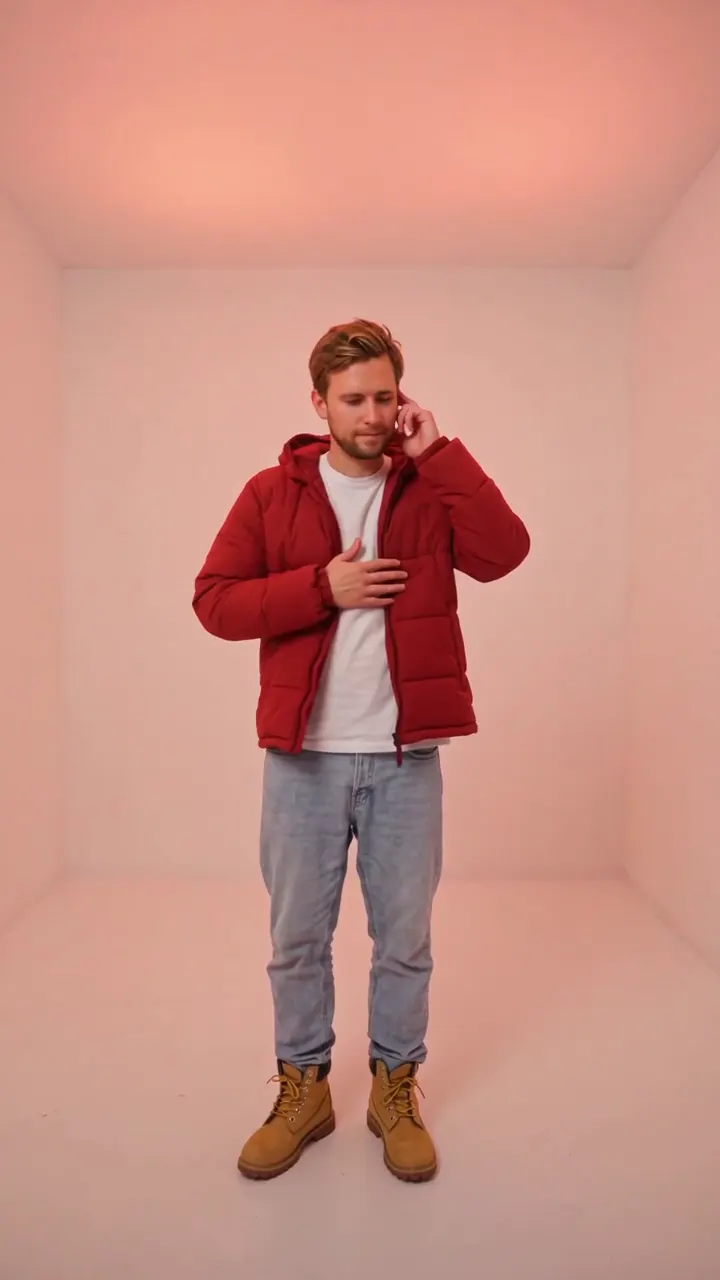 HOT270 CR
FAQ
Clothes Swap AI FAQ
How do I make a Clothes Swap AI video on SameVid?
Upload one clear front-facing portrait or full-body photo (JPG, PNG, or WebP up to 20 MB) and click Generate. SameVid runs Kling 4.0 to place you into the 15-second overhead ceiling-fan sequence, running Clothes Swap AI across four distinct dark-glam evening looks.
What outfits appear in this Clothes Swap AI template?
The 15-second Clothes Swap AI clip transitions cleanly through four evening looks: a strapless sheer-paneled navy-and-black corset midi dress, a black corset mini with layered ivory-and-black tulle ruffles, a long-sleeve sheer floral lace mini dress, and a belted padded-shoulder top with a high-slit lace skirt.
How many credits does Clothes Swap AI cost?
Each 15-second 720p Clothes Swap AI generation costs 400 credits, matching our standard 15-second rate on the pricing page. Credits are deducted when the job starts and refunded automatically if any render fails.
Does the finished video include sound?
Yes. During generation Kling 4.0 renders clean visuals from the silent reference video, and SameVid merges the original trending audio track back into your final 720p MP4 before delivery.
How is Clothes Swap AI different from a static clothes changer?
Static virtual try-on tools edit garments on a still image, whereas Clothes Swap AI generates a full 15-second vertical motion video with realistic fabric drape, subtle pose changes, natural hair movement, and synced fan-blade transitions. For colorful dresses or velvet fitting-room curtains, try AI Dress Trend or Fitting Room Outfit Change AI.
What resolution and aspect ratio are delivered?
Your generated Clothes Swap AI video renders in 720p vertical 9:16 MP4 (15 seconds long) inside My Work, formatted natively for vertical short-form feeds. Browse more formats across all AI video templates.
Keep scrolling
More viral AI video trends
 NEW160 CRNEW400 CRNEW400 CRHOT270 CR
 NEW320 CR
 NEW380 CR
 NEW100–400 CR
 NEW100–400 CR
 NEW380 CR
 NEW320 CR
 NEW100–400 CR
 NEW380 CR