
Transformation · New
Red Carpet AI Video Generator
Upload one front portrait to walk a nighttime premiere runway in our Red Carpet AI video generator. Kling 4.0 turns your photo into a 5-second 720p 16:9 silent MP4 lined with velvet ropes and flashing cameras—140 credits.
Red Carpet AI · 5s · 16:9
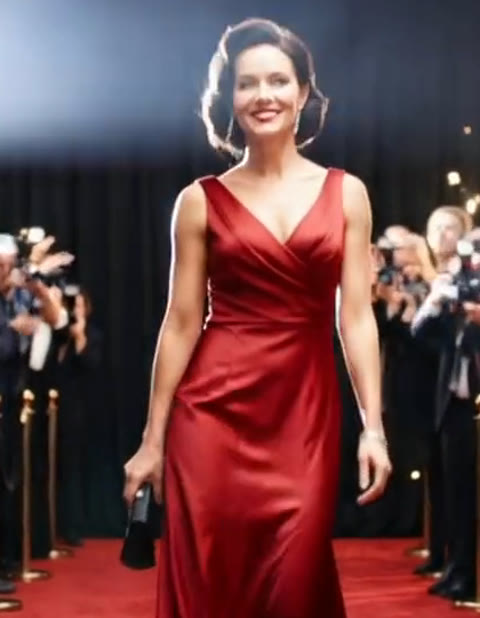
5s · 16:9 · 720p · original sound · ready in a few minutes
How it works
Create your Red Carpet AI walk in three quick steps
Turn a single everyday portrait into a five-second Red Carpet AI premiere entrance on Kling 4.0 without writing prompts or timeline edits.
Upload one clear portrait for Red Carpet AI
Drop a sharp front-facing JPG, PNG, or WebP photo up to 20 MB into the You slot with both eyes, hairline, and shoulders clearly visible under even light.
Let Kling 4.0 stage the Red Carpet AI runway
Click Generate to keep the nighttime red carpet, brass-stanchion velvet ropes, smooth backward-tracking steadicam move, and synchronized paparazzi camera flashes from the reference clip.
Download and share your Red Carpet AI clip
Save your finished 5-second 720p 16:9 silent MP4 from My Work, add your favorite runway anthem or sound effect in your social editor, and post anywhere.
Photos: JPG, PNG, WebP, up to 20 MB.
Same category
More Transformation templates
 NEW220 CR
 NEW10 CR
 NEW320 CR
 NEW140 CR
 NEW220 CR
 NEW220 CR
 NEW140 CR
 NEW380 CR
 NEW270 CR
 NEW160 CR
 NEW160 CR
 NEW270 CR
Related Styles
More runway, entrance, and Red Carpet AI sibling templates
Pair your Red Carpet AI walk with confident strut, couture gown, and celebrity premiere templates built for single-photo remixes.
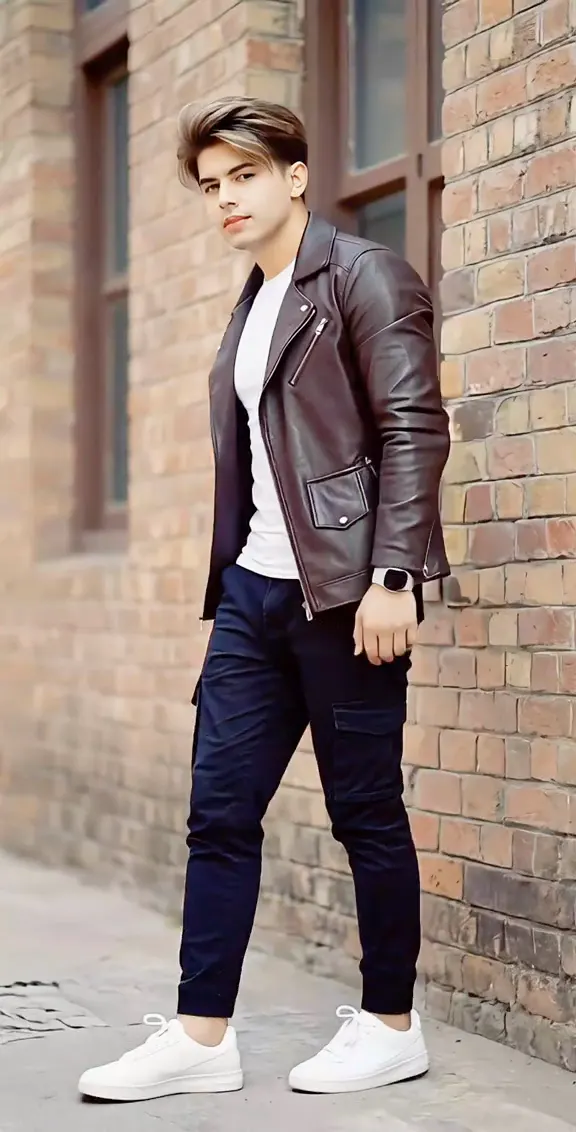 NEW240 CR
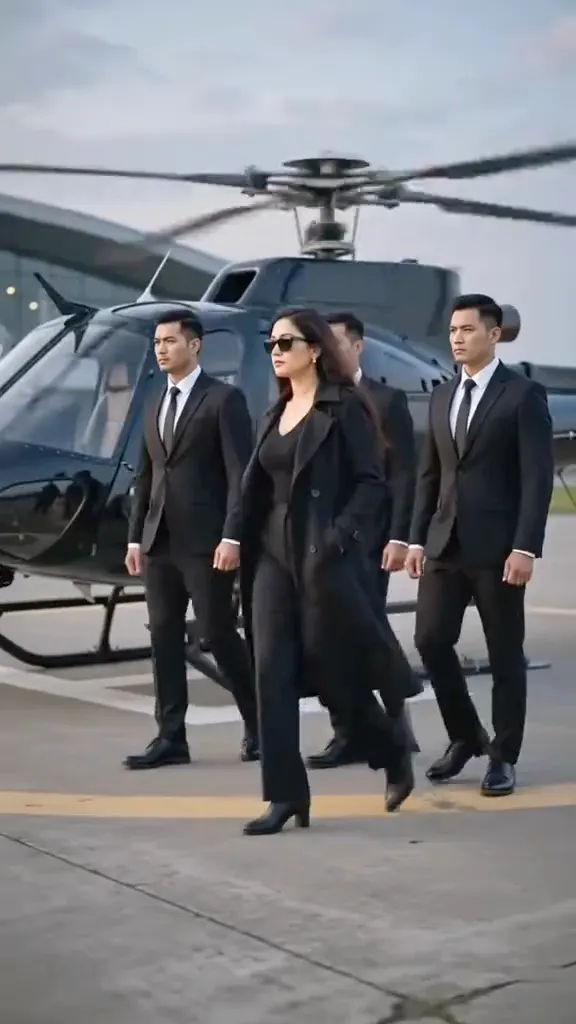 HOT300 CR
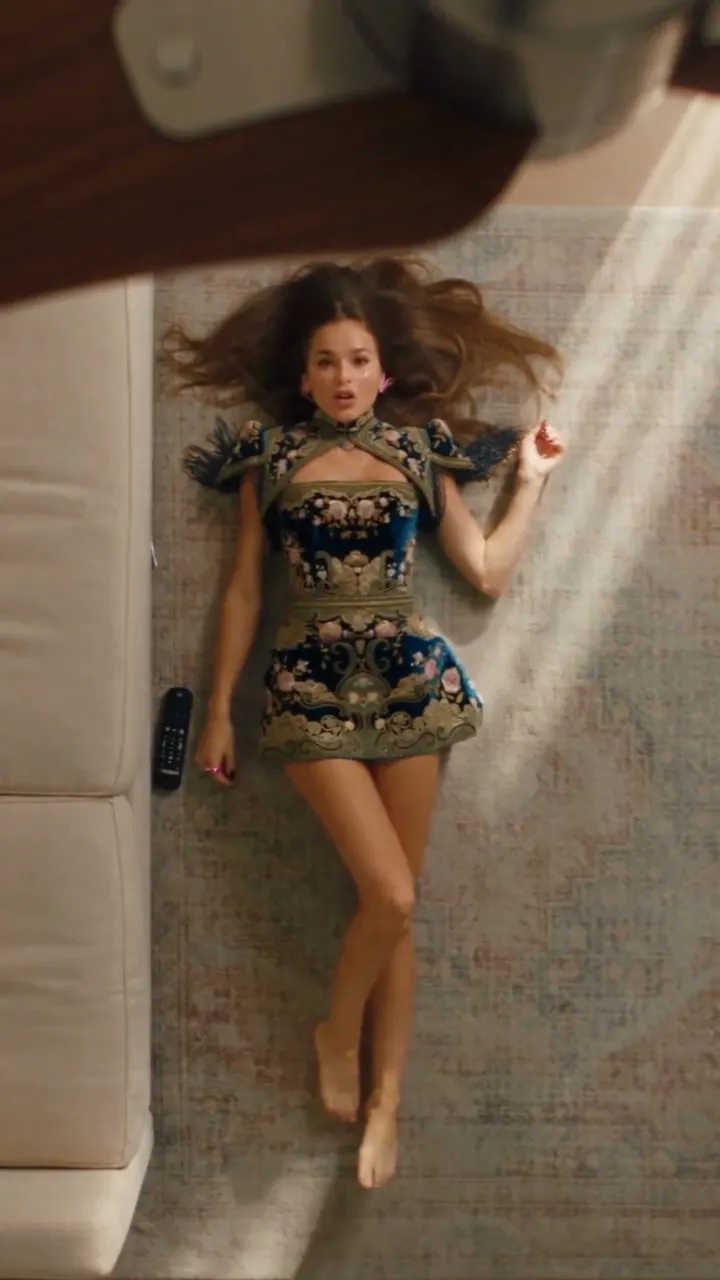 NEW400 CR
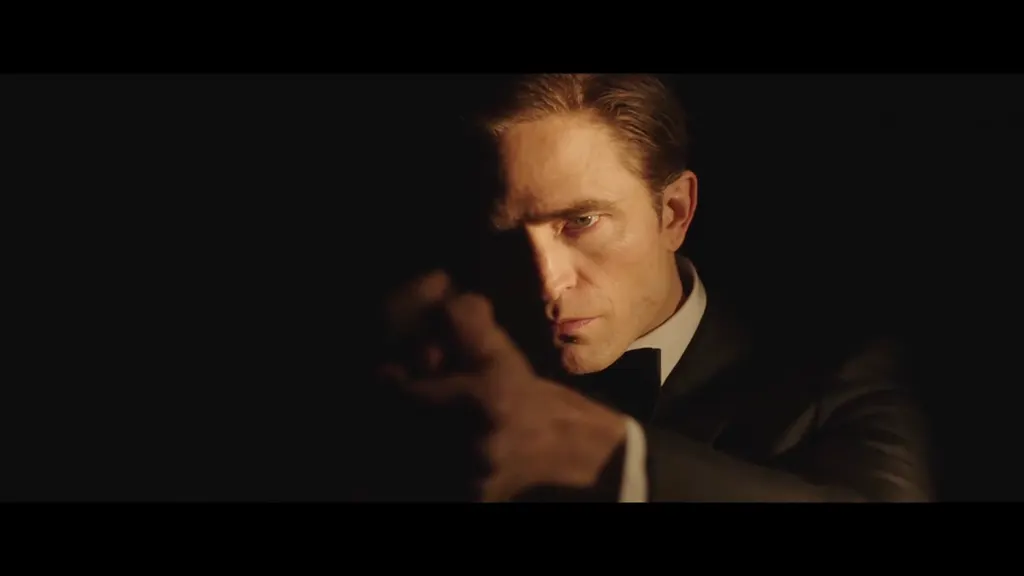 NEW270 CR
 NEW240 CR
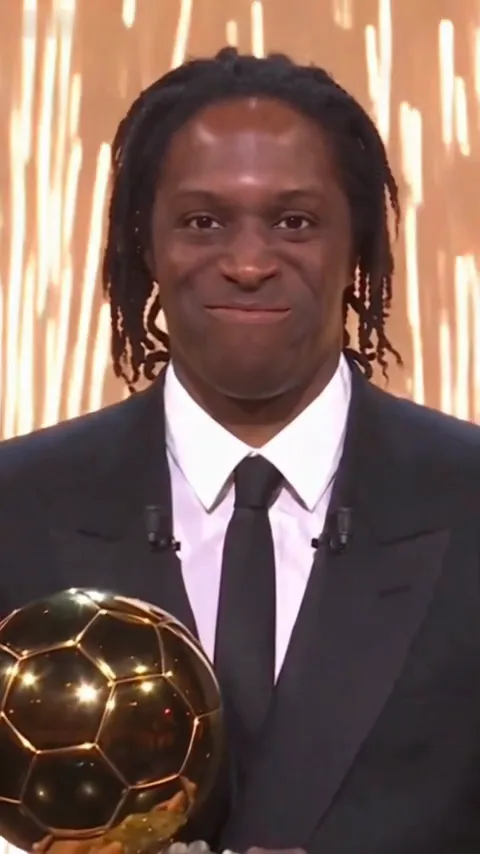 NEW270 CR
Photo tips
Portrait tips for crisp Red Carpet AI facial likeness
Clean front lighting and an unobstructed face help Kling 4.0 lock your Red Carpet AI identity cleanly as camera flashes illuminate the runway.
- Choose a sharp front-facing or subtle three-quarter portrait where both eyes, eyebrows, nose, and jawline are clearly lit for Red Carpet AI.
- Use balanced daylight or soft indoor lighting so natural skin tones hold steady when bright paparazzi flashes sweep across your Red Carpet AI frame.
- Leave your full hairstyle and upper shoulders visible inside the frame so Kling 4.0 preserves your natural hair color, length, and parting in Red Carpet AI.
- Pick a natural smile or composed star expression facing straight ahead, matching the confident forward walk toward the Red Carpet AI tracking lens.
Origin
How the Red Carpet AI trend evolved into video arrivals
From viral award-show AI stills in 2024 to full-motion paparazzi walk clips shared across short-form video feeds.
From viral Met Gala AI stills to personal selfies
The Red Carpet AI phenomenon first captured mainstream attention in May 2024, when hyper-realistic synthetic gala portraits of absent pop stars circulated widely across social feeds and fooled millions of viewers, as documented by PCMag and The News International. Instead of remaining a celebrity lookalike joke, everyday creators quickly turned the format around—prompting couture outfits so anyone could picture themselves arriving on the steps of a major film festival or award night.
As photo-to-video models matured through 2026, static red-carpet portraits evolved into dynamic premiere walk videos. Creators began testing multi-second tracking shots and first-person star arrivals, sparking broad conversations on X and YouTube around silk sheen, camera-flash realism, jewelry detail, and facial consistency across every stride.
Why a locked tracking shot delivers better Red Carpet AI clips
Generating a convincing paparazzi corridor from a blank text prompt often introduces shifting backgrounds, warped stanchions, or flickering crowd faces. By anchoring Kling 4.0 to a clean 5-second widescreen tracking shot with brass velvet ropes and steady press camera flashes on both flanks, SameVid AI keeps the premiere runway grounded while mapping your uploaded portrait onto the solo walker.
Each finished clip renders as a silent 720p 16:9 MP4 so you have complete creative freedom to layer trending runway beats, dramatic orchestral drops, crowd applause, or milestone birthday voiceovers before sharing with friends, in group chats, or alongside AI Transformation Video Templates and AI Video Effects.
Examples
Red Carpet AI runway reference clips in action
Preview the 5-second widescreen Red Carpet AI walk that anchors this template alongside an alternate premiere tailoring style.
Red Evening Gown Red Carpet AI Walk
Single continuous 5-second Red Carpet AI tracking shot down a nighttime runway lined with velvet ropes and flashing press cameras.
Yellow Suit Spotlight Red Carpet AI Walk
Alternate Red Carpet AI premiere styling showing crisp tailored motion under alternating paparazzi flashes along the same runway corridor.
Ready for your Red Carpet AI spotlight moment?
Upload one portrait and render a 5-second 720p 16:9 Red Carpet AI video on Kling 4.0 for 140 credits—automatically refunded if generation fails.
FAQ
Red Carpet AI FAQ
How many photos do I need for Red Carpet AI?
You only need one clear front-facing portrait in the You slot for Red Carpet AI. Kling 4.0 maps your facial features, skin tone, and hairstyle onto the solo red-carpet protagonist while keeping the premiere lighting and camera track steady.
What video length, resolution, and aspect ratio does Red Carpet AI output?
Each Red Carpet AI generation produces a 5-second MP4 at 720p in 16:9 widescreen, matching the reference runway framing so both rows of flashing paparazzi photographers remain clearly visible beside you. Unlike static red-carpet photo filters, Red Carpet AI animates a continuous forward walk.
Does the Red Carpet AI clip include sound?
Both the reference example and the generated Red Carpet AI MP4 are silent, giving you a clean visual base to pair with any runway song, camera-shutter sound effect, or celebration audio track in your favorite editing app.
How many credits does one Red Carpet AI video cost?
One 5-second 720p Red Carpet AI video costs 140 credits, scaled proportionally from our 15-second Kling 4.0 rate. If a generation ever fails on the server side, those credits are automatically refunded to your account.
What kind of portrait works best for the You upload slot?
A well-lit front portrait or head-and-shoulders photo with both eyes clearly open, full hair visible, and minimal heavy filters gives Red Carpet AI and Kling 4.0 the cleanest facial reference under moving runway flashlights.
Who can I feature in a Red Carpet AI premiere clip?
Red Carpet AI works well for your own main-character social intro, birthday or graduation announcements for friends, promotion celebrations, milestone reels, or creative fan edits—just upload one clear solo front portrait of the star of the night.
Does Red Carpet AI preserve my hairstyle and facial details?
Red Carpet AI preserves your facial features, skin tone, and hairstyle when you upload a clear, evenly lit portrait where your eyes, jawline, and full hair are visible from the opening stride to the final frame.
Keep scrolling
More viral AI video trends
NEW240 CRHOT300 CRNEW400 CRNEW270 CRNEW240 CRNEW270 CR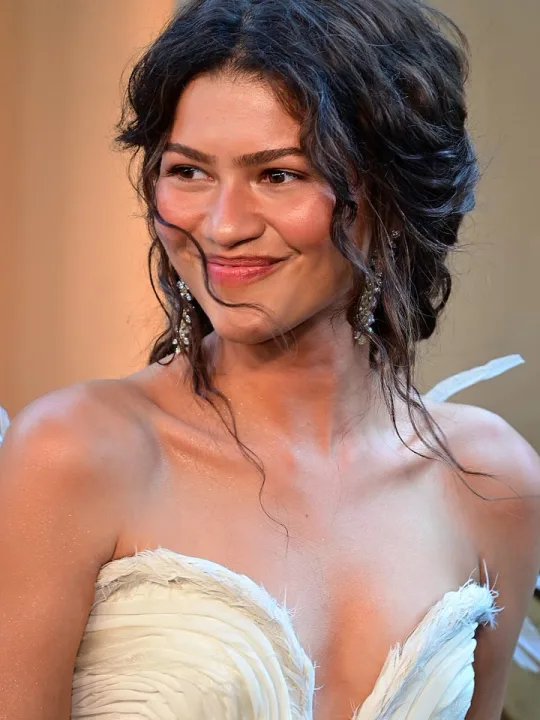 NEW100–400 CR
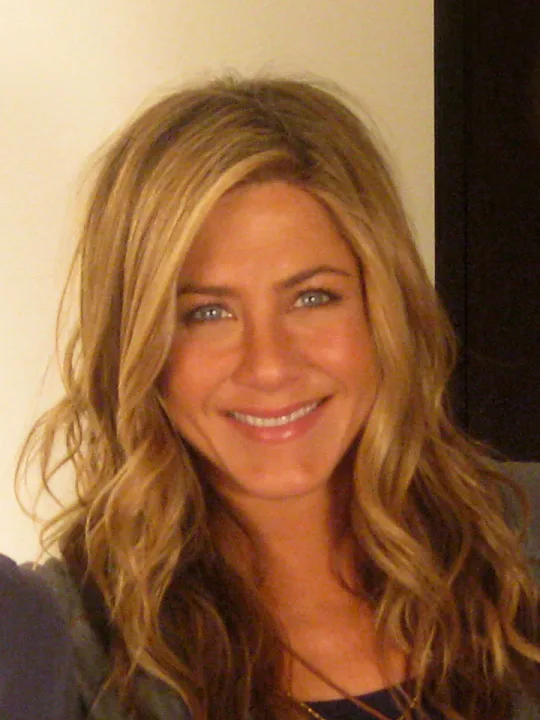 NEW100–400 CR
 NEW380 CR
 NEW100–400 CR
 NEW100–400 CR
 NEW380 CR