
Transformation · New
Braids Hairstyle AI Video Generator
Braids Hairstyle AI turns one clear front-facing portrait into a 10-second 720p vertical hair-toss video with waist-length 613 blonde knotless box braids, realistic scalp partings, and original audio for 270 credits.
Braids Hairstyle AI · 10s · 9:16
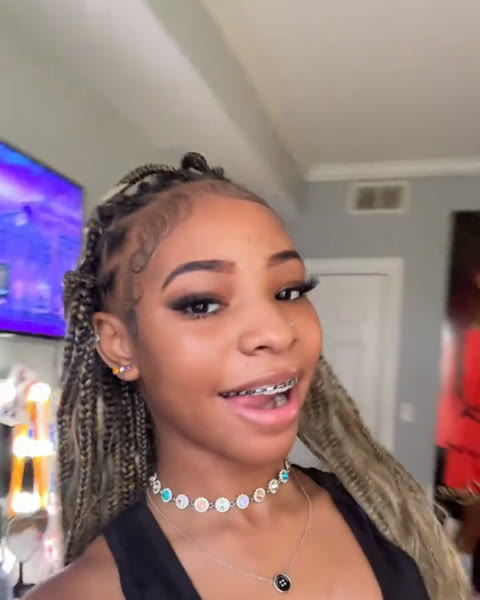
10s · 9:16 · 720p · original sound · ready in a few minutes
Ideas
Ways to use your Braids Hairstyle AI preview video
Preview a braids hairstyle before a long salon chair session
Real knotless box braids often take four to eight hours in a salon chair. Running Braids Hairstyle AI first lets you see how waist-length 613 blonde braids frame your face, skin tone, and jawline in motion before booking.
Bring your braider a moving Braids Hairstyle AI reference
Static inspiration pictures only show one frozen pose. Sharing a 10-second Braids Hairstyle AI clip that reveals scalp parting, braid thickness, and natural shoulder drape makes explaining your desired braids hairstyle effortless.
Post a Braids vs. Natural transformation reel
Combine your original selfie with the finished Braids Hairstyle AI hair-toss video for a crisp before-and-after reveal on TikTok, Instagram Reels, or YouTube Shorts with synced vertical framing and original sound.
Poll friends on your next braids hairstyle look
Send your Braids Hairstyle AI preview to a group chat or story and ask "Should I book this set next?" so friends can react to the honey-blonde shade and waist-length movement before your appointment.
Same category
More Transformation templates
 NEW220 CR
 NEW10 CR
 NEW320 CR
 NEW140 CR
 NEW220 CR
 NEW220 CR
 NEW140 CR
 NEW380 CR
 NEW270 CR
 NEW160 CR
 NEW160 CR
 NEW270 CR
The moves
Every beat inside the 10-second Braids Hairstyle AI reveal
Braids Hairstyle AI follows one smooth, hands-free front-facing sequence so you can inspect parting lines, length, and natural braid sway in motion.
Front-facing braids hairstyle first look (0–2 s)
The Braids Hairstyle AI clip opens on an eye-level portrait in soft indoor lighting. Waist-length 613 honey-and-platinum blonde knotless box braids rest evenly over both shoulders so you immediately see how the color frames your face.
Crown sweep and scalp parting reveal (2–5 s)
Both hands lift the braids gently upward and back from the crown. This motion opens up the hairline and shows crisp, neat square scalp partings and smooth laid edges before the long braids cascade back down.
Side hair flip and natural bounce (5–8 s)
Midway through the Braids Hairstyle AI sequence, the braids swing smoothly to one side with a warm smile. Watching individual woven strands catch the indoor light demonstrates lifelike weight and movement.
Smiling finish and wave (8–10 s)
In the final seconds, the braids settle naturally around the shoulders as you face the lens with a bright smile and a relaxed wave, wrapping the Braids Hairstyle AI clip cleanly for posting.
Examples
Watch the Braids Hairstyle AI reference reveal
See the 10-second vertical showcase that guides the Braids Hairstyle AI camera framing, soft room lighting, and natural hair-toss rhythm.
Braids Hairstyle AI — 613 Knotless Box Braids Reveal
A single-shot, hands-free 10-second portrait showing waist-length 613 blonde knotless box braids, clean square scalp partings, and fluid hair movement with original audio.
Photo tips
Best portrait photos for Braids Hairstyle AI
A clear, evenly lit portrait helps Braids Hairstyle AI lock onto your facial features and blend realistic knotless scalp partings cleanly.
- Upload a front-facing head-and-shoulders portrait taken at eye level with your face centered in the frame.
- Keep your forehead, eyebrows, hairline, and eyes clearly visible so Braids Hairstyle AI aligns each scalp part naturally.
- Choose soft, even daylight or indoor lighting with a calm background for crisp 720p hair strand detail.
- Start from any current hair length or texture—short cuts, natural coils, loose waves, or straight hair all transition smoothly into waist-length braids.
Origin
Where the Braids Hairstyle AI trend came from
From practical TikTok scalp-parting filters to full-motion AI video previews, virtual braids try-on grew out of real salon-planning needs.
From parting filters to moving braids previews
Online interest in virtual braids hairstyle previews gained momentum after TikTok creators introduced practical braiding tools—such as STEM creator Krysanthum’s viral middle-part alignment filter covered by Essence—alongside tens of thousands of Braids vs. Natural transformation reels.
Because knotless, box, boho, and Fulani braids require hours of salon installation, creators moved beyond flat static overlays to video-first Braids Hairstyle AI previews that show realistic parting lines, hair weight, and light reflection in motion.
How it works
How to make a Braids Hairstyle AI video in three steps
Turn one front portrait into a 10-second moving Braids Hairstyle AI clip in minutes with zero prompts or manual editing.
Upload one clear front portrait
Drop a sharp JPG, PNG, or WebP portrait (up to 20 MB) into the You slot. Eye-level lighting with a clear hairline gives Braids Hairstyle AI the strongest facial identity lock.
Generate with Kling 4.0
Click generate (270 credits for a 10-second 720p clip). Braids Hairstyle AI uses Kling 4.0 reference-to-video to map your face onto the single-shot reveal while rendering flowing 613 knotless box braids.
Download your 9:16 MP4 with audio
Once rendering finishes in a few minutes, download your 10-second Braids Hairstyle AI video with synced original sound ready for salon reference or social posting.
Photos: JPG, PNG, WebP, up to 20 MB.
FAQ
Braids Hairstyle AI FAQ
Does Braids Hairstyle AI preserve my real face and skin tone?
Braids Hairstyle AI uses Kling 4.0 reference-to-video guidance focused on keeping your exact eyes, eyebrows, nose, lips, skin tone, and natural expression stable while transforming your hair into waist-length knotless box braids.
What specific braids hairstyle does this template generate?
Braids Hairstyle AI creates waist-length 613 honey-and-platinum blonde knotless box braids with neat square scalp partings, smooth laid edges, and lifelike movement as you sweep and toss the strands.
How is Braids Hairstyle AI different from static AI braids photo filters?
Static braids photo filters only render a single frozen angle, whereas Braids Hairstyle AI generates a 10-second 720p moving clip that shows crown partings, braid thickness, and natural hair swing under shifting room light.
What photo format and framing work best for Braids Hairstyle AI?
A sharp, front-facing head-and-shoulders portrait in even lighting gives Braids Hairstyle AI the cleanest hairline alignment; upload JPG, PNG, or WebP images up to 20 MB with your forehead and eyes clearly visible.
Can Braids Hairstyle AI transform short hair, curls, or straight hair?
Braids Hairstyle AI works across all starting hair lengths and textures, smoothly replacing short cuts, natural coils, waves, or straight hair with full waist-length 613 knotless box braids.
How long is each Braids Hairstyle AI video and how many credits does it cost?
Every Braids Hairstyle AI generation outputs a 10-second 720p vertical (9:16) MP4 clip with synced original audio for 270 credits.
How does Braids Hairstyle AI compare with Lush Curls AI or Messy Makeup AI Filter?
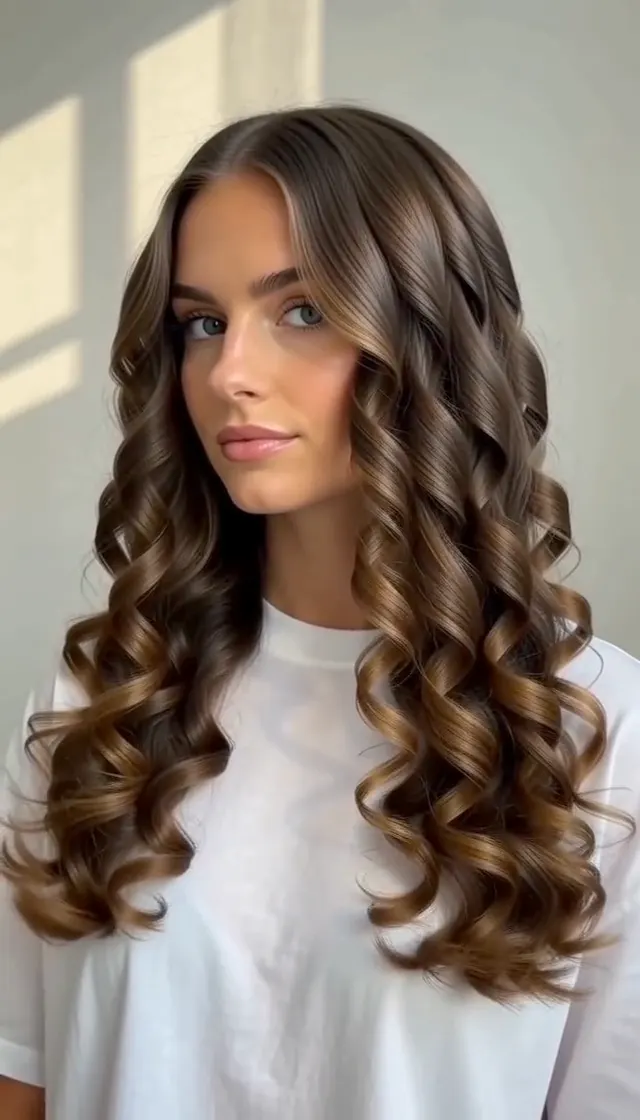
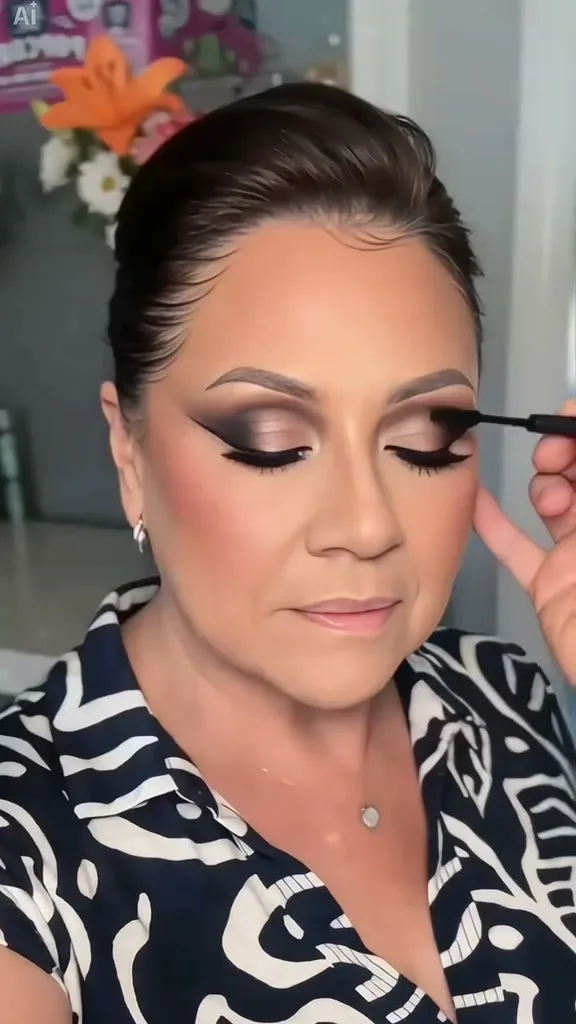
Braids Hairstyle AI focuses specifically on waist-length 613 knotless box braids with visible scalp parting, while Lush Curls AI previews voluminous curly hair and Messy Makeup AI Filter focuses on editorial makeup transformations.
Keep scrolling
More viral AI video trends
 NEW140 CR
 NEW140 CR
 NEW400 CR
 NEW20 CR
 NEW380 CR
 NEW100–400 CR
 NEW100–400 CR
 NEW380 CR
 NEW320 CR
 NEW100–400 CR
 NEW380 CR
 NEW160 CR