
Funny · New
Can I Help You Miss AI Video Generator
Upload 1 clear photo to star in the 15-second Can I Help You Miss AI pet store skit. You reach for a giant dog food bag, the worker offers to help, then stacks a second bag on your shoulder. 720p 9:16 MP4 with original Spanish audio, 400 credits.
Can I Help You Miss AI · 15s · 9:16
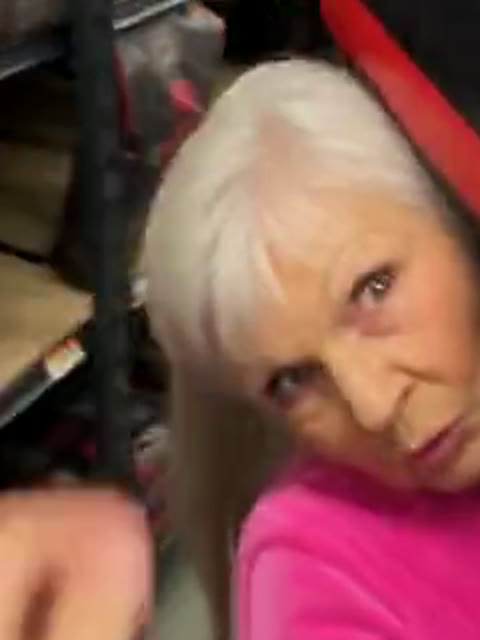
15s · 9:16 · 720p · original sound · ready in a few minutes
Who to put in
Best people and pets for Can I Help You Miss AI
One photo casts the customer reaching for the top shelf in Can I Help You Miss AI while keeping the worker’s arm and stacked bags intact.
Yourself on a chaotic errand
Upload a clear front-facing selfie to star in Can I Help You Miss AI. Seeing your own deadpan expression when the second oversized bag lands on your shoulder makes the punchline land immediately in group chats and story replies.
A friend who always overbuys
Cast the friend who walks into a store for one small item and leaves with a mountain of supplies. In Can I Help You Miss AI, a well-lit portrait locks their face and hairstyle onto the shopper as they carry both bags down the aisle.
Your dog or cat
Pets shine in Can I Help You Miss AI because the joke flips the script: your dog or cat ends up hauling two giant bags of their own kibble. Use a crisp head-and-shoulders shot facing the camera for the cleanest identity match.
A coworker or partner
Turn a relatable "let me help you with that" moment into a quick office or couples joke. Whenever someone asks for a small favor and gets twice the workload stacked onto them, Can I Help You Miss AI says it all.
Photos: JPG, PNG, WebP, up to 20 MB.
Same category
More Funny templates
 NEW380 CR
 NEW320 CR
 NEW100–400 CR
 NEW100–400 CR
 NEW140 CR
 NEW100–400 CR
 NEW380 CR
 NEW160 CR
 NEW270 CR
 NEW160 CR
 NEW350 CR
 NEW100–400 CR
Examples
Can I Help You Miss AI 15-second video example
Can I Help You Miss AI follows the 15-second first-person pet store sequence with original Spanish dialogue preserved.
Pet store double-bag stack
Shot in one continuous handheld take down a warehouse pet-food aisle, this Can I Help You Miss AI reference shows the shopper reaching for an oversized black-and-red bag, hearing the worker ask to help, and walking away carrying two stacked bags.
The scene
Four beats inside the Can I Help You Miss AI skit
Every Can I Help You Miss AI generation keeps the exact camera movement, shelf scale, and comedic timing of the reference clip.
0–4 s · Reaching for the giant bag
Can I Help You Miss AI opens in a bright warehouse pet-supply aisle lined with tall metal racks. Your chosen character reaches up with both hands to pull down a massive black-and-red dog food bag from the upper shelf.
4–8 s · The worker offers to help
The first-person camera moves in closer as a white-sleeved arm enters from the left and guides the first heavy bag onto the shopper’s shoulder while the Spanish dialogue asks, "Can I help you, miss?"
8–12 s · Stacking the second bag
Instead of taking the weight off, the worker grabs a second identical oversized dog food bag and stacks it directly on top of the first one. Your character holds both bags steady with a priceless deadpan look.
12–15 s · Hauling both bags away
Balancing two giant bags on one shoulder, the shopper turns and walks down the aisle as the camera holds the reaction. Your Can I Help You Miss AI clip exports cleanly at 720p with the original Spanish audio synced.
Photo tips
Photo tips for Can I Help You Miss AI
A sharp front-facing portrait gives Kling 4.0 the clearest facial structure for the Can I Help You Miss AI shoulder reaction.
- Use a bright, evenly lit front-facing photo where the eyes, nose, and mouth are completely clear and centered.
- Keep one person or one pet in the frame so Kling 4.0 knows exactly who to cast as the shopper.
- Choose a photo with a natural, neutral, or slightly expressive face so the surprised reaction looks believable.
- Upload a standard JPG, PNG, or WebP image (up to 20 MB) with sharp focus around the face and hair.
- For pets, pick a straight-on head shot at eye level with a clear view of the muzzle, free of collars or toys.
- Leave a little breathing room around the head and shoulders so the portrait frames cleanly inside the upload slot.
Make your Can I Help You Miss AI video now
Upload 1 photo and generate your 15-second Can I Help You Miss AI 720p clip with original Spanish audio for 400 credits.
FAQ
Can I Help You Miss AI FAQ
How many photos do I need for the Can I Help You Miss AI template?
Can I Help You Miss AI requires just 1 clear photo. Upload a single front-facing portrait of yourself, a friend, or your pet as the shopper, and the generator builds the entire 15-second pet store scene automatically.
How much does a Can I Help You Miss AI video cost?
Can I Help You Miss AI costs 400 credits for the full 15-second 720p 9:16 MP4 with original Spanish audio. Credits scale proportionally at 400 credits per 15 seconds on the SameVid AI pricing page, with all prompt engineering and timing built in.
Does Can I Help You Miss AI keep the original Spanish audio?
Can I Help You Miss AI keeps the full 15-second original Spanish dialogue track on your finished download. SameVid passes a silent reference video to Kling 4.0 during generation for clean lip and body motion, then merges the original audio onto your MP4.
Can I put my dog or cat in the Can I Help You Miss AI video?
Can I Help You Miss AI works for both people and pets in the single upload slot. A clear, eye-level portrait of your dog or cat lets the model cast your pet as the shopper hauling two giant bags of dog food, just like other AI Pet Video Templates.
What photo format and lighting work best for Can I Help You Miss AI?
Can I Help You Miss AI works best with sharp JPG, PNG, or WebP portraits up to 20 MB. Choose an evenly lit front-facing photo with one clear subject and unobstructed eyes for the strongest facial consistency.
How does Can I Help You Miss AI work automatically from one photo?
Can I Help You Miss AI already locks the first-person camera path, pet-supply warehouse aisle, oversized dog food bag props, and four-beat timing into Kling 4.0. You simply upload one photo and click Generate to create your clip.
What resolution and aspect ratio does Can I Help You Miss AI export?
Can I Help You Miss AI exports as a vertical 9:16 MP4 at 720p resolution, sized for short-form mobile feeds right out of download. Browse more comedy skits in Funny AI Video Templates.
How does Can I Help You Miss AI compare with Hit The Road Dude AI and Singing Pet AI?
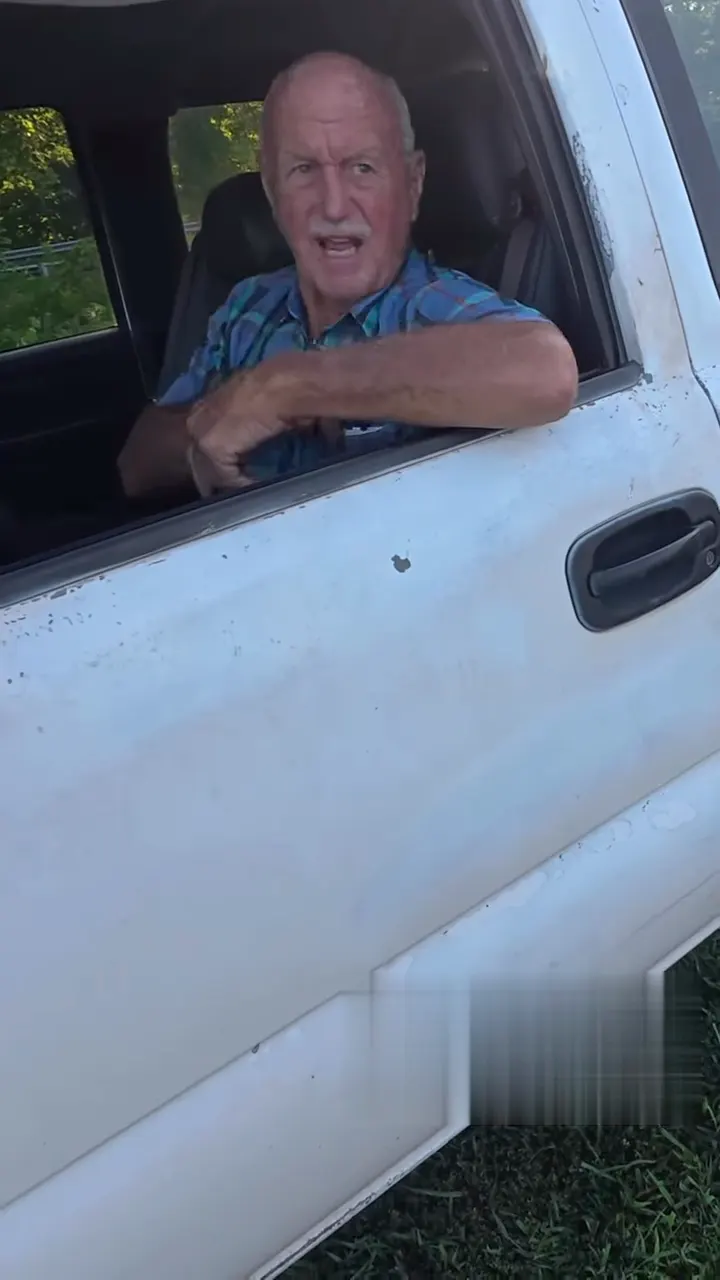
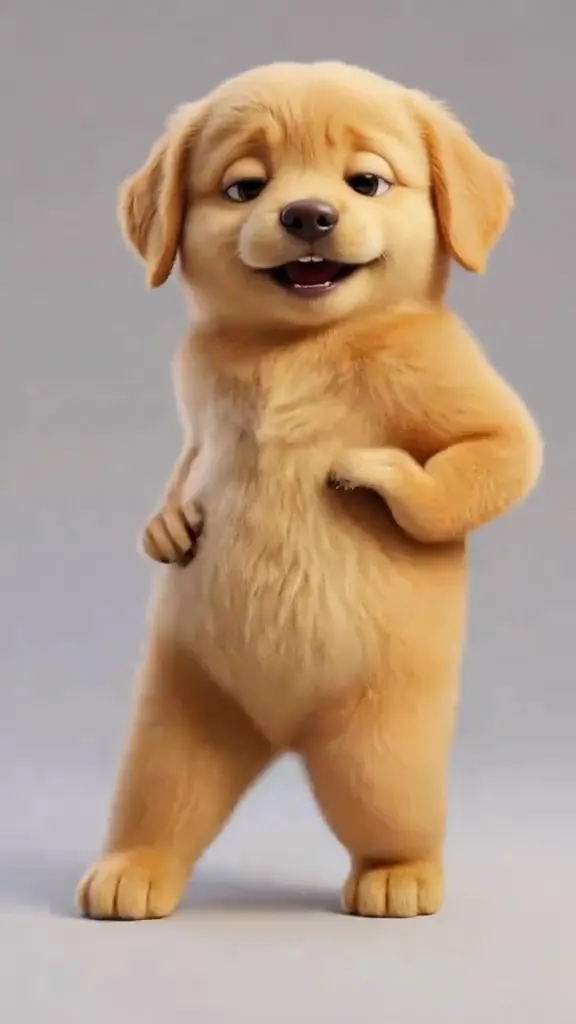
Can I Help You Miss AI casts one person or pet as a shopper carrying two stacked dog food bags in a 15-second Spanish-audio pet store skit, whereas Hit The Road Dude AI puts your subject in a pickup truck driver seat and Singing Pet AI or Lush Life Dog AI focus on musical lip-sync and upright dancing.
Keep scrolling
More viral AI video trends
 NEW220 CR
 NEW400 CR
 NEW400 CR
 NEW400 CR
 NEW300 CR
 NEW220 CR
 NEW10 CR
 NEW380 CR
 NEW220 CR
 NEW220 CR
 NEW320 CR
 NEW140 CR