
Funny · New
Goofy Vacation AI Video Generator
Turn one portrait into a 5-second Goofy Vacation AI video: pull back from your selfie to Magic Kingdom beside Goofy waving in 720p vertical MP4 with original sound, 140 credits.
Goofy Vacation AI · 5s · 9:16
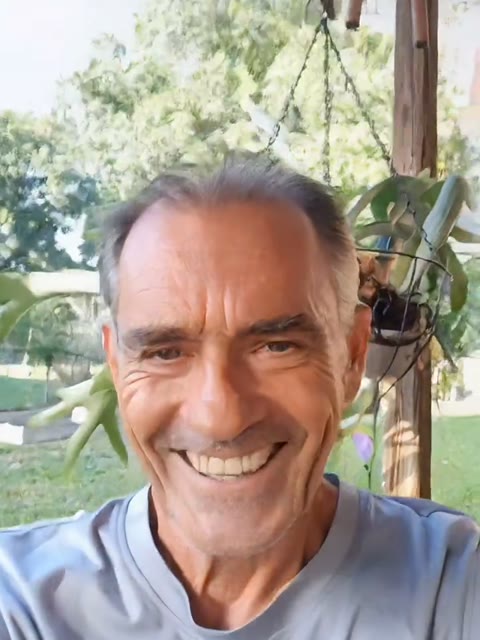
5s · 9:16 · 720p · original sound · ready in a few minutes
The scene
What happens inside the 5-second Goofy Vacation AI clip
One uninterrupted pull-back turns your solo selfie into a sunlit Magic Kingdom greeting beside Goofy.
0.0–1.0 s · Casual solo selfie opening
The Goofy Vacation AI clip opens on a front-facing close-up of you smiling straight into the lens in bright, everyday daylight. Keeping your hair, facial expression, and casual top faithful to your uploaded portrait grounds the gag before the setting shifts.
1.0–3.0 s · Seamless theme-park reveal and shoulder pat
As the lens glides smoothly backward, your everyday backdrop gives way to a sunlit entrance plaza topped by the blue Magic Kingdom marquee, white fairytale spires, and clear sky. Goofy steps into the right side of the frame and drapes a white-gloved hand across your shoulder.
3.0–5.0 s · Full-body plaza pose and cheerful wave
The shot settles into a wide full-body two-shot on the brick plaza. Standing on the left beside Goofy in his green hat, orange shirt, and blue trousers, you lift one hand to wave while Goofy raises his white-gloved hand high for the finale.
Same category
More Funny templates
 NEW380 CR
 NEW320 CR
 NEW100–400 CR
 NEW100–400 CR
 NEW140 CR
 NEW100–400 CR
 NEW380 CR
 NEW160 CR
 NEW270 CR
 NEW160 CR
 NEW350 CR
 NEW100–400 CR
How it works
How to make a Goofy Vacation AI video from one photo
Upload one portrait, press Generate, and save a 9:16 Goofy Vacation AI MP4 in three steps for 140 credits.
Upload one clear portrait
Drop a well-lit, front-facing photo of one person into the You slot. Your face, hairstyle, skin tone, and everyday outfit carry directly into the opening selfie and the full-body plaza shot. Use a JPG, PNG, or WebP file at least 300 pixels wide and up to 20 MB.
Start the 5-second Kling render
Sign in and confirm the 140-credit total on the Generate button. Our Kling 4.0 reference pipeline turns your portrait into a 5-second Goofy Vacation AI video at 720p in 9:16 vertical framing and merges the original sound onto the finished clip automatically, with zero prompt writing or timeline editing.
Watch and download from My Work
Rendering finishes in a few minutes in the background, so you can keep browsing Funny AI Video Templates while it runs. Play the completed clip right inside My Work, download the MP4 for TikTok, Reels, or Shorts, and rely on automatic credit refunds if a run ever hits an error.
Photos: JPG, PNG, WebP, up to 20 MB.
Also called
Other names people use for Goofy Vacation AI
Creators search and label this theme-park selfie reveal under a few closely related filter and joke-trip names.
AI - A Goofy Vacation
The exact TikTok Effect House filter title behind the original pull-back clip, pairing a solo selfie with a sudden transition to the Magic Kingdom plaza and Goofy.
A Goofy Vacation filter
Shorthand captions and comments use when talking about the one-tap selfie effect that turns a backyard or living-room snapshot into a cartoon park greeting.
Goofy Vacation AI trend
The broader short-form trend linking character-park selfie reveals with lighthearted fake-vacation clips shared across social feeds and family chats.
AI fake vacation video
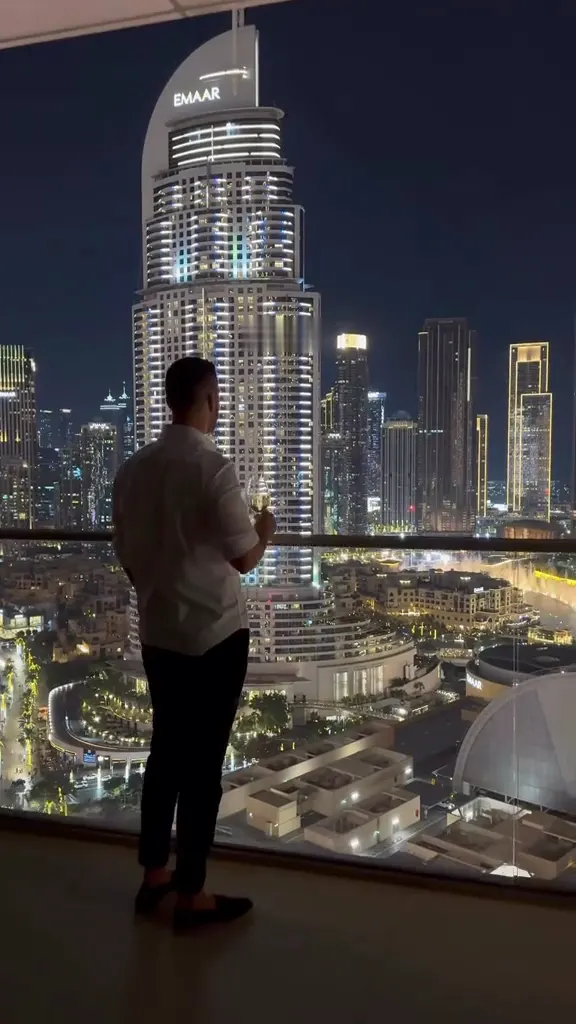
The wider comedy format—also seen in luxury getaways like [Dubai Vacation AI](/template/dubai-vacation-ai)—where people turn stay-at-home portraits into sunlit holiday clips.
Origin
Where the Goofy Vacation AI trend comes from
A TikTok AI effect that blends classic Goofy holiday nostalgia with playful fake-vacation comedy.
The original TikTok AI effect
The Goofy Vacation AI template follows a 5-second vertical clip made with the Effect House filter "AI - A Goofy Vacation" by @donsands. Earlier versions posted in April 2026 tested a curtain-wipe photo reveal and a two-shot transition, while the November 2026 single-take pull-back refined the effect into one continuous five-second move.
Starting from a quiet porch selfie makes the sudden jump to the Magic Kingdom archway and Goofy’s white-gloved shoulder pat land immediately—everything happens in five brisk seconds tuned for looping short-form feeds.
Classic Goofy holiday roots and fake-vacation humor
Pairing Goofy with getaway comedy goes back to the 1952 cartoon short Two Weeks Vacation (archived on YouTube) and the 1995 road-trip classic A Goofy Movie, whose song "I2I" soundtracked early filter demos.
The format also rides the 2025–2026 wave of playful AI getaway posts covered by Futurism alongside travel-comedy trends documented on Know Your Meme, where everyday folks joke about taking an instant dream trip without leaving the house.
Where these facts come from
Scene timing, audio metadata, and filter history come from @donsands on TikTok, animation records on Wikipedia and YouTube, and trend coverage from Futurism and Know Your Meme.
Ideas
Fun ways to use and share your Goofy Vacation AI clip
Everyday outfits and deadpan portraits deliver the funniest contrast when the sunlit castle plaza opens behind you.
Out-of-office desk joke
Snap a quick portrait in a hoodie or office shirt, render a Goofy Vacation AI video, and caption it "When your PTO gets denied so you go anyway" or "Vacation mode officially activated." The casual opening makes the sudden park reveal land twice as hard.
Family group-chat surprise
Drop a clear front-facing photo of a parent, sibling, or best friend into the uploader and send the 5-second waving clip straight to your family thread for an instant double-take.
Pre-trip countdown teaser
Headed on an upcoming theme-park trip or summer break? Post a 5-second pull-back as a playful packing teaser—or pair it with [Disney Couple Three Panel AI](/template/disney-couple-three-panel-ai) for couple vacation stories.
Serious-face contrast gag
Upload a deadpan portrait of the most serious friend in your circle and watch their expression open into a sunny plaza grin and big wave beside Goofy.
Pricing
One 5-second Goofy Vacation AI video costs 140 credits
Pay only for the clips you render at 720p vertical with original sound—140 credits per 5-second video, refunded automatically if a job fails.
- Basic$9.90400 credits2 videos
- Growth$19.90850 credits6 videos
- Most PopularPro$39.901,800 credits12 videos
- Studio$99.904,800 credits34 videos
- Max$299.9015,000 credits107 videos
FAQ
Goofy Vacation AI FAQ
What kind of photo works best for Goofy Vacation AI?
Goofy Vacation AI works best with one clear, well-lit, front-facing selfie or half-body portrait of a single person. Centering your head and shoulders in natural light keeps the opening close-up sharp and helps the pull-back smoothly extend your outfit into the full-body Magic Kingdom shot.
Do I need a full-body photo to appear head-to-toe beside Goofy?
Goofy Vacation AI only needs a head-and-shoulders or half-body portrait to generate the full-body waving shot beside Goofy. Kling 4.0 keeps your face, hairstyle, and upper clothing from your uploaded photo and naturally completes the full-body stance as the camera pulls back to the brick plaza.
How long is a Goofy Vacation AI video, and what format do I receive?
Every Goofy Vacation AI render outputs a 5-second, 9:16 vertical MP4 at 720p with the original opening soundtrack merged in, ready to upload straight to TikTok, Instagram Reels, YouTube Shorts, or family group chats.
How many credits does one Goofy Vacation AI video take?
One 5-second 720p Goofy Vacation AI video costs 140 credits, scaled directly from the clip duration (see full credit packs on the SameVid AI pricing page). If a render ever fails before completing, all 140 credits return to your balance automatically.
Do I have to write a prompt or edit the clip afterward?
Goofy Vacation AI runs with every camera beat and audio merge pre-configured inside the template. You simply upload one portrait and press Generate—the 5-second pull-back, Magic Kingdom reveal, waving timing, and original music are handled in a single pass.
What photo file types and sizes can I upload?
Goofy Vacation AI accepts JPG, PNG, and WebP photos at least 300 pixels on each side and up to 20 MB. When you start from a group picture, the built-in crop tool lets you frame one person right inside the uploader before generating.
How long does rendering take, and where do I download my video?
Most 5-second Goofy Vacation AI clips finish rendering in a few minutes in the background. Your completed MP4 stays saved in the My Work panel on this page, where you can replay it with sound or download it anytime.
How is Goofy Vacation AI different from Dubai Vacation AI or Disney Pet AI?
Goofy Vacation AI is a 5-second solo portrait pull-back (140 credits) that puts one person right in front of the Magic Kingdom entrance waving beside Goofy, whereas Dubai Vacation AI builds a luxury skyline holiday montage and Disney Pet AI transforms pets into animated storybook characters.
Keep scrolling
More viral AI video trends
 NEW140 CR
 NEW10 CR
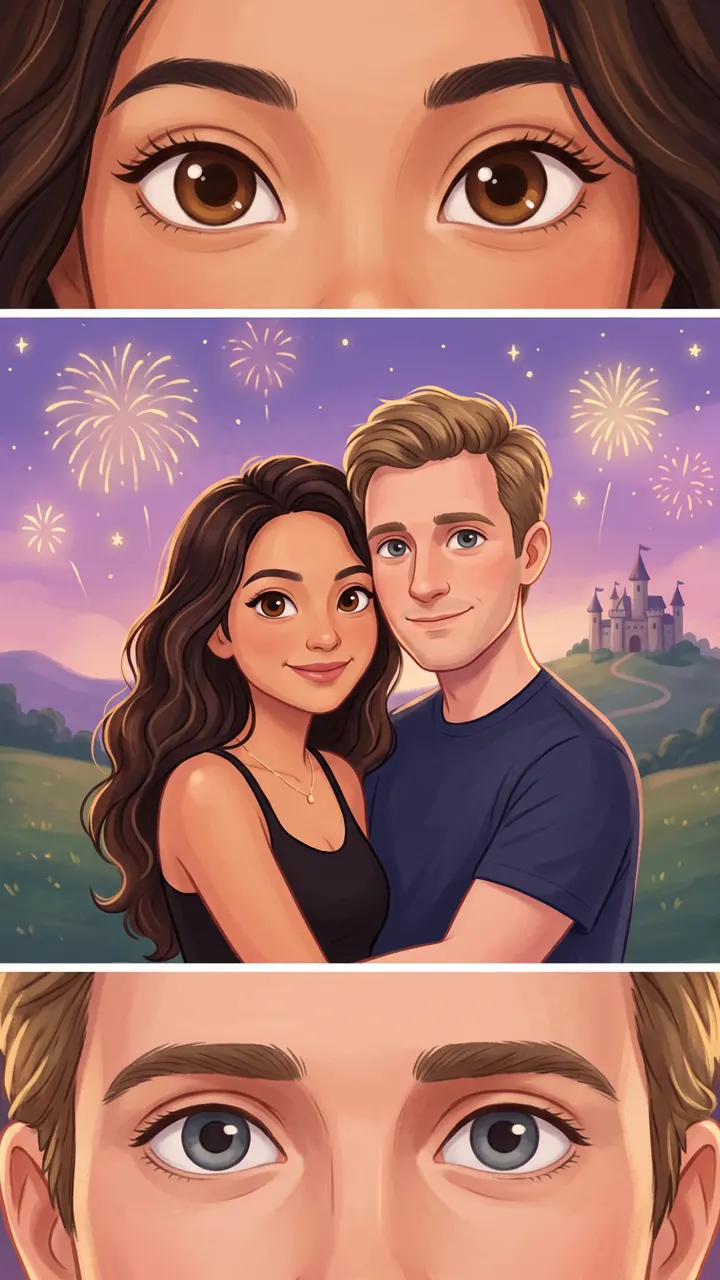 NEW300 CR
 NEW220 CR
 NEW300 CR
 NEW190 CR
 NEW220 CR
 NEW220 CR
 NEW320 CR
 NEW220 CR
 NEW10 CR
 NEW380 CR