
Dance · New
Young Sheldon AI Dance Video Generator
Upload one front-facing portrait to star in the 8-second Young Sheldon AI dance trend. Kling 4.0 keeps the rigid sitcom steps, camera angle, and original audio in a 720p vertical MP4 for 220 credits.
Young Sheldon AI Dance · 8s · 9:16
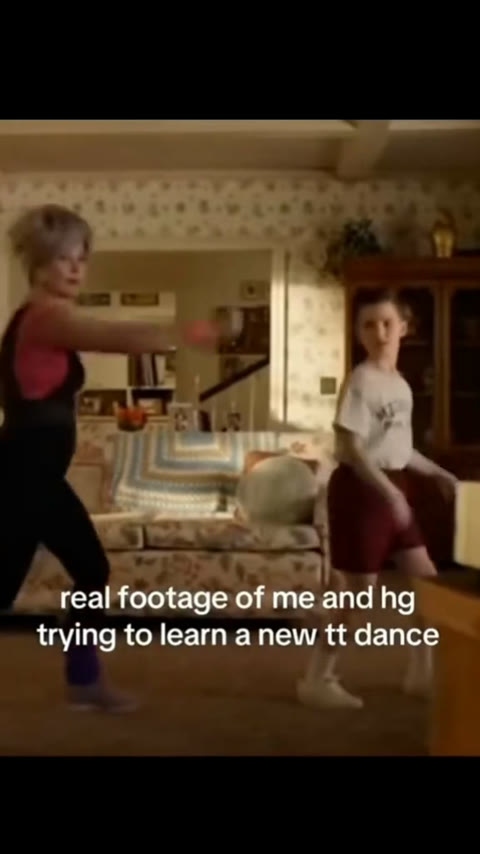
8s · 9:16 · 720p · original sound · ready in a few minutes
The moves
How the 8-second Young Sheldon dance moves
Every second keeps the stiff posture, plaid-shirt sitcom styling, and sharp beat-synced steps from the reference clip.
0–3s: Stiff sitcom stance & opening step
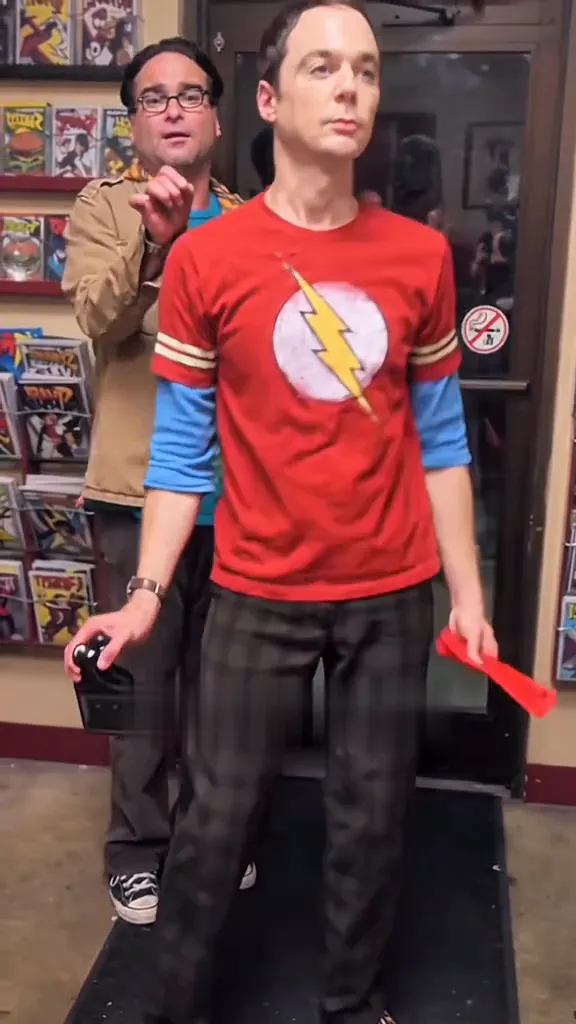
The clip opens on a locked camera angle with your character styled in Sheldon Cooper’s messy blonde hair, glasses, and casual plaid shirt before launching into the upright opening bounce.
3–6s: Rigid arm swings & rapid footwork
Kling 4.0 video-edit preserves every stiff-shouldered arm swing and high-tempo foot shuffle from the reference dance, turning the contrast between serious posture and fast rhythm into the punchline.
6–8s: Finale lock & loop-ready finish
The choreography snaps through the closing counts while holding the room background, lighting, and camera framing steady so the 8-second clip loops cleanly in vertical feeds.
Same category
More Dance templates
 NEW320 CR
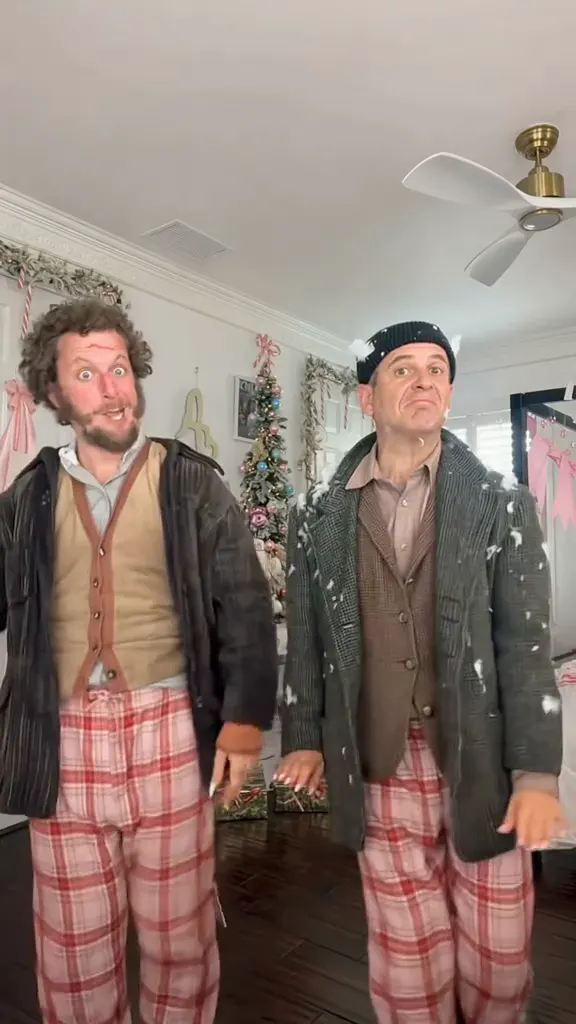 NEW400 CR
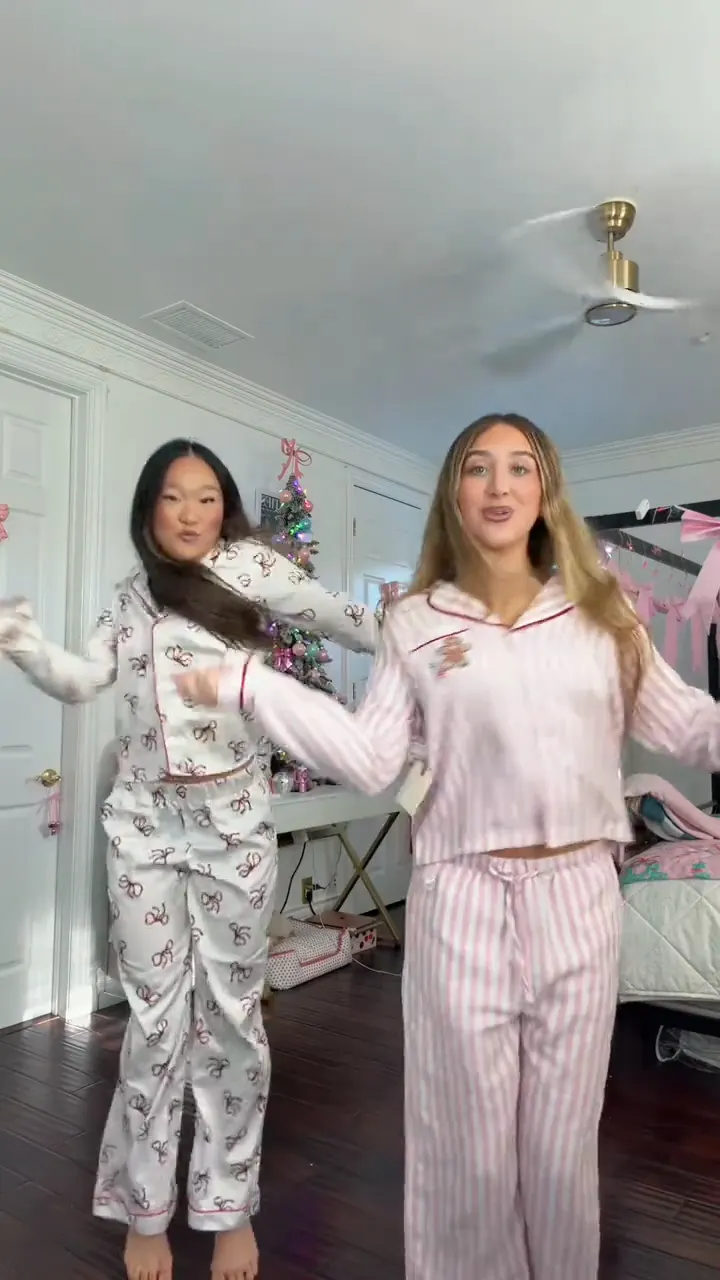 NEW270 CR
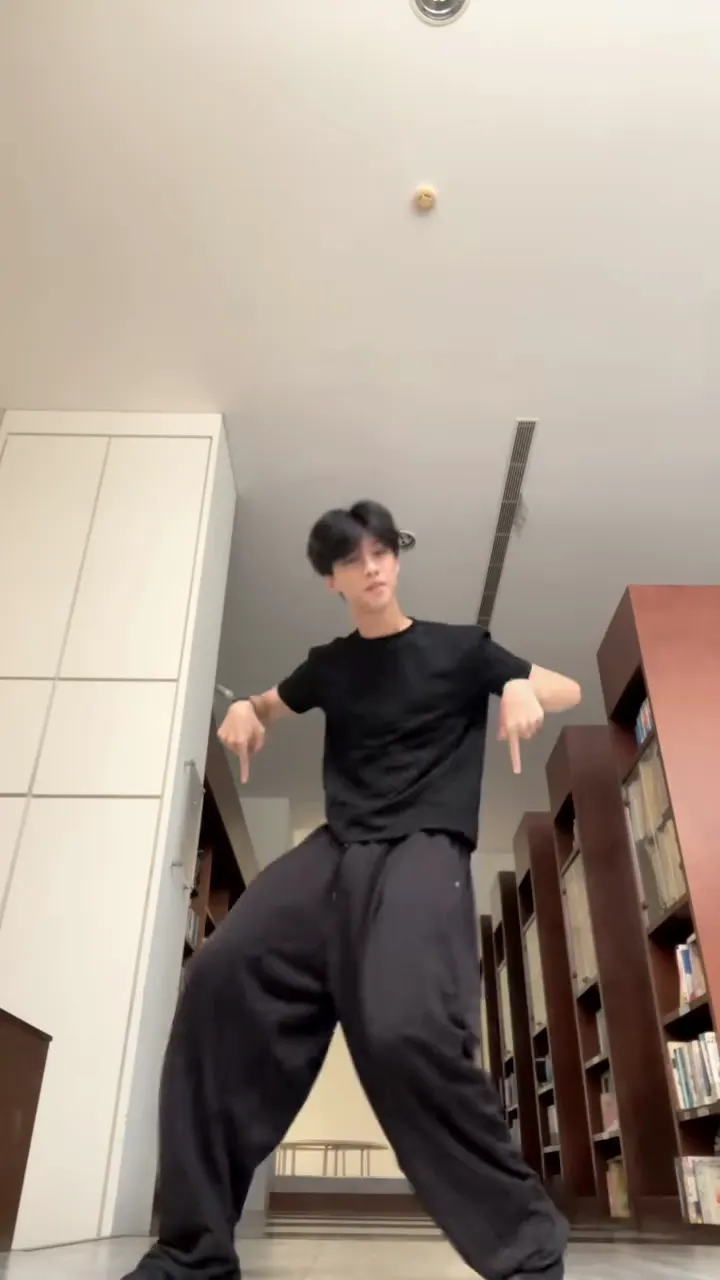 NEW270 CR
 NEW140 CR
 NEW400 CR
 NEW380 CR
 NEW400 CR
 NEW400 CR
 NEW300 CR
 NEW400 CR
 NEW400 CR
How it works
How to make a Young Sheldon AI dance video
Three steps turn a single portrait into an 8-second 720p dance edit for 220 credits.
Upload one Protagonist photo
Add a clear, front-facing portrait of one person in JPG, PNG, or WebP format (at least 300 pixels per side, up to 20 MB). Your photo sets the face and identity while the template supplies the outfit and dance.
Start generation with Kling 4.0
Sign in, confirm the 220-credit cost on Generate, and launch the task. Kling 4.0 video-edit replaces the dancer in the reference clip while locking the exact steps, tempo, lighting, and camera angle.
Watch and download from My Work
Rendering finishes in a few minutes and keeps running even if you leave the page. Open My Work to play your 8-second 720p vertical MP4 with the original synced sound and download it directly.
Photos: JPG, PNG, WebP, up to 20 MB.
Origin
Where the Young Sheldon AI dance meme comes from
Wholesome sitcom character design meets surreal dance-remix internet humor.
Why Young Sheldon edits took over feeds
The Young Sheldon dance trend grew out of ironic "brainrot" sitcom edits where creators drop a famously rigid, deadpan TV character into energetic viral dance choreography.
The comedy comes straight from the mismatch: messy blonde hair, glasses, and a buttoned-up plaid shirt hitting rapid, exaggerated dance steps on a fixed camera stage set to upbeat audio.
How video-edit keeps the dance tight
Because dance memes depend on crisp tempo and recognizable gestures, this template uses Kling 4.0 video-edit mode rather than loose prompt generation. Your uploaded portrait replaces the dancer’s face and identity while every step, beat, and camera frame remains faithful to the 8-second reference clip.
Who to put in
Who to put in the Young Sheldon dance
One photo fills the Protagonist slot, making it effortless to cast anyone in the sitcom remix.
Yourself for an ironic profile post
Drop in a crisp front-facing selfie to watch yourself hit the stiff sitcom choreography in glasses and a plaid shirt.
Your smartest or most serious friend
Cast the friend who usually stays deadpan in group photos into an 8-second burst of rigid dance-floor energy.
A sibling or college roommate
Send an unexpected 8-second sitcom dance surprise to the family or dorm group chat with zero filming or editing required.
Photo tips
Photo tips for cleaner character replacement
Give the model a clear front-facing view of the face so expressions hold steady across all eight seconds.
- Use a sharp, front-facing portrait in even daylight or bright indoor light with both eyes and facial contours clearly visible.
- Keep only one person in the frame—or crop tightly to a single face inside the uploader if you start from a group picture.
- Sunglasses, heavy beauty filters, or side-profile angles soften facial likeness when the character turns to the beat.
- Dark, blurry, or low-resolution screenshots under 300 pixels per side produce less crisp facial detail.
Template specs
What goes in and what comes out
One portrait goes in; one 8-second vertical dance MP4 comes out.
You upload
- 1 front-facing portrait for the Protagonist slot
- JPG, PNG, or WebP, 300 px minimum per side, up to 20 MB
- Group pictures can be cropped to one person inside the uploader
- No prompt writing or dance video recording needed
You get
- An 8-second vertical 9:16 MP4 rendered at 720p resolution
- Exact reference dance moves with Sheldon-style hair, glasses, and plaid look
- Original meme audio merged cleanly into the final video with zero watermarks
- Stored in My Work on this page for quick playback and download
| Photos | 1 |
|---|---|
| Model | Kling 4.0 (video-edit) |
| Duration | 8 seconds |
| Picture | 720p, 9:16 vertical |
| Audio | Original synced sound |
| File | MP4 |
| Credits | 220 per video, refunded if it fails |
FAQ
Young Sheldon AI Dance FAQ
How long is the Young Sheldon AI dance video?
Each generated clip runs for 8 seconds at 720p resolution in a vertical 9:16 frame, matching the reference dance segment and original audio.
How many photos do I need and how many credits does it cost?
You upload one clear portrait of one person into the Protagonist slot. Each 8-second generation costs 220 credits, shown right on the Generate button before you confirm.
Does the template keep my clothes or use the Sheldon outfit?
The template styles your character in Sheldon Cooper’s signature messy blonde hair, glasses, and casual plaid shirt while mapping your facial identity from the uploaded portrait across all eight seconds.
What photo formats work best?
Clear, front-facing portraits in JPG, PNG, or WebP format (at least 300 pixels per side and up to 20 MB) give the sharpest facial likeness. If your image includes multiple people, crop to one face right in the uploader.
Is sound included in the downloaded MP4?
Yes. SameVid merges the original dance audio track into the finished 8-second MP4 automatically, free of subtitles, logos, or watermarks.
How long does rendering take and what if a task fails?
Rendering typically takes a few minutes and keeps running in the background if you close the page. If a task fails for any reason, your charged credits return automatically.
Keep scrolling
More viral AI video trends
 NEW320 CR
 NEW220 CR
 NEW380 CR
 NEW10 CR
 NEW320 CR
 NEW100–400 CR
 NEW100–400 CR
 NEW380 CR
 NEW140 CR
 NEW220 CR
 NEW220 CR
 NEW100–400 CR