
Dance · New
Migos Dance AI Video Generator
Upload one or two clear photos to star in the 15-second 720p Migos Dance AI orange booth. Keep the hanging mic, pointing choreography, and Hotel Lobby audio on Kling 4.0 for 400 credits.
Migos Dance AI · 15s · 16:9
Choose Left Performer, Right Performer, or both—each slot is optional; add at least one clear front portrait to perform in the 15-second orange booth.
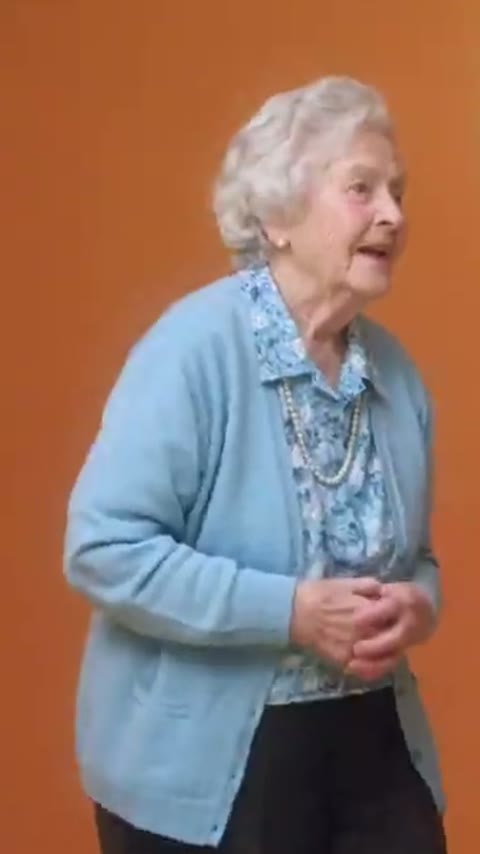
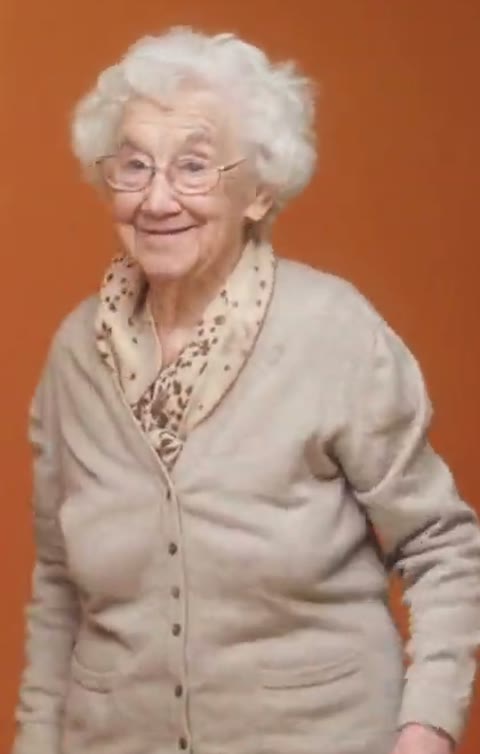
15s · 16:9 · 720p · authentic sound · ready in a few minutes
The trend
Where the Migos Dance AI trend came from
A 2022 A COLORS SHOW performance by Quavo and Takeoff became a viral 2026 duo recast meme inside the signature orange booth.
From Atlanta hits to the COLORS orange booth
Migos previously shaped global dance trends with The Dab in 2015 and recurring choreography sounds for Bad and Boujee and Walk It Talk It. The 2026 Migos Dance AI wave traces directly to June 17, 2022, when Quavo and Takeoff performed Hotel Lobby as Unc & Phew on A COLORS SHOW inside a minimal burnt-orange studio with a single hanging silver microphone.
Their relaxed groove, coordinated hand points, watch-check turns, and side-by-side mic presence gave the clip a clean stationary frame that stands out immediately on social feeds.
Why AI character-swap versions exploded in 2026
In September 2026, creators began replacing both performers with TV characters, pets, grandparents, tech founders, and friend duos while preserving the orange wall, hanging mic, and 15-second beat timing. Within days, Quavo reposted the original clip online and later filmed a live orange-booth recreation with Victoria Monét.
Because the scene relies on two clear roles in a fixed single-camera frame, fans started calling the format Migos Dance AI or Migos AI whenever putting new pairs onto the mic alongside other Dance AI templates.
How Migos Dance AI saves setup work
Instead of writing manual scene prompts, building a burnt-orange studio backdrop, or syncing the Hotel Lobby track in an external editor, Migos Dance AI locks the choreography, camera framing, and audio mix in one pass. You can replace the Left Performer, the Right Performer, or both using one or two portraits on Kling 4.0, or try our vertical-first Hotel Lobby AI template if you prefer a 9:16 frame.
Same category
More Dance templates
 NEW320 CR
 NEW400 CR
 NEW270 CR
 NEW270 CR
 NEW140 CR
 NEW400 CR
 NEW380 CR
 NEW400 CR
 NEW400 CR
 NEW300 CR
 NEW400 CR
 NEW400 CR
The choreography
Every beat in the 15-second Migos Dance AI clip
One continuous stationary shot tracks shoulder bounces, call-and-response pointing, a mid-clip turn, and a face-to-face closing moment.
0.0s–4.0s: Shoulder bounce and booth intro
Both performers stand on either side of the hanging silver microphone against the warm burnt-orange studio backdrop, bobbing their shoulders and nodding naturally in time with the opening beat.
4.0s–8.0s: Call-and-response pointing
The duo trades verses with expressive hand gestures and sharp pointing motions toward the camera and across the mic, keeping clean spacing so both faces stay clear in frame.
8.0s–12.0s: Watch check and over-the-shoulder turn
The Right Performer pivots away for the signature shoulder-look turn while the Left Performer holds the beat and points along from the left side of the microphone.
12.0s–15.0s: Face-to-face closing hype
Both performers lean slightly inward toward the center microphone, smiling and sharing a playful close-range reaction right as the 15-second clip wraps up cleanly.
Cast ideas
Who to put in the Migos Dance AI booth
Contrast makes the orange studio shine—pair unexpected duos or swap yourself in beside an original character.
Best friends or coworkers
Put two friends, roommates, or office teammates on opposite sides of the mic for a quick inside-joke clip.
Couples and siblings
Turn a favorite pair of portraits into a rhythmic duet for anniversaries, birthdays, or playful feed replies.
Two pets on the mic
Dogs and cats sitting front-on are among the most shared Migos Dance AI pairings across social feeds.
Parents or grandparents
Polite family portraits contrast hilariously with the confident rap-booth pointing and turn-around moves.
Solo guest appearance
Upload just one portrait on either the left or right slot and leave the partner slot untouched for an instant duet.
Same person in both slots
Upload two different outfits or angles of yourself to perform a self-duet across both sides of the hanging microphone.
Photo guide
Tips for crisp left and right performer swaps
Separate solo portraits give Kling 4.0 clear facial and outfit cues so neither side blends or drifts.
- Upload separate solo photos for Left Performer and Right Performer so each slot maps strictly to its own side of the microphone.
- Choose front-facing or slightly angled waist-up or full-body portraits in even lighting so hairstyles, glasses, and outfits carry over cleanly.
- For pets or illustrated characters, pick a clear front-facing shot with both eyes visible and minimal background clutter.
- Avoid uploading a crowded group snapshot into a single slot, since overlapping faces can confuse which subject belongs on the left or right.
- Avoid heavy sunglasses, hands covering the mouth, or harsh backlighting that hides key facial landmarks.
Input to output
What goes in and what comes out
Every generation renders at 720p on Kling 4.0 with the original 15-second Hotel Lobby audio track mixed automatically.
You upload
- 1 or 2 clear portraits (Left Performer, Right Performer, or both)
- Standard JPG, PNG, or WebP photos under 10 MB each
You get
- A 15-second 16:9 MP4 at 720p with the orange booth choreography intact
- Synced Hotel Lobby audio merged automatically, saved in My Work and History
| Photos | 1 or 2 (both optional) |
|---|---|
| Model | Kling 4.0 |
| Duration | 15 seconds |
| Picture | 720p, 16:9 |
| Audio | Synced Hotel Lobby track |
| File | MP4 |
| Credits | 400 per video, refunded if it fails |
3 steps
How to make a Migos Dance AI video
Go from still portraits to a synced 15-second studio duet in three steps with zero prompt writing.
Upload one or two photos
Pick Left Performer, Right Performer, or both using clear JPG, PNG, or WebP photos up to 10 MB. Leaving one slot open keeps that side’s original performer.
Start the Kling 4.0 edit
Confirm the 400 credit cost on the Generate button and submit. Kling 4.0 maps your uploaded subjects onto the 15-second orange-booth choreography in the background.
Download your synced MP4
Open My Work or History once rendering completes to play and download your 720p MP4 with the Hotel Lobby audio already mixed in.
Photos: JPG, PNG, WebP, up to 20 MB.
FAQ
Migos Dance AI FAQ
Why is this trend called Migos Dance AI as well as Hotel Lobby AI?
The trend recreates Quavo and Takeoff performing Hotel Lobby as Unc & Phew on A COLORS SHOW. Because Quavo and Takeoff are members of Migos, creators widely refer to the orange-booth choreography as Migos Dance AI or the Migos AI trend.
Do I have to upload two photos, or can I use just one?
You can upload one or two photos. Both Left Performer and Right Performer slots are optional as long as at least one slot has a photo. Any slot you leave empty keeps the reference performer on that side.
How do I make sure my two subjects stay on the correct left and right sides?
Upload one separate portrait in the Left Performer slot and one separate portrait in the Right Performer slot. Keeping each photo focused on a single clear face prevents identity blending or side swapping.
What photo framing and file formats work best?
Use clear, evenly lit JPG, PNG, or WebP photos under 10 MB showing the face and upper body or full body clearly. Waist-up portraits help preserve outfits and accessories consistently.
Can I put dogs, cats, or cartoon characters into the Migos Dance AI booth?
Yes. Front-facing pets, illustrated characters, and family portraits are popular choices and map cleanly onto either side of the hanging microphone.
Does the finished video include sound and which resolution is delivered?
Yes. Your finished 15-second 16:9 MP4 is delivered at 720p with the matching Hotel Lobby audio track merged automatically and zero watermarks.
How many credits does Migos Dance AI cost, and is it free?
Each 15-second 720p Migos Dance AI video costs 400 credits, and it is not free beyond the 10 starter credits included at sign-up. You can pick up a Basic credit pack (400 credits for $9.90, enough for one Migos Dance AI clip, with pack credits that never expire) or subscribe from $19.90 per month for 900 credits on the SameVid pricing page. The Generate button shows the exact credit total before submission, and credits refund automatically if a render fails.
How long does generation take and can I leave the page?
Most renders finish in a few minutes in the background. You can navigate away and return anytime to My Work or History to download your finished MP4.
Keep scrolling
More viral AI video trends
 HOT400 CR
 HOT320 CR
 NEW400 CR
 NEW300 CR
 NEW400 CR
 NEW350 CR
 HOT400 CR
 NEW220 CR
 NEW380 CR
 NEW10 CR
 NEW320 CR
 NEW100–400 CR