
Christmas · New
Whoville AI Video Generator
Upload one front-facing portrait to step into a snowy Whoville holiday transformation with towering sculpted curls, rosy cheeks, pointed ears, and a festive fur-trimmed outfit in a 10-second 9:16 720p video with original sound for 270 credits.
Whoville AI · 10s · 9:16
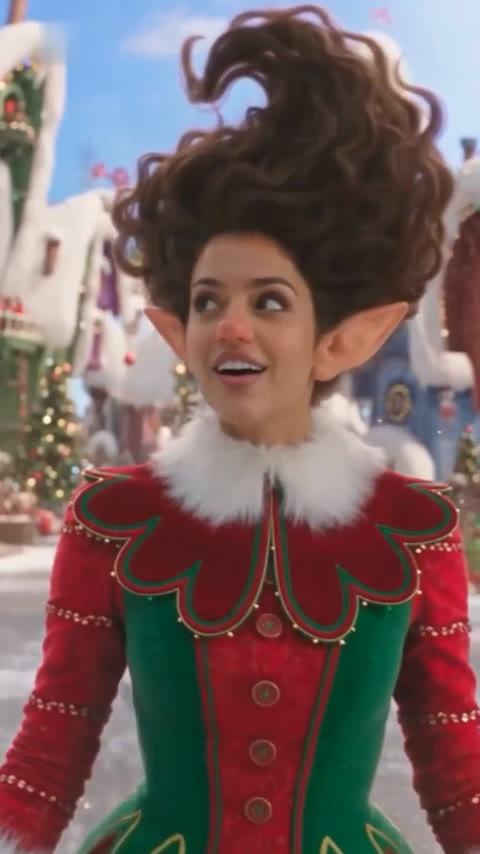
10s · 9:16 · 720p · original sound · ready in a few minutes
Story beats
How the 10-Second Whoville Transformation Unfolds
Every generated clip follows a continuous single-shot holiday reveal from your everyday portrait to a bustling candy-colored snow square.
0–2s · Everyday Portrait Opening
Your clip opens in warm indoor lighting with your natural face, eye color, smile, and casual hairstyle clearly recognizable before the holiday makeover sweep begins.
2–4s · Starlight Sparkle Makeover
Swirling golden and red-green holiday sparkles sweep across the frame as the background melts into falling snow, your ears taper into playful pointed Who tips, your cheeks and nose blush rosy, and your hair lifts skyward.
4–7s · Towering Curls & Fur-Trimmed Outfit
Your hairstyle locks into an extravagant gravity-defying spiral Whoville updo while your everyday clothes transform into a tailored red-and-green velvet holiday outfit trimmed with fluffy white fur collars and cuffs.
7–10s · Snowy Whoville Town Square
The camera glides gently backward to reveal crooked candy-colored cottages, twinkling garlands, decorated Christmas trees, drifting snow, and a passing holiday sleigh behind your joyful smile.
Same category
More Christmas templates
 NEW140 CR
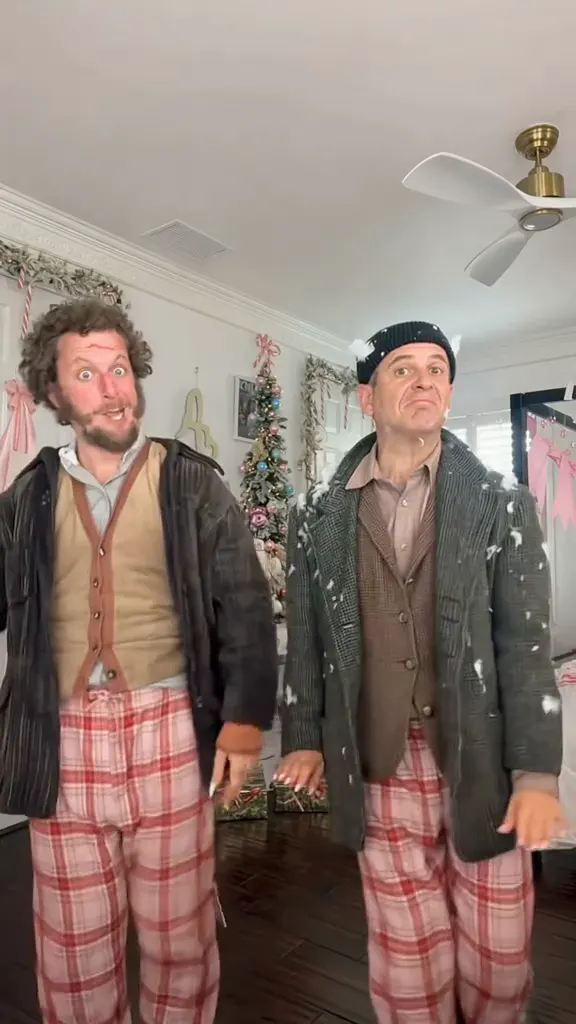 NEW400 CR
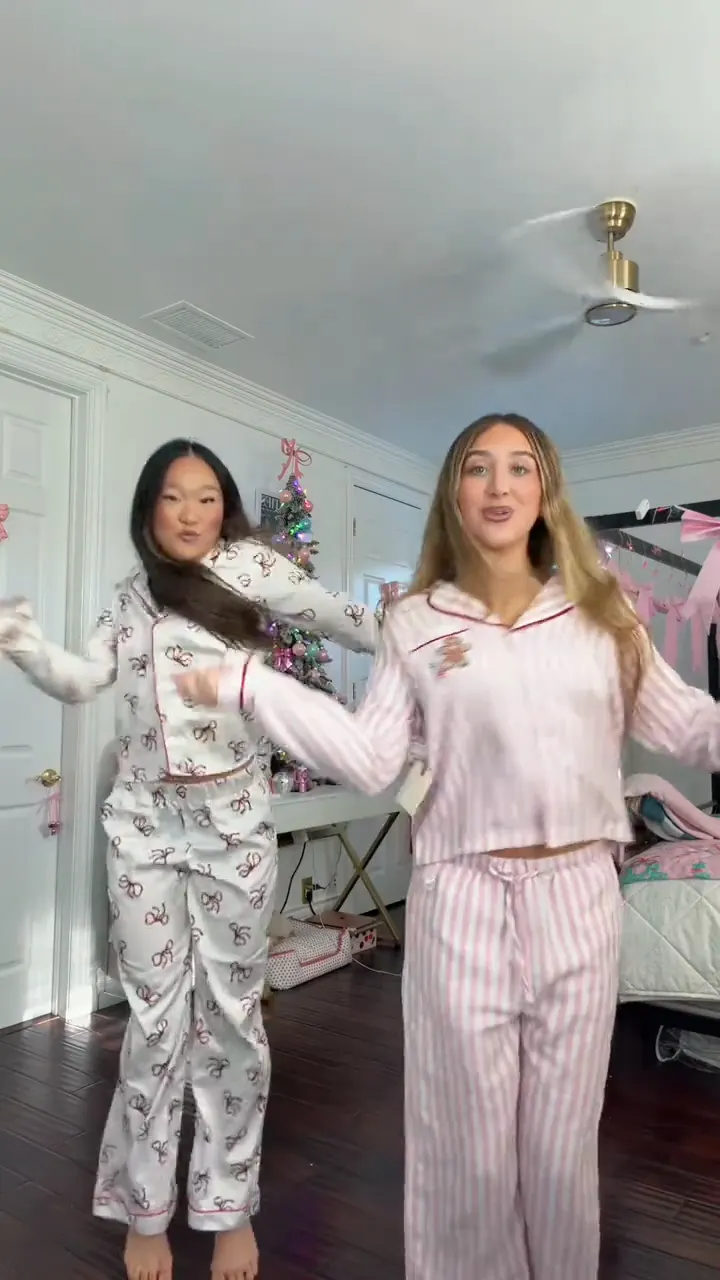 NEW270 CR
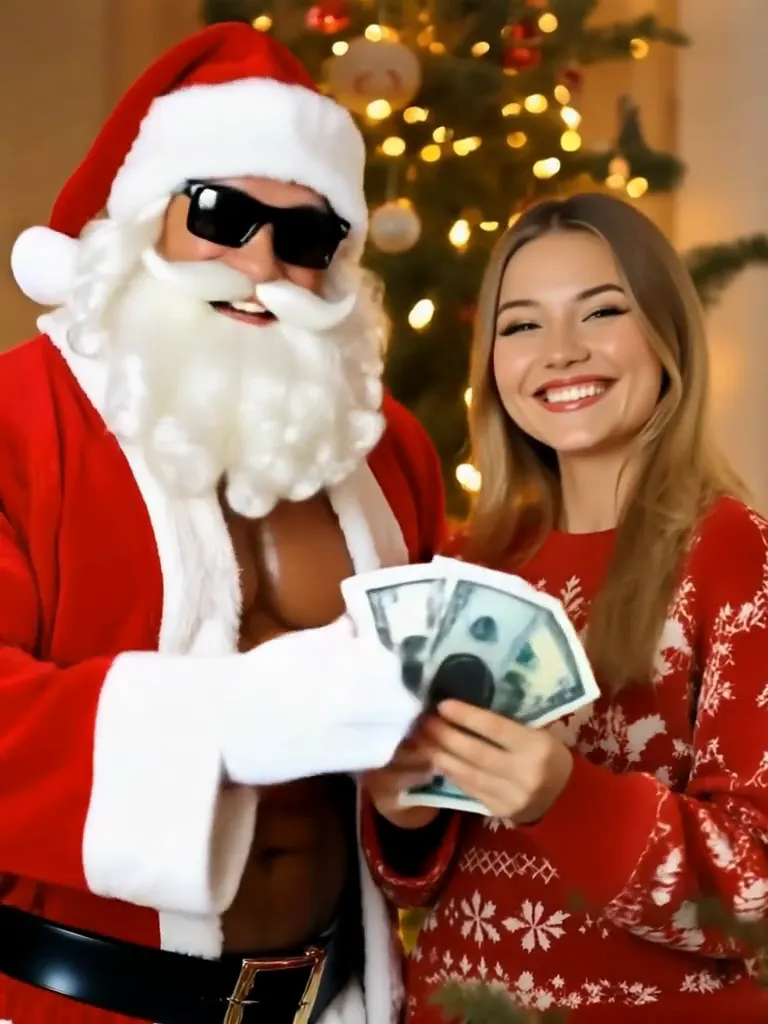 NEW140 CR
 NEW100–400 CR
 NEW400 CR
 NEW300 CR
 NEW140 CR
 NEW400 CR
 NEW380 CR
 NEW400 CR
 NEW400 CR
Examples
Whoville AI Video Styles & Community Looks
See how the Whoville transformation pairs real facial likeness with towering curls, festive outfits, and snowy storybook town backdrops.
Sparkle Transformation to Snowy Square
A continuous 10-second 9:16 transformation starting from an everyday indoor portrait and sweeping into a snowy Whoville town square with spiral curls and a fur-trimmed red-and-green holiday outfit.
Two-Tone Space Buns & Welcome Sign
A festive Whoville character styling featuring split red-and-white sculpted curls, candy-cane striped sleeves, and a glowing Welcome to Whoville archway framed by falling winter snow.
Candy-Cane Scarf & Cozy Storybook Glow
A close-up holiday portrait highlighting rosy Who cheeks, whimsical curled updo accents, and a red-and-white striped winter scarf lit by warm Christmas tree lights.
How it works
Create Your Whoville AI Video in Three Steps
Turn a single selfie or portrait into a ready-to-post 10-second holiday transformation video in minutes with zero manual prompt writing.
Upload one clear front portrait
Choose a bright, front-facing JPG, PNG, or WebP photo up to 20 MB with your face, eyes, and hairline clearly visible and generous headroom above your crown so the towering spiral curls frame cleanly.
Run the Whoville transformation
Click Generate for 270 credits to start the 10-second 9:16 720p Kling 4.0 render. The template anchors your real facial structure while generating the sparkle transition, velvet outfit, and snowy village square.
Download and share with sound
Once rendering finishes in a few minutes, find your clip in My Work with the original holiday audio mixed in and download a clean MP4 ready for vertical feeds.
Photos: JPG, PNG, WebP, up to 20 MB.
Simple Per-Clip Credit Pricing
Each 10-second 720p 9:16 Whoville AI video costs 270 credits with original sound included and clean MP4 download.
- Basic$9.90400 credits1 video
- Growth$19.90850 credits3 videos
- Most PopularPro$39.901,800 credits6 videos
- Studio$99.904,800 credits17 videos
- Max$299.9015,000 credits55 videos
Ready to post
Whoville Captions Ready to Copy & Post
- “I'd be the cutest Who in Whoville 😜🎄”
- “What would your Whoville name be? Drop it below 🍭❄️”
- “One click and suddenly I'm living my best life in Whoville! 💚✨”
- “Officially entering my Whoville Christmas town era 🎅🎀”
- “Christmas in Whoville… festive curls, rosy cheeks, and snow all day ❄️💚”
- “Turned a regular selfie into a Whoville holiday resident 😂🎄”
- Ask followers what their Whoville character name would be in the comments to spark playful holiday replies.
- Pair your clip with the built-in seasonal audio track for instant sparkle-to-snowfall pacing.
- Create matching solo clips for friends, partners, or family members and stitch them together as a holiday village roll call.
Also called
Common Names for the Whoville AI Trend
Creators and holiday fans refer to this storybook Christmas makeover by several familiar names across social feeds.
Whoville Christmas Transformation
The full-scene video style that sweeps a real-world portrait through golden sparkles into a snowy storybook village square filled with crooked candy-colored cottages.
Whoville Character Makeover
A holiday portrait styling focused on signature Who details—rosy cheeks, a whimsical button nose, pointed ears, and a white-fur-trimmed velvet holiday outfit.
Cindy Lou Who Hairstyle Trend
Named after the iconic gravity-defying spiral updos, ribbon bows, and candy-cane hair ornaments worn by Whoville residents during Christmas celebrations.
Who from Whoville AI Filter
Short-form shorthand for turning everyday selfies into animated holiday town residents while keeping your natural eye color, smile, and facial proportions recognizable.
FAQ
Whoville AI FAQ
How does the Whoville AI video generator keep my face recognizable?
Kling 4.0 anchors your eye color, skin tone, smile, and natural facial structure from your uploaded portrait while layering Whoville styling—rosy cheeks, a whimsical button nose, pointed ears, and tall holiday curls—around your real likeness so friends recognize you immediately.
What kind of photo works best for Whoville AI?
A sharp, front-facing chest-up portrait in bright natural light works best. Leaving clear space above the top of your head gives the towering spiral Whoville updo plenty of room inside the vertical 9:16 frame, and clean JPG, PNG, or WebP files up to 20 MB upload quickly.
What are the output video specs and credit cost?
Every generation produces a 10-second vertical 9:16 MP4 at 720p resolution with the original holiday audio track mixed cleanly onto the clip, priced at 270 credits per render with zero manual editing needed.
Do I need to write any video prompts myself?
The workflow is completely prompt-free: all transformation timing, lighting shifts, Whoville village architecture, and costume details are built straight into the template so you simply upload one photo and click Generate.
Can I use this for holiday cards, couple reels, or family posts?
Yes. You can generate individual 10-second clips for yourself, friends, or family members and share them as vertical holiday reels, seasonal profile videos, or digital Christmas greetings.
How long does rendering take and what if a video fails?
Most clips finish rendering in a few minutes in My Work as a clean MP4 ready to post. Credits for any failed render return automatically to your balance so you can retry immediately.
Keep scrolling
More viral AI video trends
 NEW400 CR
 NEW10 CR
 NEW270 CR
 NEW270 CR
 NEW220 CR
 NEW380 CR
 NEW10 CR
 NEW320 CR
 NEW100–400 CR
 NEW100–400 CR
 NEW380 CR
 NEW140 CR