
Dance · New
Paloma Blanca AI Dance Generator
Turn one full-body photo into the 15-second Paloma Blanca AI dance. Your character holds a deadpan posture while performing stiff-armed swings, side steps, and the bouncy mannequin routine in 720p vertical 9:16 with audio for 400 credits.
Paloma Blanca AI Dance Generator · 15s · 9:16
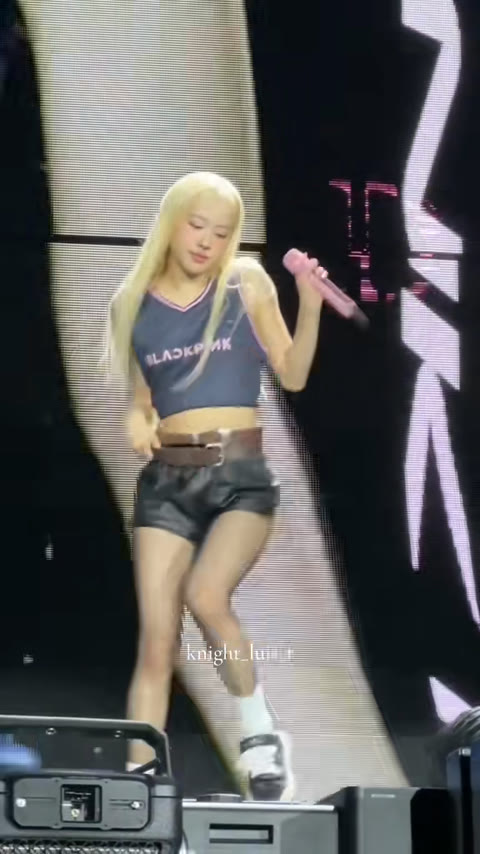
15s · 9:16 · 720p · original sound · ready in a few minutes
The scene
Three beats of the stiff-armed Paloma Blanca routine
The 15-second choreography gets its comedy from wooden, mannequin-like timing matched to an upbeat retro melody.
0–5s: Stiff-armed opening swings
Your character stands centered in the vertical frame with straight posture and starts the signature locked-elbow arm swings. Keeping the face deadpan makes the mechanical motion immediately funny before the footwork even starts.
5–10s: Crisp mannequin side steps
The dancer shifts smoothly left and right in stiff, toy-soldier side steps while keeping shoulders level and elbows steady. Consistent camera framing keeps head, torso, arms, and shoes visible together.
10–15s: Bouncy finale on beat
In the closing five seconds, the arms and knees pick up the cheerful bouncy rhythm to finish the loop cleanly on time while preserving your uploaded face, hairstyle, and outfit.
Original retro audio merge
SameVid pairs the clean 720p render with the original Paloma Blanca music track afterward, keeping visual fidelity sharp and delivering a ready-to-post 9:16 MP4 straight to My Work.
Same category
More Dance templates
 NEW320 CR
 NEW400 CR
 NEW270 CR
 NEW270 CR
 NEW140 CR
 NEW400 CR
 NEW380 CR
 NEW400 CR
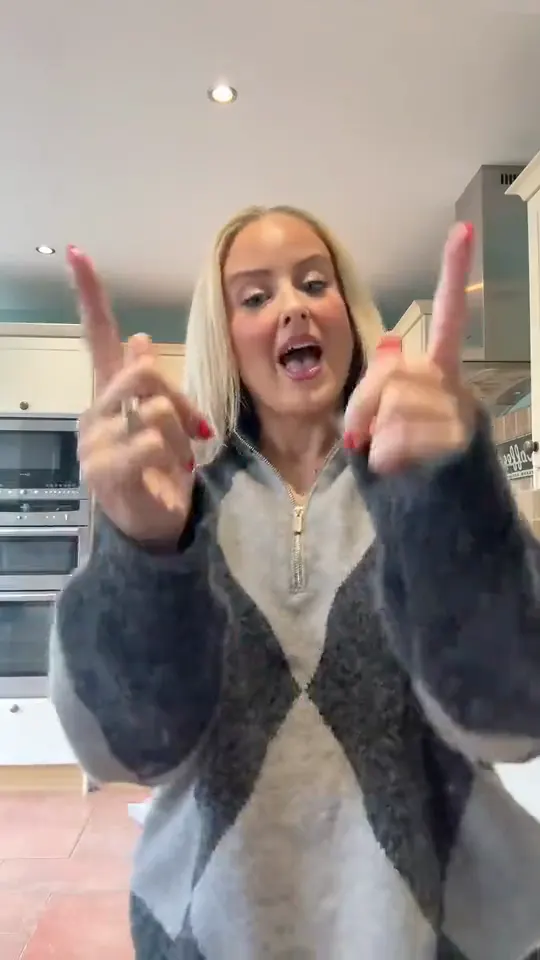 NEW400 CR
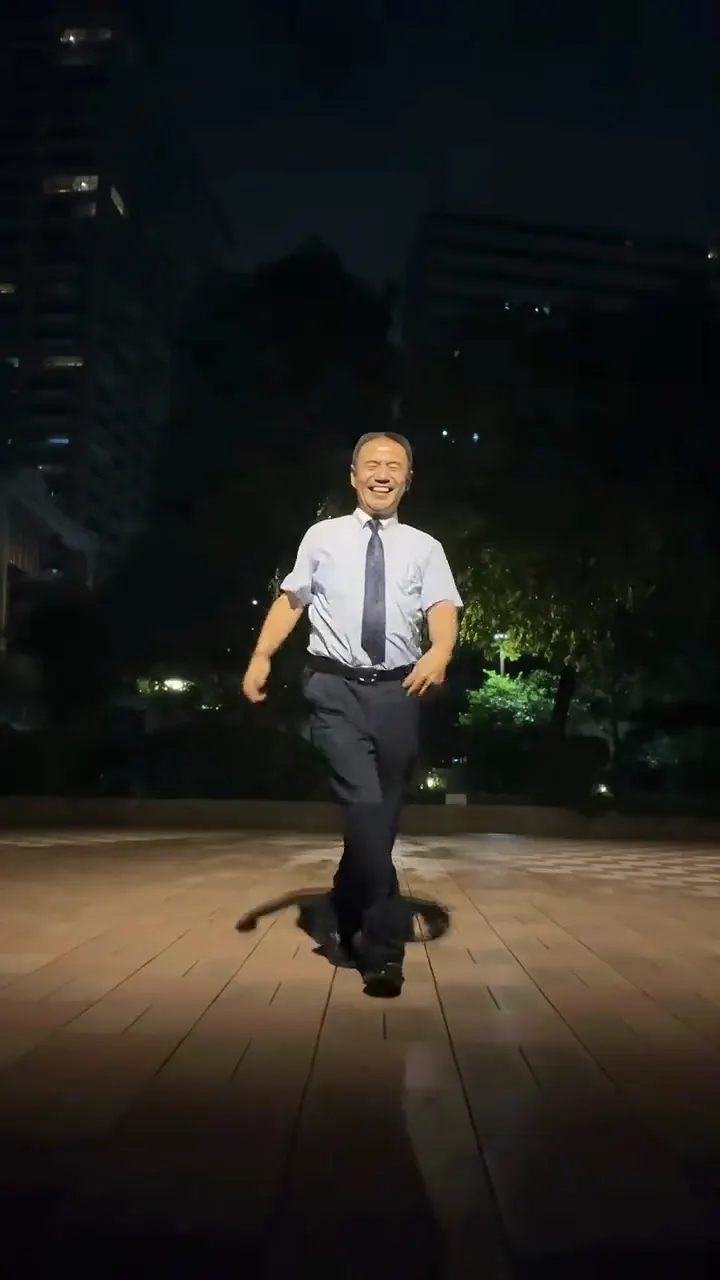 NEW300 CR
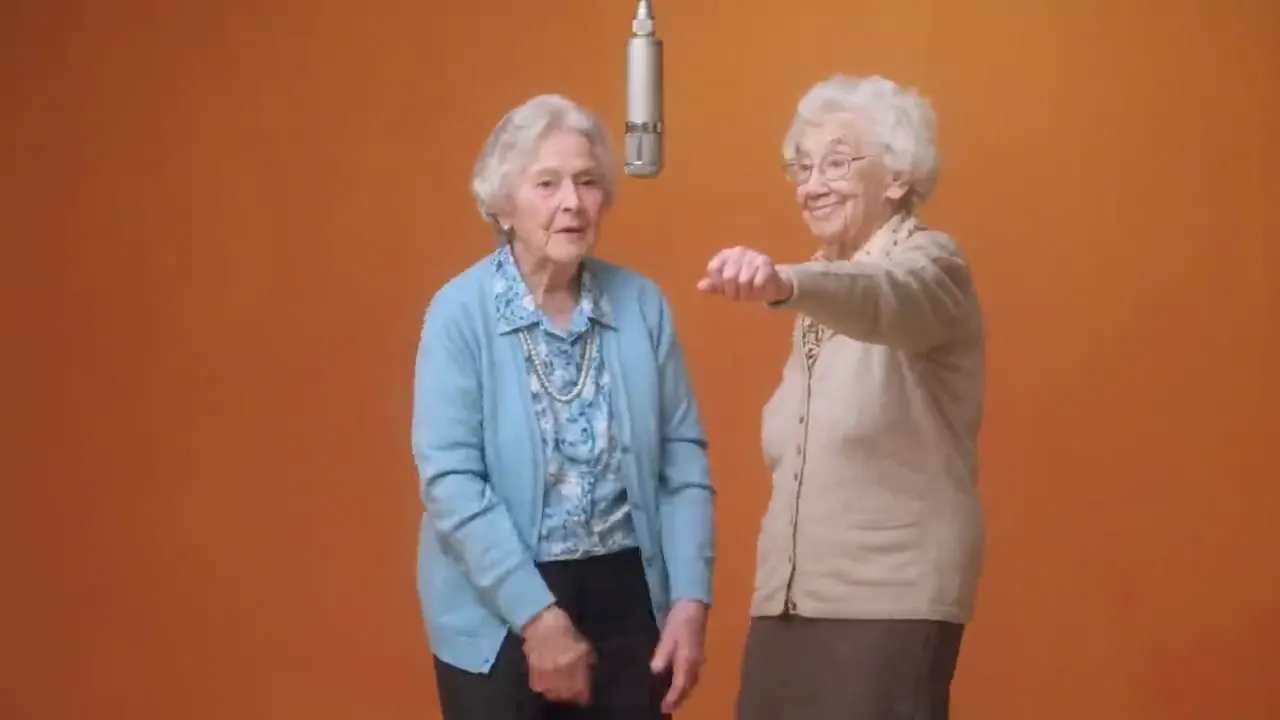 NEW400 CR
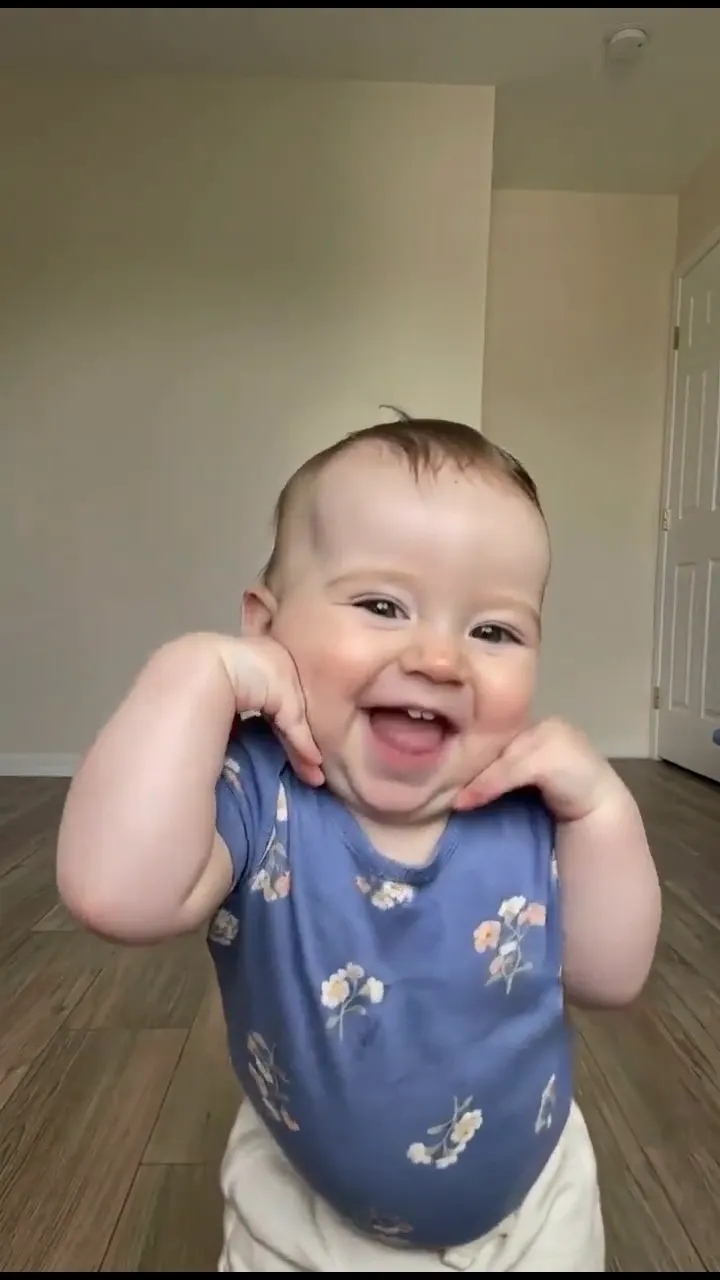 NEW400 CR
Photo tips
Choosing a full-body photo for Paloma Blanca
Because the humor relies on stiff arms and full-body side steps, a clear head-to-toe shot gives the cleanest result.
- Upload a sharp full-body photo facing the camera with arms clearly visible at your sides so Kling 4.0 has clean detail from shoulders to shoes.
- Use even, bright lighting and a simple uncluttered background so your silhouette stands out cleanly during the side-stepping routine.
- A calm or slightly serious expression in your photo heightens the hilarious contrast with the bouncy retro dance steps and stiff arms.
- Skip heavily cropped close-ups, seated poses, or bulky coats that hide your arms and legs, since full-body movement drives the whole joke.
- Crop group photos down to one clear person before uploading so the You slot focuses on a single dancer.
Examples
Watch the Paloma Blanca AI reference routine
See the exact 15-second stiff-armed swings, side steps, and deadpan timing your photo steps into.
Paloma Blanca Reference Dance
A 15-second vertical example demonstrating the stiff-armed opening (0–5s), side steps (5–10s), and bouncy routine (10–15s) that your full-body photo follows.
How it works
Make your Paloma Blanca AI dance in three steps
One full-body photo in the You slot creates a 15-second 720p dance MP4 with audio for 400 credits.
Upload one full-body photo
Drop a JPG, PNG, or WebP photo (at least 300 pixels per side, up to 20 MB) into the You slot. Your face, hairstyle, outfit, and standing stance carry directly onto the dancer, so choose a clear full-body frame with good lighting.
Generate the 15-second routine
Select Generate to spend 400 credits. Kling 4.0 references the Paloma Blanca clip for camera framing, stiff-armed motion, rhythmic side steps, pacing, and lighting with zero prompt writing or manual editing required.
Play and download with sound
Tasks run in the background and usually wrap up in a few minutes. Check My Work when rendering finishes—SameVid merges the original Paloma Blanca audio track onto your 720p 9:16 MP4 so you can watch and download immediately.
Photos: JPG, PNG, WebP, up to 20 MB.
Input → output
What your Paloma Blanca AI video includes
One full-body photo outputs one 15-second 720p vertical MP4 with merged music for 400 credits.
You upload
- One full-body photo in the You slot showing head, arms, and stance
- JPG, PNG, or WebP file from 300 pixels per side up to 20 MB
- Clear face, relaxed arms, and upright posture facing the camera
- Even lighting so clothing colors and facial features stay sharp in motion
You get
- One 15-second 9:16 vertical MP4 rendered cleanly at 720p resolution
- Full three-part Paloma Blanca routine: arm moves, side steps, and bouncy finale
- Consistent face, hair, and clothing carried over cleanly from your uploaded photo
- Original reference track merged directly onto the finished MP4 file
- Saved browser playback and direct MP4 download in My Work on this page
| Photos | 1 full-body photo (You) |
|---|---|
| Model | Kling 4.0 reference-to-video |
| Duration | 15 seconds |
| Resolution | 720p |
| Aspect ratio | 9:16 vertical |
| Audio | Original Paloma Blanca sound merged |
| Cost | 400 credits |
| Credits | 400 per video, refunded if it fails |
Ready to dance?
Put your photo into the Paloma Blanca dance
Upload one full-body portrait to generate a 15-second 720p dance MP4 with synced music for 400 credits.
FAQ
Paloma Blanca AI Dance Generator FAQ
Why does Paloma Blanca AI recommend a full-body photo?
The comedy of the Paloma Blanca dance comes from seeing the stiff arms, straight torso, and rhythmic side steps together in one frame. A head-to-toe or knees-up photo gives Kling 4.0 clear clothing and posture details so the whole routine looks natural.
How long is the generated video and what resolution do I get?
Every Paloma Blanca AI video runs 15 seconds in 9:16 vertical format at 720p resolution, exported as a clean MP4 file ready for mobile sharing without cropping.
How many credits does one Paloma Blanca dance cost?
One 15-second generation costs 400 credits, shown on the Generate button before you start. Credits automatically return to your account if a task ever fails.
Does the exported MP4 include the Paloma Blanca song?
Yes. SameVid sends a silent motion reference to Kling 4.0 during rendering and merges the original audio track onto your finished 720p MP4 in My Work so the routine and melody stay synced.
How long does generation take and where do I download the result?
Rendering runs in the background and typically finishes in a few minutes. You can close the page anytime and open My Work later to play or download your finished video.
Can I use a photo of a friend, dad, or coworker?
Yes. Any clear single-person full-body photo works in the You slot—serious suits, casual hoodies, and retro outfits all make the stiff-armed routine even funnier.
Keep scrolling
More viral AI video trends
 NEW220 CR
 NEW380 CR
 NEW10 CR
 NEW320 CR
 NEW100–400 CR
 NEW100–400 CR
 NEW380 CR
 NEW140 CR
 NEW220 CR
 NEW220 CR
 NEW100–400 CR
 NEW140 CR