
Music · New
End of Beginning AI Video Generator
Upload one portrait photo to star in a 15-second widescreen End of Beginning AI montage inspired by Djo's viral nostalgia anthem. Generated with Kling 4.0 in 720p MP4 with synced audio for 400 credits.
End of Beginning AI · 15s · 16:9
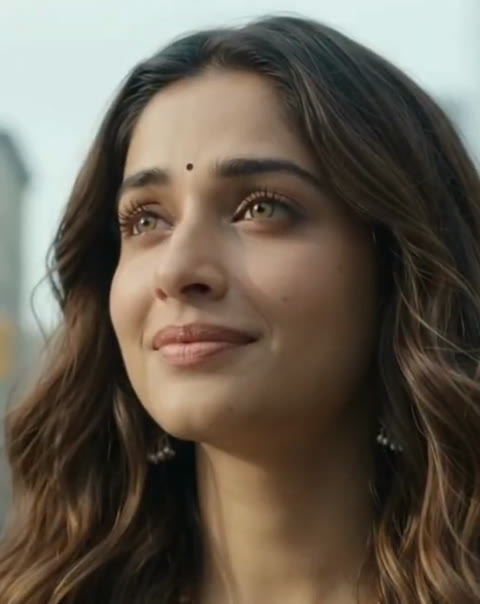
15s · 16:9 · 720p · original sound · ready in a few minutes
Who to put in
Who shines in an End of Beginning AI montage
One clear portrait places any protagonist at the center of this sunlit End of Beginning AI hometown-to-skyline memory reel.
Your own End of Beginning AI chapter recap
Use a natural daylight selfie or travel portrait to build an End of Beginning AI tribute for graduation, moving to a new city, returning home for the holidays, or closing out a memorable year. The opening street walk and waterfront skyline close-up frame your face in warm cinematic light as the End of Beginning AI montage dissolves through golden memories.
A friend starting a new chapter
Drop in a clear portrait of a best friend, sibling, or college roommate who just landed a new job, packed up for university, or moved across the country. An End of Beginning AI clip turns a single snapshot into a heartfelt farewell reel ready for group chats and birthday stories.
Your partner or favorite travel buddy
Upload a relaxed outdoor portrait from a weekend trip or coffee walk to create a dreamy widescreen End of Beginning AI keepsake. From the waterfront breeze to the sunlit lane and closing city portrait, the End of Beginning AI sequence captures the bittersweet feeling of looking back on favorite seasons together.
A creative persona or music artist
Indie musicians, storytellers, and visual creators can upload an artist headshot or styled character portrait to generate an atmospheric 16:9 End of Beginning AI music-video visualizer without booking a film crew, scouting rooftops, or piecing together manual timeline transitions.
Same category
More Music templates
 NEW100–400 CR
 NEW320 CR
 NEW100–400 CR
 NEW380 CR
 NEW270 CR
 NEW270 CR
 NEW400 CR
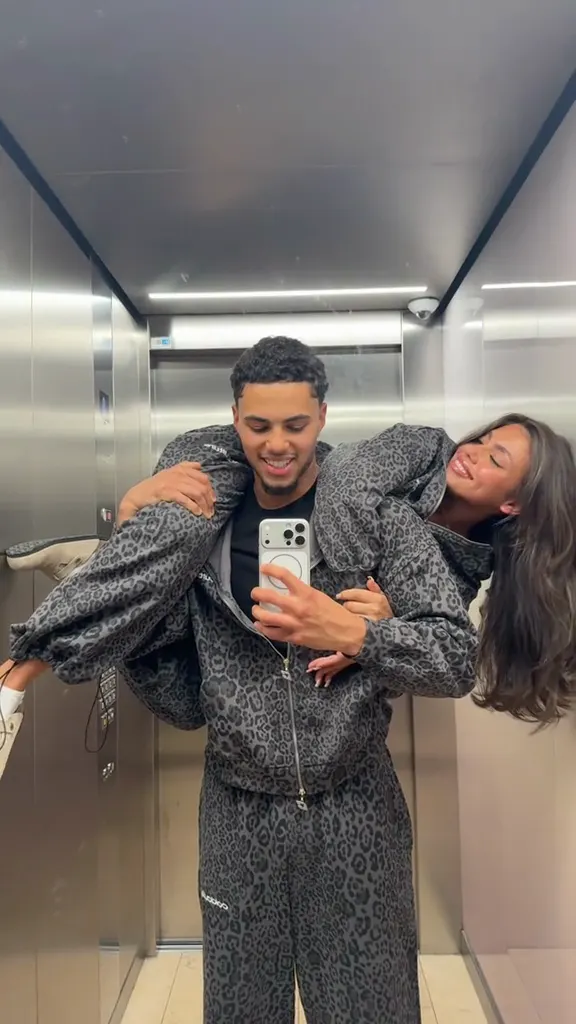 NEW270 CR
 NEW100–400 CR
 NEW100–400 CR
 NEW100–400 CR
 NEW100–400 CR
How it works
Make your End of Beginning AI video in three steps
Skip manual beat-syncing and multi-clip editing—one photo drives the full 15-second End of Beginning AI sequence.
Upload one clear portrait
Select a sharp front-facing or soft three-quarter photo in JPG, PNG, or WebP format (up to 20 MB). Natural daylight with your full face, hair, and shoulders visible helps End of Beginning AI preserve your likeness across the street walk, skyline profile, and final close-up.
Generate your End of Beginning AI clip with Kling 4.0
Click the generate button to spend 400 credits. SameVid runs End of Beginning AI on Kling 4.0 reference-to-video at 720p widescreen (16:9), carrying your appearance through the sunlit street, waterfront skyline breeze, golden-hour flashbacks, and closing dissolve.
Download your End of Beginning AI MP4 with synced audio
Once rendering finishes, your finished 15-second End of Beginning AI MP4 arrives with the original soundtrack already muxed in. Save it directly to your phone or desktop and share your personal reflection clip anywhere.
Photos: JPG, PNG, WebP, up to 20 MB.
Origin
How Djo’s "End of Beginning" inspired the End of Beginning AI trend
A sleeper synth-pop track from Joe Keery’s 2022 album grew into the soundtrack behind the End of Beginning AI nostalgia format.
From Stranger Things star to synth-pop sleeper hit
Actor Joe Keery—widely recognized as Steve Harrington in Stranger Things—released "End of Beginning" under his music project Djo on September 16, 2022, as part of his second studio album DECIDE. Written about leaving his early twenties behind in Chicago, the track blends warm retro synthesizers with an anthemic chorus about returning to a place that shaped an earlier version of yourself.
More than a year after release, the chorus lyric "And when I’m back in Chicago, I feel it / Another version of me, I was in it / I wave goodbye to the end of beginning" surged across short-form video feeds in early 2024. The song climbed to the top of the Billboard TikTok Top 50 and sparked millions of hometown love letters and life-chapter montages, as reported by Mashable, Rolling Stone UK, CBS News Chicago, and Know Your Meme.
Why everyone has their own "Chicago" in End of Beginning AI
Viewers quickly expanded the trend far beyond Illinois. Across Reddit and YouTube communities, people began calling their hometown, university town, or favorite past era "my Chicago"—pairing the soaring synth hook with sunlit city skylines, quiet waterfront moments, and warm memories with friends and family.
What started as manual multi-clip photo dumps evolved into cinematic End of Beginning AI memory reels. Instead of digging through years of camera-roll footage and cutting transitions by hand, this End of Beginning AI template places your portrait directly into a cohesive 15-second widescreen story arc that moves from bustling city streets to a serene skyline breeze and luminous final smile.
Photo tips
Photo tips for crisp End of Beginning AI likeness
A clean, evenly lit portrait gives End of Beginning AI on Kling 4.0 the clearest facial detail across wide street shots and close-up dissolves.
- Pick a bright, sharp portrait taken in soft natural daylight so End of Beginning AI keeps eye color, skin tone, and hair texture faithful from the street walk to the closing close-up.
- Use a solo front-facing or gentle three-quarter pose with your head and shoulders clearly framed and your eyes uncovered.
- Wear casual everyday clothing or soft warm tones that blend naturally with the sunlit streets, golden-hour alleys, and warm indoor kitchen lighting in End of Beginning AI.
- Choose a photo with a relaxed, natural expression—a slight smile transitions smoothly into the peaceful waterfront skyline moment and warm final portrait.
- Keep sunglasses, wide-brimmed hats, and hands away from the face so End of Beginning AI preserves your side profile and closing portrait cleanly.
- Opt for a solo daytime portrait instead of crowded group shots or heavy nighttime filters so facial details stay crisp through the rapid golden-hour flashback cuts.
Also called
Other names for the End of Beginning AI trend
Creators describe this End of Beginning AI video format in several ways depending on whether they focus on the lyric, the city, or the milestone.
When I’m Back in Chicago trend
Named after the opening line of the chorus, this phrasing is used for End of Beginning AI homecoming montages, travel throwbacks, and personal reflections about returning to the city where you grew up or went to school.
Another Version of Me montage
Draws from the second chorus line to highlight personal growth, graduation milestones, career moves, and End of Beginning AI year-end recaps comparing where you started with who you have become.
End of Beginning AI visualizer
Refers to End of Beginning AI cinematic music clips that pair atmospheric cityscapes, sunlit memories, and dreamy portrait dissolves with the track’s synth-pop build.
End of the Season recap edit
A recurring year-end and semester-end spin on the audio where creators close out a chapter—such as a school year, sports season, or calendar year—with a warm End of Beginning AI highlight reel.
Star in your own End of Beginning AI reel
Upload one portrait photo and generate a 15-second 720p widescreen End of Beginning AI montage with synced soundtrack for 400 credits.
FAQ
End of Beginning AI FAQ
How many photos do I need for End of Beginning AI?
End of Beginning AI requires just one clear portrait photo. Upload a front-facing or gentle three-quarter shot of yourself or a friend, and SameVid carries that person through all six beats of the 15-second montage automatically.
How long is the End of Beginning AI video and what resolution do I get?
Every End of Beginning AI generation outputs a 15-second MP4 in 720p widescreen (16:9), matching the exact duration, framing, and pacing of the preview clip shown on this page.
Does the finished End of Beginning AI video include the soundtrack?
End of Beginning AI delivers every finished 15-second MP4 with the original soundtrack already muxed in, so your clip is ready to watch and share right away without manual audio syncing.
How many credits does one End of Beginning AI generation cost?
Generating one 15-second 720p End of Beginning AI video costs 400 credits, scaled proportionally to clip length. You can see the exact credit and price summary right on the generate button before starting.
Which AI model powers End of Beginning AI?
End of Beginning AI runs on Kling 4.0 in reference-to-video mode. It follows the camera movement, sunlit lighting, waterfront skyline framing, and cross-dissolve rhythm of the reference clip while locking onto your uploaded portrait.
Do I need to write prompts or cut clips manually for End of Beginning AI?
End of Beginning AI is completely pre-configured for one-photo creation. You simply upload a single portrait—all scene choreography, lighting transitions, and audio syncing run automatically.
How is End of Beginning AI different from November Rain AI or I Love the Smiths AI?
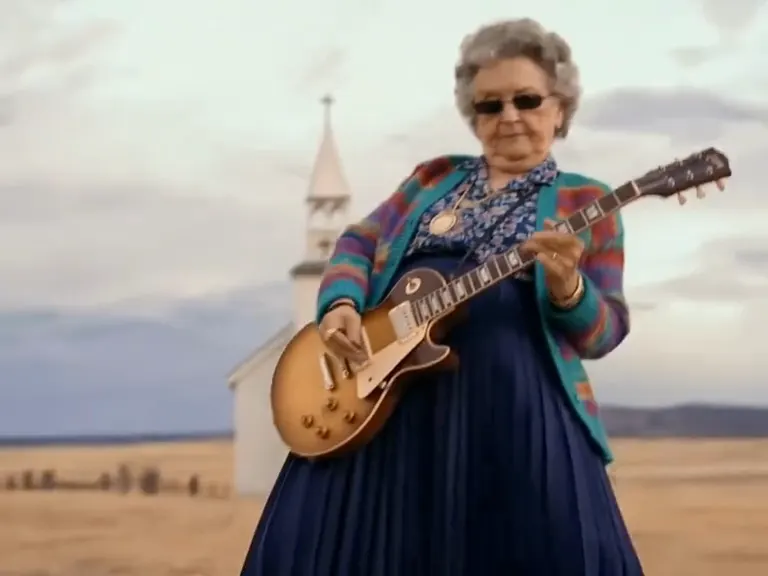
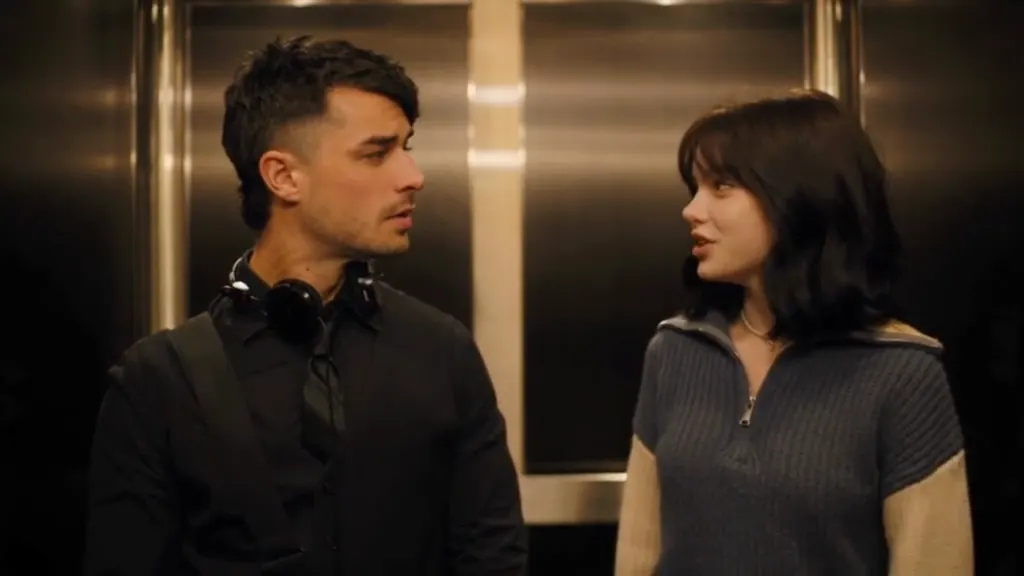
End of Beginning AI creates a solo 15-second 16:9 nostalgic city-and-memory montage from one portrait, whereas November Rain AI stages a dramatic desert chapel guitar solo and I Love the Smiths AI casts two people in a widescreen elevator music scene.
Keep scrolling
More viral AI video trends
 NEW400 CR
 NEW380 CR
 NEW400 CR
 NEW350 CR
 NEW220 CR
 NEW380 CR
 NEW10 CR
 NEW320 CR
 NEW100–400 CR
 NEW380 CR
 NEW140 CR
 NEW220 CR