
Effects · New
Santa Message AI Video Generator
Upload 1 photo of your house, front porch, or doorway to create a 12-second Christmas Eve message from Santa with Santa Message AI. Father Christmas walks up your lit walkway carrying a tan burlap gift sack, turns at your door, and waves goodnight with holiday audio for 320 credits.
Santa Message AI · 12s · 9:16
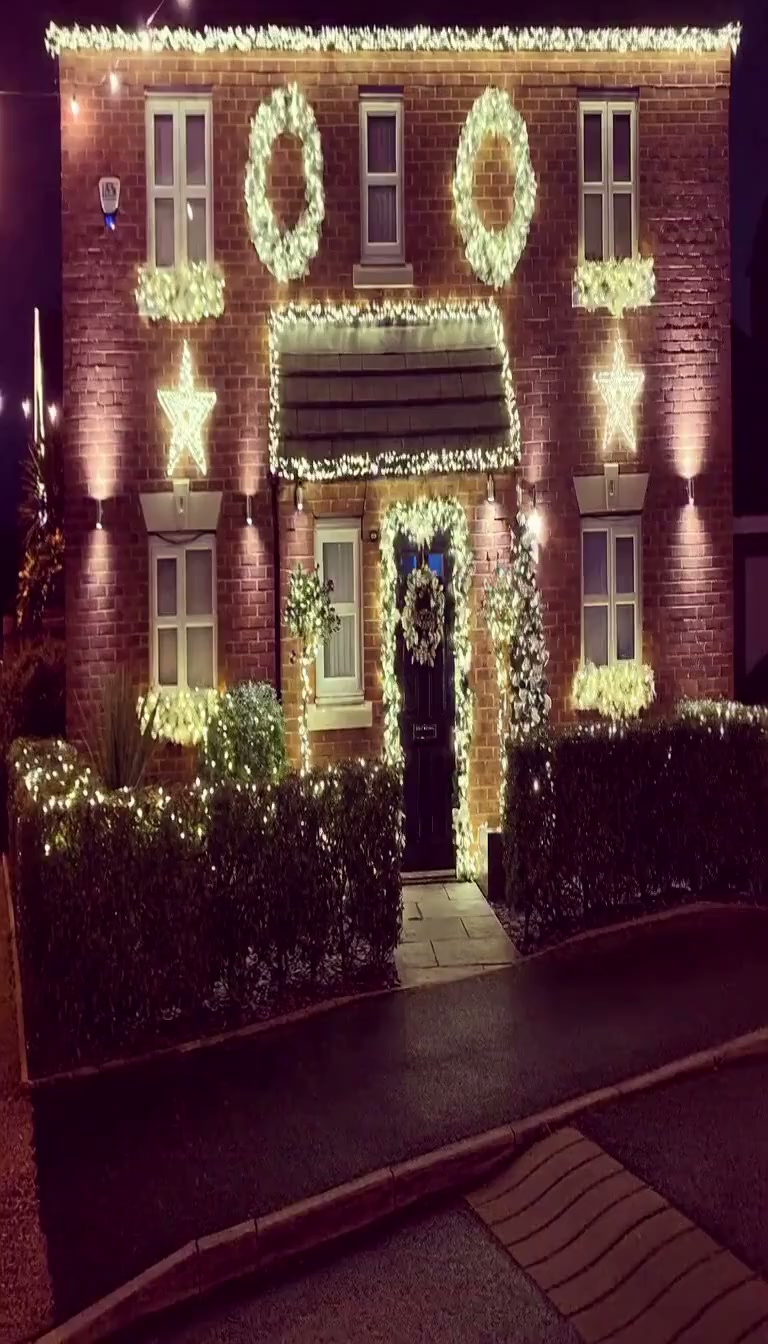
12s · 9:16 · 720p · original sound · ready in a few minutes
Christmas Eve Showcase
See how Santa Message AI stages a Christmas Eve message from Santa at your house
From walking up a garland-lit brick walkway with his burlap gift sack to landing a reindeer sleigh on your roof ridge or whispering beside the living-room tree, watch how Santa Message AI brings Father Christmas to a real home with heartwarming holiday charm and authentic bedtime goodwill.
Santa walks up to your front door and waves goodnight (Primary Scene)
In this 12-second 720p vertical Santa Message AI clip, Santa Claus in a crimson velvet coat with plush white fur trim carries a bulging tan burlap gift sack up a Christmas-lit brick walkway, turns 180 degrees at the wreath-draped front door, and delivers a warm Christmas Eve bedtime message before waving goodnight with a white-gloved hand.
@pnpsantaReindeer sleigh lands along the illuminated roof ridge
This 12-second Christmas Eve message from Santa shows reindeer pulling a red-and-gold sleigh across the night sky in a trail of golden stardust onto a lit suburban roofline before the camera pushes in to Santa waving from the sleigh.
@santaknowsyouReindeer sleigh touches down on the snowy front lawn
Across twelve seconds at blue dusk, reindeer bring the sleigh down onto the snowy front yard outside a glowing two-story house while Santa steps onto the lawn and walks straight toward the camera with a bedtime wave.
@santareel.comLiving-room Christmas tree shh whisper greeting
Filmed as a 12-second indoor vertical greeting beside a decorated Christmas tree, Santa leans close to the lens, places a white-gloved index finger to his lips in a playful "shh" gesture, and whispers a personalized Santa video bedtime note.
@br_ai_dedSame category
More Effects templates
 NEW270 CR
 NEW240 CR
 NEW140 CR
 NEW270 CR
 NEW140 CR
 NEW270 CR
 NEW140 CR
 NEW140 CR
 NEW400 CR
 NEW270 CR
 NEW140 CR
 NEW190 CR
Timeline Breakdown
Second-by-second doorstep timeline inside your 12-second Santa Message AI video
Instead of placing Father Christmas inside a generic North Pole cabin that looks identical for every family, the Santa Message AI Video Generator unfolds a four-beat Christmas Eve message from Santa right outside the doorway in your photo.
0.0s – 3.5s: Walking up your Christmas-lit front path with the burlap sack
Your personalized Santa video opens on the exact house facade and front doorway from your photo, glowing with warm golden Christmas string lights, window wreaths, and evergreen doorway garland. Seen from behind in a smooth forward tracking shot, Santa Claus—wearing a crimson velvet coat edged with thick plush snow-white fur, matching red trousers, and black leather boots—walks steadily up your front path carrying a bulging tan burlap gift sack tied with a crimson satin ribbon over his right shoulder.
3.5s – 5.5s: Reaching the doorstep and pivoting 180 degrees toward the lens
Arriving at your front doorstep beneath the glowing evergreen garland arch, Santa stops directly in front of your paneled door, shifts the heavy tan burlap gift sack strap onto his left shoulder with his white-gloved hand, and turns 180 degrees counterclockwise to face the camera in a chest-up medium shot.
5.5s – 9.5s: Delivering the warm Christmas Eve message from Santa
Standing centered in front of your wreath-draped front door, Santa smiles warmly through his full curly snow-white beard, thick white handlebar mustache, and round gold wire-rimmed spectacles. His wide black leather belt with its polished rectangular brass buckle gleams under your porch lights as he delivers his encouraging Christmas Eve bedtime reminder straight into the lens.
9.5s – 12.0s: Raising a white-gloved hand in a goodnight wave
During the final beat of the Santa Message AI clip, Santa keeps his left white-gloved hand steady on the burlap sack strap over his left shoulder and lifts his white-gloved right hand high in a friendly goodnight wave while the fairy lights along your doorway twinkle behind him.
Input & Output Specs
What photo you upload and what the Santa Message AI Video Generator delivers
Every render runs in your browser through our Kling 4.0 Keyframe-to-Video architecture—no green-screen compositing, no manual audio syncing, and zero watermarks.
You upload
- 1 clear photo showing the front of your house, porch entryway, apartment door, or holiday living room (JPEG, PNG, or WebP format up to 20 MB, at least 300 pixels on the shortest edge).
- Dusk or nighttime house photos with porch lanterns, Christmas string lights, or doorway wreaths switched on create the richest December 24th atmosphere, while daytime doorway photos are automatically relit with warm golden holiday lights.
- Zero children’s portraits are required—protecting your kids’ facial privacy while still showing Santa at your house right outside their own front door.
You get
- A 12-second 720p HD vertical (9:16) MP4 video message from Santa where Father Christmas walks up your front path with his burlap gift sack, turns 180 degrees at your front door, and waves goodnight.
- Two-keyframe architectural and wardrobe fidelity: Keyframe 1 locks Santa walking from behind toward your exact doorway; Keyframe 2 anchors Santa facing the lens in his crimson velvet coat, gold wire-rimmed spectacles, curly white beard, and white cotton gloves.
- Warm Christmas Eve audio automatically remuxed onto the silent Kling 4.0 video output, encoded below 3 MB for instant full-screen playback on iPhone, Android, iMessage, or living-room AirPlay.
| Generation Pipeline | Kling 4.0 First-and-Last Keyframe-to-Video |
|---|---|
| Input Photo Slot | 1 house exterior, front porch, or front door photo |
| Video Duration | 12 seconds (4-beat doorstep timeline) |
| Frame Proportions | 9:16 vertical portrait (768×1344 px) |
| Output Resolution | 720p HD native render (no post-upscale delay) |
| Soundtrack Handling | Silent model input + Christmas Eve audio remuxed |
| Delivered File Size | Clean MP4 under 3 MB with zero watermarks or UI |
| Credits | 320 per video, refunded if it fails |
Photos: JPG, PNG, WebP, up to 20 MB.
Bedtime Playbook
Four Christmas Eve bedtime moments made for Santa Message AI
Because the Santa Message AI Video Generator anchors the scene to your real front door or porch, children recognize their own home in the very first frame of the video.
The wide-awake kid who won’t settle on December 24th
When bedtime arrives on Christmas Eve and your kids are too excited to stay under the covers, play a full-screen Christmas Eve message from Santa showing him standing right outside your front door with his tan burlap sack waiting for the house to fall asleep.
Townhouses, modern homes, and apartments with no chimney
Children living in homes without a brick fireplace always ask how Santa gets inside on Christmas Eve. Uploading a photo of your front door or apartment entrance in Santa Message AI proves that he walks right up to the front door with his gift sack.
Families celebrating Christmas away at Grandma’s house
Kids traveling to a relative’s house or holiday cabin often worry that Santa might miss their temporary address. Snap one photo of the front door at Grandma’s house so your personalized Santa video shows him arriving at that exact porch.
Brothers and sisters sharing one Christmas Eve countdown
Instead of generating separate clips for every sibling, gather the whole family around your phone or living-room TV right after setting out the milk and cookies to watch Santa wave goodnight from your front walkway.
Photo Guide
Photo tips for locking your doorway geometry in Santa Message AI
Our Kling 4.0 keyframe generator maps your uploaded doorway into both the opening walk-up shot and the close-up 180-degree turn, so a clean view of your entrance gives the sharpest result.
- Stand on your front walkway, porch steps, or driveway 3 to 6 meters back and take a straight-on vertical photo that clearly captures your front door, porch framing, brickwork, and holiday wreaths.
- Switch on your porch lantern, interior window lamps, and Christmas string lights before snapping the photo so the warm golden glow reflects naturally across Santa’s crimson velvet suit and white fur trim.
- Avoid leaving parked cars, garbage bins, bicycles, or tall delivery parcels directly in the center of the walkway where Santa walks toward the door.
- Skip pitch-dark unlit night shots, extreme side angles where the front door is hidden, or phone screenshots containing battery icons and caption bars.
Trend Origin & History
How the Christmas Eve message from Santa evolved into doorstep AI
Tracing personalized Santa videos from 2008 studio green-screens to 2026 Kling 4.0 keyframe synthesis outside your own front door.
From Portable North Pole studio books to viral TikTok bedtime clips
Showing children a custom video message from Santa on December 24th became a household ritual in 2008 when Canadian studio Portable North Pole launched its web template, pasting a child’s snapshot into a pre-filmed "Big Book" inside an actor’s cabin. Over the following years, Christmas Eve reaction clips and custom greetings drew hundreds of thousands of views across social feeds—led by @pnpsanta on TikTok (446.6K views), early AI talking-avatar greetings from @santaknowsyou on TikTok (95.6K views), cozy fireplace readings by @br_ai_ded on TikTok (73.1K views), and Christmas Eve desk messages from @santareel.com on TikTok (11.9K views).
However, studio-filmed templates and static talking avatars shared an obvious giveaway: every child saw the exact same North Pole fireplace backdrop. In parenting communities on Reddit (`r/christmas`, `r/Parenting`, and `r/daddit`), parents noted that school-age kids quickly recognized stock studio sets, whereas seeing Santa standing outside their own brick porch or front door made them scramble straight into bed.
Why Kling 4.0 First-and-Last Keyframe-to-Video beats static templates
During the 2025–2026 holiday season, the Santa Message AI trend shifted from generic North Pole backdrops to location-matched "Santa at your house" clips. Rather than relying on a single-frame lip-sync sticker or an unstable video-to-video pass that warps house windows, the Santa Message AI Video Generator uses Kling 4.0 First-and-Last Keyframe-to-Video synthesis.
Our pipeline first builds two high-consistency reference keyframes from your house photo: Keyframe 1 places Santa in the foreground with his back to the lens carrying a crimson-ribboned tan burlap gift sack up your Christmas-lit walkway, while Keyframe 2 frames Santa turned 180 degrees at your garland-draped front door with his curly white beard, round gold wire-rimmed spectacles, black leather belt with a brass buckle, and raised white-gloved hand. Kling 4.0 then interpolates the 12-second walk, turn, and wave at 720p HD—expanding our festive lineup alongside effects AI video templates, family AI video templates, and baby & kids AI video templates.
Ready Before Bedtime
Create your Christmas Eve message from Santa at your front door
Upload 1 photo of your house, porch, or front door to generate a 12-second 720p Santa Message AI clip with warm holiday sound in minutes.
FAQ
Santa Message AI FAQ
What photo should I upload to the Santa Message AI Video Generator?
Upload 1 clear photo of the front of your house, front porch, apartment doorway, or holiday living room to the Santa Message AI Video Generator. You never need to upload a child’s face photo—Santa Message AI stages the arrival right outside your real front door so your kids recognize their own home while their personal portraits stay completely private.
Why does Santa Message AI use Kling 4.0 Keyframe-to-Video mode?
Santa Message AI uses Kling 4.0 First-and-Last Keyframe-to-Video mode to lock your home’s doorway architecture and Santa’s wardrobe across the entire 12-second turn without watermark or subtitle contamination. Frame 1 anchors Santa walking up your path from behind with his tan burlap gift sack over his right shoulder, and Frame 2 locks Santa facing the camera at your front door in his crimson velvet coat, round gold wire-rimmed spectacles, curly snow-white beard, and raised white-gloved hand.
What happens during the 12-second Christmas Eve message from Santa?
The 12-second Christmas Eve message from Santa follows four continuous story beats outside your uploaded doorway. From 0.0 to 3.5 seconds, Santa walks up your Christmas-lit path from behind carrying a tan burlap gift sack. Between 3.5 and 5.5 seconds, he stops at your garland-wrapped front door and turns 180 degrees toward the lens. From 5.5 to 12.0 seconds, he smiles warmly through his white beard, delivers his bedtime message, and waves goodnight with his white-gloved right hand.
Does the downloaded Santa Message AI video include sound?
Yes, every downloaded Santa Message AI video is a 12-second 720p MP4 with the warm Christmas Eve audio track automatically remuxed. During Kling 4.0 generation, the reference video is fed into the model muted so no audio artifacts interfere with visual motion, and our server merges the original holiday soundtrack onto your finished file before download.
Can I use a daytime photo of my house or apartment front door?
Yes, you can upload either a daytime or nighttime photo of your house, porch, or apartment entrance to Santa Message AI. While an evening photo with your porch lantern and Christmas lights turned on looks the most authentic, our keyframe synthesis automatically wraps daylight doorway photos in warm golden Christmas Eve lighting and evergreen garland accents.
How many credits does the Santa Message AI Video Generator cost?
Generating one 12-second 720p video with the Santa Message AI Video Generator costs 320 credits, prorated linearly from our 15-second = 400 credits pricing standard (320 credits for 12 seconds, with 720p HD included at no extra upscale fee). You can top up one-time credit packs anytime on our pricing page without a subscription.
What other Christmas and family AI video templates can I try next?
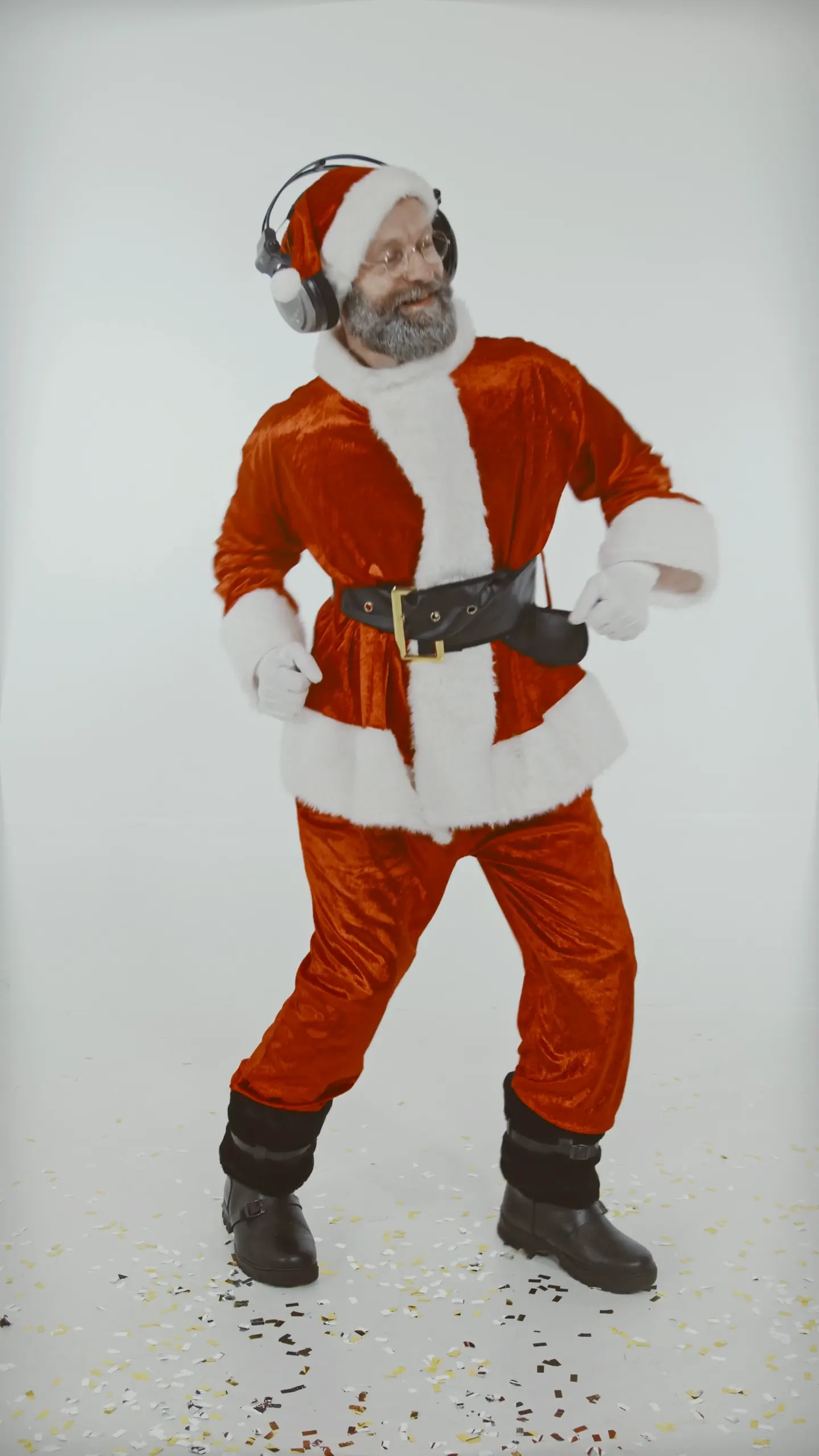
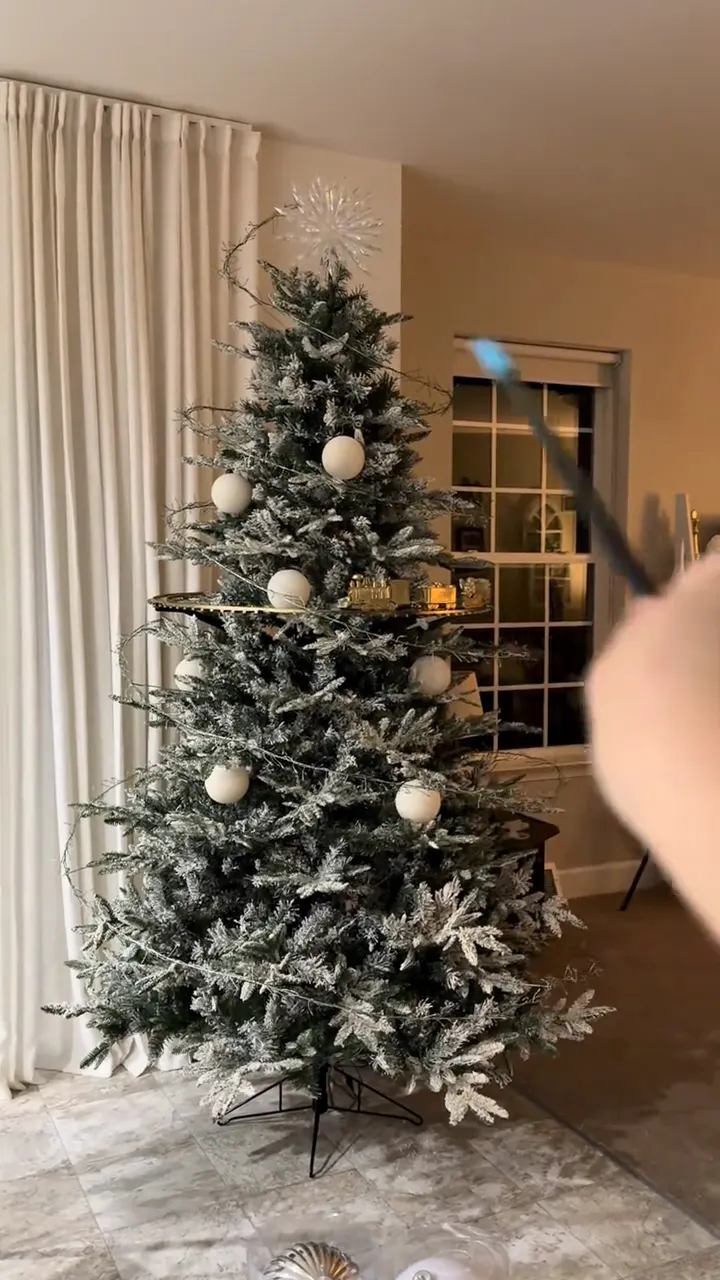
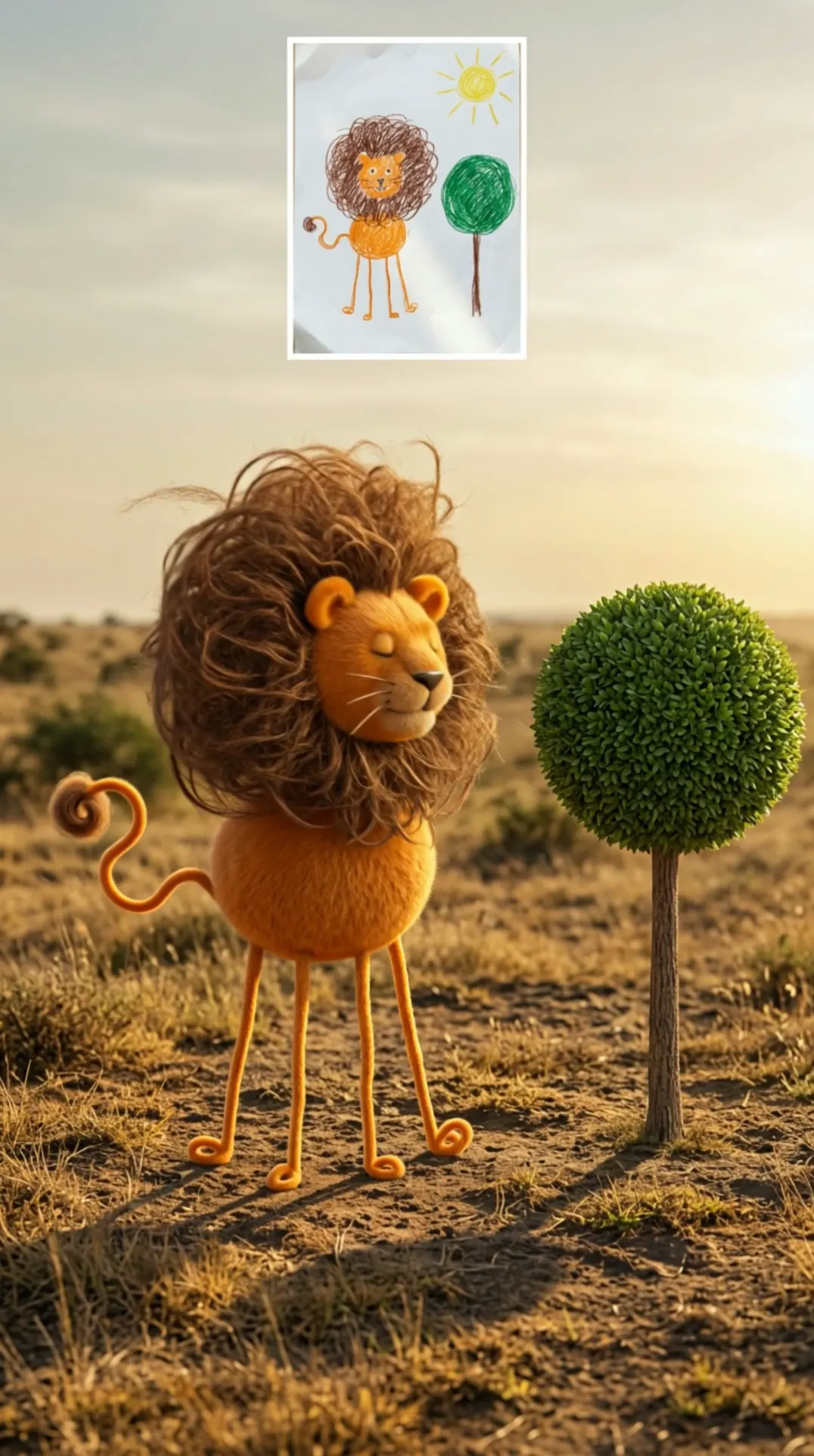
You can pair your doorstep clip from Santa Message AI with four more holiday and family templates on SameVid AI. Put yourself in a festive routine with Christmas Dance AI, dress your pet in an elf hat with AI Dog Christmas Video, reveal a glowing winter forest in Christmas Tree Illusion AI, animate your child’s sketch in Kids Drawing to Life AI, or browse the full AI video templates catalog.
Keep scrolling
More viral AI video trends
 NEW400 CR
 NEW10 CR
 NEW400 CR
 NEW220 CR
 NEW350 CR
 NEW380 CR
 NEW320 CR
 NEW400 CR
 NEW300 CR
 NEW350 CR
 NEW400 CR
 NEW240 CR