
Effects · New
AI Tattoo Filter Video Generator
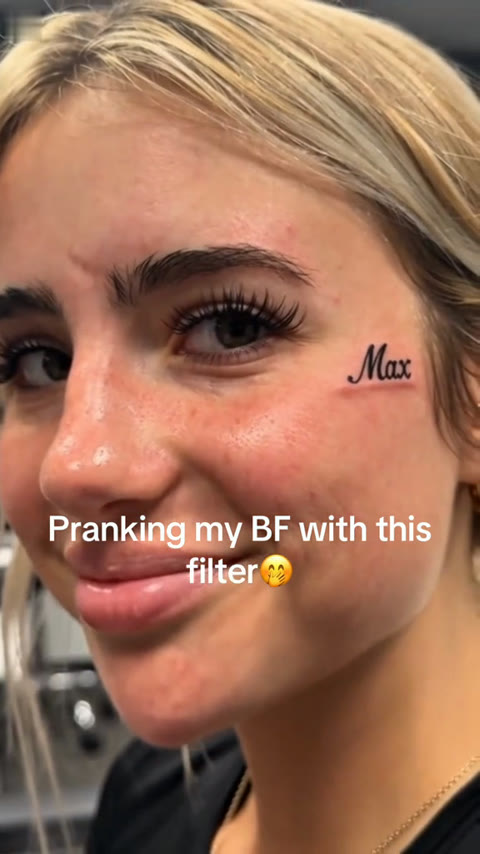
Upload one clear portrait to create a 10-second 720p AI Tattoo Filter video. Watch a tattoo needle ink a realistic design onto the cheek before turning toward the camera with a playful reveal, finished with original audio.
AI Tattoo Filter · 10s · 9:16
10s · 9:16 · 720p · original sound · ready in a few minutes
Variants
More AI filter transformations to try next
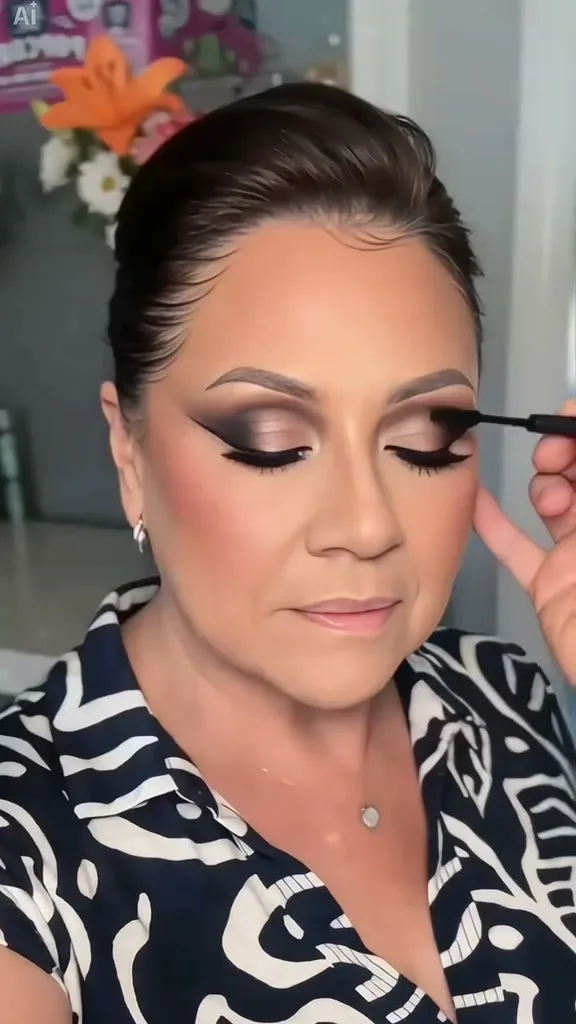
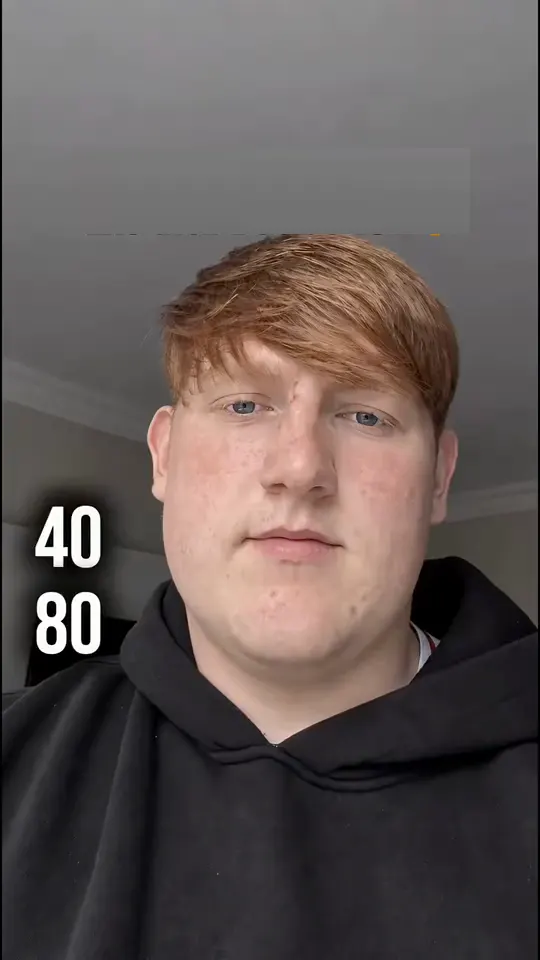
If you enjoy playful face and look transformations, pair the AI Tattoo Filter with these single-photo filter templates.
 NEW140 CR
 NEW20 CR
 NEW270 CR
Same category
More Effects templates
 NEW270 CR
 NEW240 CR
 NEW140 CR
 NEW270 CR
 NEW140 CR
 NEW140 CR
 NEW140 CR
 NEW400 CR
 NEW270 CR
 NEW140 CR
 NEW190 CR
 NEW270 CR
Specifications
What goes in and what comes out
One clean portrait goes in, and a vertical 10-second tattoo reveal clip comes out ready for sharing.
You upload
- One clear front-facing or slight three-quarter portrait of a person with unobstructed cheeks.
- Even lighting across the face, jawline, and cheekbones so the inked skin texture and subtle redness blend naturally.
- Standard JPG, PNG, or WebP image files up to 20 MB, with no manual masking or prompt writing required.
You get
- A 10-second vertical 9:16 video rendered at crisp 720p resolution with smooth studio-style motion.
- Realistic cheek tattoo inking motion with a tattoo machine needle followed by a direct-to-camera smile reveal.
- Original trend audio muxed cleanly into a downloadable MP4 file ready for reels, stories, and group chats.
| Photos | 1 portrait |
|---|---|
| Model | Kling 4.0 |
| Duration | 10 seconds |
| Picture | 720p, 9:16 |
| Audio | Original audio included |
| File | MP4 |
| Credits | 270 per video, refunded if it fails |
Photos: JPG, PNG, WebP, up to 20 MB.
Examples
See how the AI Tattoo Filter plays out
Preview the 10-second cheek tattoo prank structure: close-up inking from the side profile followed by a playful turn to the lens.
Cheek Tattoo Prank Reveal
A close-up studio shot opens on a side profile as a tattoo machine needle approaches the upper cheek. Over the next several seconds, fine black cursive lettering is inked smoothly along the natural contour of the skin with subtle, realistic redness around the fresh lines. At the final beat, the needle pulls away and the subject turns toward the camera with a cheeky, confident smile to show off the finished tattoo.
Photo tips
Photo tips for the cleanest tattoo blend
A well-lit portrait with clear cheek and facial detail helps the model track skin contours and keep your likeness sharp.
- Use a sharp, high-resolution portrait where the face, eyes, nose, and cheek area are clearly visible from start to finish.
- Choose an expression with relaxed facial muscles so the side-profile inking beat and the final turn-to-camera smile transition smoothly.
- Keep hair pulled back or neatly tucked behind the ear so the entire cheek, cheekbone, and jawline stay open for the tattoo needle.
- Pick a photo with soft, even daylight or clean indoor lighting for natural skin shading and believable ink depth along the curve of the face.
- Upload a solo headshot or upper-chest portrait framed against a simple, uncluttered background for the most consistent close-up focus.
Who to put in
Who to put in the AI Tattoo Filter
From harmless partner pranks to testing how bold ink looks on camera, a single portrait unlocks multiple fun scenarios.
Partner & Friend Pranks
Upload a selfie or a photo of your partner to create a convincing 10-second "I just got a name inked on my face" prank clip. Drop the finished video into a private message or group chat and wait for their instant double-take reaction.
First-Time Tattoo Try-On
Curious how fine-line cursive lettering or bold cheek ink reads in motion on camera? Preview the placement, lighting, and overall vibe in seconds before ever booking a real studio appointment.
Creators & Reaction Reels
Turn a static portrait into a punchy vertical reveal with built-in pacing and original audio. The tight close-up framing works naturally for reaction stitches, audience polls, and playful daily story updates.
Character & Persona Edits
Give an illustrated avatar, cosplay portrait, or fictional persona an edgy tattoo studio moment while preserving their signature hairstyle, expression, and overall character look.
Ready to test the AI Tattoo Filter?
Upload one portrait, generate your 10-second 720p reveal clip for 270 credits, and download it with original audio.
FAQ
AI Tattoo Filter FAQ
How does the AI Tattoo Filter video generator work?
Upload a single portrait and our Kling 4.0 reference-to-video pipeline maps your facial features, hair, and skin tone onto a 10-second close-up studio scene. A tattoo needle inks a realistic cursive design onto the cheek before the subject turns toward the camera with a playful smile.
How many photos do I need to upload?
Just one clear portrait photo is needed. Front-facing or slight three-quarter portraits with visible cheeks, relaxed expressions, and even lighting produce the cleanest likeness across all 10 seconds.
What resolution, aspect ratio, and length do I get?
Every generation outputs a 10-second vertical 9:16 MP4 video at 720p resolution with the original trend audio already mixed cleanly into the final file.
How many credits does one AI Tattoo Filter video cost?
Each 10-second 720p generation costs 270 credits, calculated proportionally from our standard 15-second 400-credit template rate.
Do I need to write any prompts or use an editing app?
Everything is handled automatically behind the scenes. Unlike static photo overlays or multi-step editing templates, you simply upload one photo and download the finished video clip in minutes.
Does the ink look realistic on different skin tones?
Yes. The video model adapts studio lighting, natural skin pores, and subtle cheek redness around the lettering so the dark ink follows the curve of the face naturally in motion.
Can I share the generated video on social platforms?
Yes. The vertical 9:16 MP4 format and 720p output are sized to post directly to short-form video feeds, daily stories, and messaging group chats without extra cropping.
What kind of portraits work best for this tattoo prank?
Clear solo portraits shot at eye level with good lighting and minimal hair or glasses covering the upper cheek give the tattoo needle plenty of clean skin space to ink cleanly.
Keep scrolling
More viral AI video trends
NEW140 CRNEW20 CRNEW270 CR NEW350 CR
 NEW380 CR
 NEW320 CR
 NEW400 CR
 NEW300 CR
 NEW350 CR
 NEW400 CR
 NEW240 CR
 NEW400 CR