
Effects · New
Baby On Hand AI Video Generator
Upload 1 clear portrait or pet photo to turn into a palm-sized baby getting a gentle cheek pinch and smiling in a 5-second, 9:16 720p Baby On Hand AI video with original sound for 140 credits.
Baby On Hand AI · 5s · 9:16
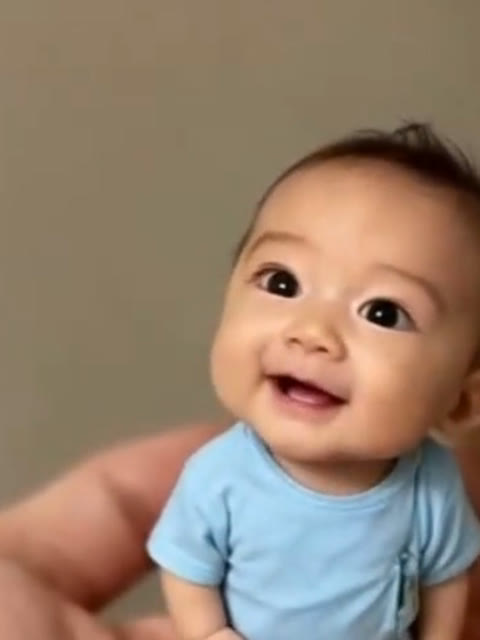
5s · 9:16 · 720p · original sound · ready in a few minutes
Who to put in
Best subjects to shrink into the Baby On Hand AI Video Generator
The Baby On Hand AI template turns one clear front-facing photo into a tiny palm-sized star, whether you want a funny mini-me edit or a cozy pet clip.
Yourself as a Mini-Me
Start with a bright, straight-on selfie to turn your own eyes, hairstyle, and shirt color into a cheerful pocket-sized mini me standing in an open palm. Watching a giant pair of fingers squish your miniature cheeks creates instant visual comedy for personal reels and reaction replies.
Friends and Partners (With Consent)
Pick a crisp portrait of a friend or partner who agreed to star in the joke—serious expressions, bold glasses, or signature outfits look especially funny once shrunk down to thumb size in the Baby On Hand AI Video Generator and gently pinched on the cheek.
Your Own Cat or Dog
Upload a sharp front-facing shot of your cat, kitten, puppy, or small dog sitting upright in good light. The Baby On Hand AI generator keeps your pet’s fur pattern, ear shape, and muzzle markings while placing them right inside the palm for a sweet fingertip boop.
Same category
More Effects templates
 NEW270 CR
 NEW240 CR
 NEW140 CR
 NEW270 CR
 NEW140 CR
 NEW270 CR
 NEW140 CR
 NEW140 CR
 NEW400 CR
 NEW270 CR
 NEW140 CR
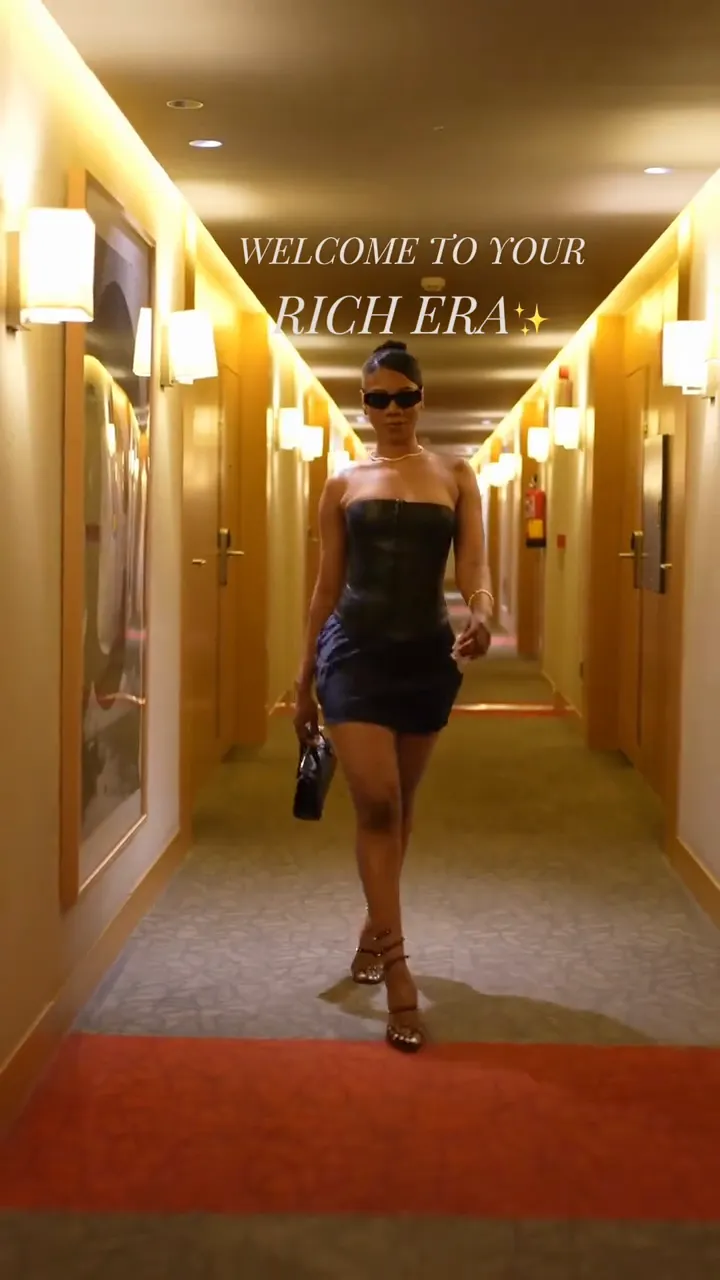 NEW190 CR
Photo tips
Photo tips for crisp Baby On Hand AI facial likeness
Because the miniature figure fills only the center of the palm, a bright, unobstructed close-up gives Kling 4.0 plenty of detail to lock your features.
- Choose a single-person portrait or solo pet photo framed from the chest or shoulders up so the face and cheeks stay large and sharp before miniaturization.
- Use soft, even daylight or clean indoor lighting where both eyes, eyebrows, nose, and jawline are clearly visible against any simple everyday background.
- Keep hair, hands, sunglasses, and scarves clear of both cheeks so the thumb and forefinger pinch connects naturally with your skin tone and smile in Baby On Hand AI.
- Wear a distinct solid color or simple top if you want the miniature baby romper or shirt in your Baby On Hand AI clip to echo your real outfit.
The scene
Three macro beats inside the 5-second Baby On Hand AI clip
Every second of the 5-second Baby On Hand AI reference follows one continuous macro camera angle with zero cuts, keeping the tiny subject in sharp focus.
0:00 – 0:01.5 · Palm Reveal & First Touch
The shot opens looking gently down into a relaxed open human palm under warm indoor bokeh light. Your miniature baby self stands centered in tiny bare feet, smiling up at the camera as a giant thumb and index finger reach in from the right edge to touch the right cheek.
0:01.5 – 0:03.2 · The Gentle Cheek Pinch
On the beat, the giant thumb and forefinger softly squish and wiggle the miniature baby’s chubby cheek. Realistic macro contact shadows along the palm lines and natural skin movement anchor the tiny figure cleanly inside the real hand.
0:03.2 – 0:05.0 · Head Tilt & Bright Laugh
As the pinching fingers ease back slightly toward the right side of the frame, the palm-sized baby tilts its head cheerfully to the left and beams into an open-mouthed joyful laugh straight at the lens until the Baby On Hand AI clip wraps.
From TikTok
Popular Baby On Hand AI and mini palm styles on TikTok
Beyond cheek-pinch comedy, creators also pair macro palm scale with peaceful sleeping newborns and fairytale tutu portraits.
@bambootv85
Warm golden-hour macro clip showing a tiny 10 cm newborn curled peacefully inside an open palm, stretching softly and smiling in its sleep (837K+ plays).
@createin_baby
Sweet pastel portrait clip of a curly-haired miniature baby girl in a blush pink tutu sitting comfortably in cupped hands and smiling to soft acoustic vocals.
How it works
Create your Baby On Hand AI video in three simple steps
SameVid builds the open palm, macro bokeh backdrop, and cheek-pinch timing automatically—just drop one photo and generate in your browser.
Upload one clear photo
Pick a sharp front-facing portrait of yourself, a consenting adult friend, or your pet (JPG, PNG, or WebP up to 10 MB) and adjust the crop around the face.
Run the Kling 4.0 render
Click Generate (140 credits) to let the Baby On Hand AI Video Generator run Kling 4.0 reference-to-video, turning your photo into the 5-second palm-sized baby scene at 720p HD while following the silent macro reference.
Download and share with sound
Once rendering finishes in a few minutes, open My Work to watch your 9:16 vertical MP4 with the original upbeat audio track merged automatically and download without watermarks.
Photos: JPG, PNG, WebP, up to 20 MB.
Also called
Common names for the Baby On Hand AI trend
Searchers and short-form creators use several overlapping nicknames for palm-sized macro baby and mini-me edits.
Baby in My Hand / Tiny Baby on Palm
The most direct search phrases on short-video feeds, describing macro clips where a realistic thumb-sized infant sits, sleeps, or stands inside an adult palm.
Mini Me in Hand AI
A playful personalization spin that shrinks an adult selfie, best friend, or partner into a pocket-sized mini me version of themselves inside an open hand.
Hand Pinch / Cheek Pinch AI Filter
Refers specifically to the interactive two-hand variation where a giant thumb and index finger enter from the side to playfully squish the miniature character’s cheeks.
10cm Baby Macro Effect
Highlights the surreal forced-perspective scale contrast—creamy background bokeh, crisp fingerprint lines, and soft contact shadows that make a 10-centimeter figure look physically real.
Ready to see yourself shrunk down to palm size?
Upload 1 portrait or pet photo and generate your 5-second Baby On Hand AI video in 9:16 720p HD with original sound for 140 credits.
FAQ
Baby On Hand AI FAQ
How does the Baby On Hand AI Video Generator work?
The Baby On Hand AI Video Generator turns one clear front-facing photo into a 5-second vertical 9:16 macro video using Kling 4.0 reference-to-video. The model follows the silent macro hand reference—keeping the open palm, creamy indoor bokeh, and gentle cheek pinch—while adapting your face, hair, and outfit colors into the palm-sized baby.
Do I need to photograph my own empty hand or write a prompt?
One portrait or pet photo is all you need, with zero extra hand photos or prompt writing required. The Baby On Hand AI Video Generator creates the supporting palm, the giant pinching fingers entering from the right, and the realistic contact shadows automatically alongside our other Effects AI video templates.
Whose photos work best with Baby On Hand AI?
Bright, sharp front-facing selfies of yourself, portraits of consenting adult friends or partners, and clear face-forward photos of your own cats or dogs all render well. Single-subject photos with uncovered cheeks give the cleanest smile and cheek-pinch motion—and you can explore more playful styles in our Baby & Kids templates and AI Pet Video Templates.
Can I turn an adult selfie into a mini me in Baby On Hand AI?
Yes, adult selfies transform naturally into a palm-sized mini me version of you with recognizable eyes, brows, hair, and outfit colors. If you enjoy shrinking or de-aging portraits for comedy, also check out Baby Podcast AI, Squishy AI, and our full Funny AI video templates hub.
Does the finished Baby On Hand AI video include sound?
Yes, every Baby On Hand AI video includes the upbeat original soundtrack merged automatically onto your finished 5-second 720p MP4. SameVid sends a silent reference clip to Kling 4.0 so visual timing stays clean, then remuxes the original audio track before delivery in My Work.
What resolution, aspect ratio, and file format do I get?
Every Baby On Hand AI export is delivered as a watermark-free 5-second, 9:16 vertical 720p HD MP4 file, sized natively for TikTok, Instagram Reels, and YouTube Shorts. For more viral routines and effects, browse the full AI video templates catalog or try Baby Dance AI.
How many credits does one Baby On Hand AI video cost?
Generating one 5-second 720p clip with the Baby On Hand AI Video Generator costs 140 credits, scaled proportionally from our 15-second (400-credit) benchmark. If any task fails or is filtered before completion, all 140 credits return to your balance automatically—see the pricing page for credit packs.
Keep scrolling
More viral AI video trends
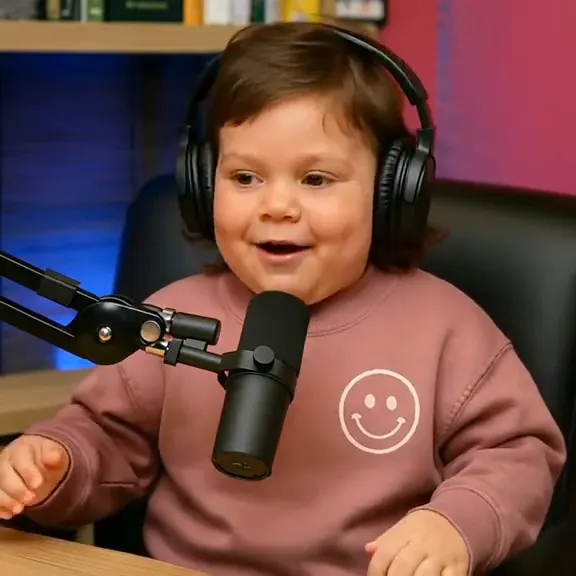 HOT270 CR
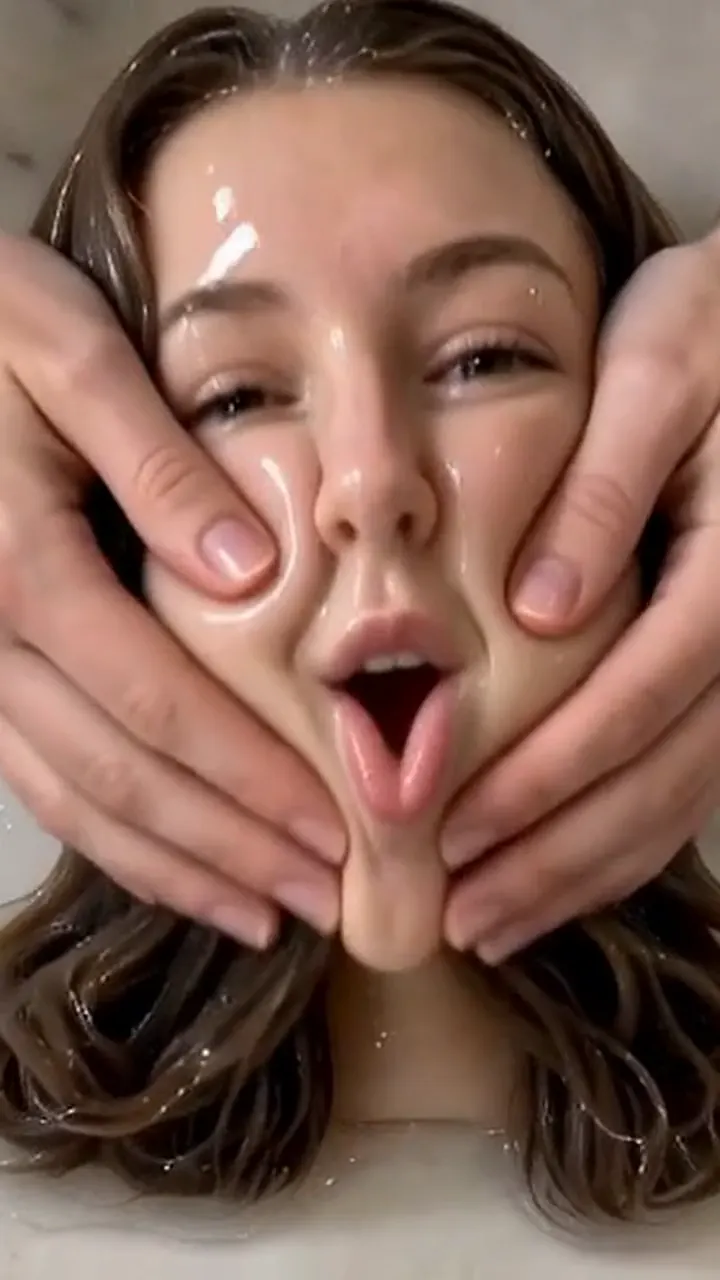 NEW140 CR
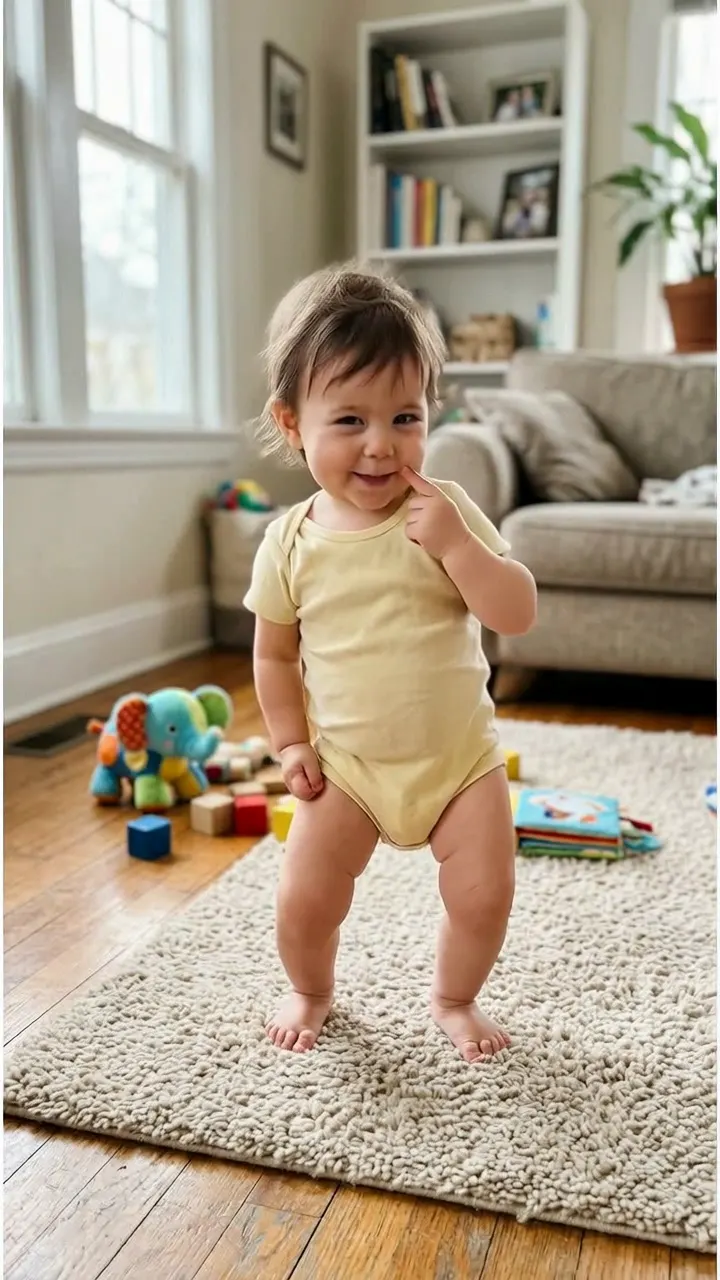 NEW400 CR
 NEW350 CR
 NEW380 CR
 NEW320 CR
 NEW400 CR
 NEW300 CR
 NEW350 CR
 NEW400 CR
 NEW240 CR
 NEW400 CR