
Effects · New
AI Snow Video Generator
Upload 1 photo to step into a snowy alpine sunset that shifts into falling twilight snow. Watch yourself look up and open your arms as snowflakes dust your hair and outfit. Generates a 7s 9:16 720p HD MP4 with original sound for 190 credits.
AI Snow · 7s · 9:16
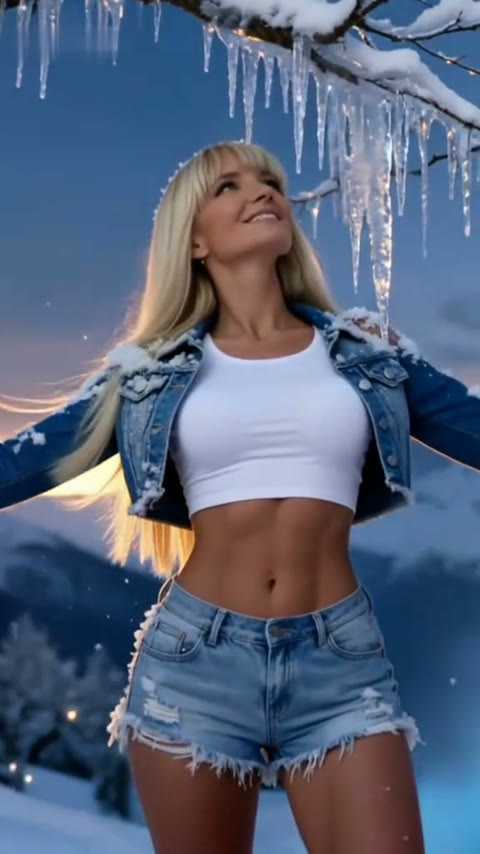
7s · 9:16 · 720p · original sound · ready in a few minutes
Scene Flow
Three winter beats inside the 7-second AI Snow clip
Three golden-hour-to-twilight beats across a single continuous 7-second push-in shot.
0.0s – 2.0s: Golden-Hour Snow Arrival
Your subject stands on snow-packed alpine ground against distant peaks lit by warm sunset light, looking softly downward as the camera begins a smooth forward glide.
2.0s – 5.0s: Icicle Canopy & Rising Snowfall
Snow-laden pine branches and glistening icicles enter the top frame as golden light fades into cool twilight blue and drifting snowflakes pick up speed.
5.0s – 7.0s: Arms Wide in Falling Snow
Your character tilts their head upward with a warm smile and spreads both arms open into the swirling snow, dusted lightly with frost before lowering their arms cleanly.
Same category
More Effects templates
 NEW270 CR
 NEW240 CR
 NEW140 CR
 NEW270 CR
 NEW140 CR
 NEW270 CR
 NEW140 CR
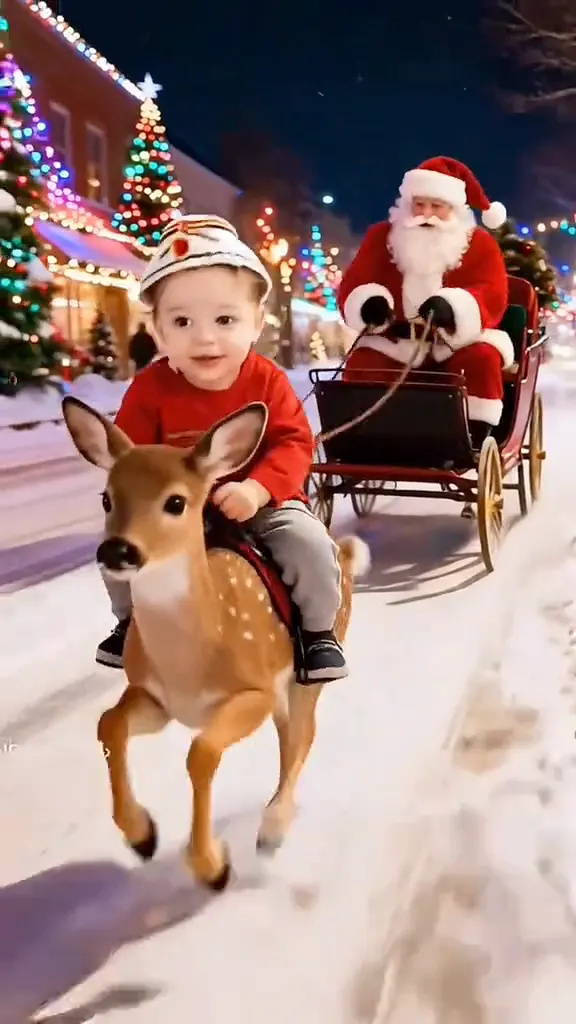 NEW140 CR
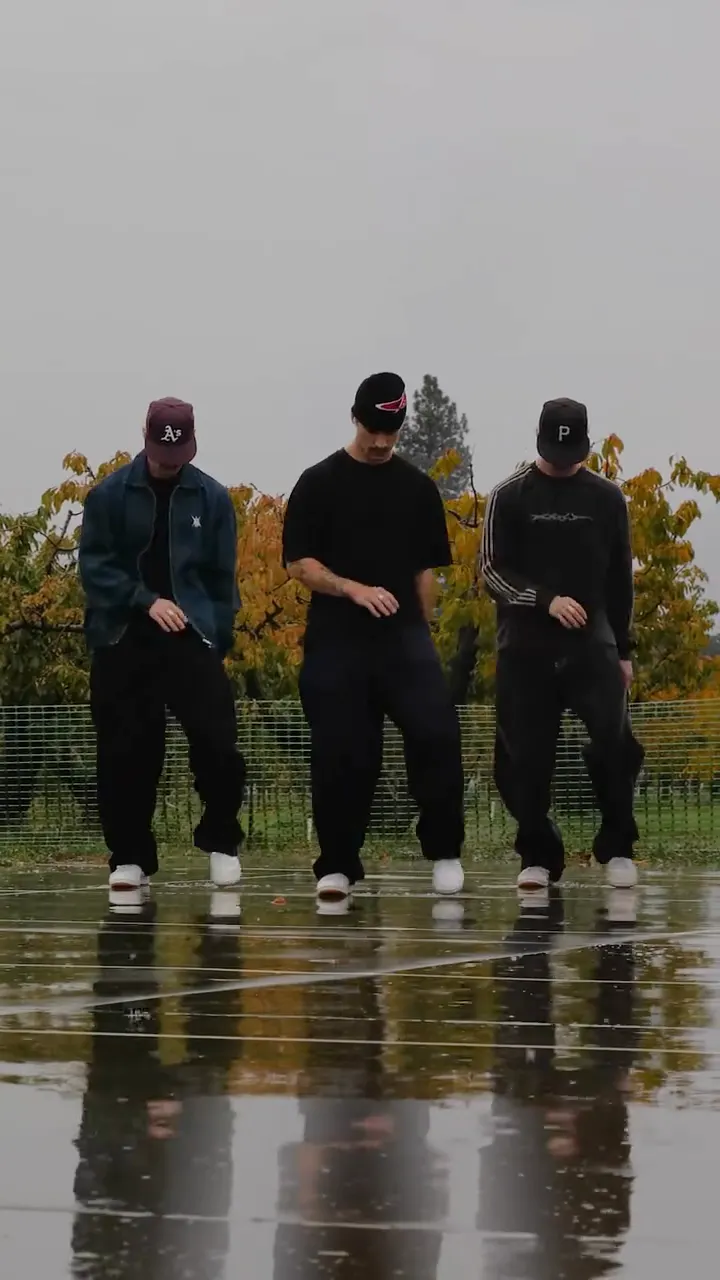 NEW400 CR
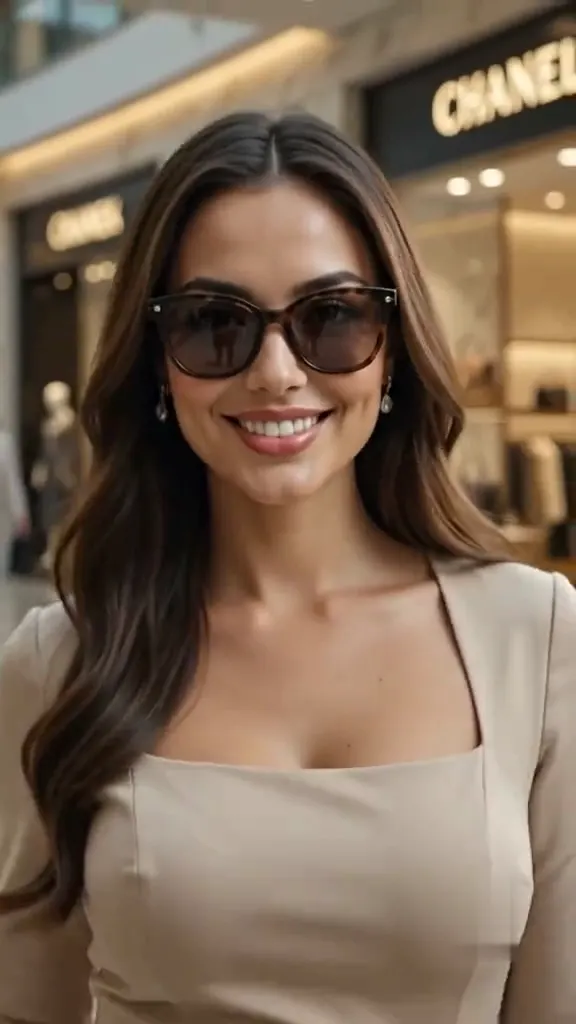 NEW270 CR
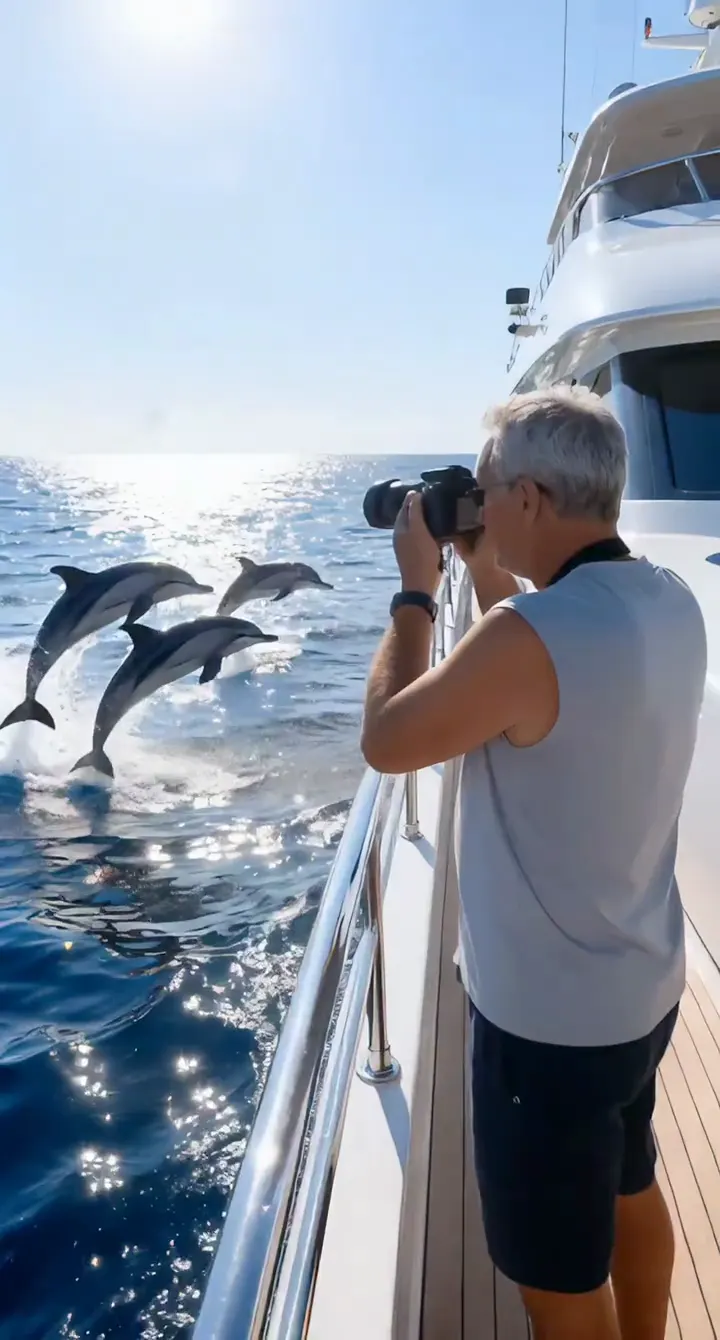 NEW140 CR
 NEW190 CR
Community Variations
How creators style the AI Snow trend
Popular winter snow variations creators share across short-form video feeds.
@alxai.studio
Animated character walk pausing beneath streetlights to look up at falling snow — 41.2K views.
@ys.cozy.vibe
Snowy holiday street POV gliding past glowing porch lights and fresh snowdrifts — 8.0K views.
Output Details
What your AI Snow Video Generator creates
Upload one portrait and get a ready-to-post 720p vertical snow video with sound.
You upload
- One clear front-facing or three-quarter portrait (or full-body photo) of a single person
You get
- A 7-second vertical 9:16 720p HD MP4 with golden-to-twilight snowfall motion and the original audio track saved to My Work
| Duration & Framing | 7 seconds · 9:16 vertical |
|---|---|
| Resolution | 720p HD MP4 (no artificial upscaling) |
| Audio Track | Original atmospheric soundtrack included |
| AI Pipeline | Kling 4.0 Omni Reference identity & motion |
| Credit Rate | 190 credits (400 credits / 15s scale) |
| Credits | 190 per video, refunded if it fails |
Photos: JPG, PNG, WebP, up to 20 MB.
Casting Ideas
Who to put into the AI Snow Video Generator
Turn solo portraits, holiday greetings, or pets into a cinematic winter snowfall reel.
Your Own Winter Reel
Step into an alpine snowfall scene even if you live in a warm or snow-free climate without booking winter travel.
Holiday & New Year Greetings
Send friends and family a personalized 7-second snowfall video clip instead of a static seasonal card.
Friends & Family Portraits
Surprise a friend, sibling, or parent by turning their favorite outdoor selfie into a cinematic snow moment.
Pets in the Snow
Drop a clear front-facing photo of your dog or cat to place them in a peaceful snowy mountain twilight.
Photo Guide
Photo tips for the AI Snow Video Generator
Follow these framing and lighting checks so snow settles naturally without covering facial details.
- Use a well-lit, front-facing or three-quarter portrait of one person with eyes, hairline, and shoulders clearly visible.
- Choose soft daylight or even indoor lighting so the sunset-to-twilight color shift blends smoothly with your skin tone.
- Avoid sunglasses, face masks, or heavy hat brims that block your eyes and prevent natural upward gaze expressions.
- Avoid harsh night flash or heavy beauty-filter smoothing that can cause facial drift or snowflakes blurring over eyes.
Trend History
Origin: How the AI Snow trend evolved from 3-panel portraits to video
How the Korean-drama inspired winter triptych evolved from photo filters into short-form AI video.
From Meitu 3-panel winter collages to animated snowfall
The AI Snow wave first exploded in early November 2025 when Meitu and BeautyCam launched winter portrait templates such as Snowy Moments and Icy You. Creators—especially across snow-free regions—uploaded a single selfie to generate Korean-drama style 9:16 three-panel collages featuring close-up snowflakes on eyelashes, coats, and scarves.
When free trials filled up and automatic triptych crops began slicing off heads, users shared long Gemini and Nano Banana prompts on Reddit and YouTube, then brought the portraits into CapCut templates like Winter snow and SNOW AI FILTER or Image-to-Video generators to add drifting snow and slow camera push-ins.
By late 2026, short-form creators condensed the look into clean 7-to-10 second vertical videos—combining golden mountain light, icicle framing, and an upward-gazing snowfall reveal in a single unbroken shot.
Also Known As
Other names for the AI Snow effect
Common names people use to describe this viral winter snowfall effect.
AI Snow Trend
The umbrella term for turning everyday selfies into cinematic winter snowfall portraits and short reels.
AI Snow Filter / Snow AI Filter
Labels popularized by mobile photo apps and CapCut templates that add falling snow, frost, and cool twilight tones.
AI Snow Scene
The original template name behind winter portrait effects blending snowy mountains, soft frost, and golden-to-blue lighting.
Winter Snow AI
A common phrasing for AI-generated cold-weather portrait videos and animated snowfall transitions.
FAQ
AI Snow FAQ
Does the AI Snow Video Generator keep my real face and clothes?
Yes, the AI Snow Video Generator preserves your real face, hairstyle, and clothing from your uploaded photo while adding snowy mountain lighting and falling twilight snow. Kling 4.0 Omni Reference locks your identity cleanly across every frame.
How is AI Snow different from Meitu or Gemini 3-panel snow prompts?
AI Snow generates a finished 7-second 9:16 video from one photo in one step, avoiding app subscriptions, server queues, cropped heads, or manual stitching. You receive a ready-to-share vertical MP4 directly in My Work.
Will falling snow cover my eyes or distort my face?
The AI Snow pipeline keeps snow particles drifting gently around your hair and shoulders rather than covering your eyes or nose. Uploading an unobstructed, softly lit portrait produces the cleanest facial detail.
Does the finished AI Snow video include audio?
Yes, every 7-second AI Snow video includes the original atmospheric soundtrack muxed onto the final 720p MP4 clip. Meanwhile, the AI video model receives a silent motion guide so motion stays clean.
How many credits does AI Snow cost and what if generation fails?
Each 7-second 720p AI Snow video costs 190 credits, priced proportionally at the standard 400 credits per 15 seconds rate. If a job fails for any reason, credits are refunded automatically.
What photo formats and sizes work with the AI Snow Video Generator?
Upload one JPG, PNG, or WebP portrait up to 20 MB to run the AI Snow Video Generator. Clear smartphone portraits or upper-body shots without sunglasses or heavy filters deliver the sharpest likeness.
Keep scrolling
More viral AI video trends
 NEW10 CR
 NEW320 CR
 NEW300 CR
 NEW30 CR
 NEW400 CR
 NEW240 CR
 NEW350 CR
 NEW380 CR
 NEW320 CR
 NEW400 CR
 NEW300 CR
 NEW350 CR