
Funny · New
The Office AI Parody Video Generator
Upload 1 to 4 portraits to star in a 15s 720p 16:9 The Office AI Parody speech. Kling 4.0 maps your cast into the mockumentary office scene with the original audio for 400 credits.
The Office AI Parody · 15s · 16:9
Choose any core participants to replace. Every role is optional; add at least one photo.
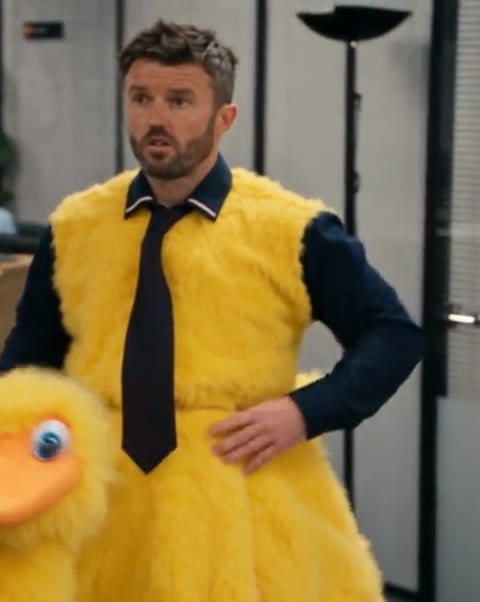 Office SpeakerOptional · Front portrait
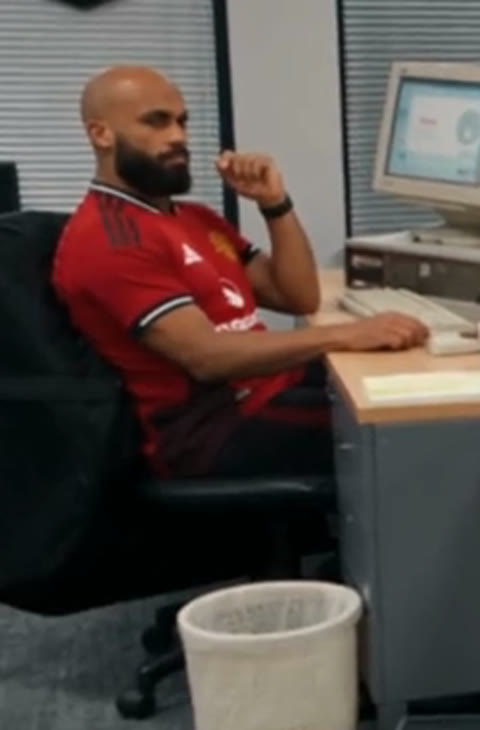 Left Desk CoworkerOptional · Front portrait
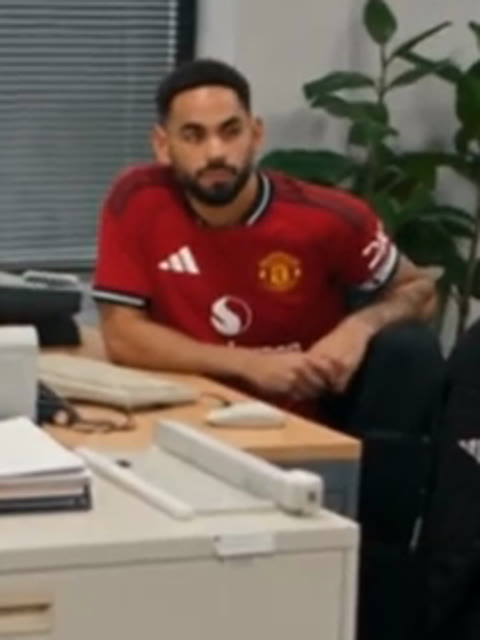 Center Desk CoworkerOptional · Front portrait
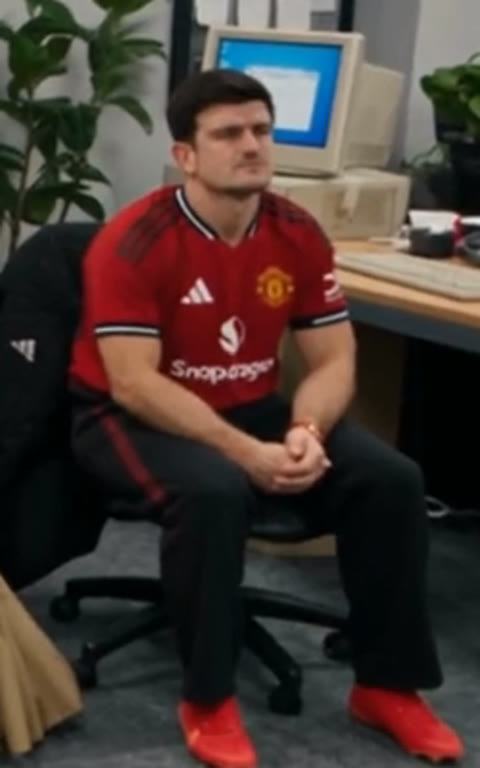 Right Desk CoworkerOptional · Front portrait
15s · 16:9 · 720p · original track · ready in a few minutes
How it works
How to make a custom The Office AI Parody in three steps
Turn up to four everyday portraits into a deadpan mockumentary scene in your browser with zero prompt writing or timeline editing.
Pick 1 to 4 core office roles
Choose any mix of the main speaker in the yellow duck costume and the three seated cubicle coworkers. Every slot is optional—upload at least one clear JPG, PNG, or WebP photo up to 20 MB with unobstructed eyes and balanced lighting.
Keep the mockumentary camera beats
Leave the shot cadence and lighting to Kling 4.0 Omni Reference. The model preserves the retro CRT cubicle cutaway, the wide open-plan office aisle, and the slow reception zoom-in while keeping any unselected seats just like the reference clip.
Generate with synced sound in My Work
Render the 15-second 720p 16:9 MP4 for 400 credits. SameVid AI renders the silent performance first and remuxes the original 15-second audio track afterward, saving a clean file ready for group chats or social feeds.
Photos: JPG, PNG, WebP, up to 20 MB.
Same category
More Funny templates
 NEW270 CR
 NEW350 CR
 NEW240 CR
 NEW220 CR
 NEW270 CR
 NEW400 CR
 NEW270 CR
 NEW220 CR
 NEW400 CR
 NEW240 CR
 NEW320 CR
 NEW270 CR
The scene
Three mockumentary beats inside The Office AI Parody clip
Every camera cut follows the classic workplace sitcom rhythm: silent desk reactions first, wide aisle speech second, and a tight reception closer.
0.0s–1.6s · Deadpan cubicle reaction cutaway
The sequence opens on three coworkers seated in red jerseys beside beige CRT monitors, stacks of office folders, and venetian blinds. Their understated stares set up the awkward workplace atmosphere before the speaker takes the floor.
1.6s–7.2s · Wide aisle address in the duck suit
A sudden wide cut reveals the main speaker standing in front of the curved wooden reception desk in a navy dress shirt, dark tie, and oversized yellow duck costume. The contrast between serious corporate posture and absurd mascot attire lands immediately.
7.2s–15.0s · Handheld reception zoom-in closer
The camera glides into a crisp medium shot at the reception counter while the receptionist watches from behind. The speaker tugs their dark tie, rests a hand on the plush costume, and delivers the final deadpan remarks straight to the room.
Origin
Where the viral The Office AI Parody trend came from
Fake mockumentary cold opens mixing real-world CEOs, outages, and football drama into Dunder Mifflin became one of the defining AI comedy formats of late 2026.
From workplace cold opens to viral AI sitcom remixes
Years after the US mockumentary ended in 2013, creators kept its shaky handheld zooms, talking-head confessionals, and deadpan "Jim stare" alive through home-filmed corporate skits and funny AI video templates tracked on Know Your Meme.
In November 2026, generative video tools turned the format into full-cast satirical episodes overnight. After a 95-second post-midterms staff-meeting parody drew over 16 million views and coverage from Quartz and The New York Times, creators began recasting every breaking headline inside a fluorescent-lit cubicle bay.
The November 2026 tech outage and football recast wave
Mid-November 2026 saw millions of views across Dunder Mifflin crossovers starring NVIDIA chief Jensen Huang, Microsoft 365 incidents alongside our Microsoft Outage Meme template, and grounded airline briefings, covered by Newsweek and discussed in workflow breakdowns on Reddit.
Sports comedy accounts adapted the same mockumentary framing for locker-room and front-office satire, including the viral duck-costume team talk that pairs a serious farewell speech with a retro open-plan office.
What this reference clip and audio track feature
Rather than relying on commercial background songs, this The Office AI Parody reference clip uses creator-original AI speech and dry office room tone. Keeping the exact 15-second pacing from the cubicle cutaway through the reception close-up lets your uploaded cast carry the comedy without external editing.
Who to put in
Best casts for your custom The Office AI Parody
Cast a single person in the spotlight or fill all four seats with coworkers, friends, or group-chat regulars for a full team roast.
Your manager, team lead, or project owner
Drop one portrait into the Office Speaker slot and keep the three cubicle coworkers as extras. Seeing an everyday team lead deliver serious corporate remarks inside a giant yellow duck costume works instantly for Slack standups and quarterly recaps.
Four coworkers from the same Slack channel
Fill the speaker slot plus the left, center, and right seated desks with teammates from engineering, design, or sales. The opening cutaway lets everyone share a deadpan reaction beat before The Office AI Parody speech kicks off.
Friends celebrating a farewell, promotion, or birthday
Put the guest of honor at the reception aisle and add a couple of close friends at the cubicles. The mockumentary speech format turns job changes, graduations, and milestone birthdays into memorable 15-second roast videos.
Founders, streamers, or fictional characters
Mix sharp character portraits or creator headshots across the aisle and desks to invent your own crossover episode—ideal for community jokes, podcast promos, and weekend meme threads.
Input & output
What goes in and what comes out
Upload 1 to 4 clear portraits and receive a widescreen 16:9 mockumentary clip with the original 15-second office sound attached.
You upload
- 1 to 4 clear, front-facing portraits (one photo per chosen role slot, with all four roles optional)
- Flexible single-person or full-cast casting: unselected positions keep their original look and timing automatically
- Zero ComfyUI graphs, zero manual keyframe pinning, and zero external audio syncing required
You get
- A 15-second widescreen 16:9 MP4 rendered at 720p with consistent retro office lighting and handheld zoom pacing
- Three distinct sitcom beats: cubicle coworker reaction cutaway, wide open-plan speech, and reception medium close-up
- Original 15-second office speech and room-tone audio remuxed cleanly onto the finished video with zero watermarks
- Direct saving inside My Work so you can download and share to X, YouTube Shorts, Slack, or group chats immediately
| Photos | 1–4 portraits (all roles optional) |
|---|---|
| Model | Kling 4.0 (Omni Reference) |
| Duration | 15 seconds |
| Picture | 720p, widescreen 16:9 |
| Audio | 15s original office speech track merged |
| File | Watermark-free MP4 in My Work |
| Credits | 400 per video, refunded if it fails |
Also called
Terms and formats around The Office AI Parody
Creators describe this mockumentary style with a handful of recurring labels across video platforms and comedy threads.
The Office AI Parody / AI Sitcom Parody
The umbrella name for generative video sketches that place modern tech, sports, or workplace scenarios inside a 2000s-style fluorescent office with handheld camera zooms.
Dunder Mifflin Crossover
Parodies built around "What if X worked at Dunder Mifflin?"—dropping outside executives, teammates, or public figures into office interviews and staff meetings.
AI Mockumentary / Talking Head
Refers to the documentary camera grammar: quick cubicle reaction cutaways, subtle zoom-ins mid-sentence, and direct glances toward the lens.
Jim Stare
The signature silent, deadpan glance toward the camera used by seated coworkers whenever someone at the front of the office makes a questionable announcement.
FAQ
The Office AI Parody FAQ
How many photos do I need for The Office AI Parody template?
You can start with just 1 photo or upload up to 4 portraits—one for the main speaker in the yellow duck costume and up to three for the seated coworkers in the opening cubicle cutaway. Every role slot is optional, and any seat left empty stays naturally intact from the reference clip.
What kind of portraits give the sharpest results across wide and close shots?
Use bright, front-facing portraits (JPG, PNG, or WebP up to 20 MB) where eyes, eyebrows, nose, and mouth are clearly visible and unobstructed by sunglasses or heavy shadows. Clear facial contrast helps Kling 4.0 hold likeness through both the wide aisle view and the reception zoom-in.
Does the video keep the yellow duck costume and retro office set?
The Office AI Parody generator keeps the yellow duck costume and full retro office set intact. Kling 4.0 Omni Reference preserves the beige CRT monitors, venetian blinds, and wooden reception counter while transferring your uploaded faces onto the selected cast slots.
Is sound included on the finished MP4?
Every finished The Office AI Parody MP4 includes the full 15-second original office speech and room-tone audio automatically. SameVid AI renders the 720p visual scene silently first so text overlays stay out of frame, then merges the clean audio track afterward.
Why is the output widescreen 16:9 instead of vertical 9:16?
The classic mockumentary sitcom framing relies on wide cubicle cutaways and open-plan reception shots where multiple coworkers share the frame. Rendering at 720p in 16:9 preserves the television parody proportions cleanly for X, YouTube, Slack, and landscape reels.
How many credits does one generation cost, and what happens if a job fails?
Each 15-second 720p The Office AI Parody video costs 400 credits once with no subscription required. If a generation fails for any reason, your 400 credits are returned to your balance automatically.
Is the page preview generated by AI, and how long does rendering take?
The sample video on this The Office AI Parody page is the authentic reference trend clip shown so you can inspect the camera cuts, yellow duck costume, and 15-second pacing before casting. Your custom generation runs on Kling 4.0 Omni Reference in roughly 3 to 5 minutes and saves cleanly in My Work with zero watermarks.
What is The Office AI Parody video trend?
The Office AI Parody trend turns classic 2000s mockumentary camera grammar—cubicle reaction cutaways, deadpan desk stares, and handheld reception zoom-ins—into 15-second AI comedy sketches. Creators cast real-world founders, teammates, friends, or mascot outfits into retro open-plan offices to spoof workplace announcements and breaking headlines.
Keep scrolling
More viral AI video trends
 NEW220 CR
 NEW320 CR
 NEW220 CR
 NEW350 CR
 NEW270 CR
 NEW380 CR
 NEW240 CR
 NEW320 CR
 NEW400 CR
 NEW300 CR
 NEW140 CR
 NEW400 CR