
Effects · Trending
Car Jump AI Video Generator
Upload 1 seated photo to create a 12-second Car Jump AI stunt video. Relax in a desert camping chair as a luxury SUV launches airborne overhead and lands in a cloud of sand in 720p HD with V8 roar audio for 320 credits.
Car Jump AI · 12s · 9:16
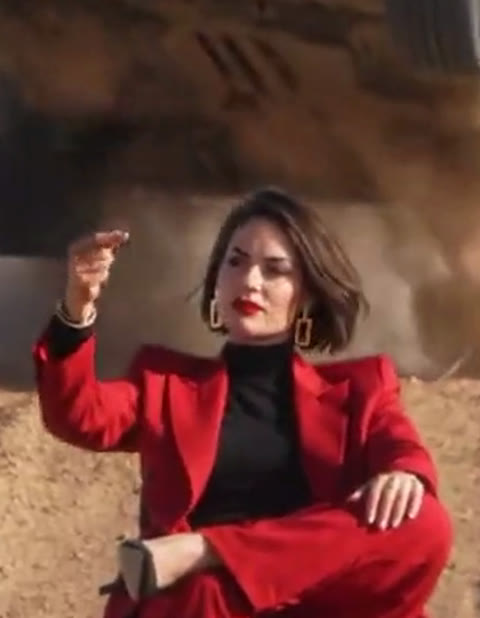
12s · 9:16 · 720p · original sound · ready in a few minutes
Stunt Showcase
Desert vehicle jumps across different supercar and 4x4 styles
Explore how different high-performance vehicles take on the iconic airborne desert jump in Car Jump AI videos.
Black G-Wagon 4x4 Jump
A rugged black off-road 4x4 launches airborne off the sand ridge, landing firmly beside the seated character in a burst of dust.
Blue Urus Super SUV Jump
A midnight blue performance SUV glides through mid-air directly over the camp chair before skidding to an effortless stop.
Olive Defender Dune Flight
An olive green expedition 4x4 roars over the desert dune ramp with massive suspension compression on touchdown.
Dusk Black Stunt Cruiser
A sleek matte black SUV catches golden sunset light while soaring over the character in an unbothered action sequence.
Same category
More Effects templates
 NEW270 CR
 NEW240 CR
 NEW140 CR
 NEW270 CR
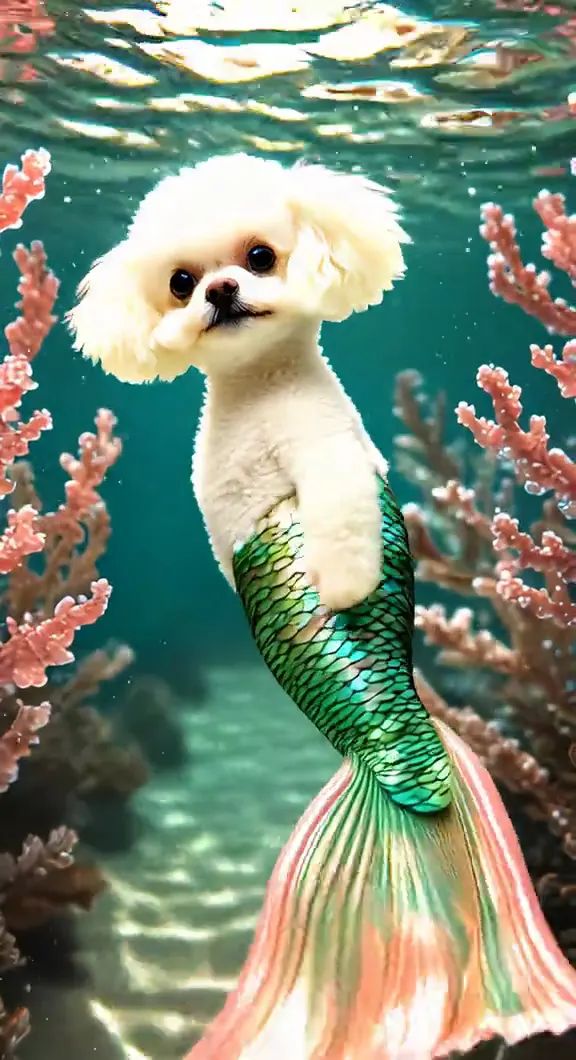 NEW140 CR
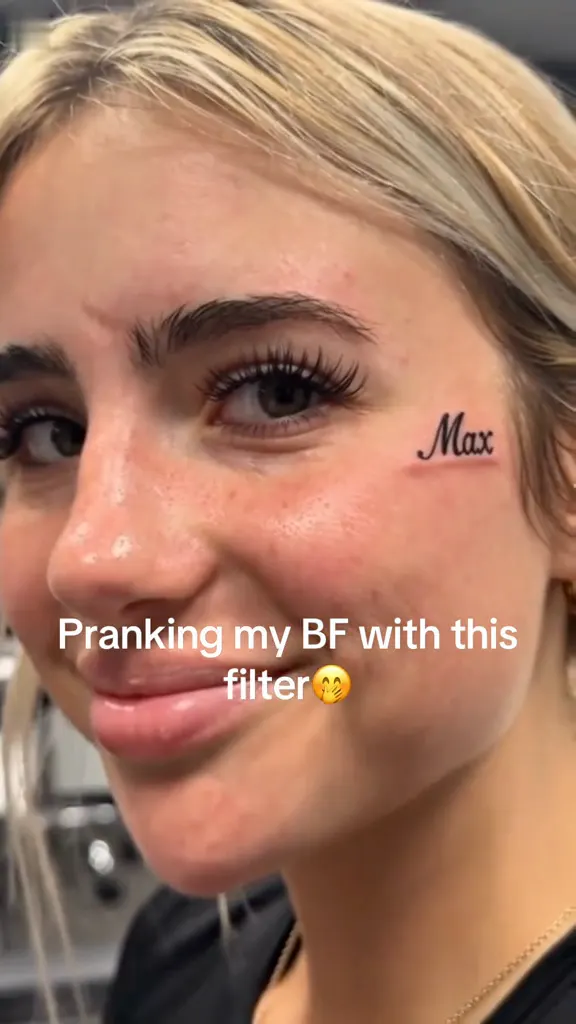 NEW270 CR
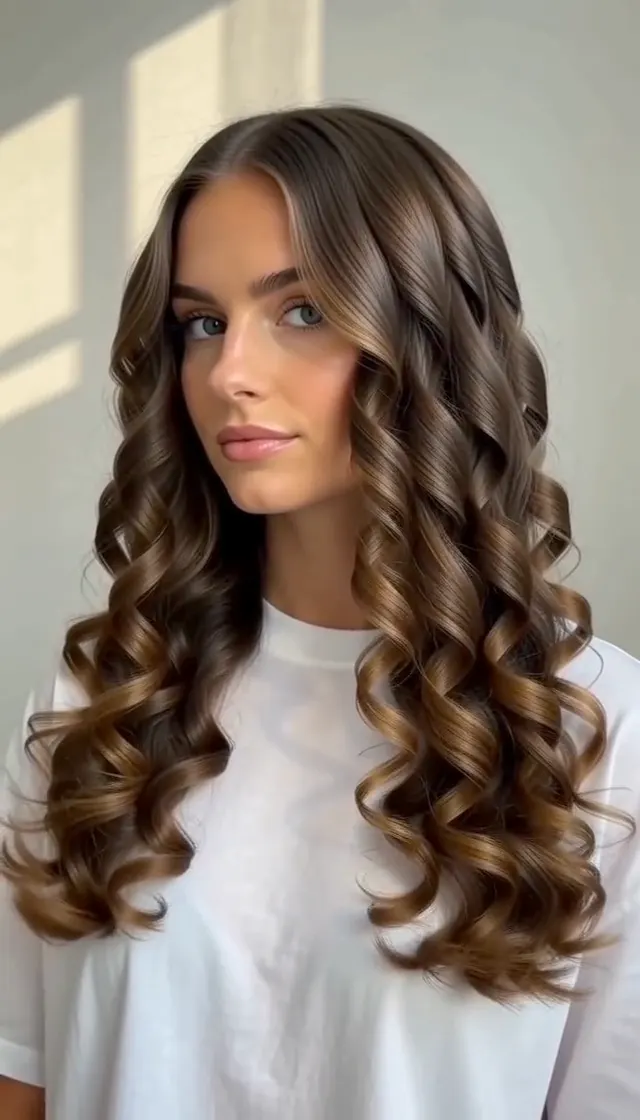 NEW140 CR
 NEW140 CR
 NEW400 CR
 NEW270 CR
 NEW140 CR
 NEW190 CR
Continuous 12s Shot
Five action beats of the iconic unbothered desert car jump
The reference stunt is built around a single continuous desert shot where timing, gravity, and nonchalant attitude align perfectly in every Car Jump AI generation.
0.0–3.0s: Desert calm & distant rumble
You sit calmly in a folding camping chair in the open desert, legs crossed and posture relaxed. In the distance, a high-octane V8 engine revs up and gains rapid momentum as the Car Jump AI scene begins.
3.0–4.5s: The finger snap & ramp launch
Right as the engine exhaust reaches peak volume, you raise one hand and casually snap your fingers. Behind you, the luxury vehicle hits the sand dune slope and launches skyward.
4.5–7.5s: Slow-motion overhead flight
The multi-ton vehicle glides through the air directly above your head in stunning slow-motion, tires spinning and chassis casting a dramatic shadow across the sand while you remain totally unbothered in your Car Jump AI clip.
7.5–9.5s: Impact touchdown & dust cloud
The vehicle slams into the desert ground just past your chair. The suspension absorbs the impact violently, kicking up billowing golden plumes of desert sand.
9.5–12.0s: Drifting stop & deadpan finale
The car slides smoothly to a halt alongside your chair as dust settles. You remain seated with effortless cool confidence, looking straight ahead as the Car Jump AI video finishes.
Simple Process
How to make your Car Jump AI video in 3 steps
No complex 3D tracking, green screens, or dangerous stunt driving required. Create a viral Car Jump AI short video straight from your browser.
Upload your portrait for Car Jump AI
Upload one clear, well-lit photo of yourself, a friend, or any character in JPG, PNG, or WebP format up to 20MB. Front-facing portraits with clear facial features work best for Car Jump AI character mapping.
Generate with Kling 4.0 Video Edit
Click Generate to let Kling 4.0 map your facial structure, hairstyle, and confident persona onto the seated stunt character for 320 credits, preserving authentic physics and vehicle trajectory in your Car Jump AI video.
Download and share in 720p HD
Your finished 12-second Car Jump AI video is saved to My Work with studio-grade engine roar and impact sound effects pre-mixed. Download and post directly to Reels, TikTok, or Shorts.
Photos: JPG, PNG, WebP, up to 20 MB.
Output Specifications
What you upload and receive with Car Jump AI
One portrait photo in, a 12-second 720p cinematic desert stunt video out.
You upload
- One front-facing portrait or seated photo for your Car Jump AI character
- JPG, PNG or WebP format up to 20MB
- Clear face and eye visibility for accurate Car Jump AI character mapping
You get
- A 12-second Car Jump AI stunt video in vertical 9:16 format
- Authentic V8 engine acceleration, ramp launch roar, and drifting sand Foley audio
- Completed Car Jump AI generation saved to My Work for instant preview and download
- Template
- Car Jump AI
- Photo Input
- 1 portrait photo
- AI Model
- Kling 4.0 Video Edit
- Duration
- 12 seconds
- Resolution
- 720p (720x1280)
- Frame
- 9:16 vertical
- Audio Track
- Authentic V8 engine roar and stunt Foley
- File
- MP4 video
- Credits
- 320 per video, refunded if it fails
Meme Lore
From viral basketball stunts to AI unbothered desert lore
The extreme stunt archetype
The archetype of jumping over a moving vehicle entered internet folklore in 2008 with the famous viral clip of Kobe Bryant jumping over an accelerating Aston Martin DB9 for Nike. For nearly two decades, extreme sports creators and Hollywood stunt coordinators treated the car jump as the ultimate test of courage.
The unbothered AI twist
In September 2026, digital creators flipped the dynamic on its head by staging an "unbothered" scene where a seated character casually snaps their fingers while a luxury SUV flies over them in the desert.
The format quickly exploded across TikTok, Instagram Reels, and CapCut under the #CarJump and #Unbothered hashtags, inspiring the Car Jump AI video generator format which lets anyone put themselves inside the stunt.
Photo Guide
Tips for picking the best photo for Car Jump AI
The Car Jump AI engine maps your face and hairstyle onto the seated desert character.
- Use a clear front-facing portrait with visible eyes and jawline so the Car Jump AI engine maps your face accurately.
- Select photos taken in bright natural daylight to match the warm sunny palette of the Car Jump AI desert scene.
- Avoid photos with heavy motion blur or dark shadows that obscure key facial features during Car Jump AI synthesis.
- Avoid group photos with multiple people so the Car Jump AI model targets the correct character.
Related Terms
Related search tags and formats for Car Jump AI
Popular community phrases and viral search terms for the Car Jump AI trend.
Desert Car Jump AI
The standard term for AI videos featuring off-road vehicles jumping over sand dunes.
Unbothered Finger Snap Meme
Refers to the nonchalant gesture of snapping fingers right before the airborne car launches overhead in Car Jump AI videos.
Kling 4.0 Stunt Video
Community clips generated using advanced video editing models to preserve realistic vehicle physics.
FAQ
Car Jump AI FAQ
How many photos do I need to create a Car Jump AI video?
You only need one photo to generate a Car Jump AI video. Upload a single clear portrait of yourself, a friend, or any character. The Car Jump AI generator automatically replaces the character sitting in the desert camping chair while preserving the airborne luxury SUV stunt, vehicle suspension dynamics, and drifting sand physics.
Does the generated video include sound?
Yes, every Car Jump AI video includes an authentic high-fidelity stunt audio track. The finished clip features full V8 engine roar, aerodynamic launch whoosh, heavy chassis landing impact, and drifting sand Foley mixed directly into the MP4 file.
Why does Car Jump AI use Kling 4.0 Video Edit instead of text-to-video?
Car Jump AI uses Kling 4.0 Video Edit because physical stunt continuity, tire rotation, suspension compression, and sand plume dynamics must remain completely realistic without prompt hallucination. Video Edit accurately preserves the original 12-second desert stunt sequence while seamlessly swapping the seated character.
Can I upload a photo of my own car?
This Car Jump AI template focuses on character replacement under the pre-choreographed red luxury SUV stunt. To replace or animate custom car models, explore our dedicated vehicle generators such as Flying Car AI or Unforgettable Car.
How long does generation take?
Generating a 12-second 720p HD Car Jump AI video takes about 2 to 5 minutes with Kling 4.0 Video Edit. You can safely close your browser or navigate to other tabs while the GPU rendering task completes in My Work.
What happens if the generation fails?
If your Car Jump AI generation task fails or times out, all 320 credits are automatically and immediately refunded to your balance. You can review your photo and retry at zero additional cost.
Can I post my Car Jump AI video to TikTok, Instagram Reels, and YouTube Shorts?
Yes, every Car Jump AI video renders in native 9:16 vertical 720p HD with zero watermarks and authentic audio, making it fully compliant and ready to publish across TikTok, Instagram Reels, and YouTube Shorts.
Keep scrolling
More viral AI video trends
 NEW300 CR
 NEW270 CR
 NEW220 CR
 NEW190 CR
 NEW350 CR
 NEW380 CR
 NEW320 CR
 NEW400 CR
 NEW300 CR
 NEW350 CR
 NEW400 CR
 NEW240 CR