
Dance · New
Mobland Dance AI Video Generator
Mobland Dance AI turns one clear photo into a full ten-second dance performance. Your person takes the lead in the fixed portrait shot, follows the complete rhythm and receives the original sound in a 720p vertical MP4 for 270 credits.
Mobland Dance AI · 10s · 9:16
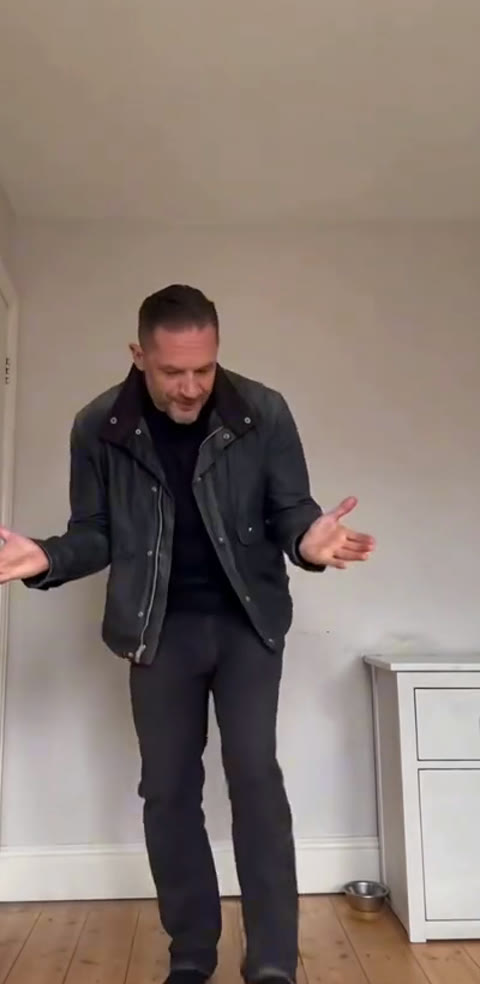
10s · 9:16 · 720p · original sound · ready in a few minutes
Creator picks
Three clear takes on the Mobland Dance
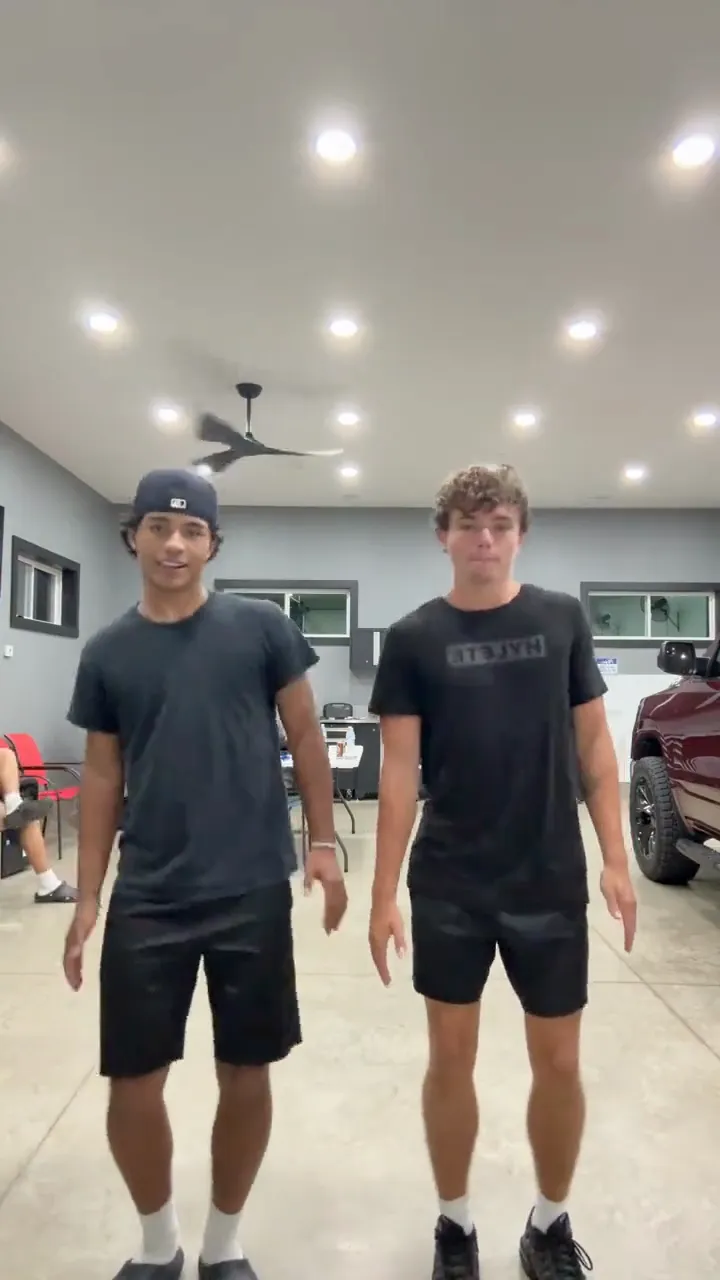
These one-person clips make the format easy to recognize: the room stays stable, the camera keeps the whole dancer in view and a new identity carries the same complete routine.
@egbertethelburg
A dark-jacket dancer leads the strongest reference take. The opening lean, quick steps and relaxed arm rhythm remain readable from the first frame through the final beat.
@egbertethelburg
A blue-outfit version shows how a different look can keep the same camera position, footwork and playful shoulder movement while still reading as the same trend.
@egbertethelburg
A brown-jacket take keeps the dancer centered and full-body, showing that the photo defines the on-screen personality while the dance remains a single clean performance.
Same category
More Dance templates
 NEW350 CR
 NEW380 CR
 NEW320 CR
 NEW400 CR
 NEW400 CR
 NEW400 CR
 NEW270 CR
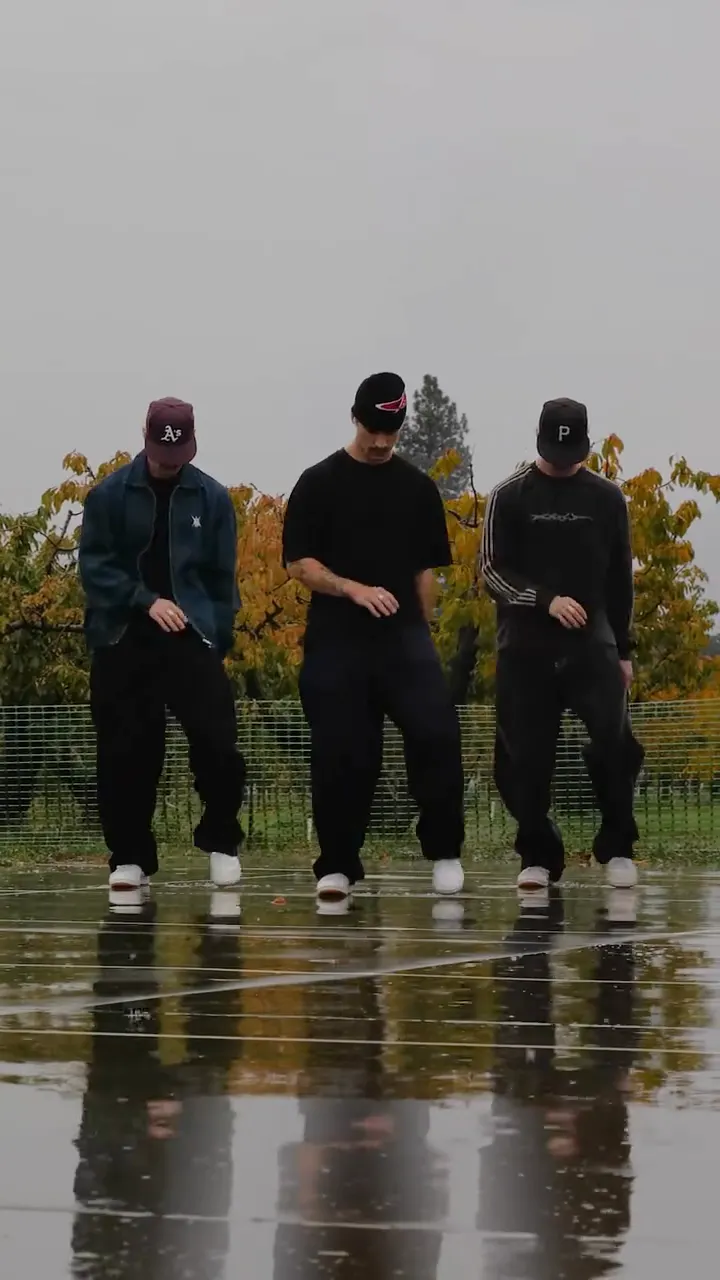 NEW400 CR
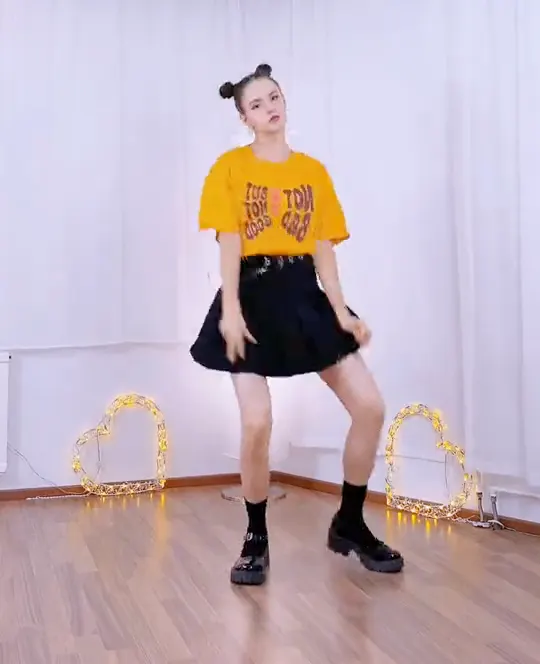 NEW400 CR
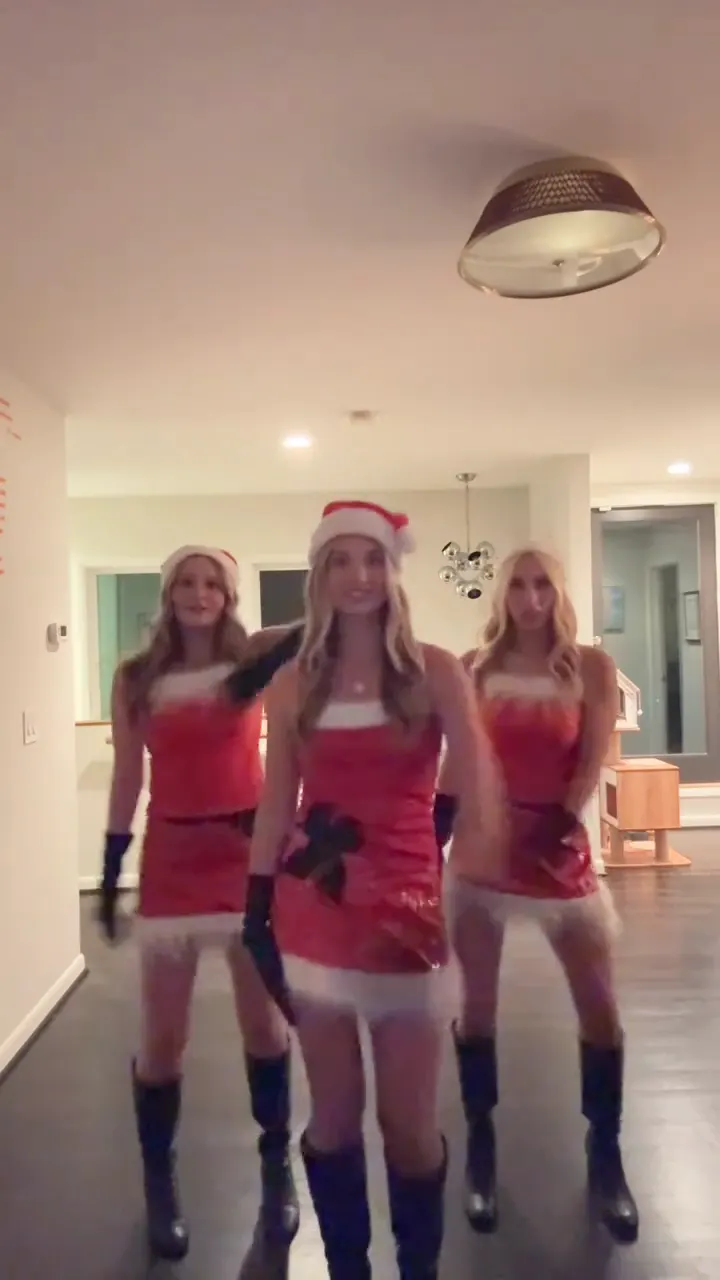 NEW400 CR
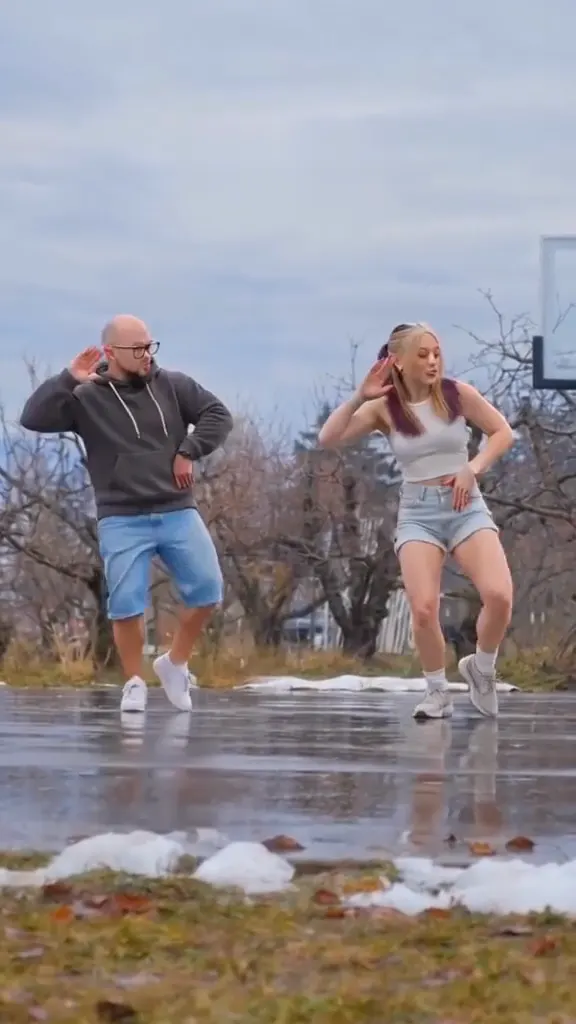 NEW270 CR
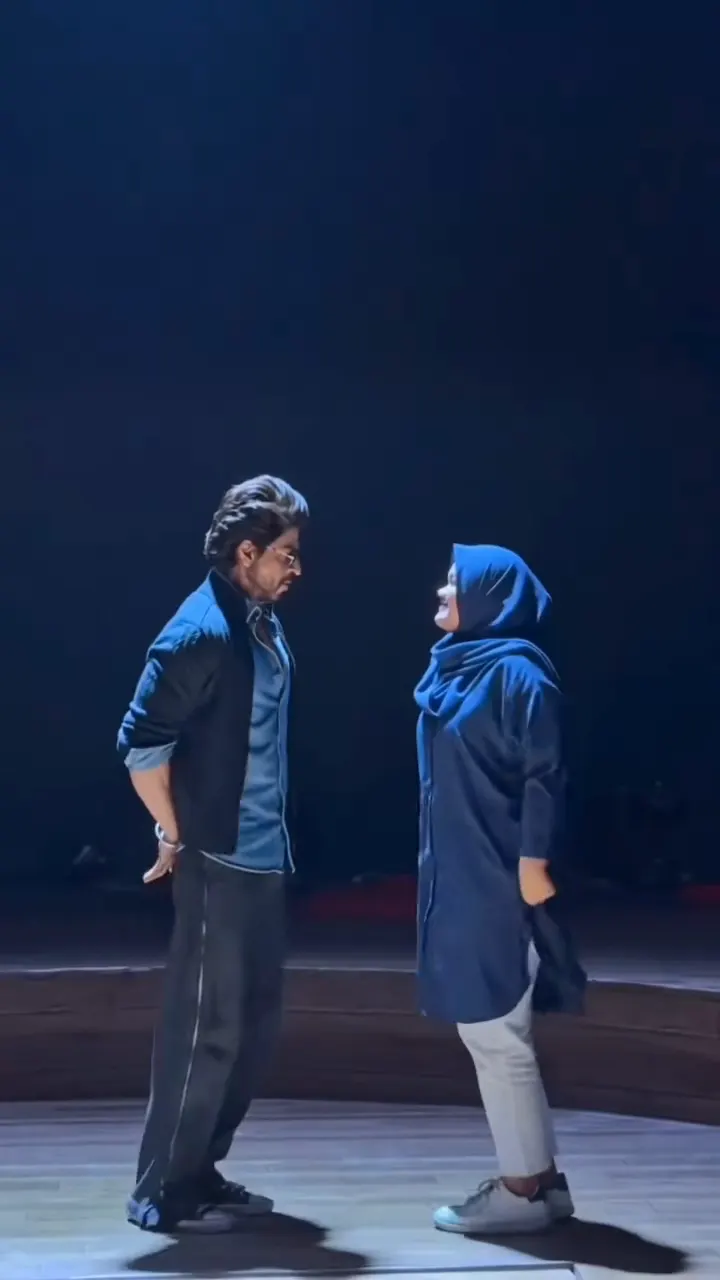 NEW400 CR
The moves
A complete dance that stays in one clear frame
The Mobland Dance is built for a single performer. The camera holds a steady portrait view so the face, outfit, arms and footwork read together as one continuous routine.
Lean into the opening
The dancer begins near the center of the room with a compact forward lean and a ready stance. That opening gives your uploaded identity a clear full-body silhouette before the first step lands.
Move through the side steps
The routine travels with short side steps and a crossed-foot rhythm. The dancer keeps an easy posture while the legs do the timing work, so the movement feels lively and readable in a vertical frame.
Let the arms answer the beat
Small forearm swings, loose hands and shoulder pulses give the movement its personality. Each gesture stays connected to the stepping pattern instead of becoming a separate pose, which keeps the whole sequence flowing.
Finish with the same identity in view
The final bounce and step carry through while the dancer remains full-body and centered. Your face, hairstyle and clothing stay consistent from the first lean to the last beat, making the result feel like one finished performance.
Quick setup
Make a Mobland Dance AI video from one photo
One clear portrait becomes a full Mobland routine in three straightforward steps for 270 credits.
Choose your dancer photo
Add one JPG, PNG or WebP photo with one person clearly visible. A front-facing, full-body or three-quarter view gives Kling useful detail for the face, hair, outfit and leg shape that appear throughout the dance.
Generate the complete routine
Select Generate to place your person into the fixed room and follow the full Mobland Dance. The template supplies every step, arm motion and camera beat, while your photo supplies the dancer viewers recognize. The button shows the 270-credit price before the task starts.
Play, save and share
Your finished 720p vertical MP4 appears in My Work with the original reference sound merged under the result. Watch the whole performance, download the video when it is ready and share the single-shot dance wherever you post short clips.
Photos: JPG, PNG, WebP, up to 20 MB.
The trend
The scene behind the Mobland Dance
Mobland Dance AI names the one-photo template, while the dance itself comes from a distinctive MobLand scene with a compact, repeatable one-person movement structure.
A scene with a strong full-body shape
The dance rose from a Paul O’Donnell moment in MobLand, where the character’s movement combines a forward lean, compact steps and easy arm swings. TV Insider’s Episode 8 preview identifies the scene that inspired the conversation around the routine.
What carries into the photo-driven version is the visual structure rather than the character. One person remains fully visible in a bright room, the camera keeps a stable vertical viewpoint and the choreography has enough shape to be recognizable even when the dancer’s face and clothing change.
How the one-photo version spread
TikTok creator egbertethelburg posted a clear single-dancer take with the invitation to try the filter. Related takes use new people in the same framing, confirming a simple creative promise: one uploaded portrait can become the person performing the recognizable sequence.
That is why the page keeps the setup focused. The dance has one core participant, one visible space and one continuous camera view. Your photo becomes the star while the composition and movement give the finished clip its familiar rhythm.
Why the fixed camera matters
The portrait framing leaves enough space for a face, shoulders, hands, knees and shoes to remain readable together. It makes the short steps and relaxed arm swings feel connected, and it gives a new identity room to stay recognizable without competing with extra cuts or extra people.
A clean one-shot structure also makes the result flexible. It can be a playful portrait of you, a friend’s birthday moment, an outfit reveal or a character-style post. The same dance remains the through-line, while the person in the photo supplies the reason to make it your own.
Input → output
What your Mobland Dance AI video includes
Add one recognizable dancer photo and receive one complete Mobland Dance AI performance for 270 credits.
You upload
- One photo with one visible person
- A clear face, hairstyle, outfit and full-body or three-quarter outline
- A JPG, PNG or WebP file from 300 pixels on each side up to 20 MB
You get
- One 10-second vertical MP4 in 9:16 at 720p
- The complete Mobland Dance choreography in one fixed portrait shot
- One uploaded identity that remains with the dancer throughout the routine
- The original reference sound merged onto the finished video
- A finished video in My Work, ready to play and download
| Photos | 1 dancer photo |
|---|---|
| Model | Kling 4.0 |
| Duration | 10 seconds |
| Resolution | 720p |
| Frame | 9:16 vertical |
| Audio | Original Mobland Dance sound |
| File | MP4 |
| Credits | 270 per video, refunded if it fails |
Ready to dance?
Put your photo into the Mobland Dance
Choose one clear dancer photo and turn it into a ten-second full-body performance with original sound at 720p for 270 credits.
FAQ
Mobland Dance AI FAQ
What is Mobland Dance AI?
Mobland Dance AI is a one-photo video template that places your person into a complete full-body dance performance. The fixed portrait camera, bright room, stepping rhythm and arm movement follow the recognizable Mobland routine, while your photo supplies the dancer’s face, hair, clothing and on-screen identity from the opening pose through the final beat.
How do I make a Mobland Dance video from a photo?
Upload one clear photo, select Generate and open My Work when the video is ready. Kling 4.0 uses your image for the dancer and the template supplies the complete action sequence, stable room framing and original sound. One ten-second 720p result costs 270 credits.
How many photos does Mobland Dance AI use?
Mobland Dance AI uses one photo for one performer. That image stays with the dancer through the opening lean, side steps, crossed steps, knee bounce and final arm movement, creating one continuous identity across the full routine.
What kind of photo works best?
Choose a sharp image with one person, a visible face and a readable body outline. Full-body and three-quarter photos give the model useful detail for the hairstyle, clothing, shoulders and legs that carry the movement. A simple pose with room around the subject gives the dance a clear starting identity.
Can I use a photo of a friend or family member?
Yes. The template is made for one visible dancer, so it works naturally for your own portrait, a friend, a partner or a family member. Pick a photo where the person is easy to recognize, and the fixed-camera performance gives them one complete dance moment.
What stays consistent in the finished video?
The fixed portrait camera, bright room, full-body framing, movement timing and complete Mobland Dance sequence stay consistent with the reference. Your uploaded image defines the dancer’s identity, including their face, hairstyle, body shape and clothing.
Does the finished Mobland Dance video include sound?
Yes. SameVid gives Kling a silent reference while it creates the new dancer, then merges the original reference sound under the completed MP4. The result arrives with the dance picture and its matching sound together, ready to play from My Work.
How long is the video and what does it cost?
Each Mobland Dance AI video is a 10-second vertical 9:16 MP4 at 720p. One generation costs 270 credits, calculated from SameVid’s 15-second, 400-credit baseline and shown on the Generate button before the task begins.
Keep scrolling
More viral AI video trends
 NEW140 CR
 NEW270 CR
 NEW220 CR
 NEW220–430 CR
 NEW270 CR
 NEW240 CR
 NEW300 CR
 NEW140 CR
 NEW270 CR
 NEW350 CR
 NEW400 CR
 NEW240 CR